
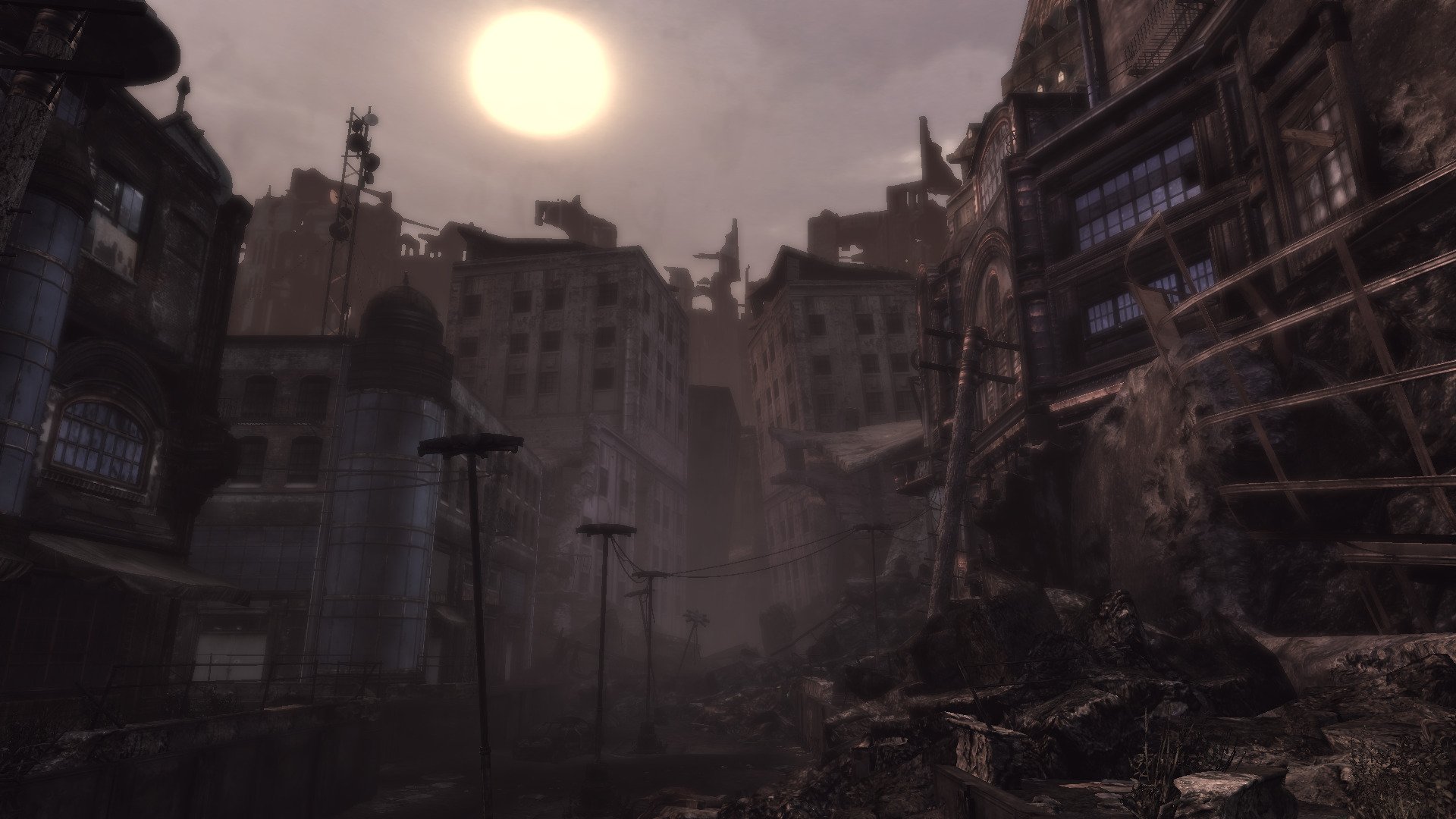
Play as Marcus Fenix in Delta Squad and take out the Locusts in a dramatic sci-fi action crushing adventure! Wield original weapons like Torque Bow, Chainsaw Bayonet, and the Hammer of Dawn. Explore beautiful maps such as gothic mansions, mines and the academy. This is no picnic! Even the "casual" difficulty is challenging! Rely on checkpoints and NCP assistance to continue your adventure... There is no time for respite, keep slaying Berserkers, Boomers, Drones and hordes! Never a dull moment!
I have been testing Gears Of War every few years just to find that Games For Windows Live is still preventing it from running! Gave-it-a-go this year and when I thought there was not hope, I was amazed to find that it IS running! Finally! Sadly it's not a simply install-and-run scenario. There are patches, DLL, NoCD crack and GFWL installations... worst yet, killing the LIVE process! But it runs and saves and loads from recent checkpoints. How can I complain at this point???
Installation How To
Download Patches, GamesForWindowsLive & NoDVDCrack
https://archive.org/details/gears-of-war-pc-title-updates
Liveless DLLs will allow the game to run and save checkpoints without having to login to GFWL
https://community.pcgamingwiki.com/files/file/576-xliveless/
Copy/paste liveless DLLs to game folder
Path: drive_c/Program Files (x86)/Microsoft Games/Gears of War/Binaries
The Launcher will pop up, but you can't interact with it cause it is missing buttons and features.
Launch Options: -nomoviestartup
Lutris: Settings, Advanced, Game Arguments
Graphics Settings
Launching Gears Of War
Sometimes the game will not launch because of Games For Windows Live application
[Update]
Proton 10 was able to launch the game without killing WILDSVC.EXE
GeForce GTX 1650
Nvidia 580
Proton Experimental
Heroic Launcher
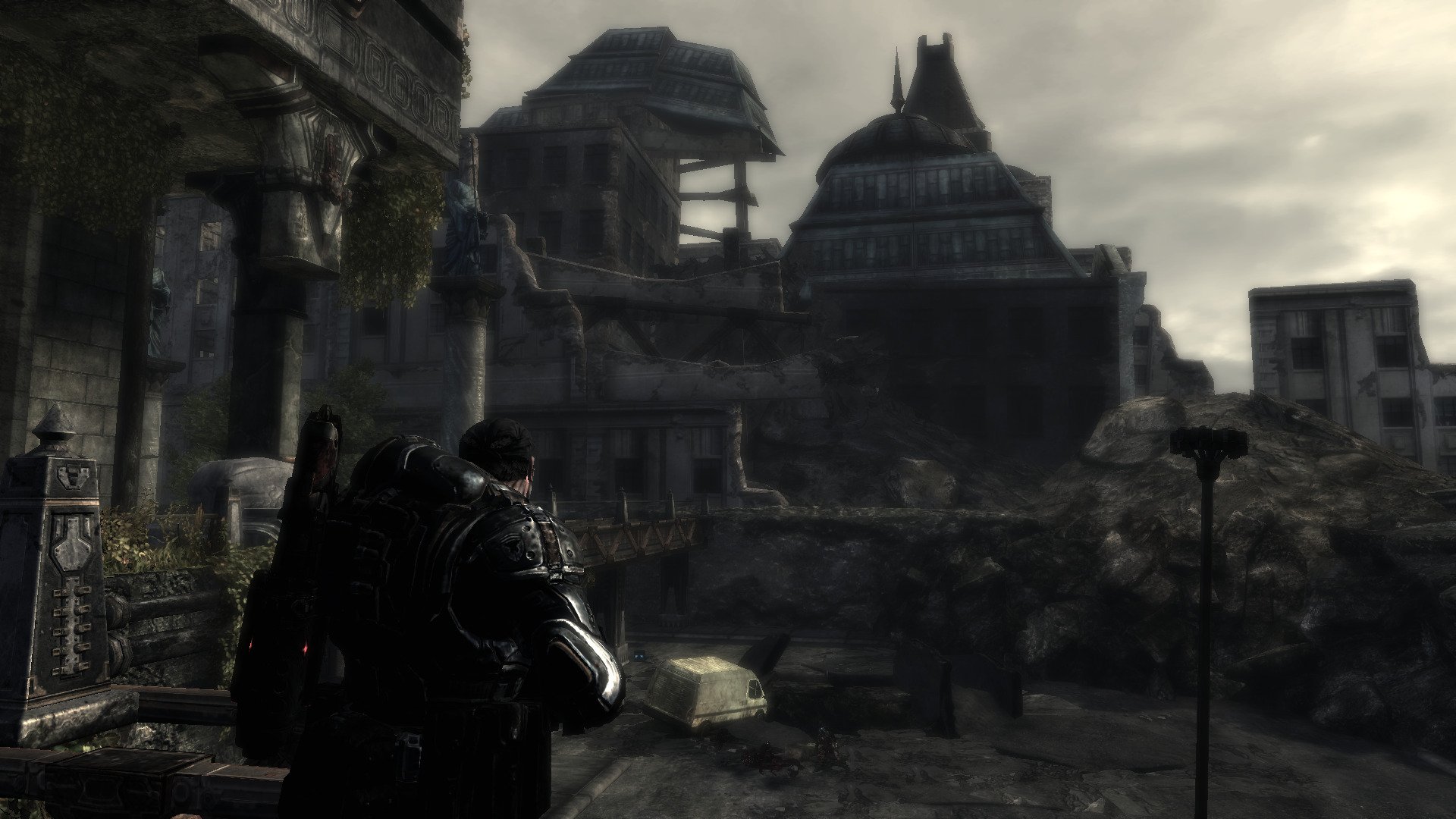
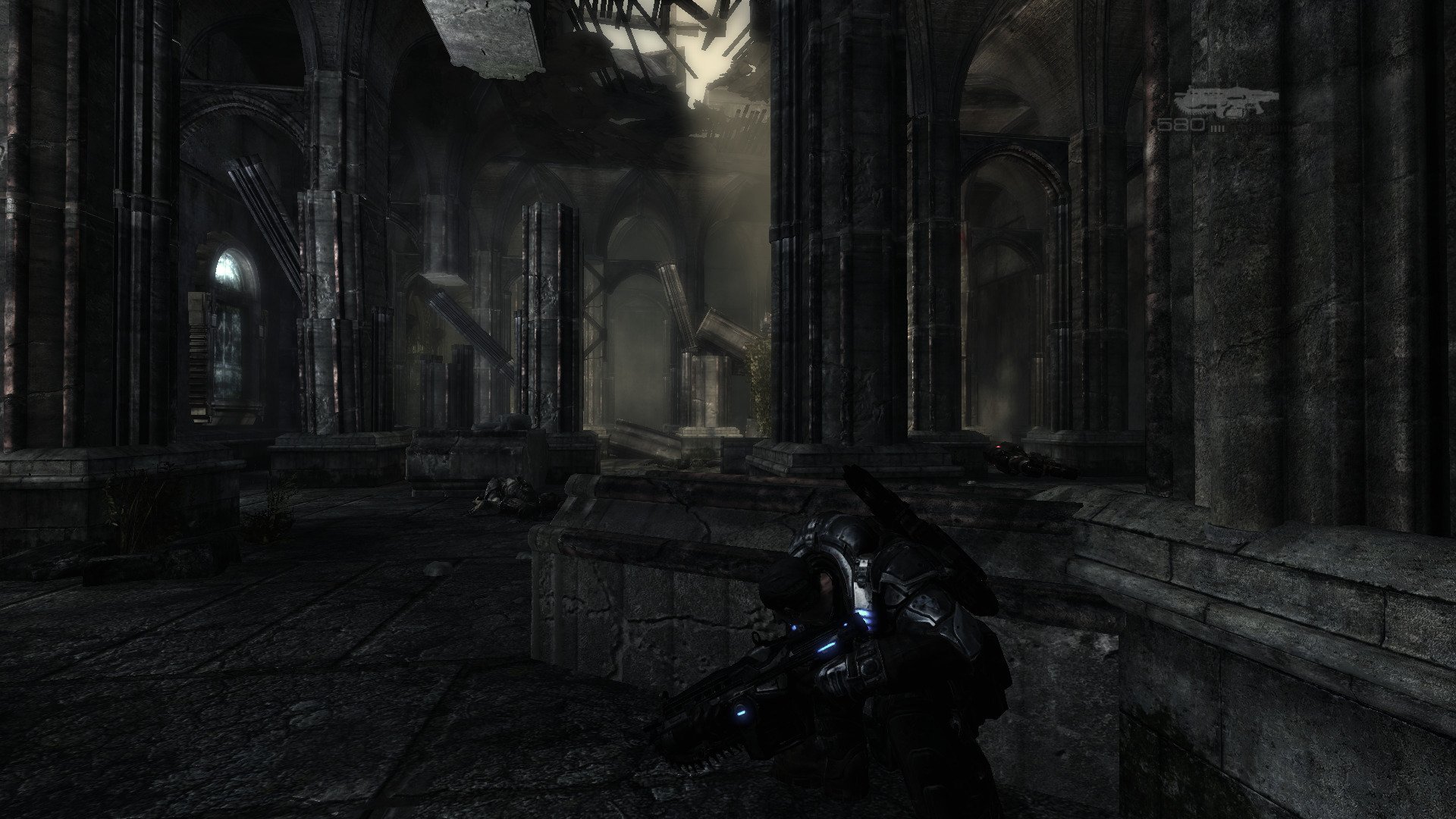
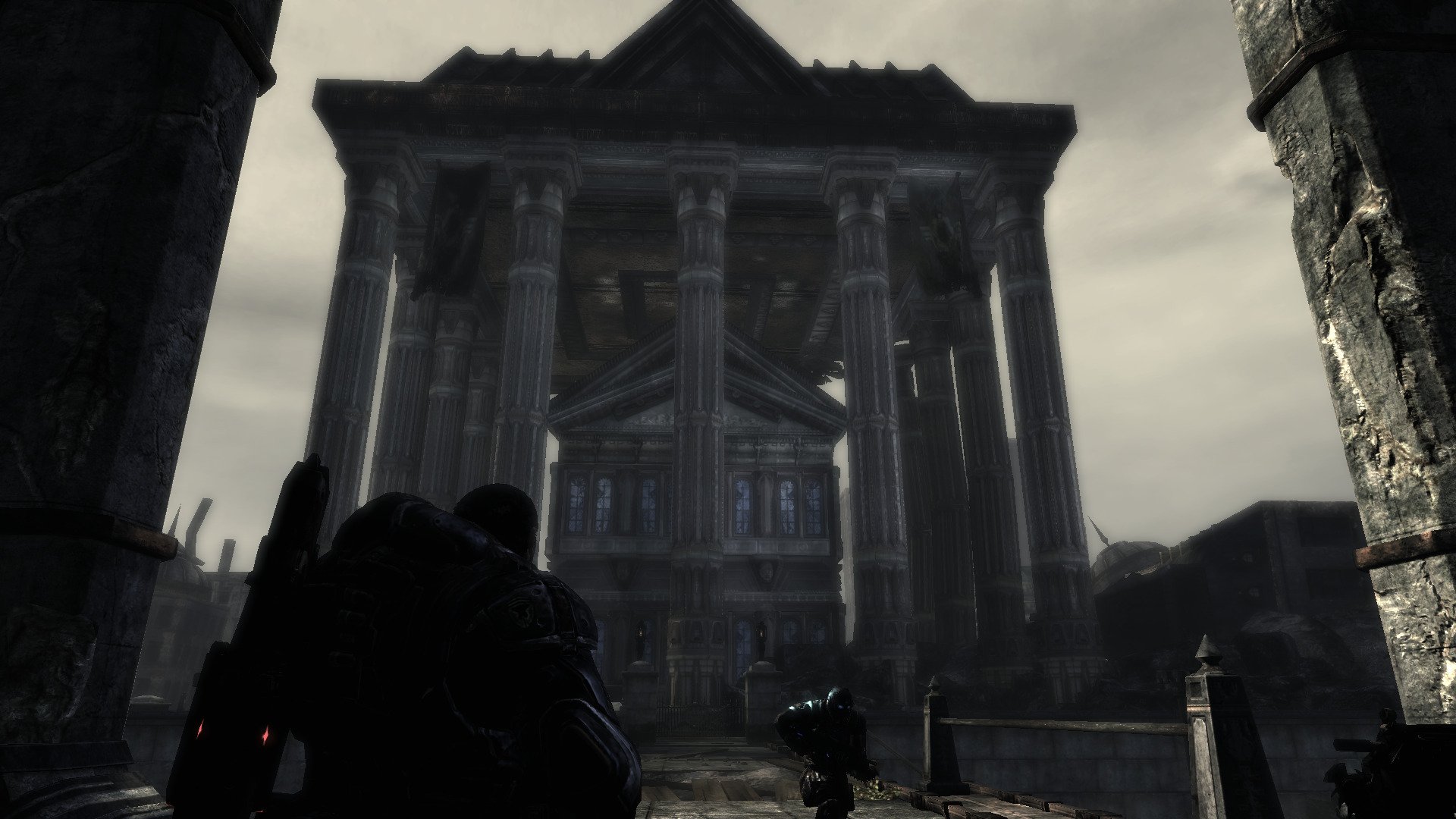
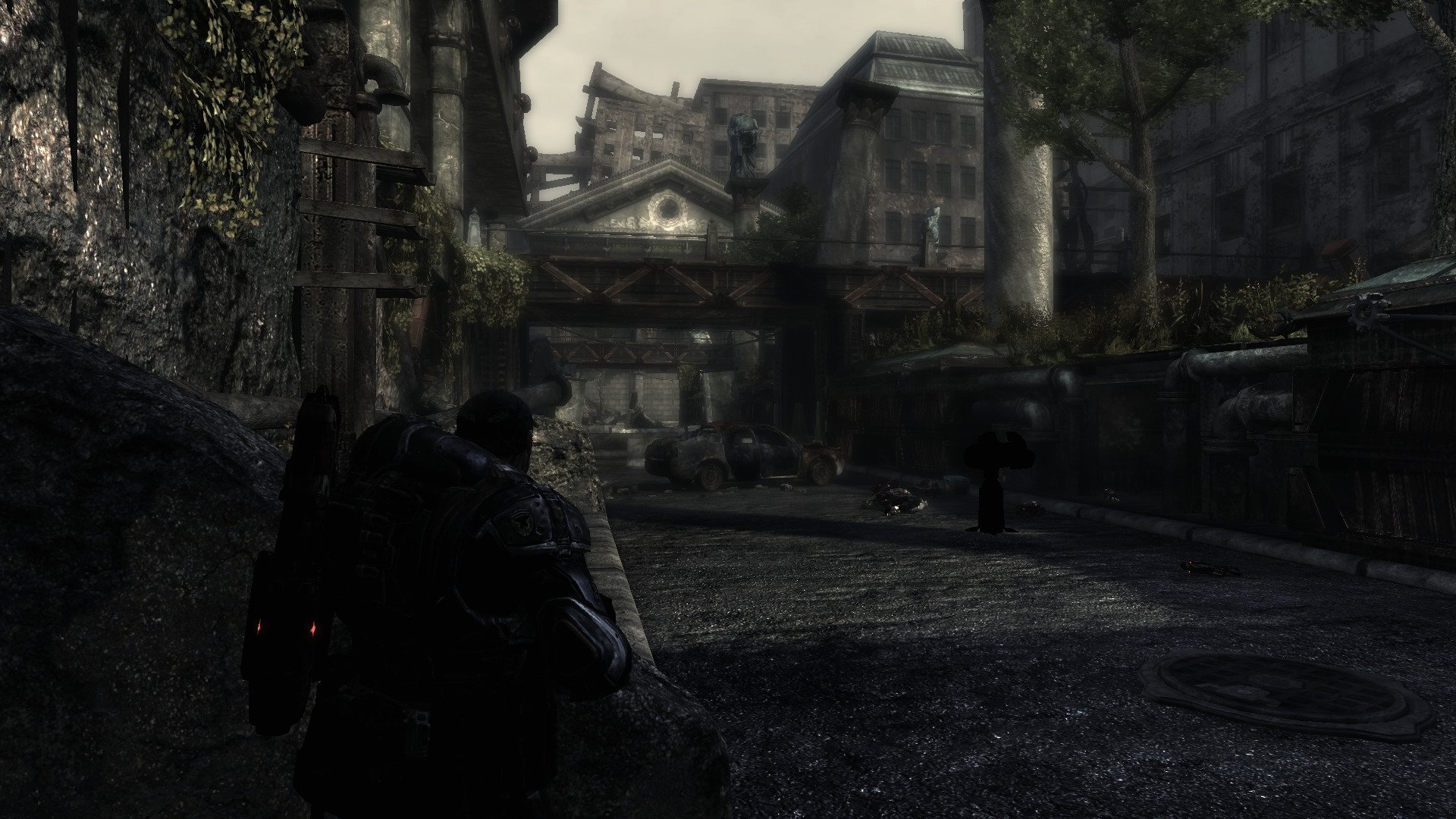
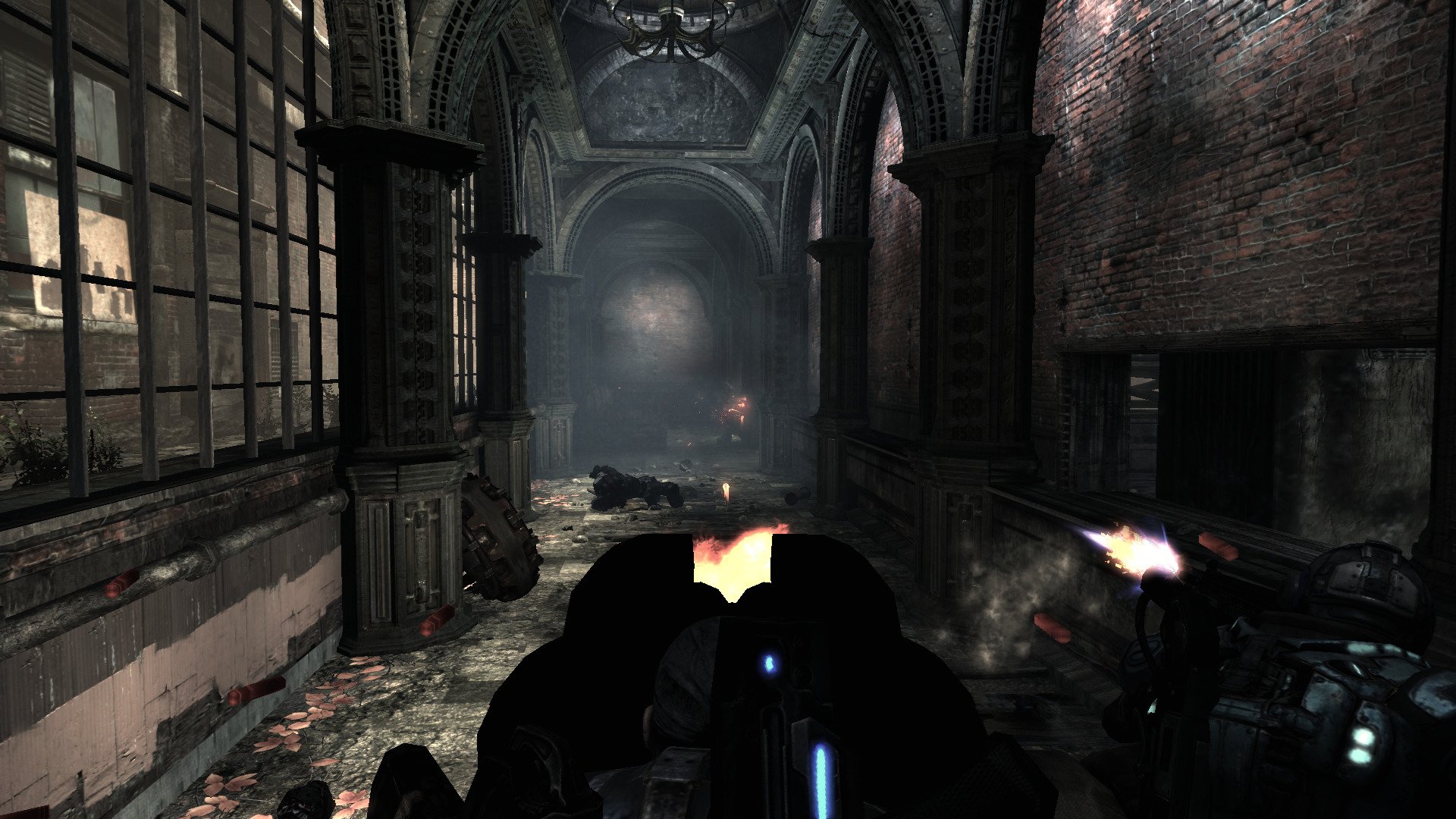
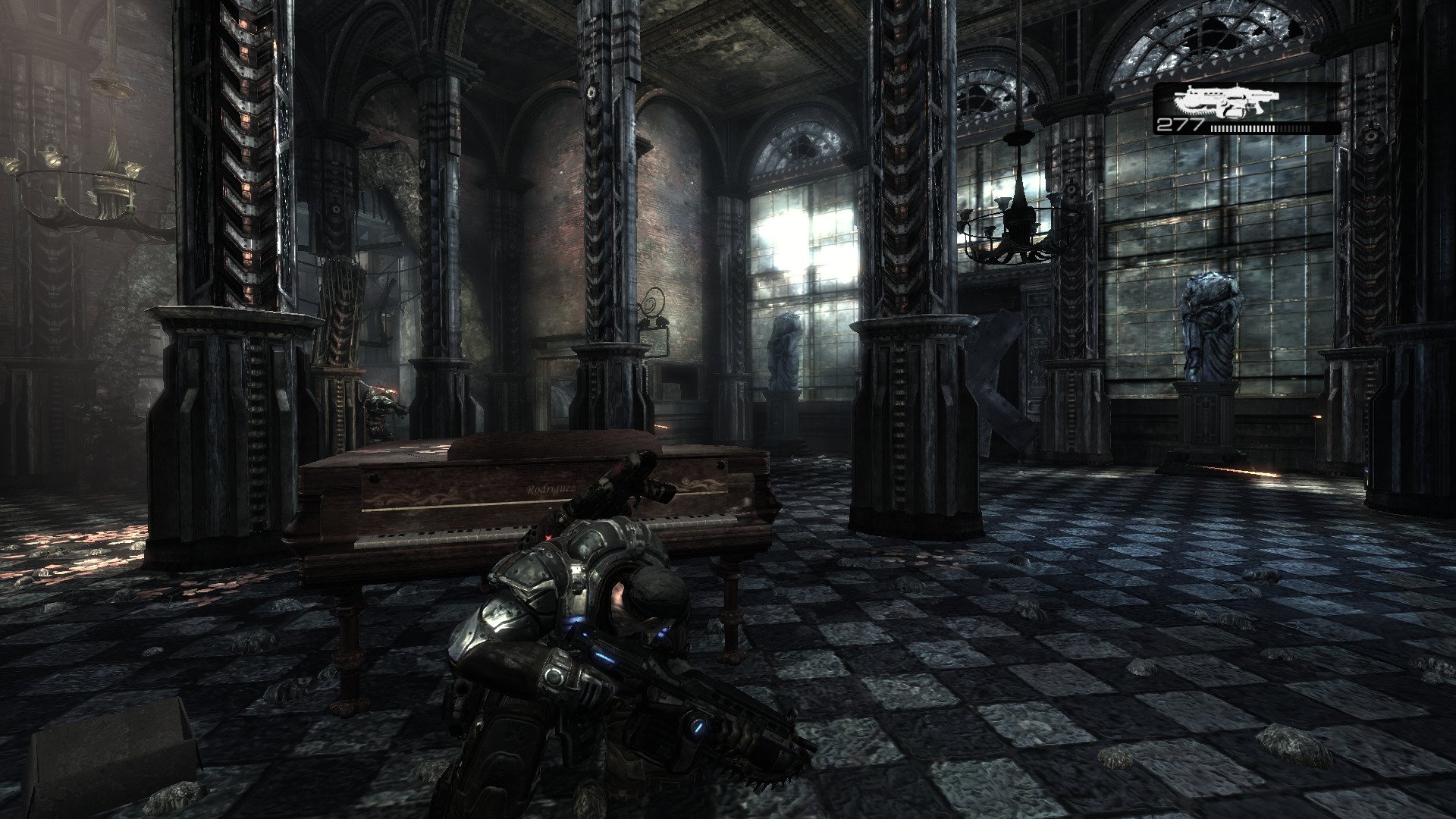
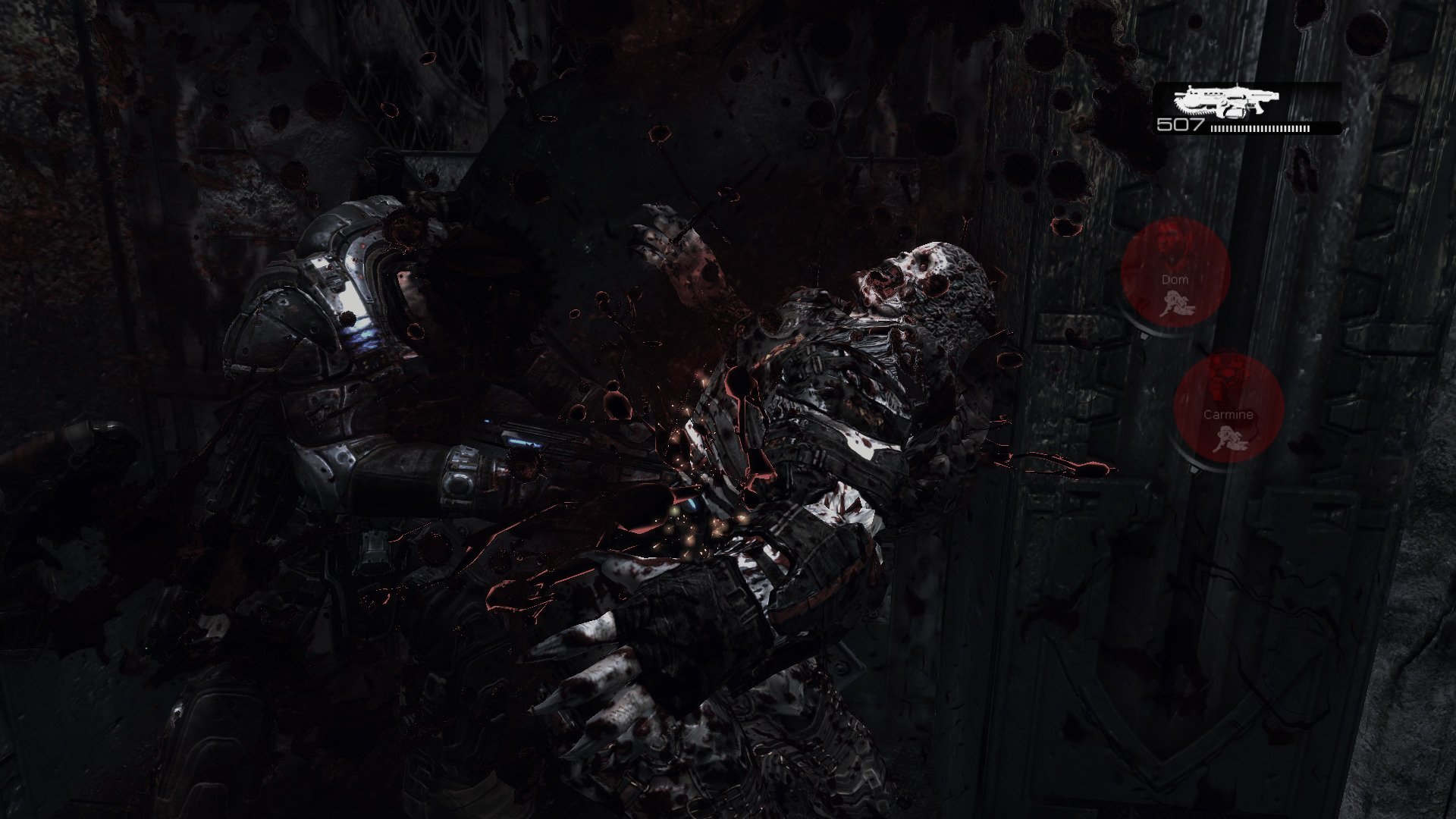
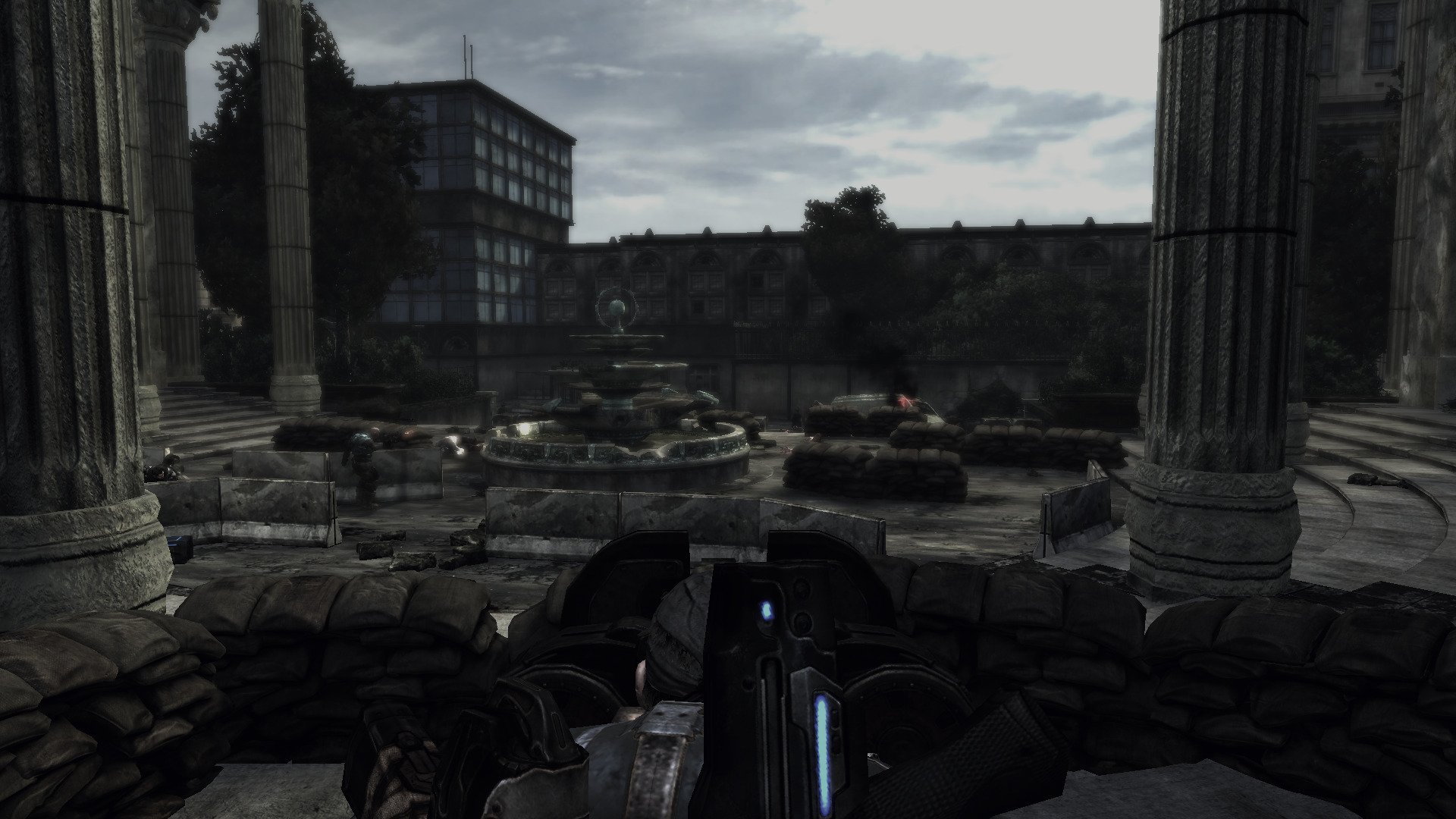
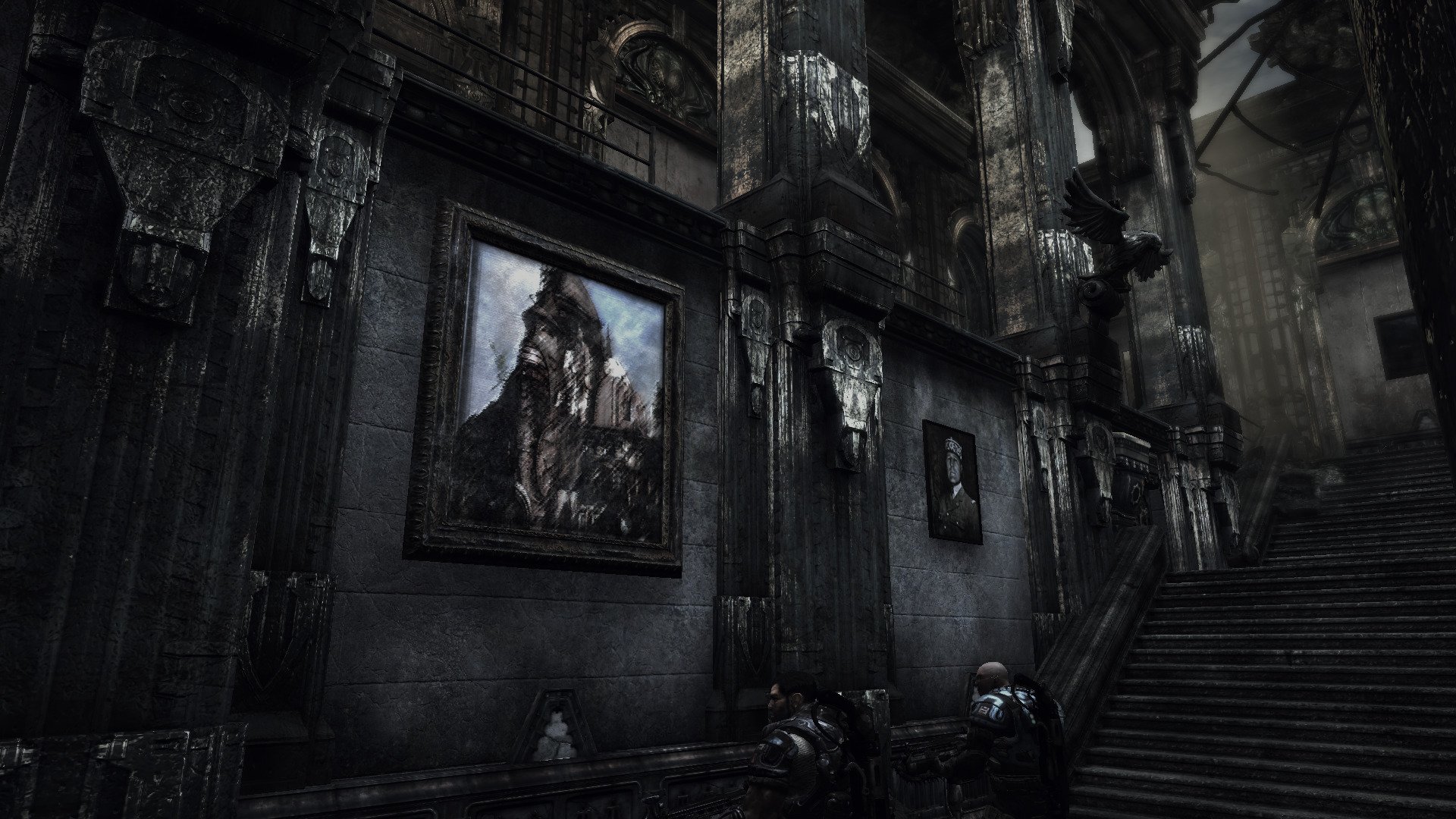
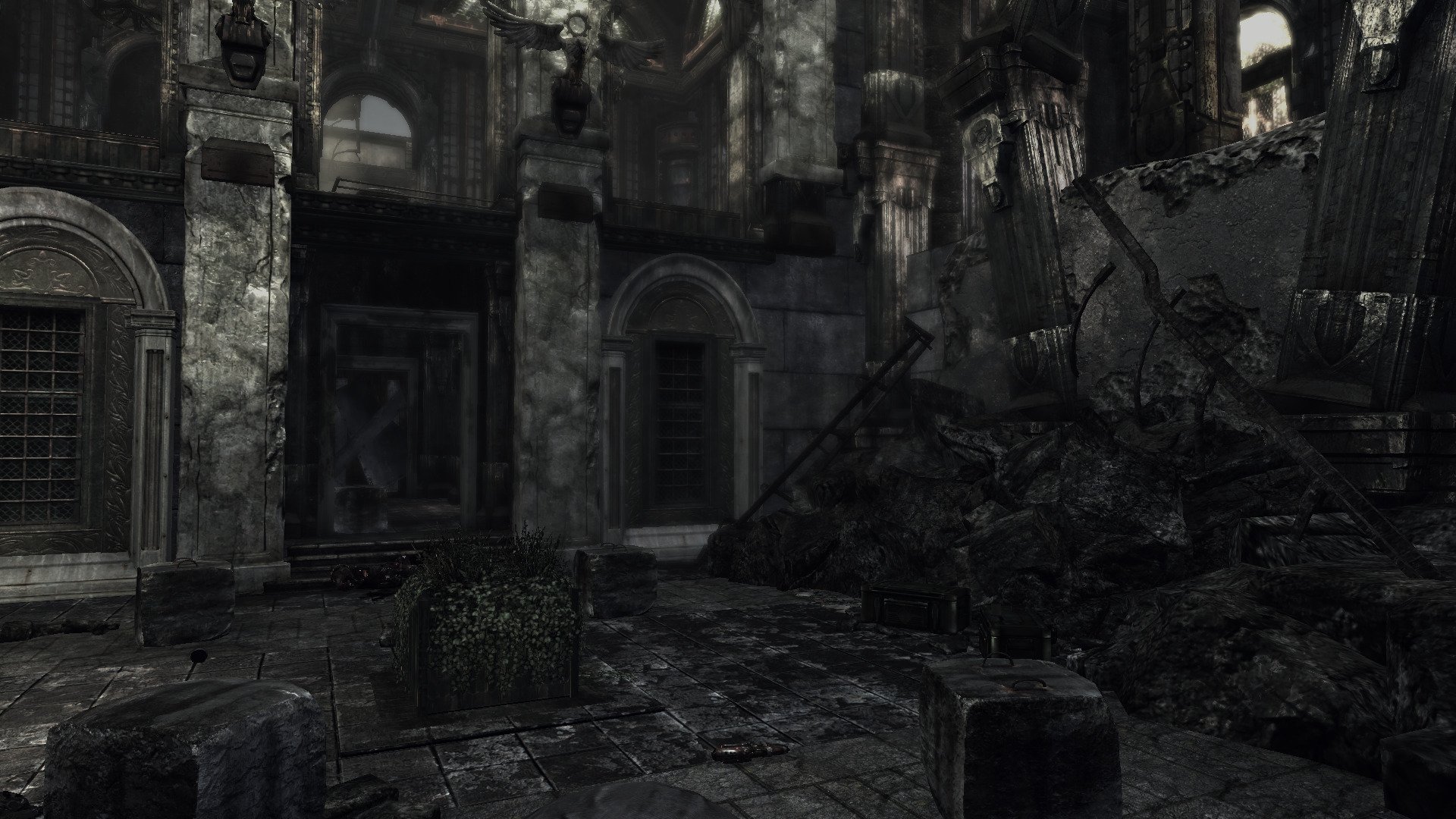
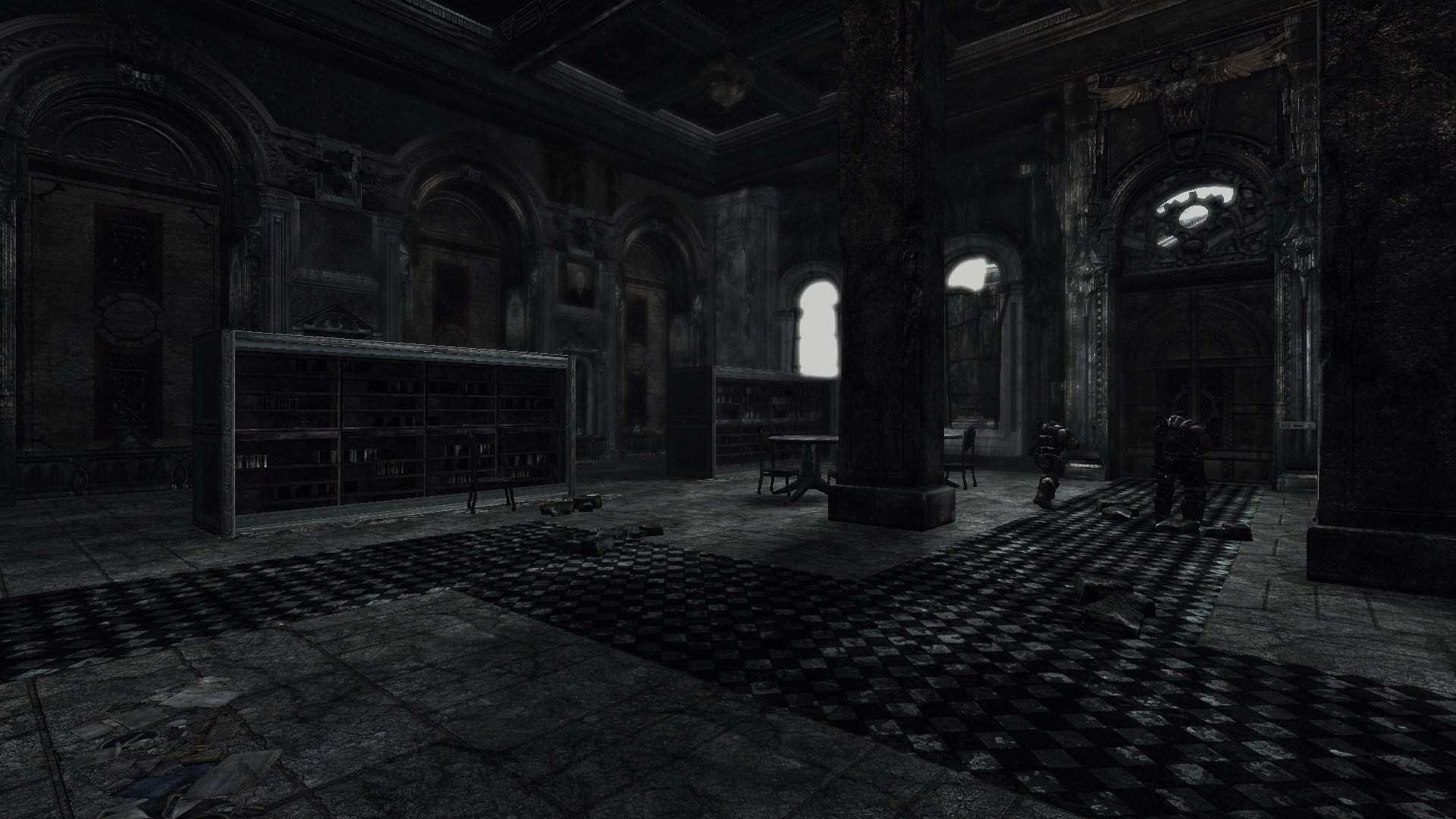
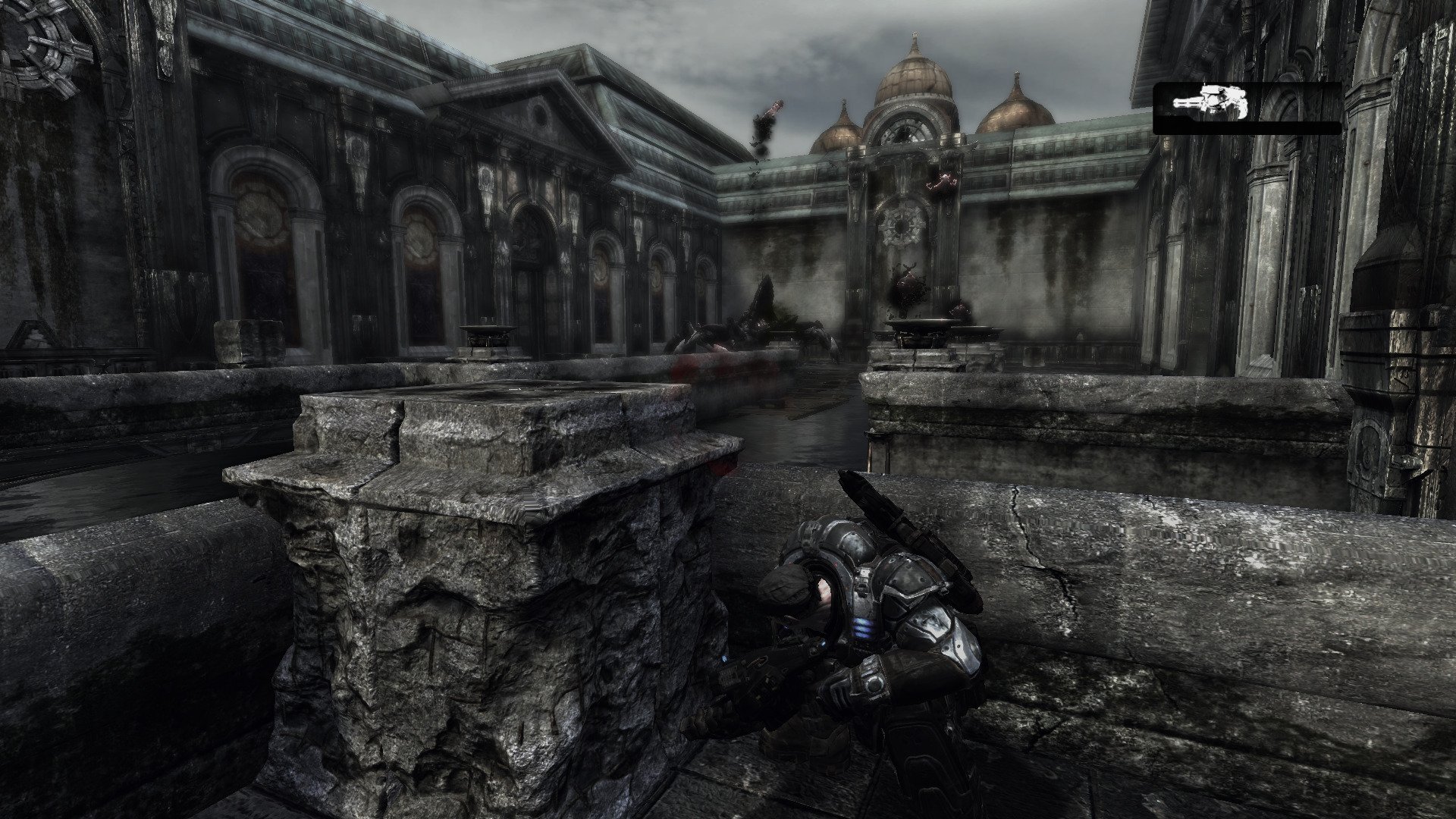
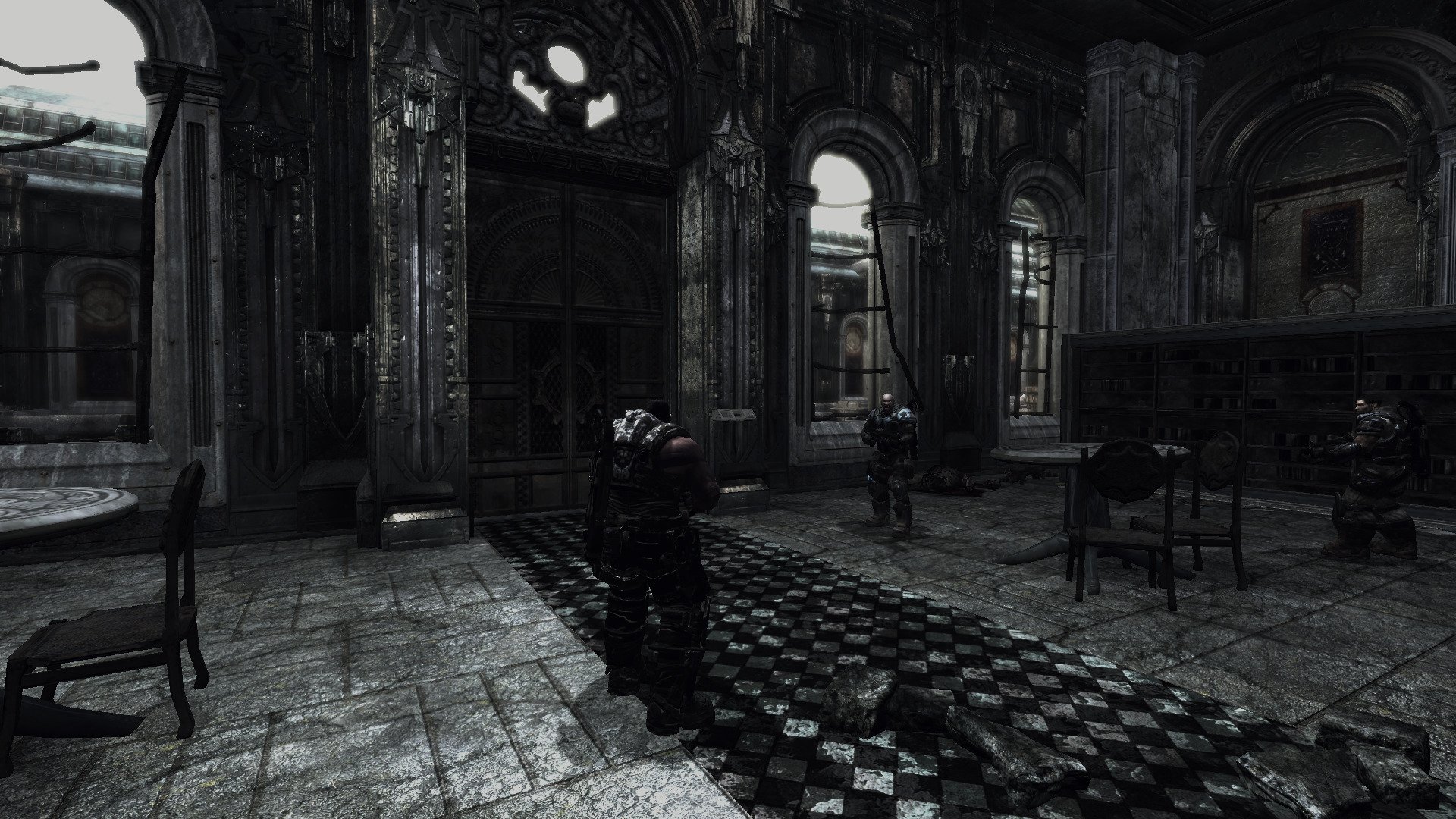
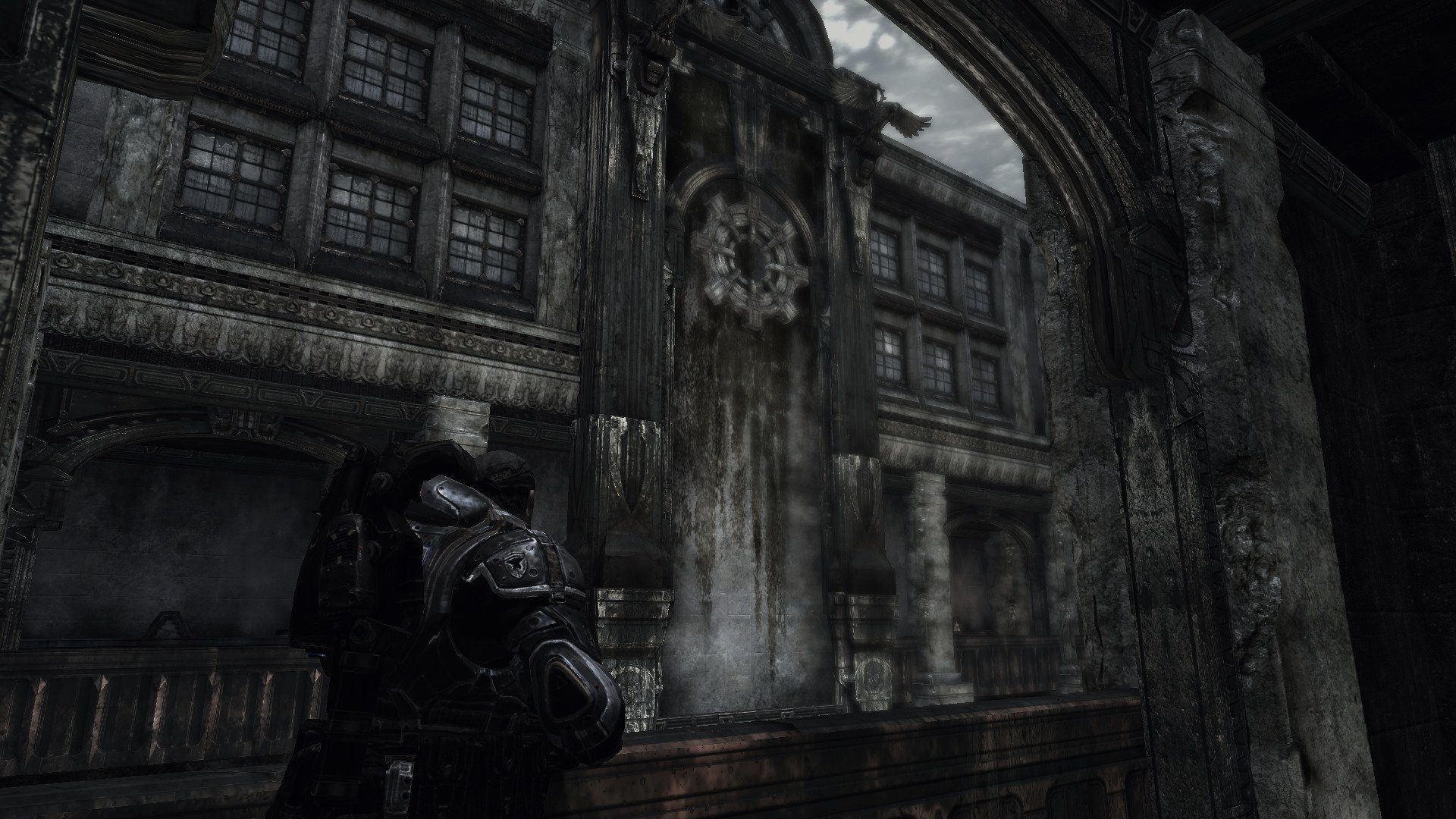
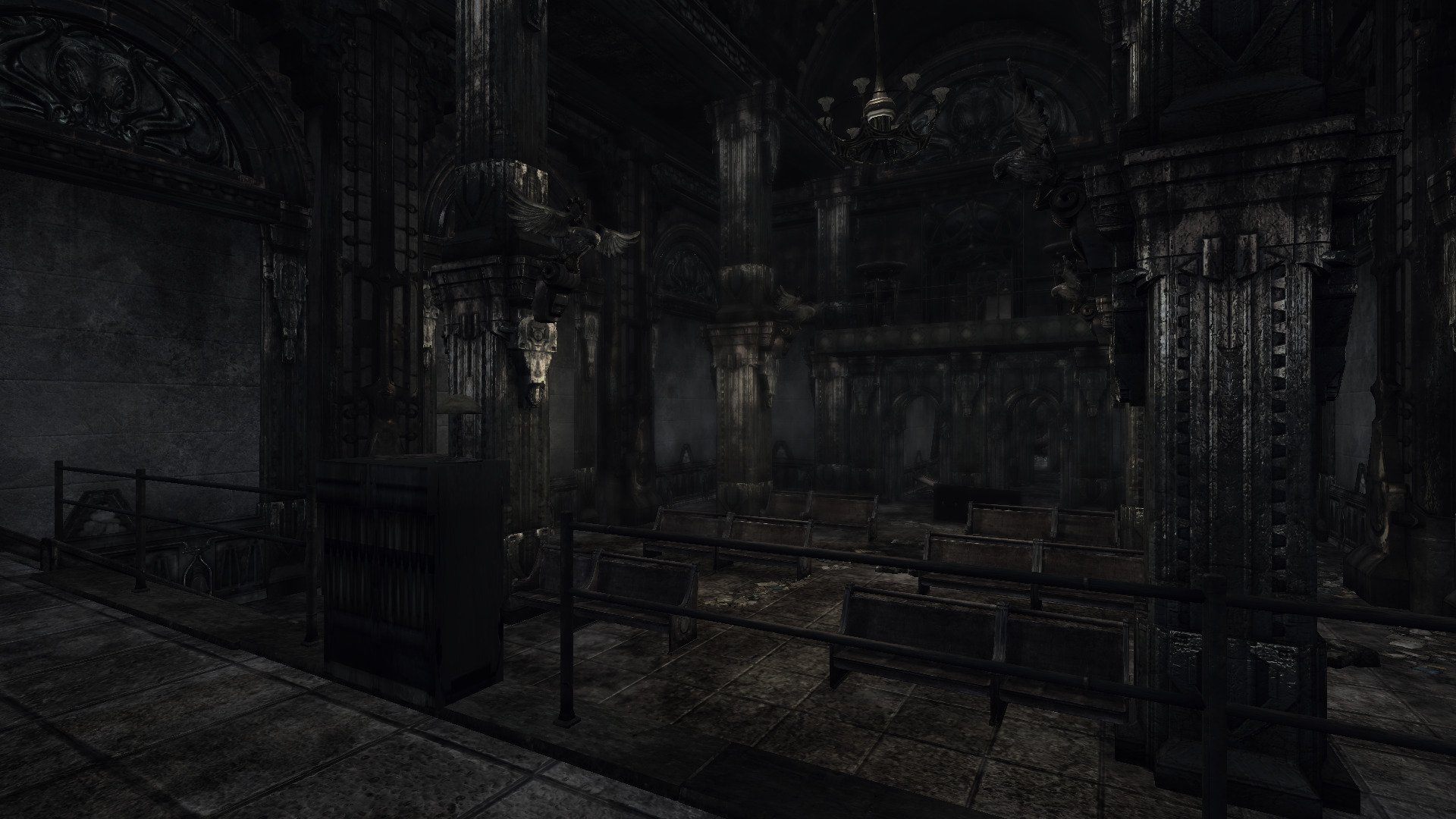
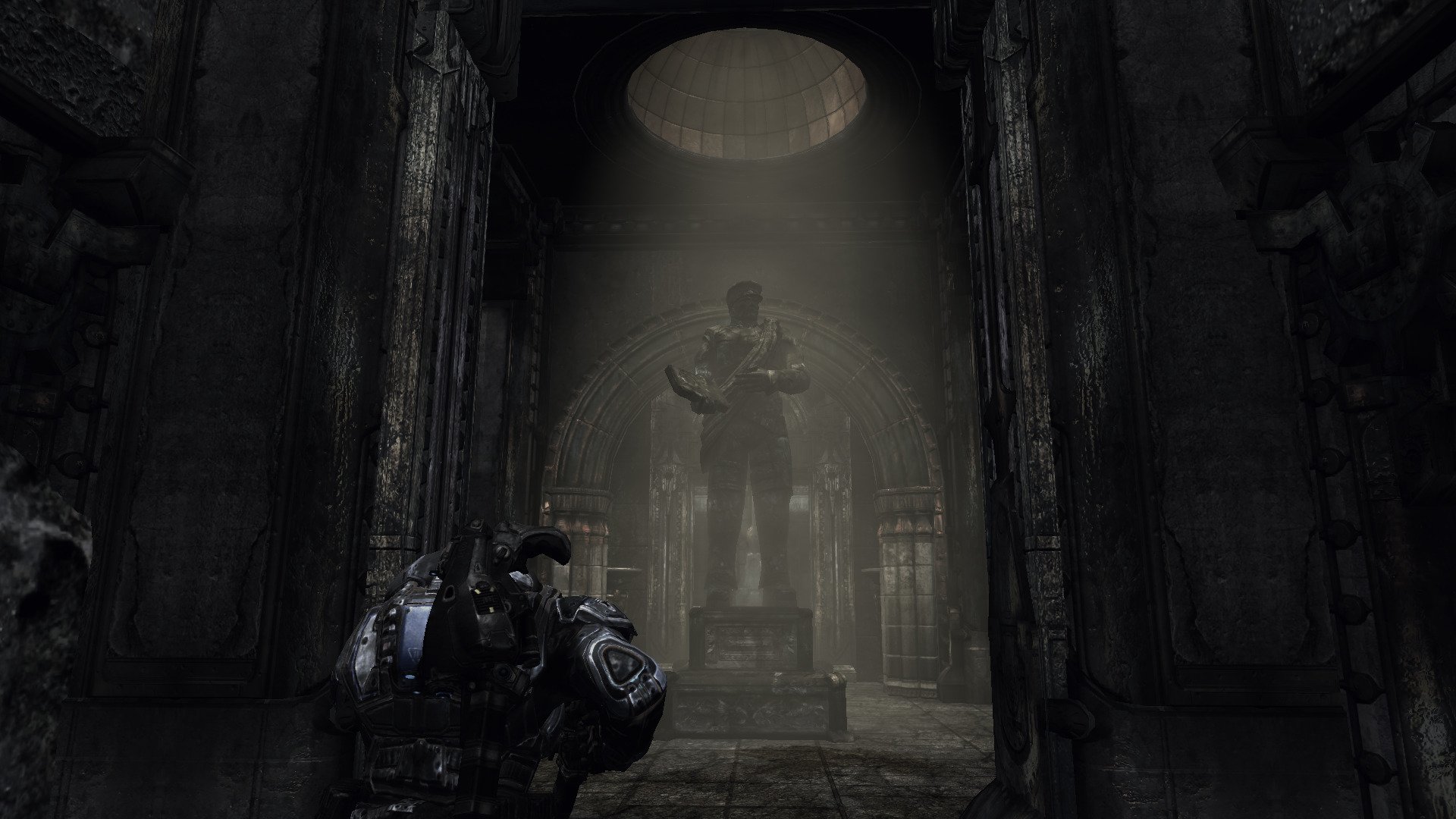
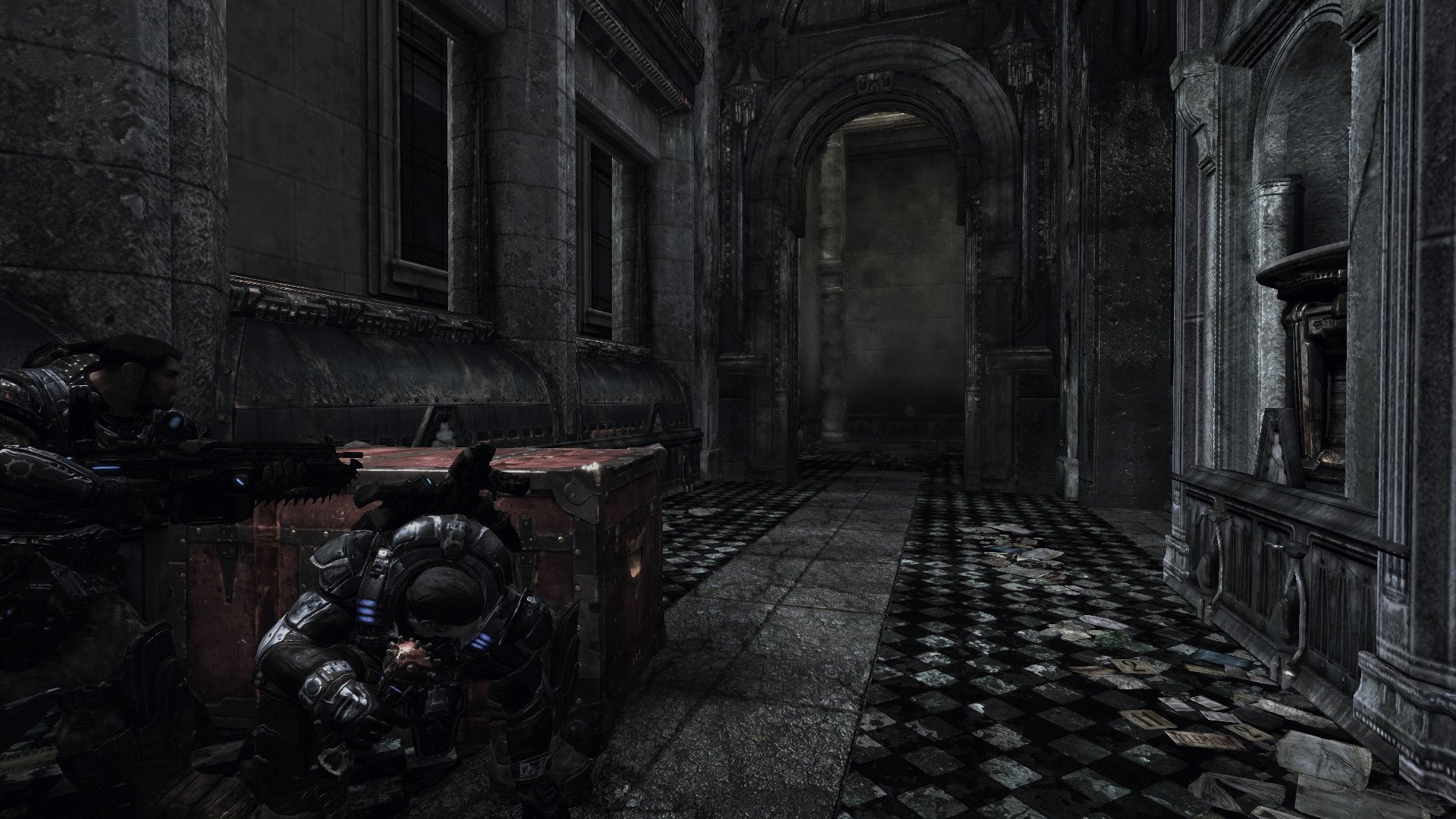
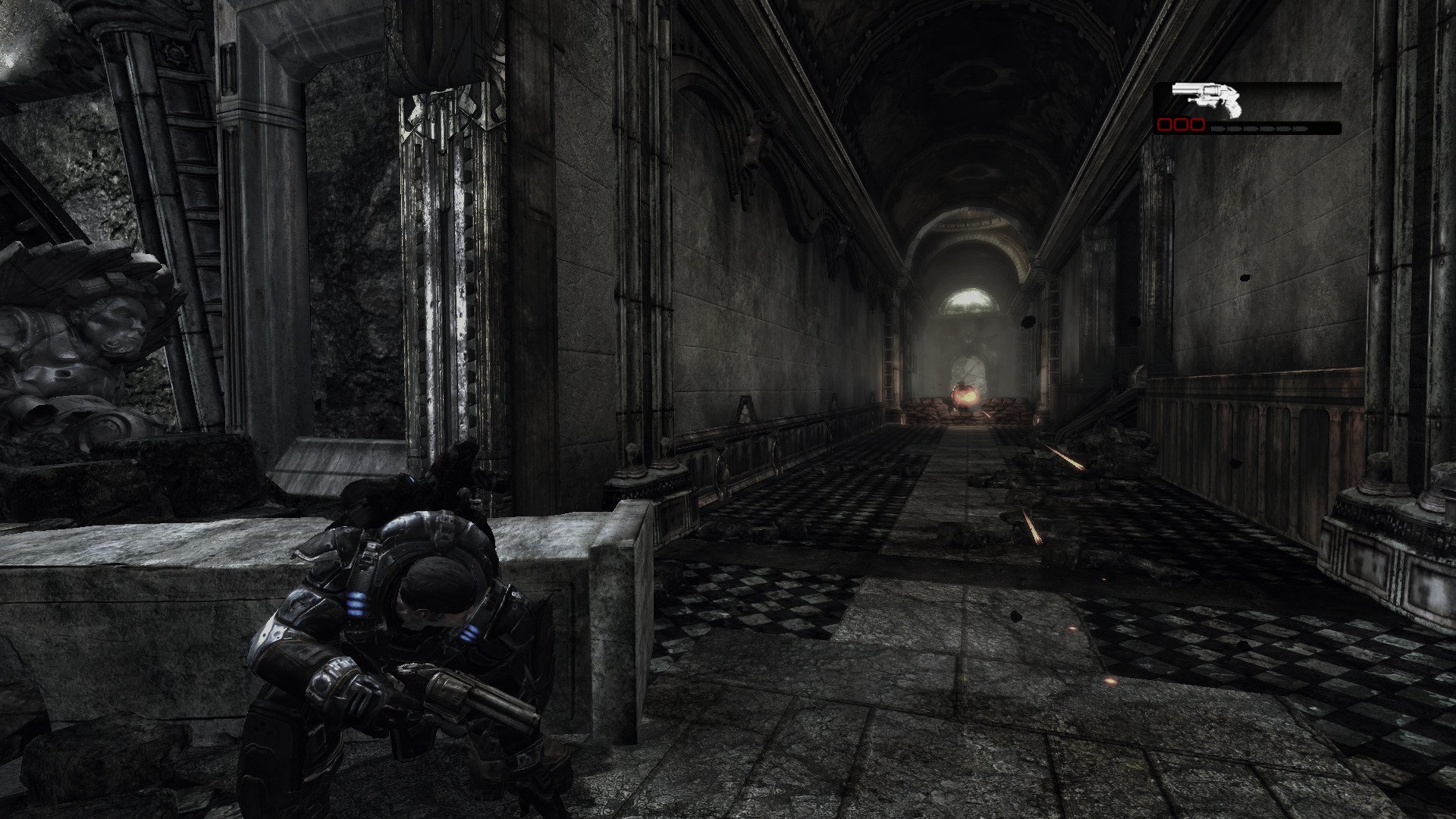
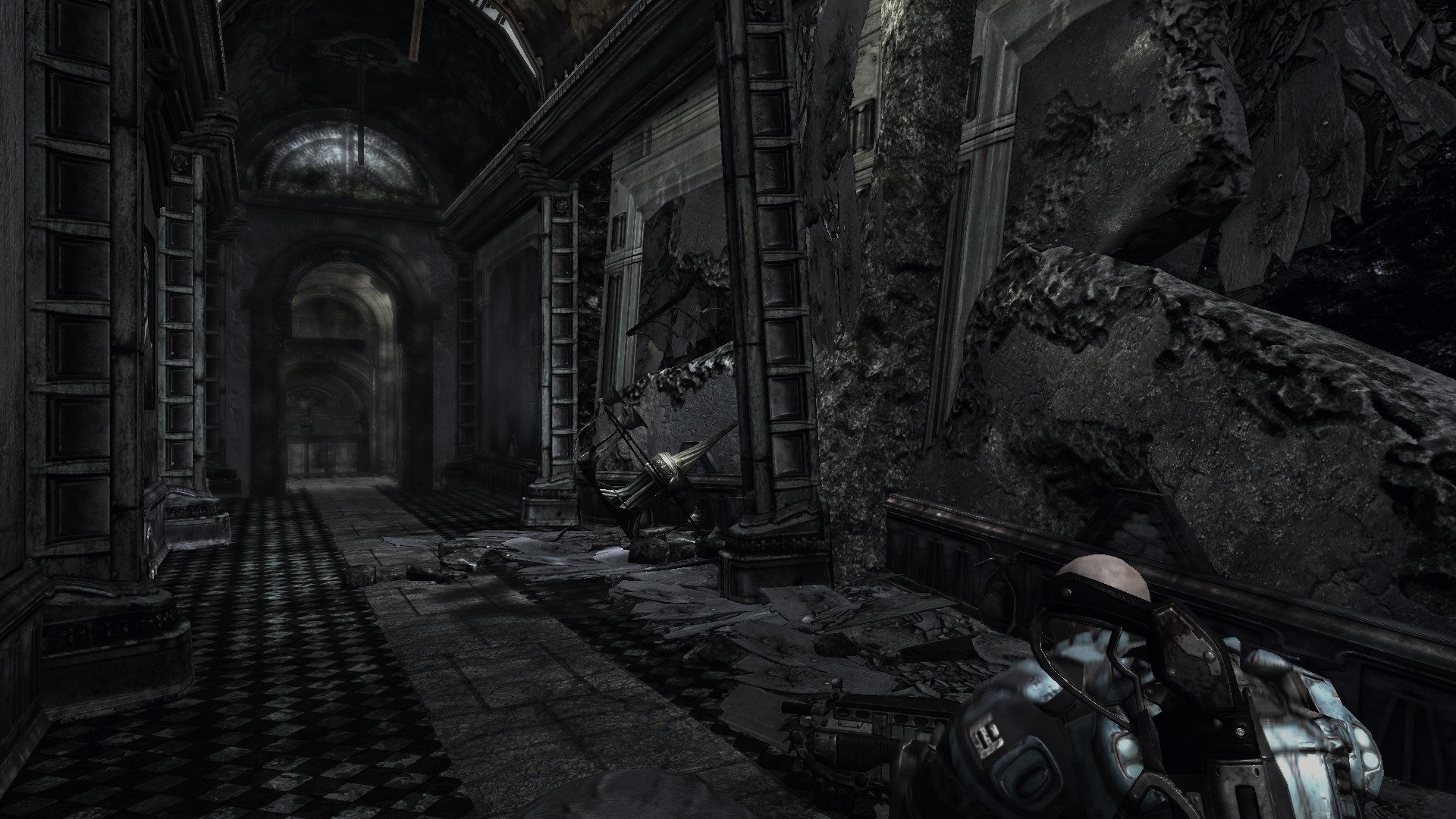
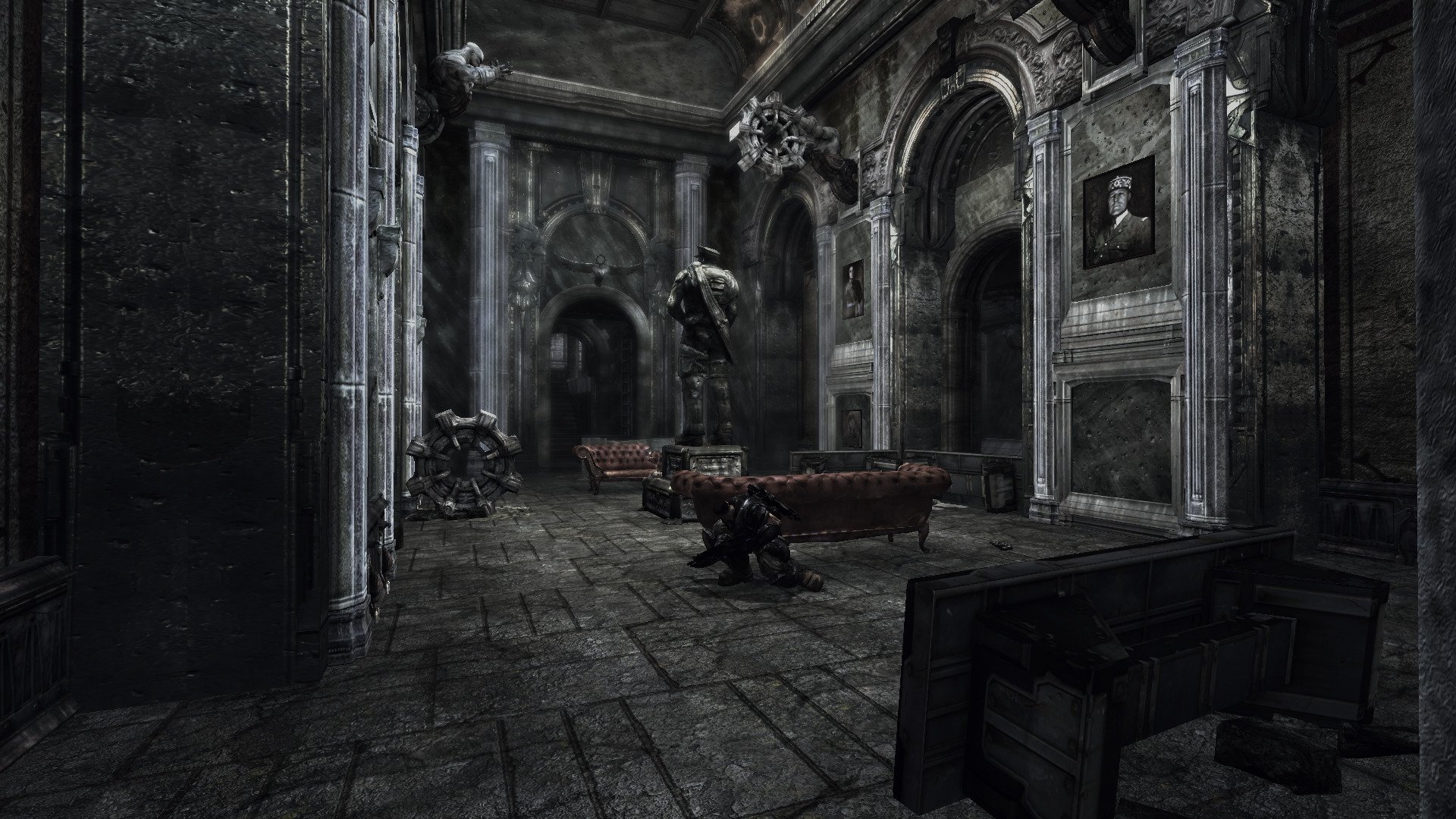
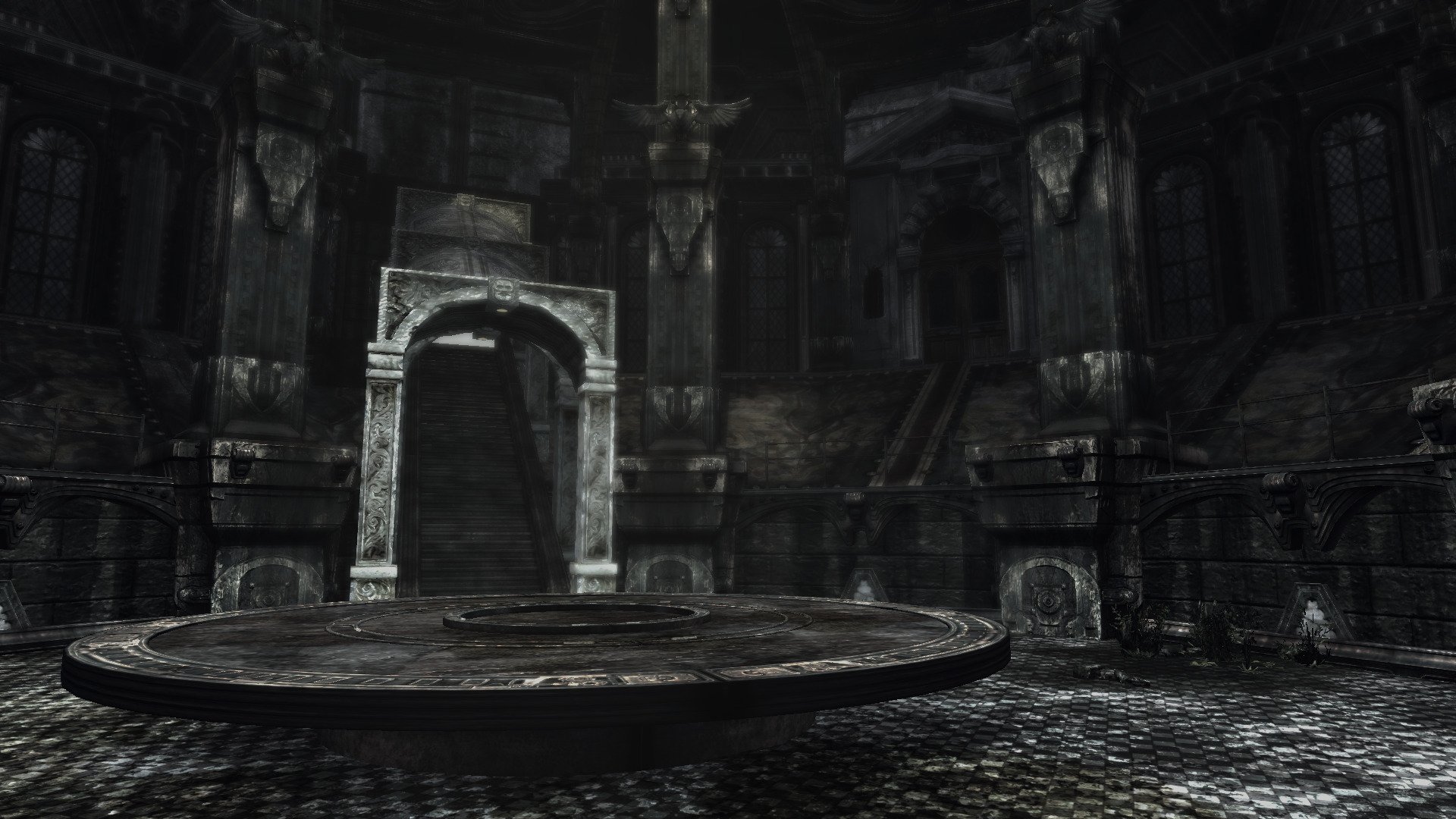
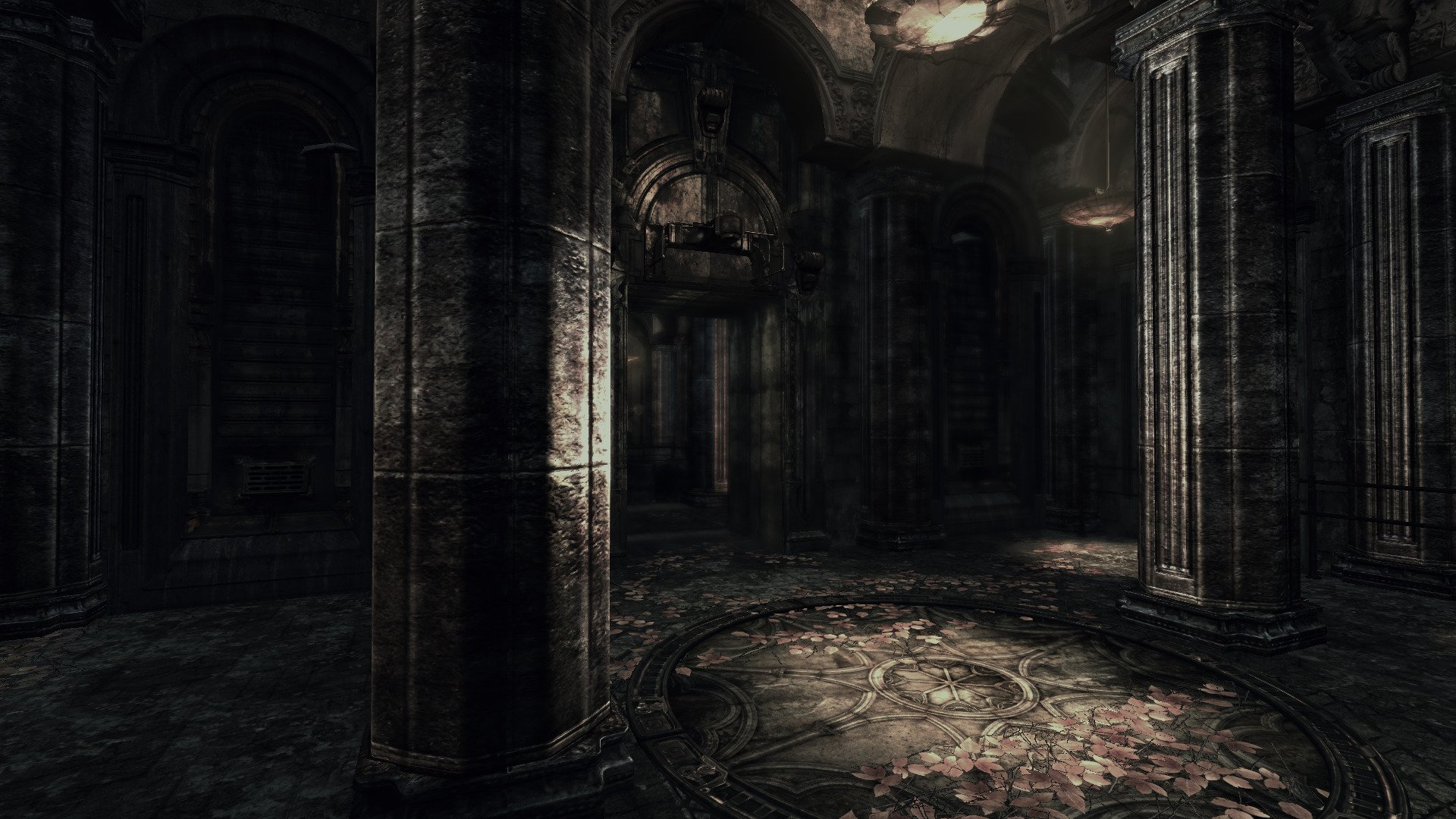
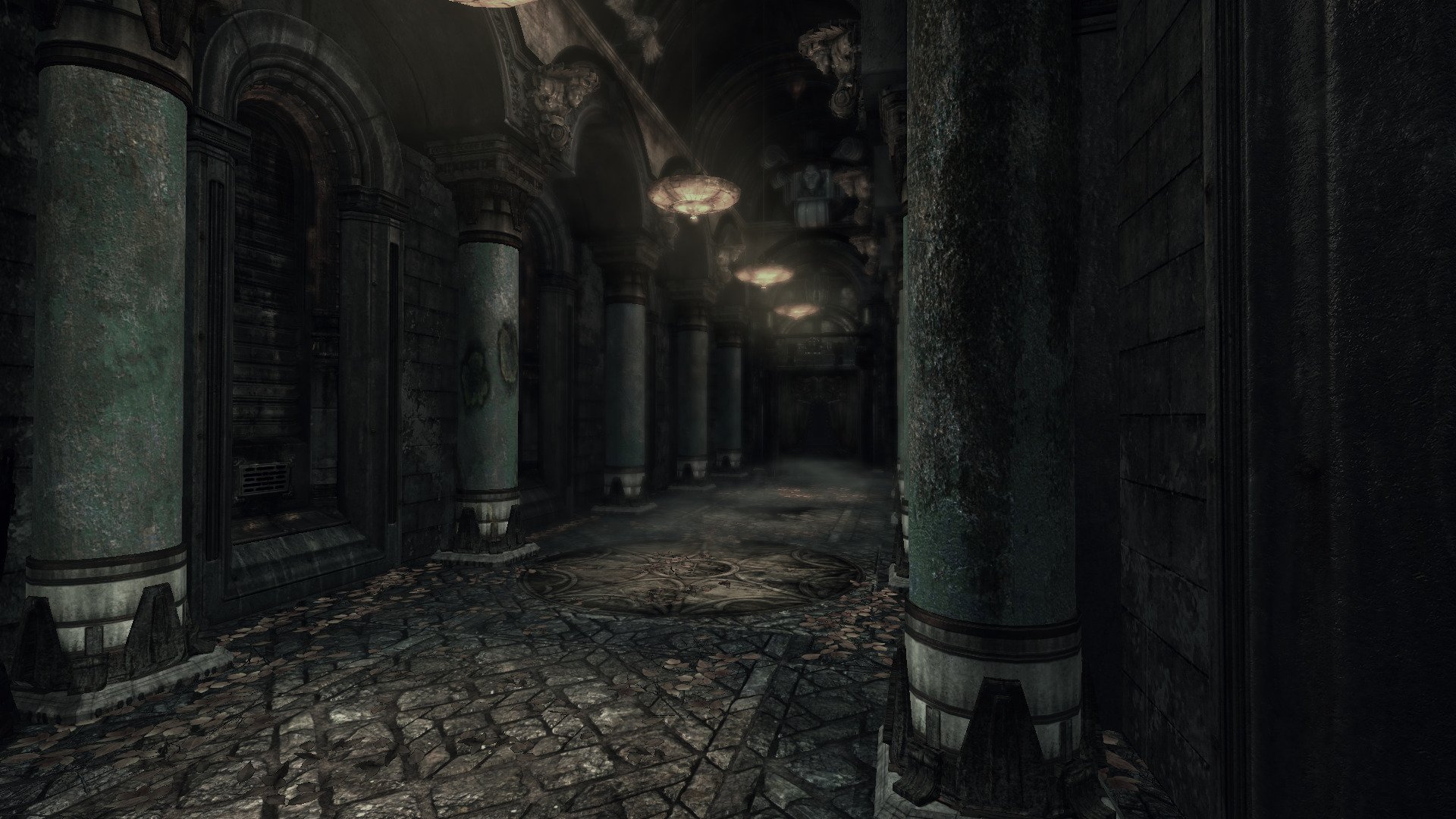
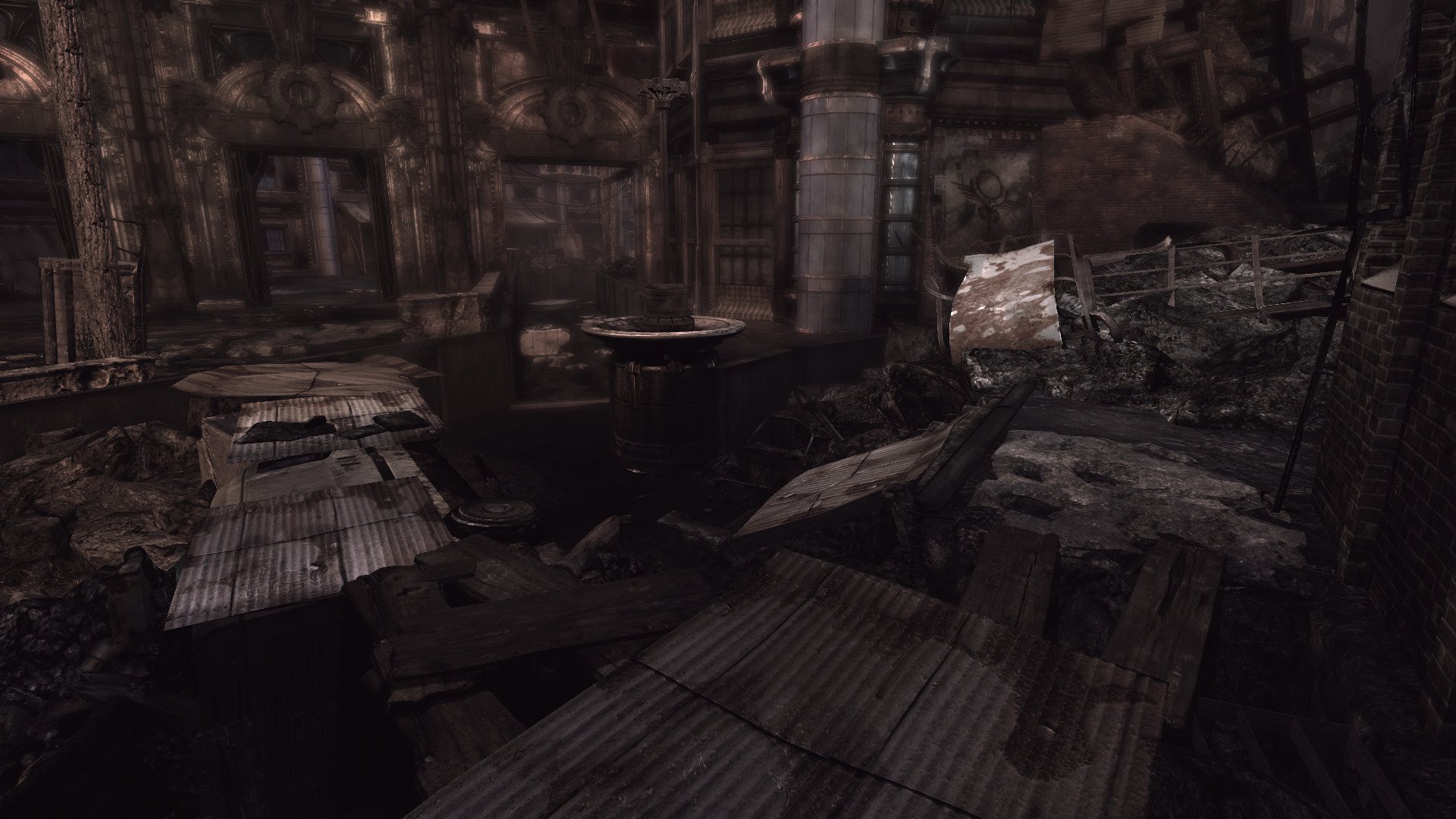
I have been testing Gears Of War every few years just to find that Games For Windows Live is still preventing it from running! Gave-it-a-go this year and when I thought there was not hope, I was amazed to find that it IS running! Finally! Sadly it's not a simply install-and-run scenario. There are patches, DLL, NoCD crack and GFWL installations... worst yet, killing the LIVE process! But it runs and saves and loads from recent checkpoints. How can I complain at this point???
Installation How To
Download Patches, GamesForWindowsLive & NoDVDCrack
https://archive.org/details/gears-of-war-pc-title-updates
- Extract the RAR
- Scan for viruses (Online Scanner)
- Ignore file wlsetup-idcrl.exe
- Patches, Live and NoDVD are in the folder: Gears of War PC Title Updates
- GearsOfWar_TitleUpdate.exe
Click OK for NO DVD Found... - GearsTU.exe
Click OK for NO DVD Found... - GearsPC_TU3_Microsoft.exe
Click OK for NO DVD Found...
- Run gfwlivesetup.exe
Installer will complete and GamesForWindowsLive will run but not connect - Close application
- Copy Startup.exe
- Go to directory: C:\Program Files\Microsoft Games\Gears Of War\binaries\
- Rename original startup.exe to setup.exe-old
- Paste Startup.exe
Liveless DLLs will allow the game to run and save checkpoints without having to login to GFWL
https://community.pcgamingwiki.com/files/file/576-xliveless/
Copy/paste liveless DLLs to game folder
Path: drive_c/Program Files (x86)/Microsoft Games/Gears of War/Binaries
- xlive.dll
- xlive.ini
The Launcher will pop up, but you can't interact with it cause it is missing buttons and features.
- Copy HTML here on Pastebine: https://pastebin.com/raw/CyU6gZYg
- Go to: drive_c/users/steamuser/Application Data/Microsoft Games/Gears Of War/Current Site
- Rename default.htm to default.htm-old
- Open default.htm
- Select ALL and delete all HTML code
- Paste copied code and save
Launch Options: -nomoviestartup
Lutris: Settings, Advanced, Game Arguments
Graphics Settings
- Edit WarEngineUserSettings.ini
drive_c/users/steamuser/Documents/My Games/Gears of War for Windows/WarGame/Config - Change resolution to 1920x1080
- Set to "Read-only"
Code:
[SystemSettings]
StaticDecals=FALSE
DynamicDecals=False
DynamicLights=TRUE
DynamicShadows=TRUE
LightEnvironmentShadows=TRUE
CompositeDynamicLights=False
ShadowFilterQualityBias=0
DirectionalLightMaps=TRUE
MotionBlur=TRUE
DepthOfField=True
Bloom=True
QualityBloom=True
SpeedTreeLeaves=TRUE
SpeedTreeFronds=TRUE
OnlyStreamInTextures=TRUE
LensFlares=False
FloatingPointRenderTargets=TRUE
OneFrameGPULag=TRUE
SkeletalMEshLODBias=2147483647
ParticleLODBias=2147483647
ShadowFilterQualityBias=1
MaxAnisotropy=16
ScreenPercentage=100.000000
ALLOWD3D10=FALSE
MAXMULTISAMPLES=4
FOGVOLUMES=FALSE
TRILINEAR=TRUE
USEVSYNC=TRUE
UPSCALESCREENPERCENTAGE=True
DETAILMODE=3
Launching Gears Of War
Sometimes the game will not launch because of Games For Windows Live application
[Update]
Proton 10 was able to launch the game without killing WILDSVC.EXE
- Open System Monitor
- Kill WILDSVC.EXE
- Game should launch at this point
If not, check to see if the process ran again, then kill it again
GeForce GTX 1650
Nvidia 580
Proton Experimental
Heroic Launcher
Last edited:

