
You are using an out of date browser. It may not display this or other websites correctly.
You should upgrade or use an alternative browser.
You should upgrade or use an alternative browser.
first person shooters
Borderlands Pre-Sequel
Jan 01
- 2,987
- 0
Borderlands franchise are epic vault hunter games with procedurally generated weapons, RPG elements, crazy minions, vehicular combat and awesome skills. On top of all that, fully co-op campaigns.
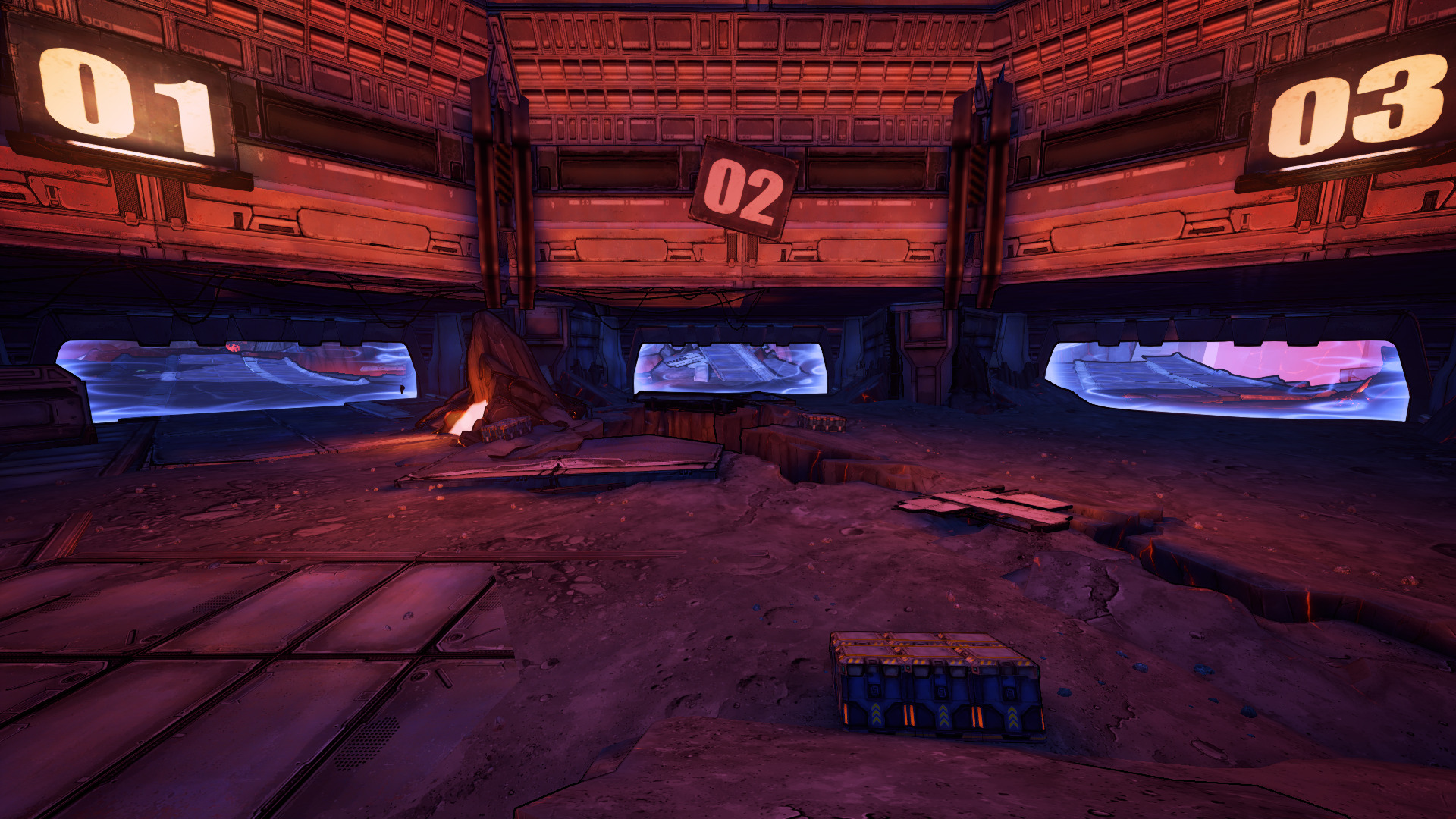
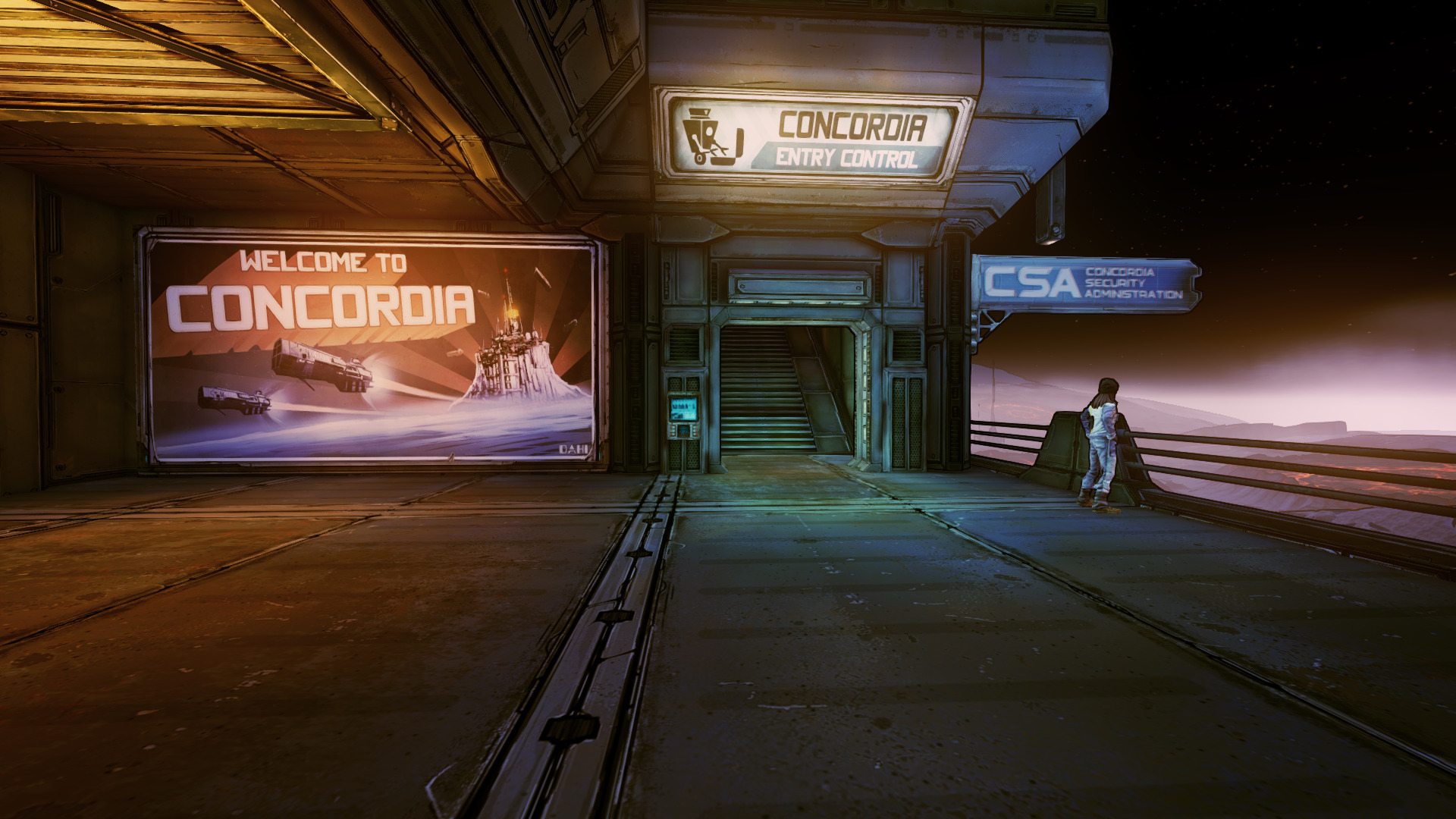
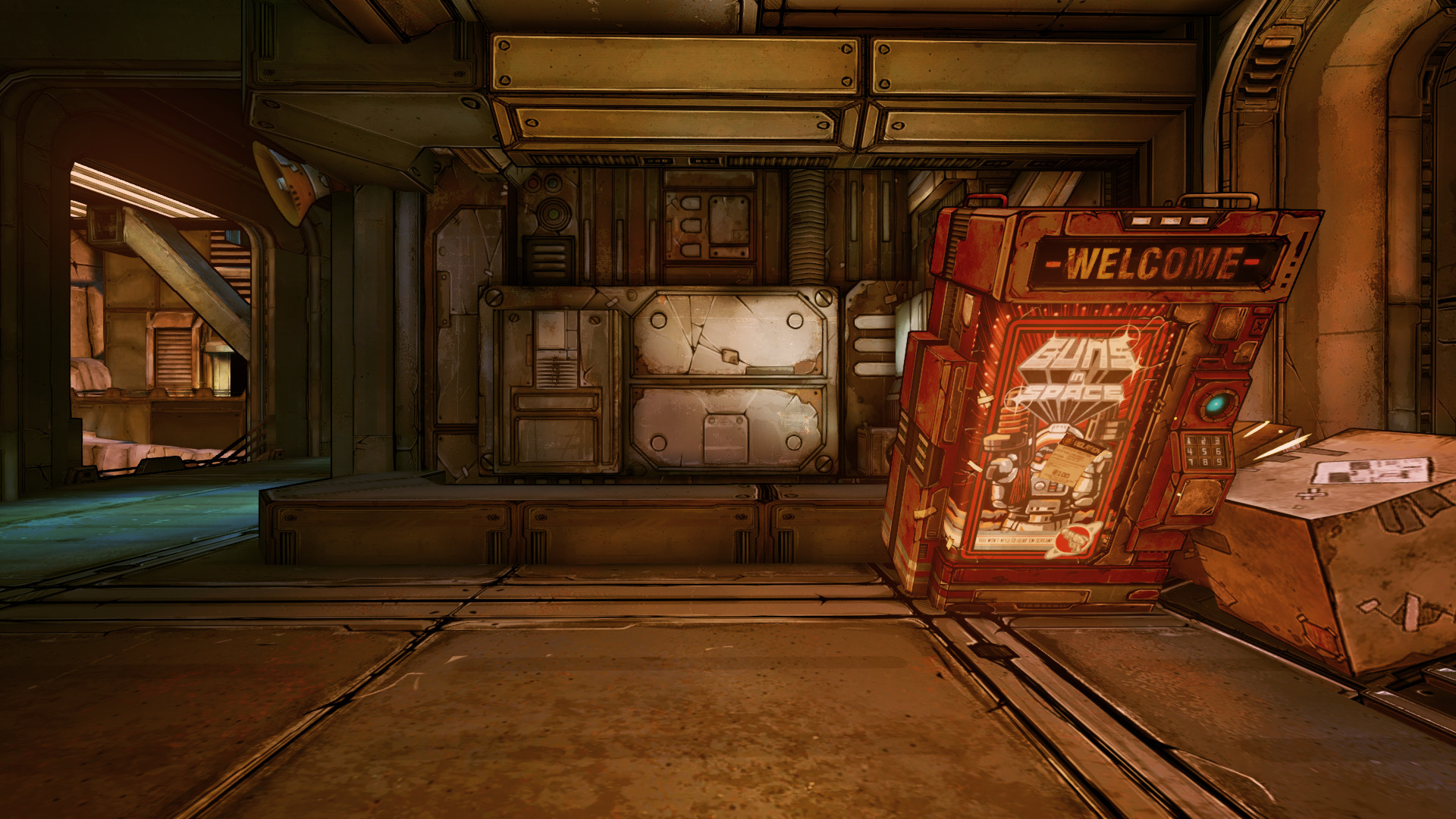
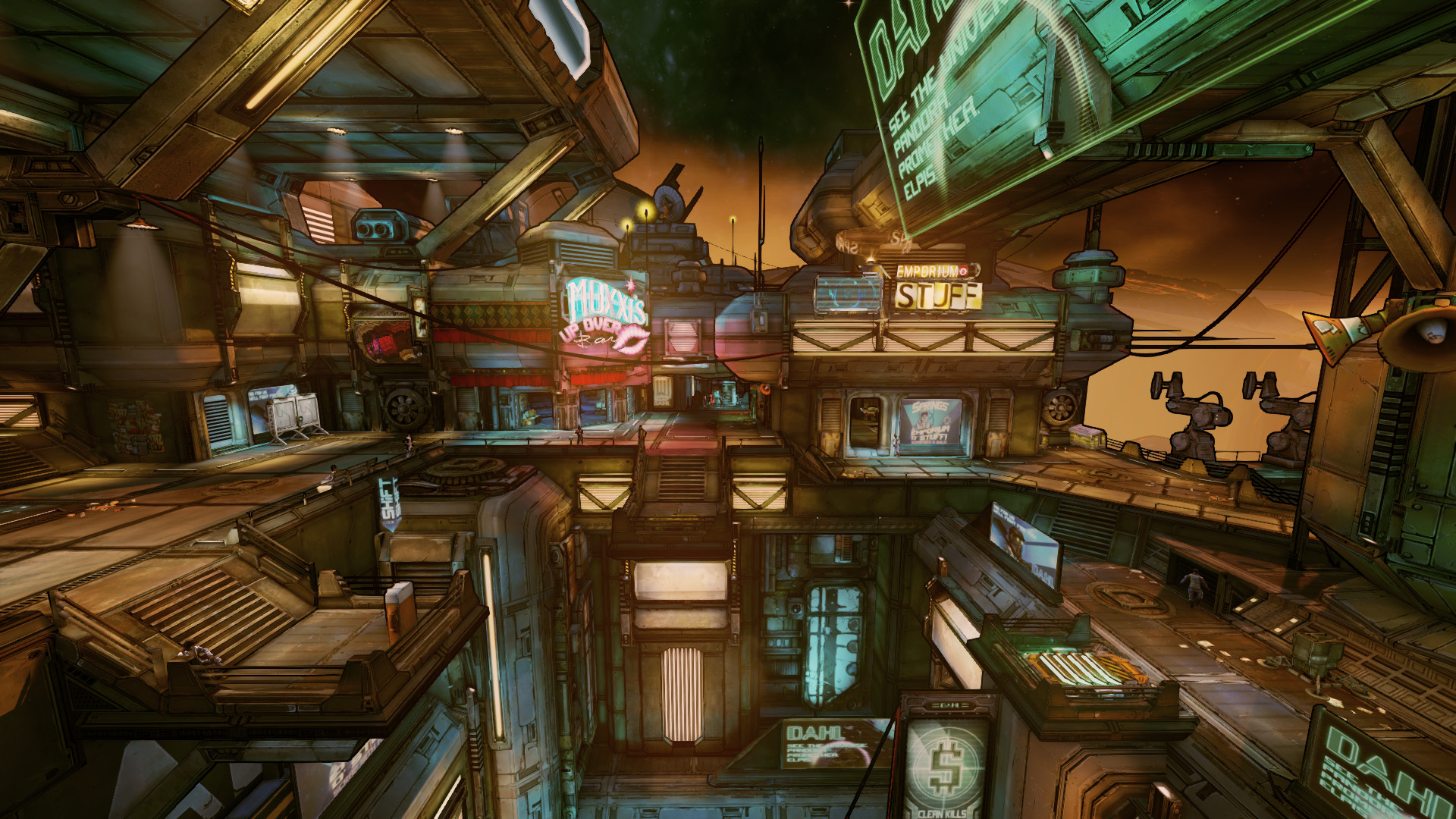
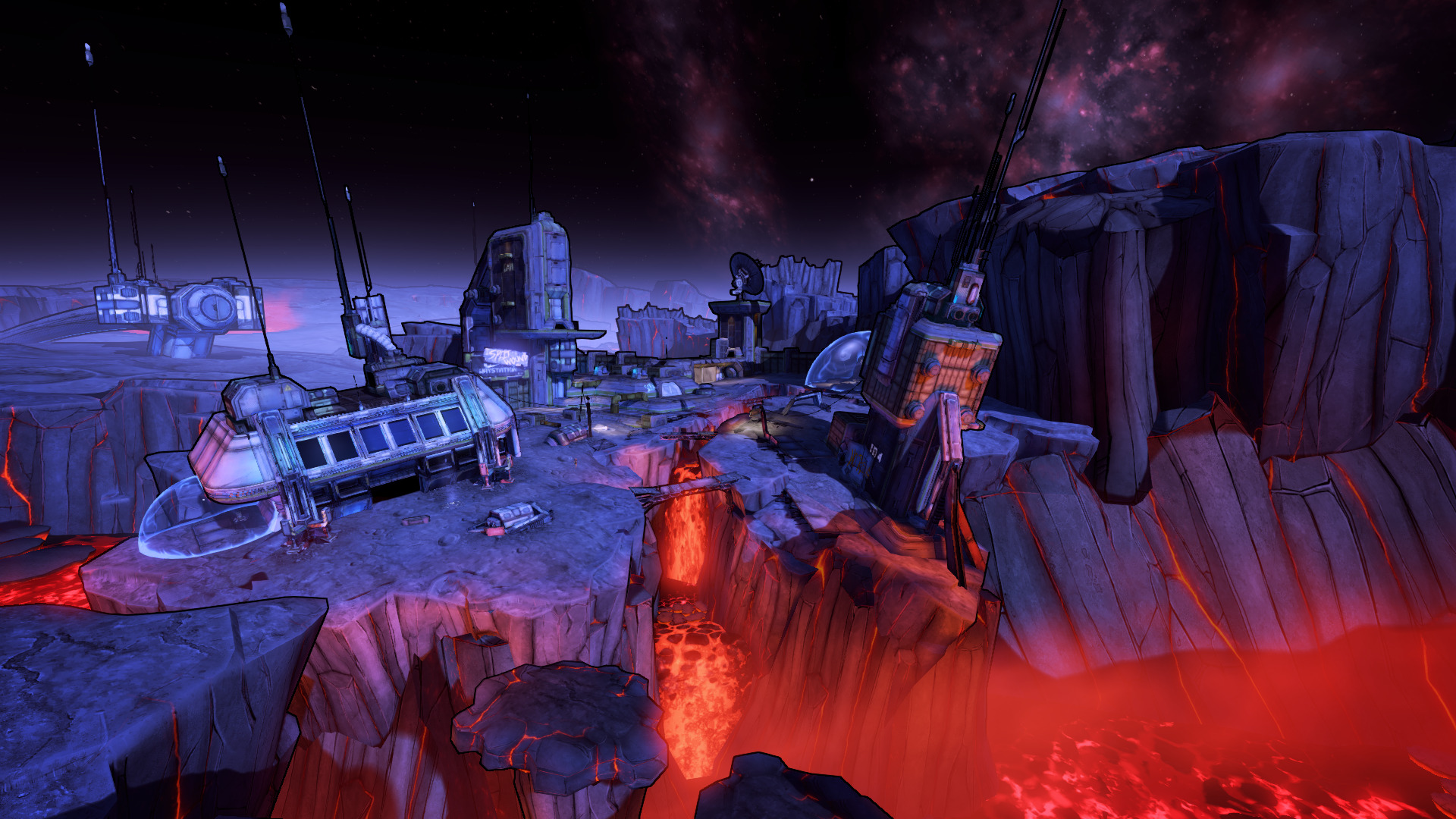
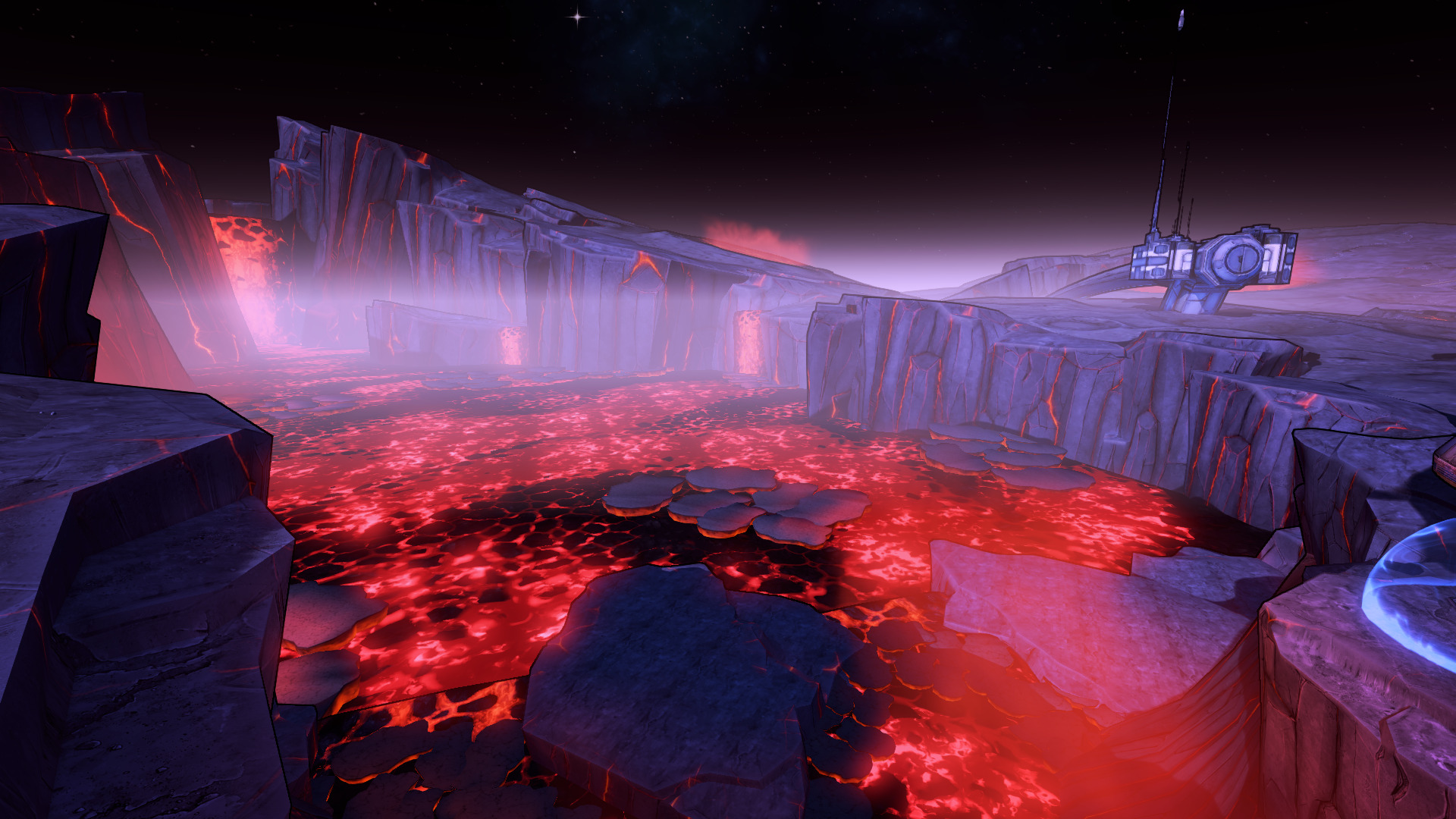
Linux gamers are happy to have native ports for both Borderlands 2 and Pre-Sequel. Pre-Sequel specifically has an awesome space-oriented campaign on the moon of Pandora and broken/destroyed ships. Gravity effects, slams and oxygen will keep you on your toes and plenty of badass minions and bosses to slay!
Learn how Jack the hero became Handsome Jack!
The native port runs amazing on my GeForce GTX 1060, GTX 950 & 750 Ti. No performance issues at all! I'm playing co-op with both of my daughters and it is lot of fun!
Specs:
Mint 20.2 64-bit
GeForce GTX 1060
Nvidia 470
 ...
...
Linux gamers are happy to have native ports for both Borderlands 2 and Pre-Sequel. Pre-Sequel specifically has an awesome space-oriented campaign on the moon of Pandora and broken/destroyed ships. Gravity effects, slams and oxygen will keep you on your toes and plenty of badass minions and bosses to slay!
Learn how Jack the hero became Handsome Jack!
The native port runs amazing on my GeForce GTX 1060, GTX 950 & 750 Ti. No performance issues at all! I'm playing co-op with both of my daughters and it is lot of fun!
Specs:
Mint 20.2 64-bit
GeForce GTX 1060
Nvidia 470
Necrovision Lost Company in PlayOnLinux
Dec 20
- 3,914
- 0
Necrovision is a WWII Military shooter franchise with a zombie-Wolfenstein feel. Lost Company is a prequel throwing you back into battle with a small platoon of soldiers who sometimes help you take out zombies and possessed Nazi. Except you are now a German soldier uniting Axis and Allied troops again the forces of evil.
New weapons, new levels, plane fights, weapon upgrades and much more.
https://www.gog.com/game/necrovision_lost_company
Lost Company was made in 2010 and runs perfectly in Wine on PlayOnLinux. I didn't have any issues installing, configuring or playing as you can see in the video. It is a bit dated when compared to more recent FPS, but still fun and intense!
Unfortunately the DirectX 10 features do not run in Wine, but there is a workaround to force DirectX 9
After installing the game, navigate to this folder
/home/username/.PlayOnLinux/wineprefix/necrovision/drive_c/GOG Games/NecroVision Lost...
New weapons, new levels, plane fights, weapon upgrades and much more.
https://www.gog.com/game/necrovision_lost_company
Lost Company was made in 2010 and runs perfectly in Wine on PlayOnLinux. I didn't have any issues installing, configuring or playing as you can see in the video. It is a bit dated when compared to more recent FPS, but still fun and intense!
Unfortunately the DirectX 10 features do not run in Wine, but there is a workaround to force DirectX 9
After installing the game, navigate to this folder
/home/username/.PlayOnLinux/wineprefix/necrovision/drive_c/GOG Games/NecroVision Lost...
The Creation in PlayOnLinux
Sep 20
- 4,283
- 3
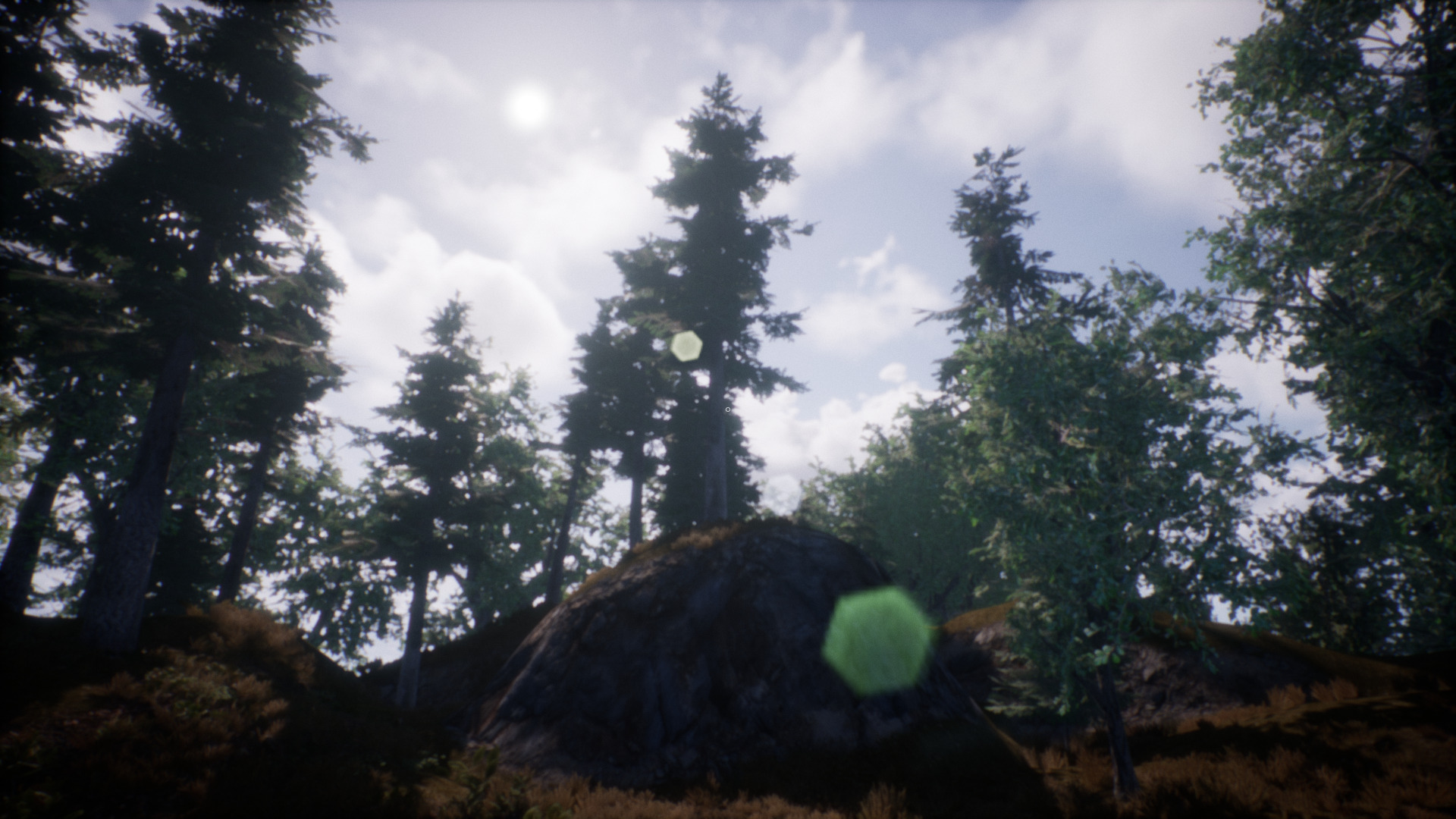
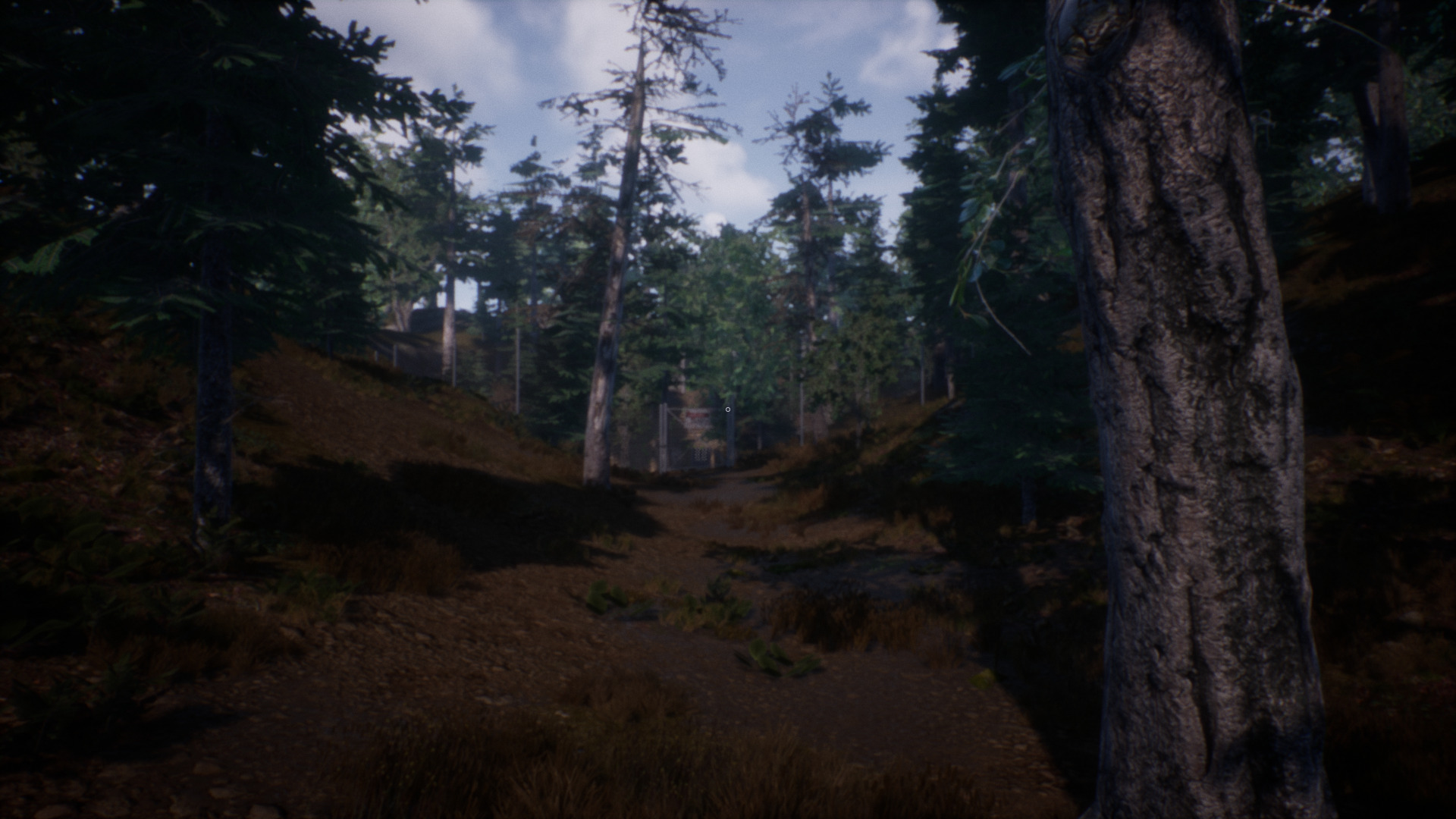
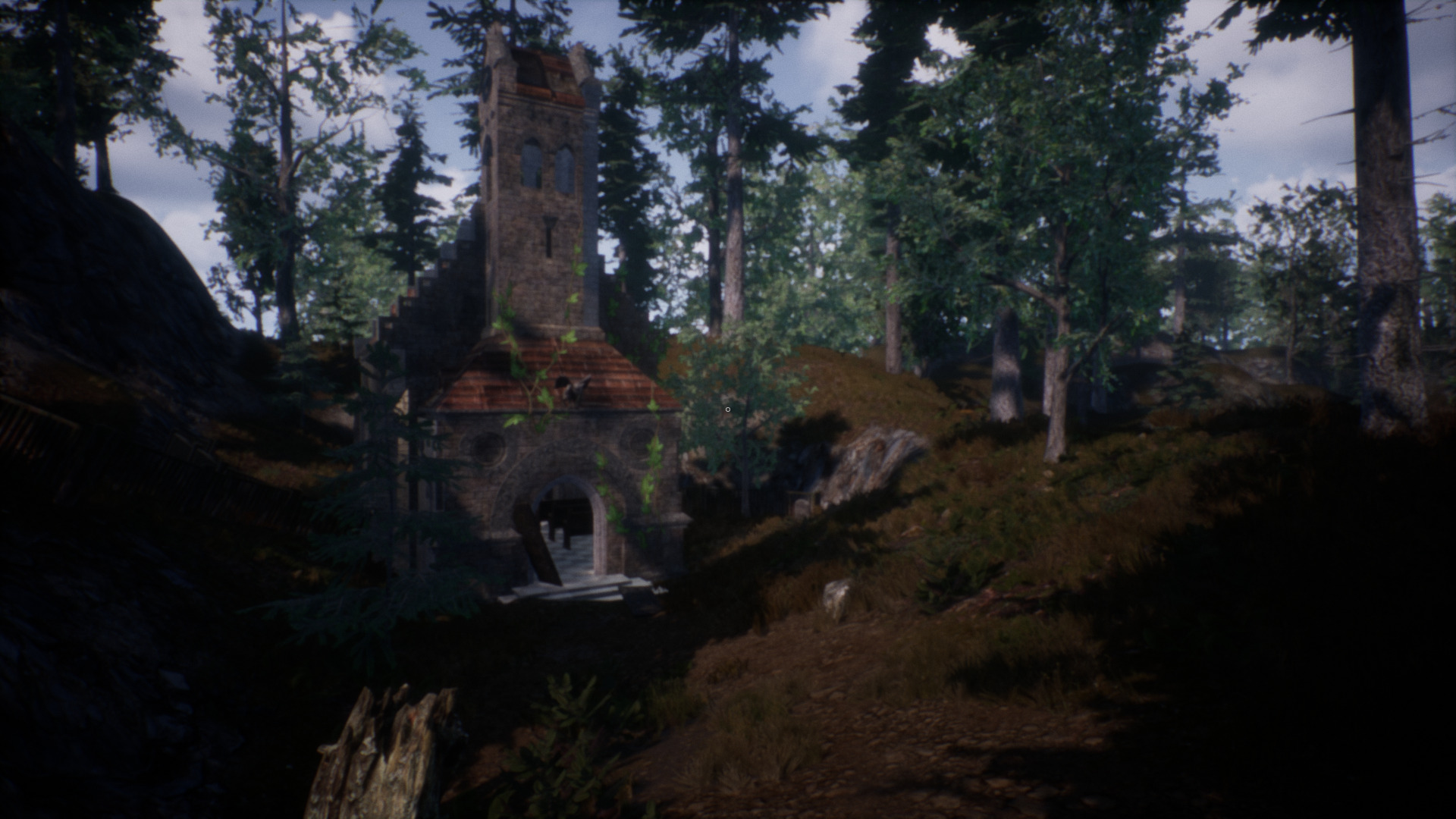
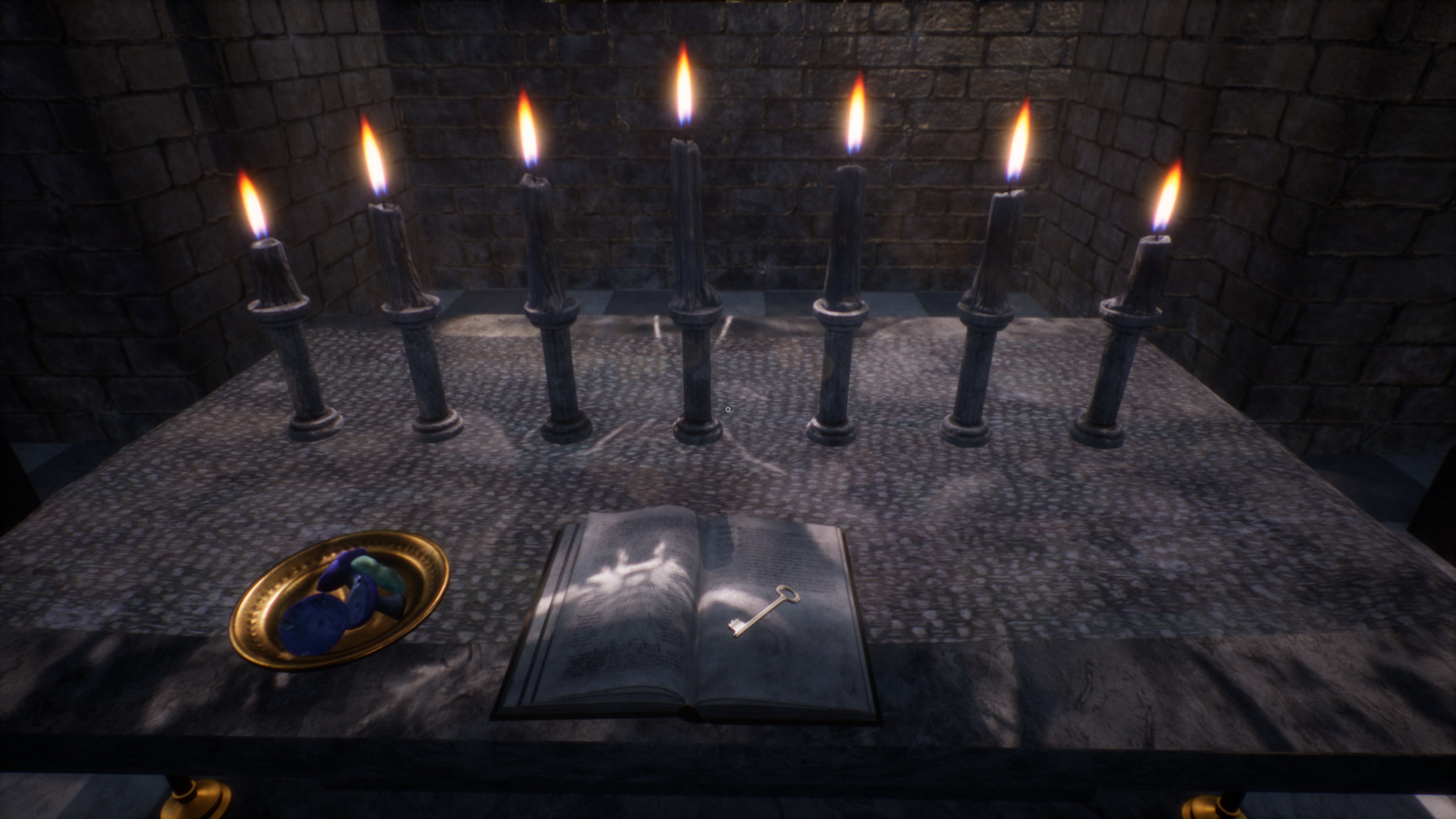
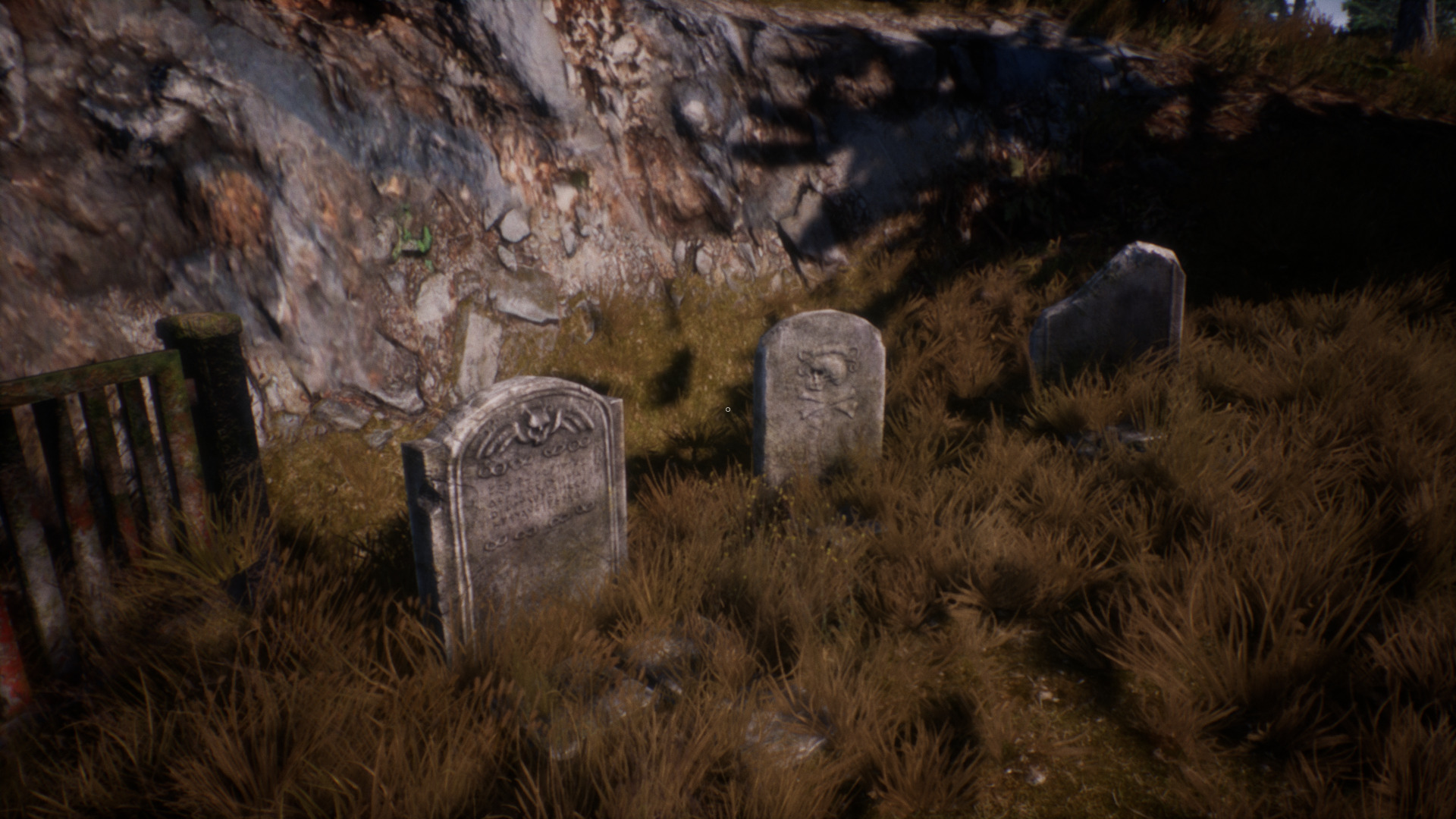
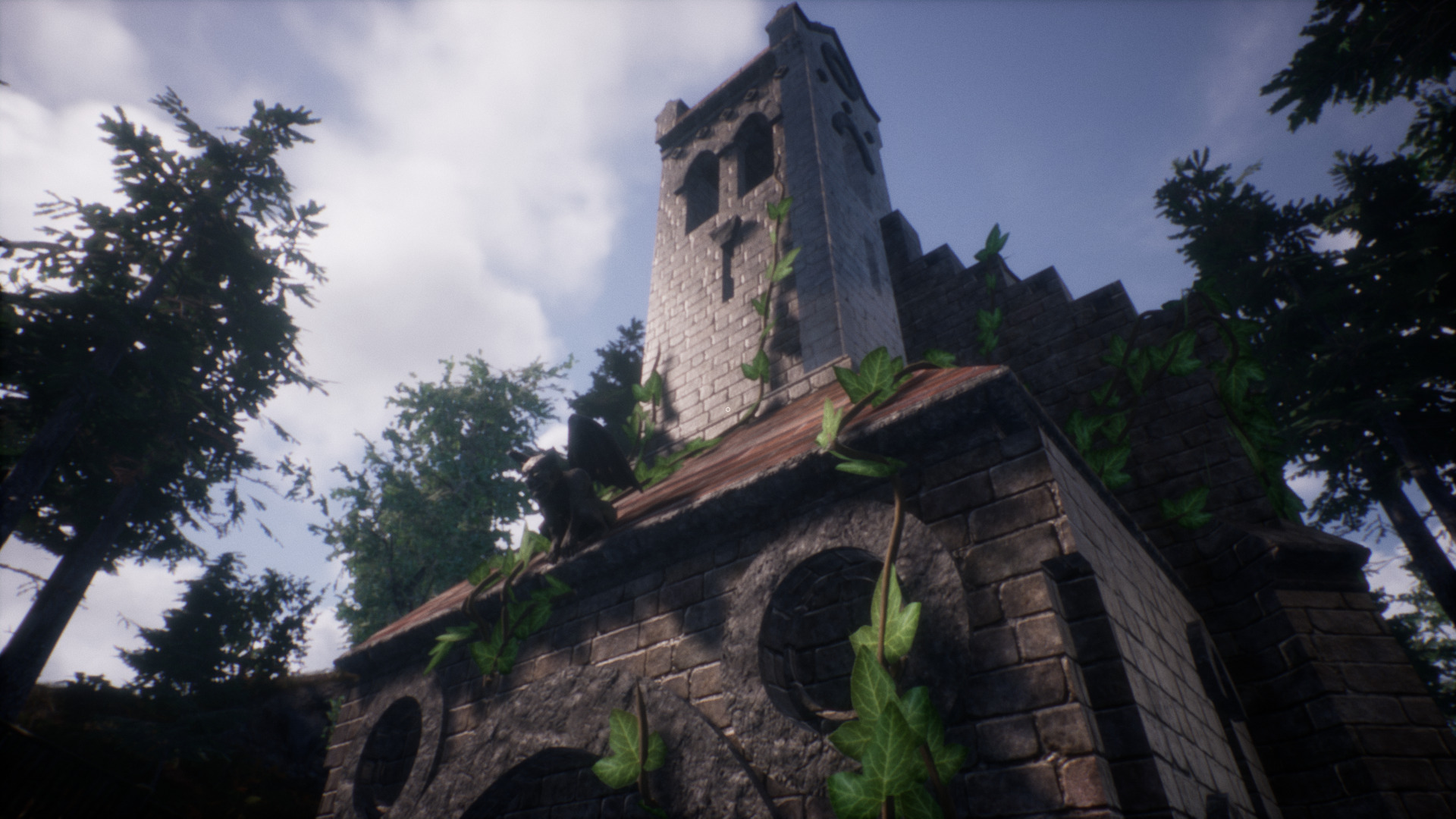
The Creation is an indie FPS with horror, fantasy and sci-fi elements. Begin exploring a forest after your car has broken down on the highway when you arrive at a mysterious church. After eating a few mushrooms everything starts to get very weird... next thing you know you are talking to fairies and shooting zombies in a mountain facility in another world.
What do you expect after eating mushrooms?
https://jivapeira.itch.io/the-creation
I was able to play The Creation in PlayOnLinux with stable Wine and never had any serious issues. In fact this indie game is surprisingly polished and optimized. Normally I have some stutters and frame rate issues, but not this time. Ran GREAT!
Specs:
Mint 20.1 64-bit
GeForce GTX 1060
Nvidia 470
PlayOnLinux 4.3.4
DXVK 1.9.1
 ...
...
What do you expect after eating mushrooms?
https://jivapeira.itch.io/the-creation
I was able to play The Creation in PlayOnLinux with stable Wine and never had any serious issues. In fact this indie game is surprisingly polished and optimized. Normally I have some stutters and frame rate issues, but not this time. Ran GREAT!
Specs:
Mint 20.1 64-bit
GeForce GTX 1060
Nvidia 470
PlayOnLinux 4.3.4
DXVK 1.9.1
Wolfenstein New Order in PlayOnLinux
Aug 13
- 2,744
- 0
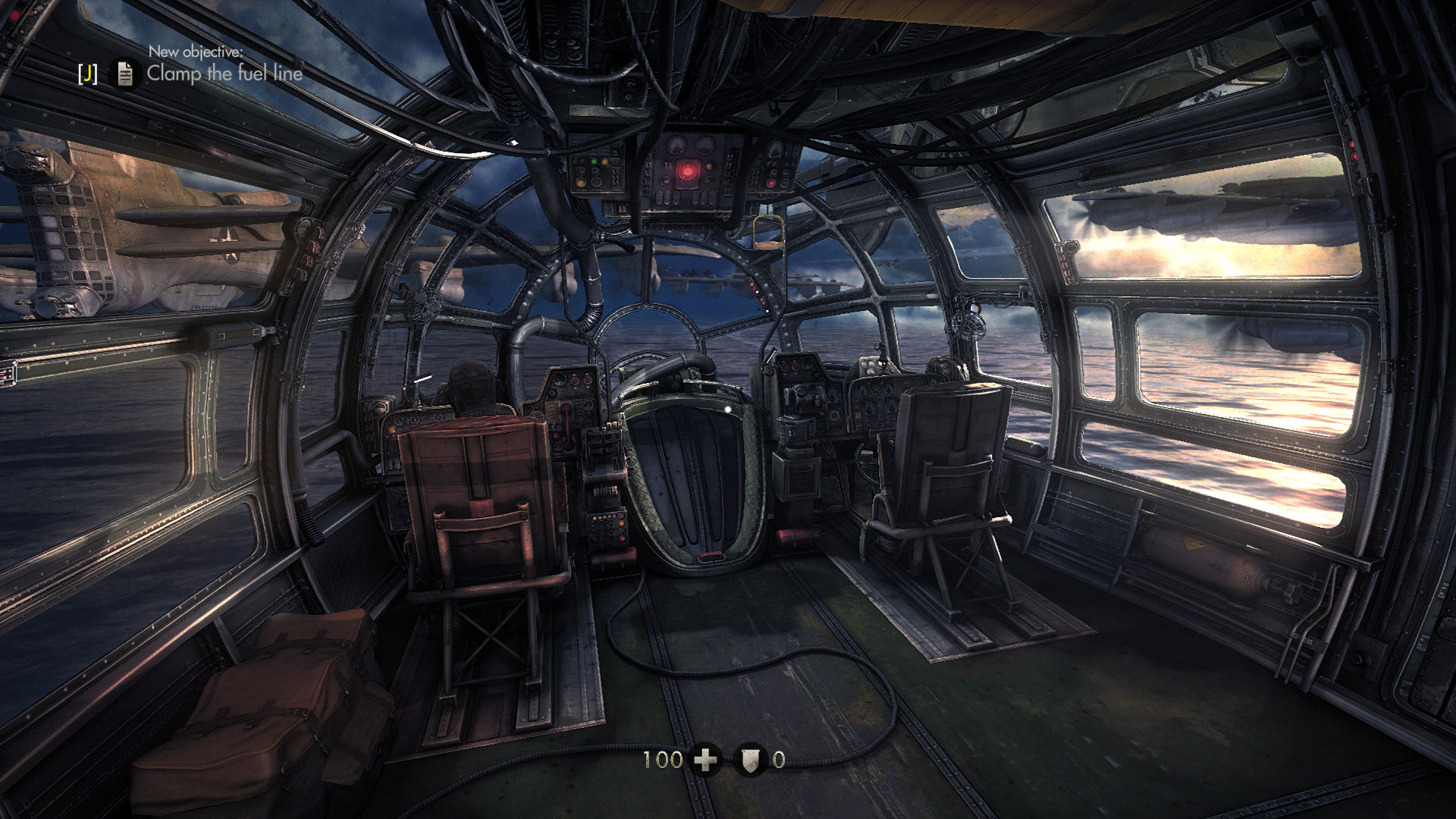
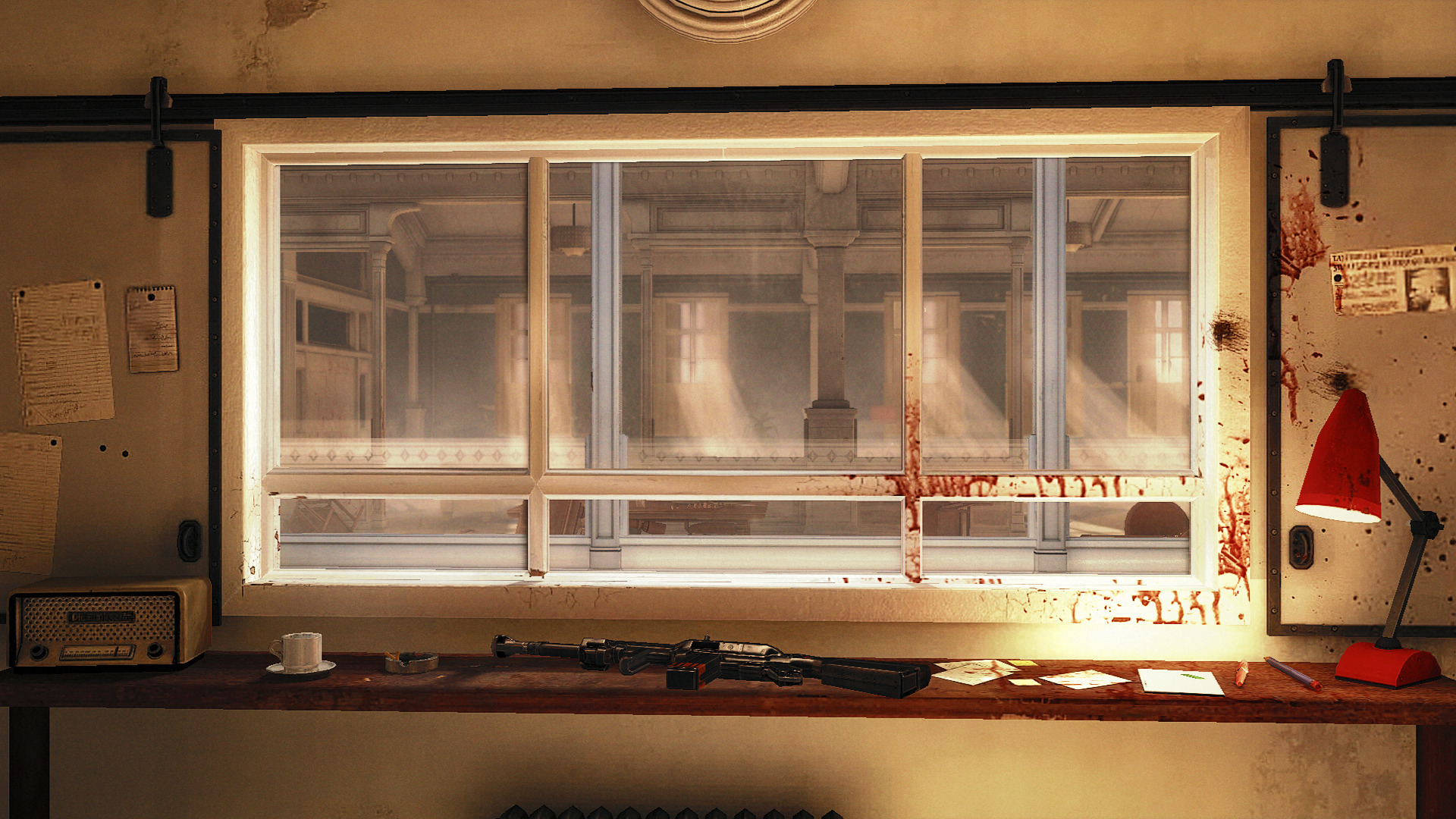
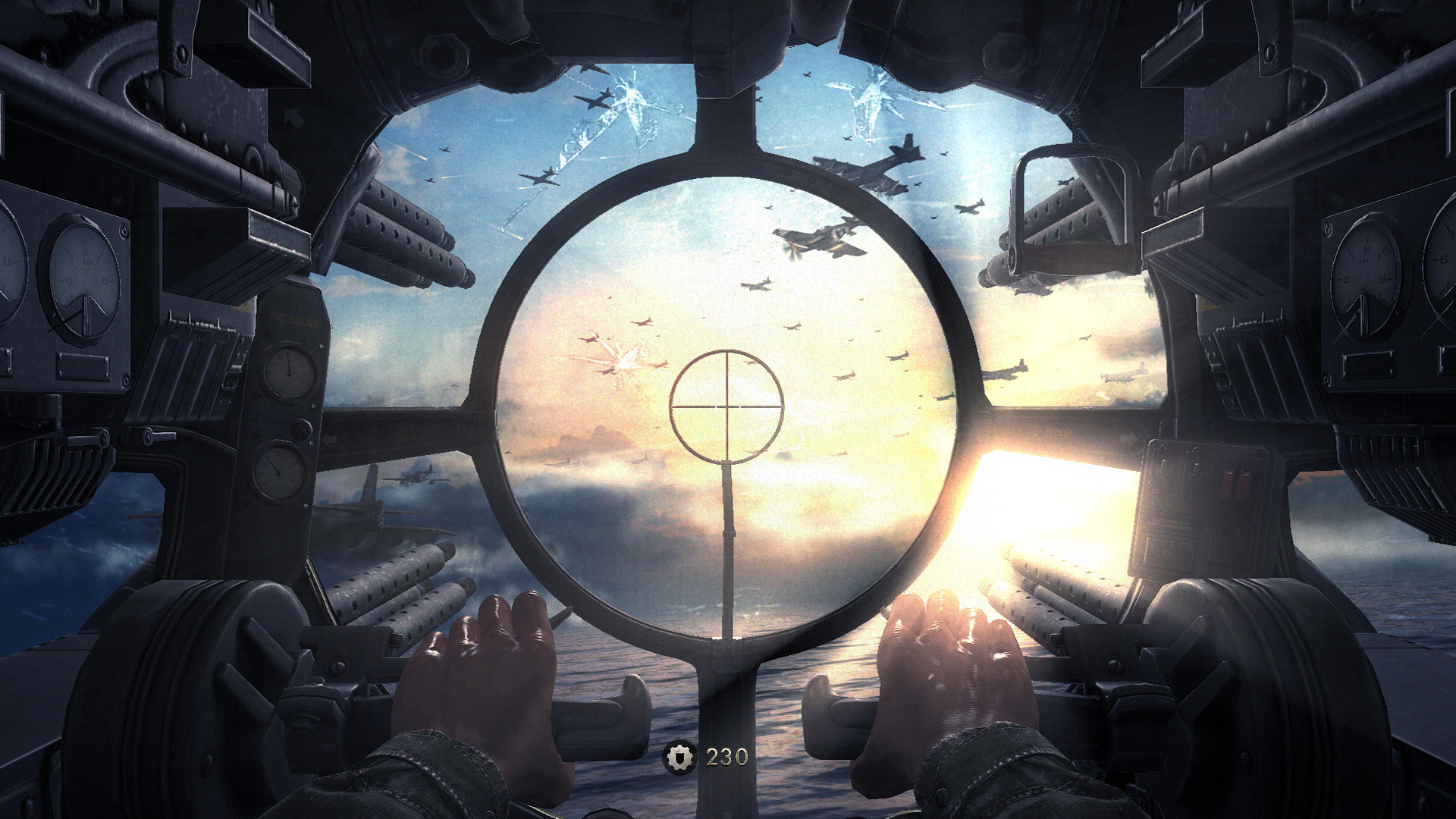
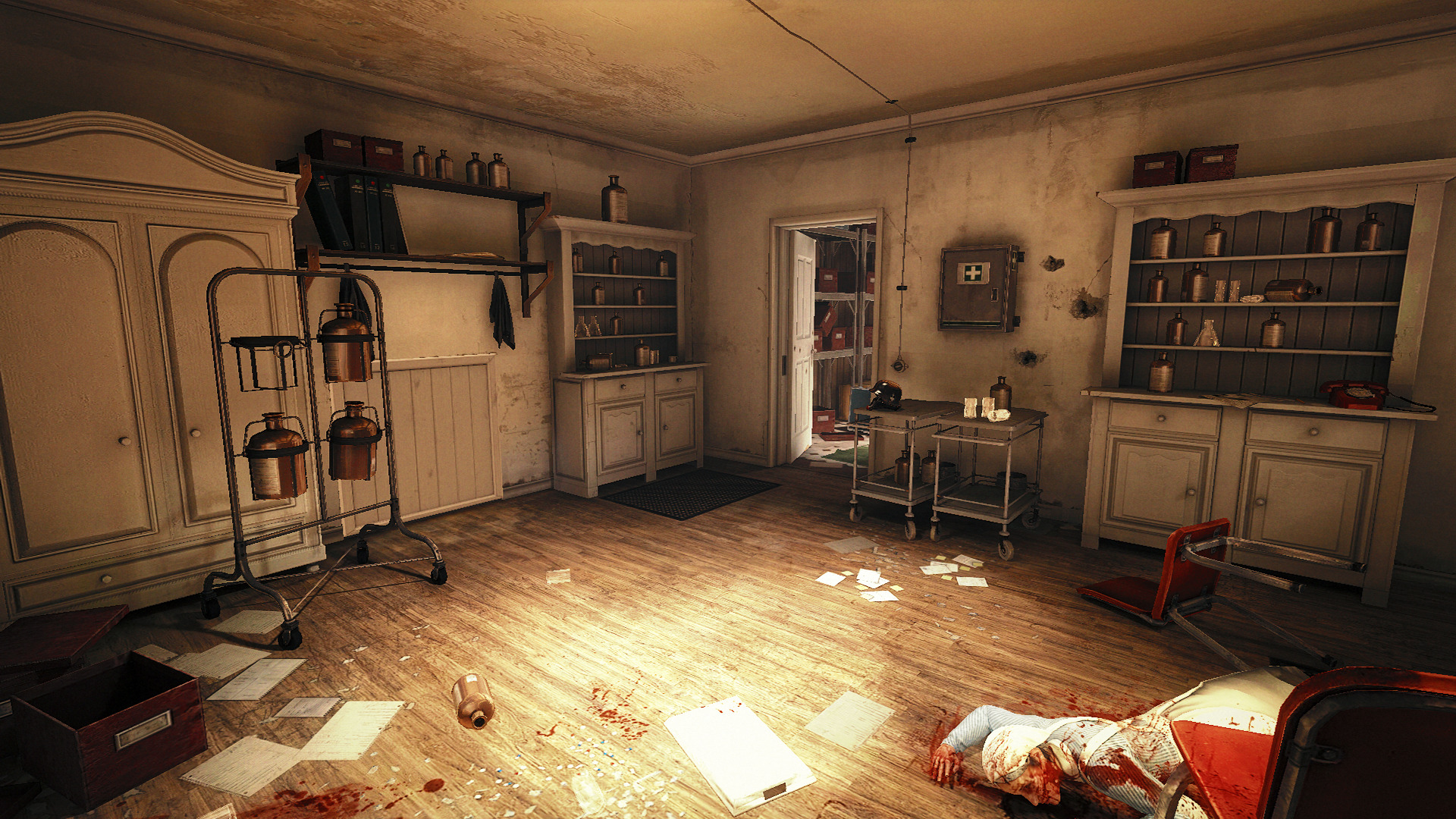
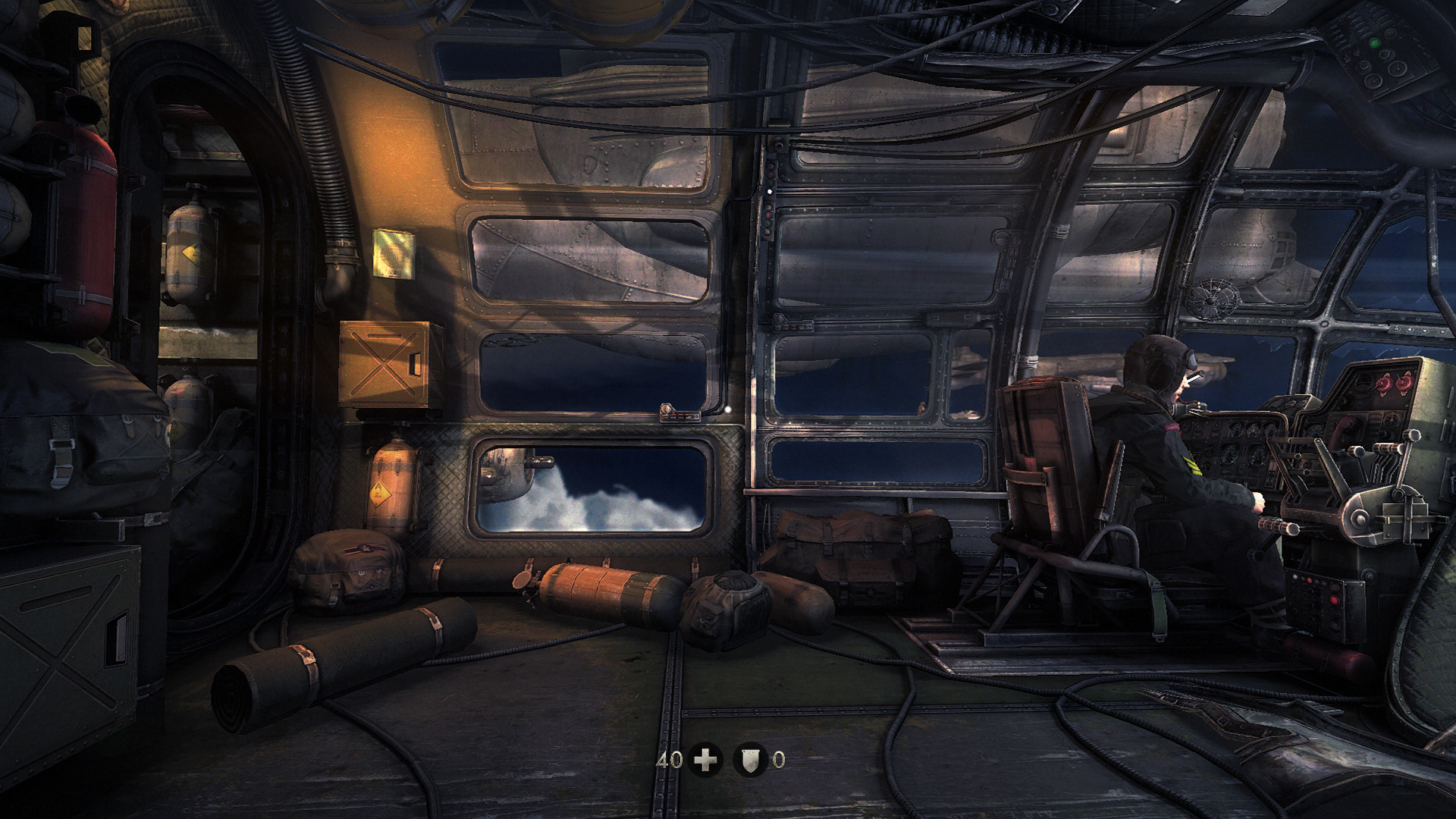
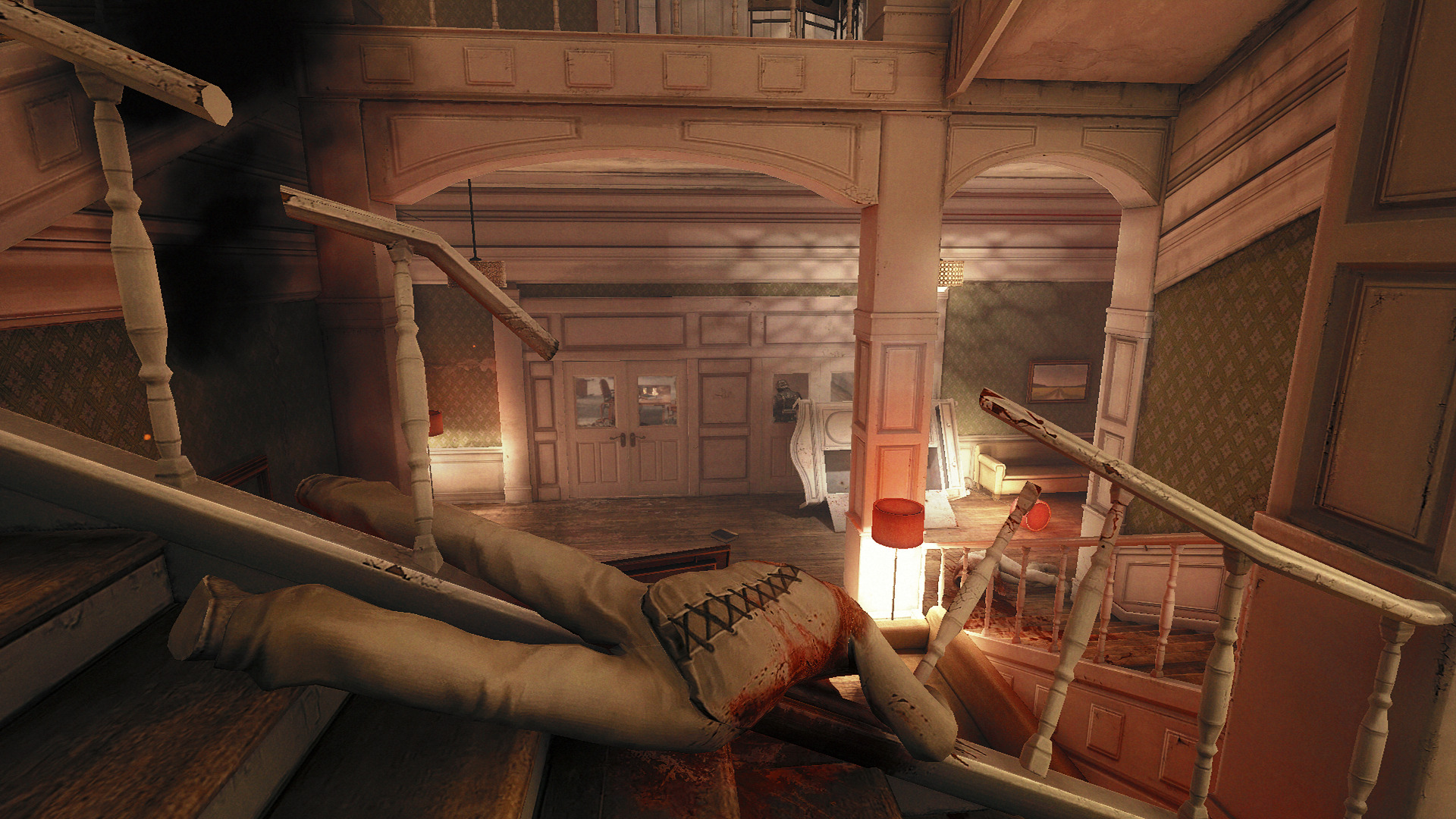
Return to Castle Wolfenstein as Blazkowicz again, but this time with stunning visuals, new electrifying weapons and enemies... Defeat the Nazi order and walk into the sunset... Wait no! That not what happens... after storming the castle you wake up in an asylum in 1960. Nazi Germany has won!
I tested the GOG version of Wolfenstein New Order in PlayOnLinux and surprisingly runs perfect with stable Wine 6.0 64-bit. I added the standard overrides and vcrun2019. It started up perfectly, cutscenes work and the frame rate is beautiful! I cranked almost everything up to high and my GeForce GTX 1060 handles it nicely.
Reports on protondb.com are equally the same!
Specs:
Mint 20.1 64-bit
GeForce GTX 1060
Nvidia 460
PlayOnLinux 4.3.4
Wine 6.0 64-bit
DXVK 1.9.1
 ...
...
I tested the GOG version of Wolfenstein New Order in PlayOnLinux and surprisingly runs perfect with stable Wine 6.0 64-bit. I added the standard overrides and vcrun2019. It started up perfectly, cutscenes work and the frame rate is beautiful! I cranked almost everything up to high and my GeForce GTX 1060 handles it nicely.
Reports on protondb.com are equally the same!
Specs:
Mint 20.1 64-bit
GeForce GTX 1060
Nvidia 460
PlayOnLinux 4.3.4
Wine 6.0 64-bit
DXVK 1.9.1
Stellar Overload in Linux
Aug 09
- 4,067
- 0
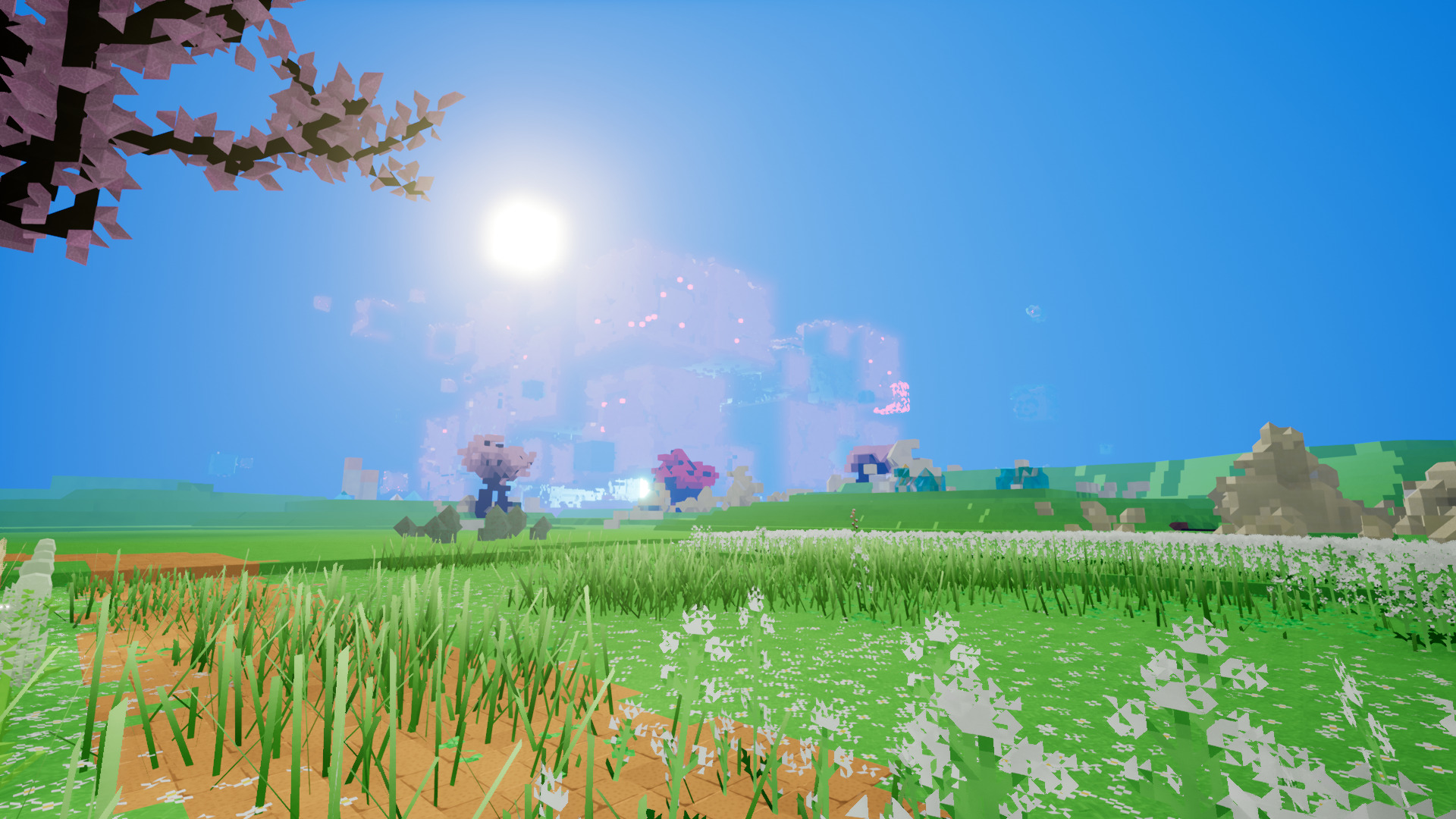
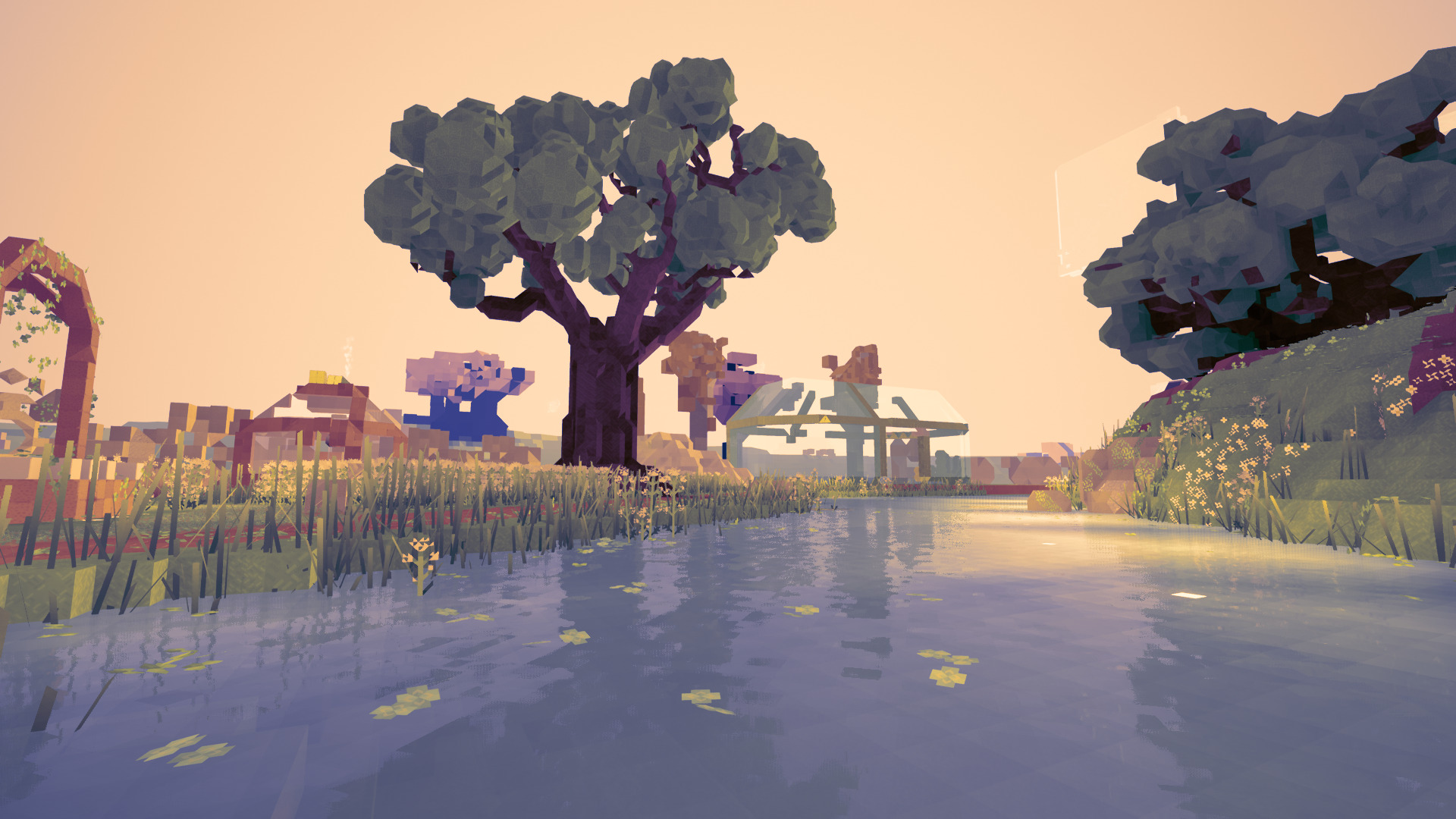
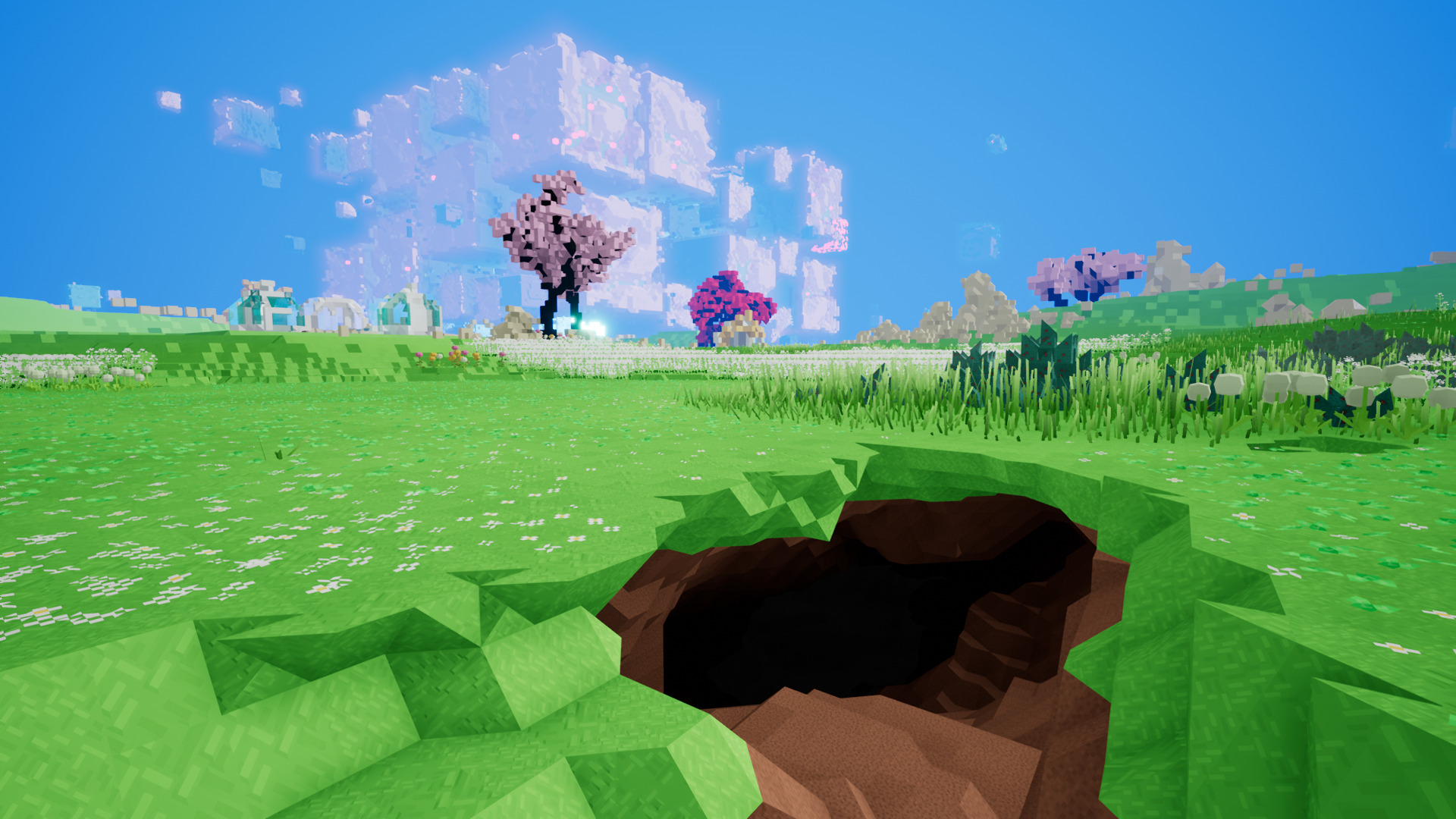
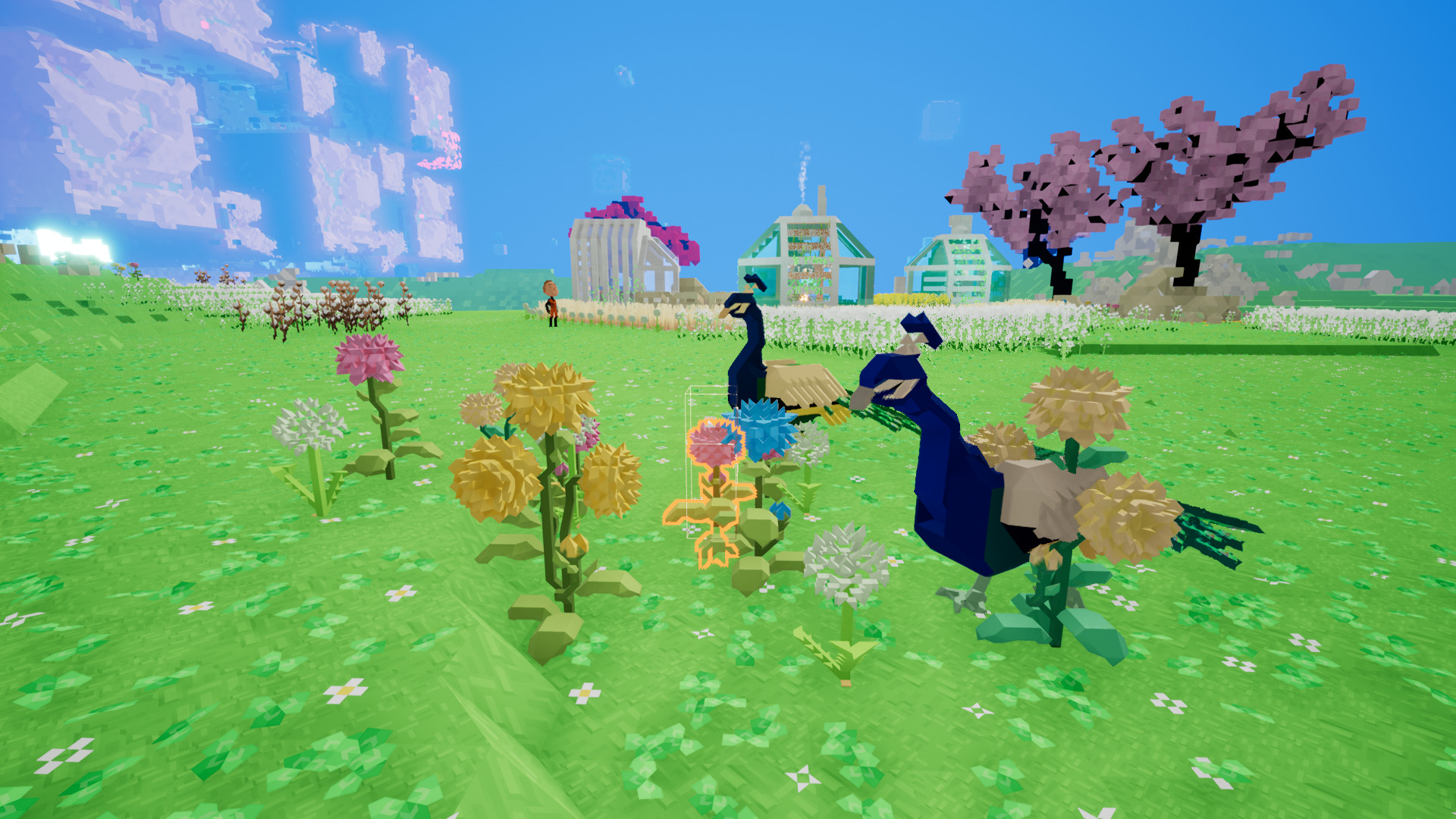
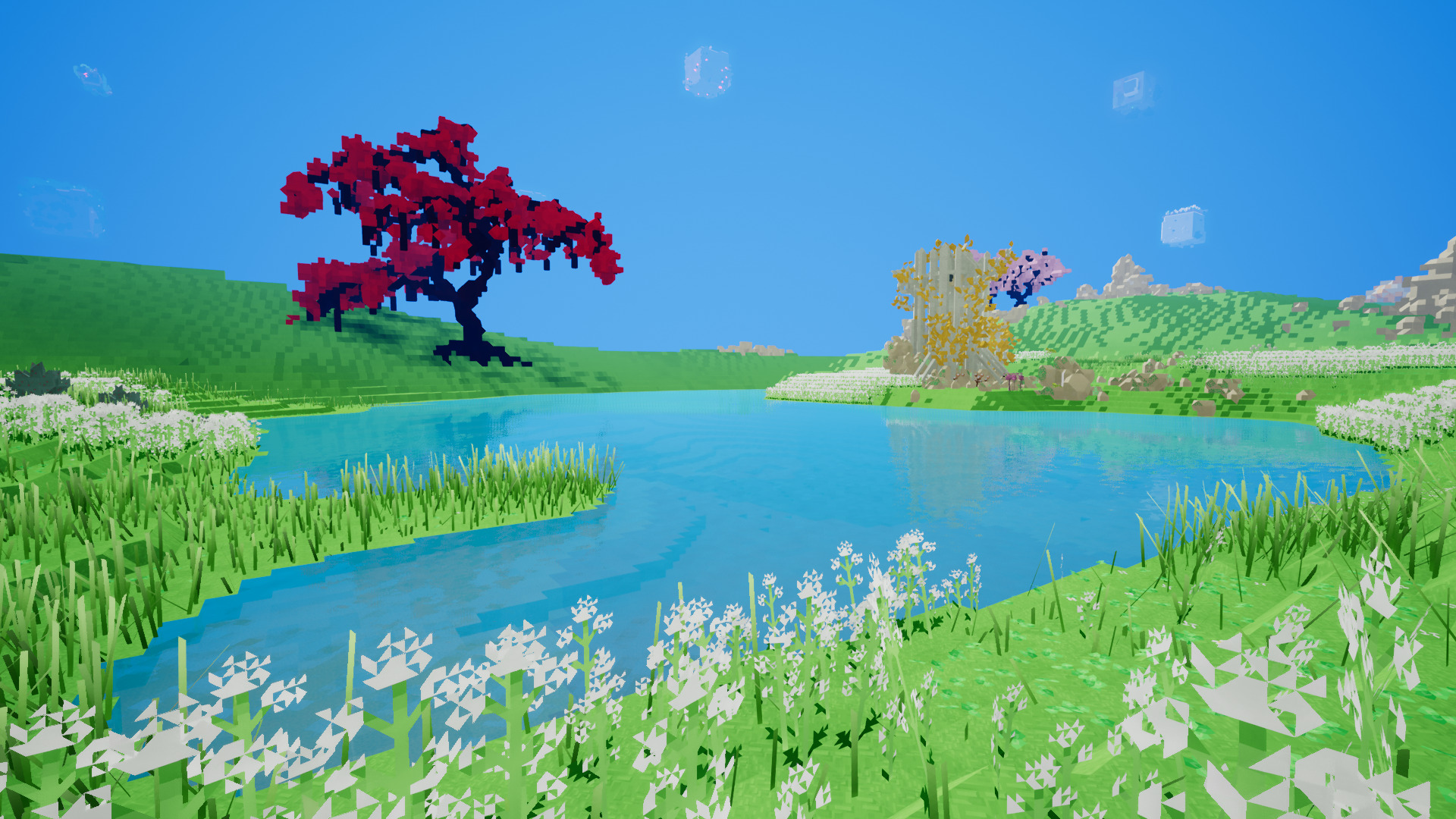
Stellar Overload is a crafting, harvesting, story-based action game in the same vein of Minecraft. Each planet is a massive cube and gravity falls according to each side of the cube. Find your brother in the resistance, mine for resources to craft your weapons, protect the colonies from the evil robots and build your own structures.
https://store.steampowered.com/app/397150/Stellar_Overload/
Sadly Cubical Drift left this game in eternal beta. It is a crowdfunded game with some epic goals, one of which is a Linux version. I was able to play natively in Linux without any issues. I could crank up the graphics and view distance to almost high and play with a decent frame rate. Too bad its no longer for sale on Steam.
Specs:
Mint 20.1 64-bit
GeForce GTX 1060
Nvidia 460
 ...
...
https://store.steampowered.com/app/397150/Stellar_Overload/
Sadly Cubical Drift left this game in eternal beta. It is a crowdfunded game with some epic goals, one of which is a Linux version. I was able to play natively in Linux without any issues. I could crank up the graphics and view distance to almost high and play with a decent frame rate. Too bad its no longer for sale on Steam.
Specs:
Mint 20.1 64-bit
GeForce GTX 1060
Nvidia 460
Brutal Heretic RPG 3D in PlayOnLinux
May 15
- 4,421
- 0
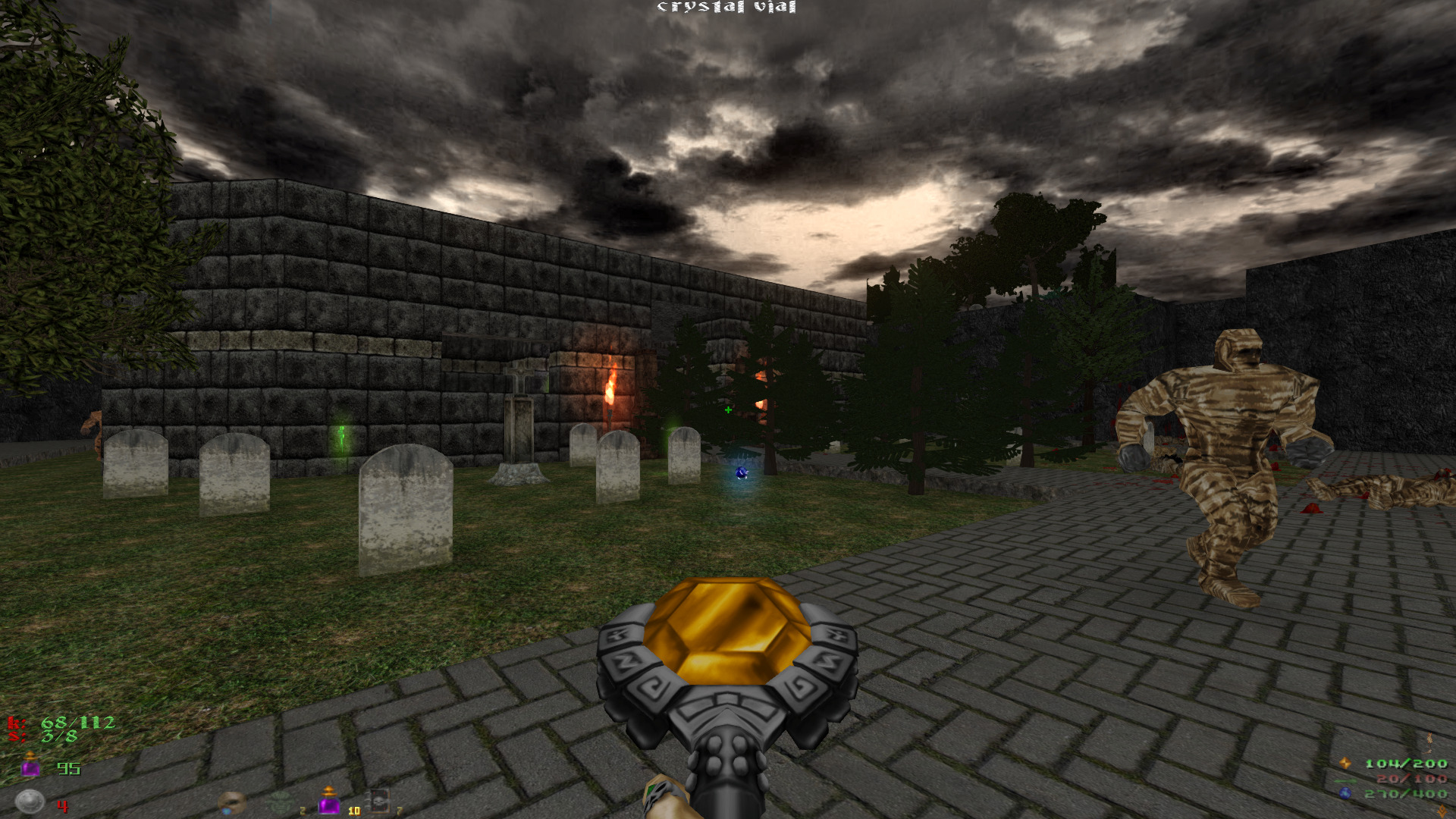
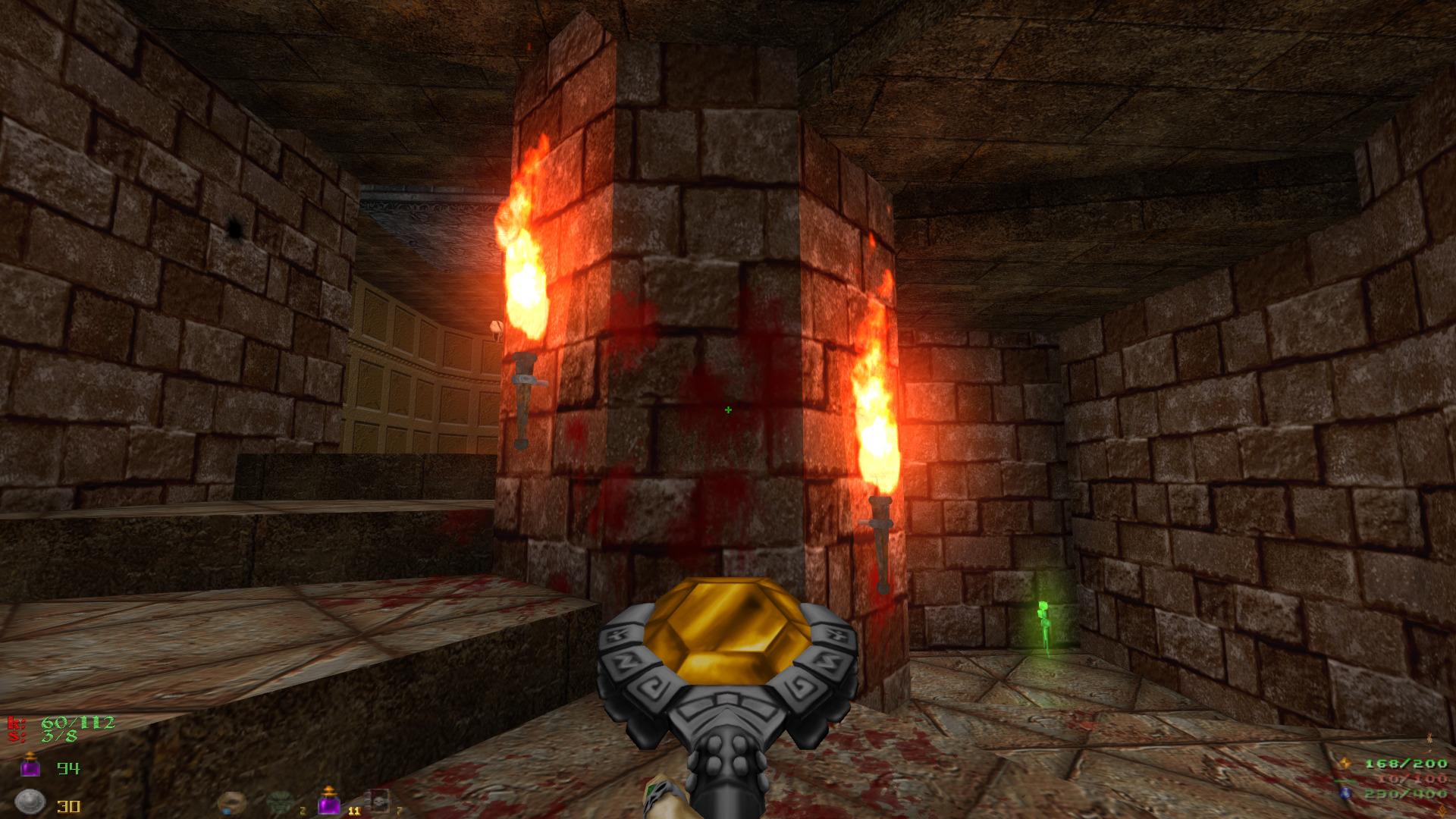
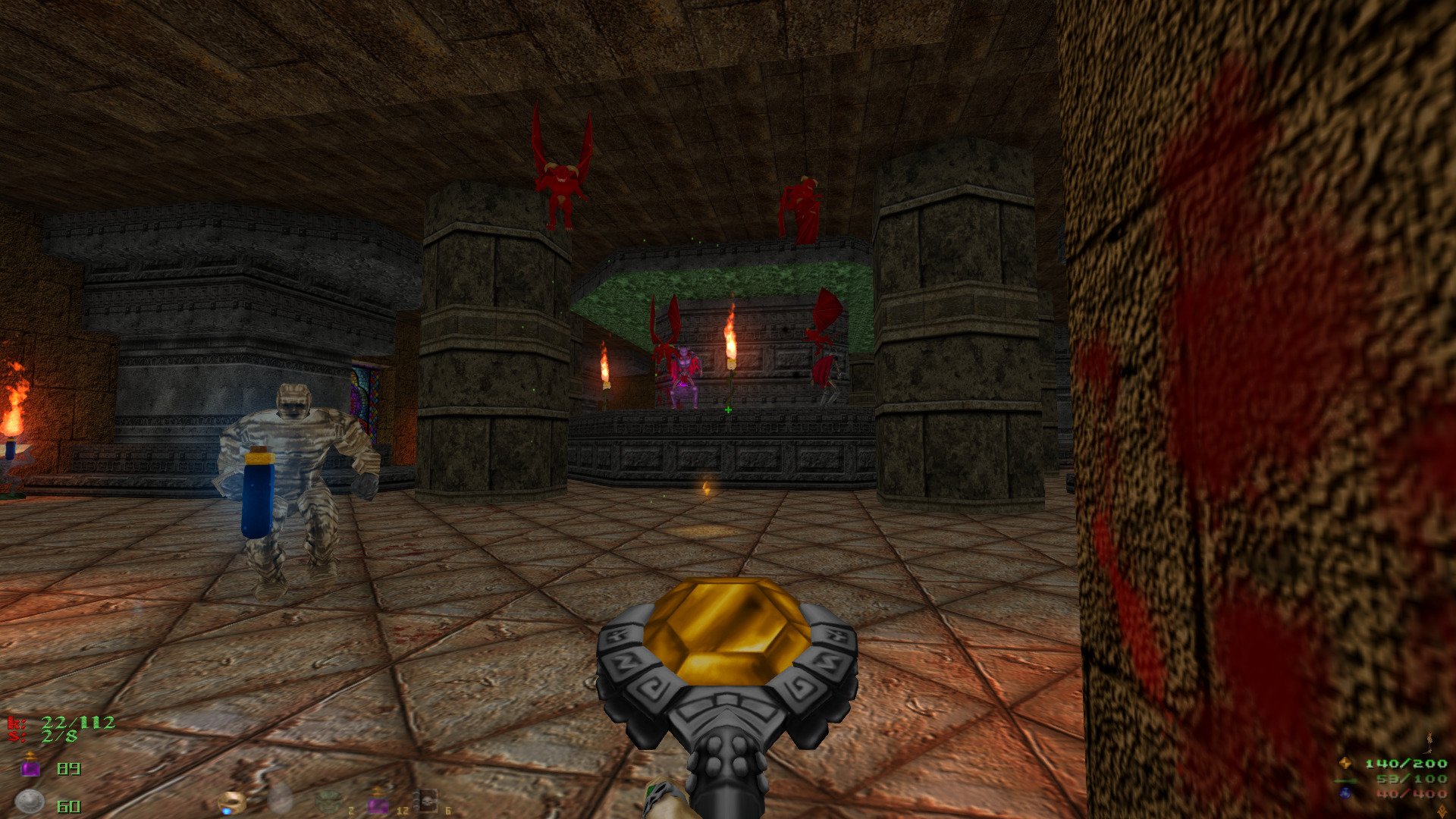
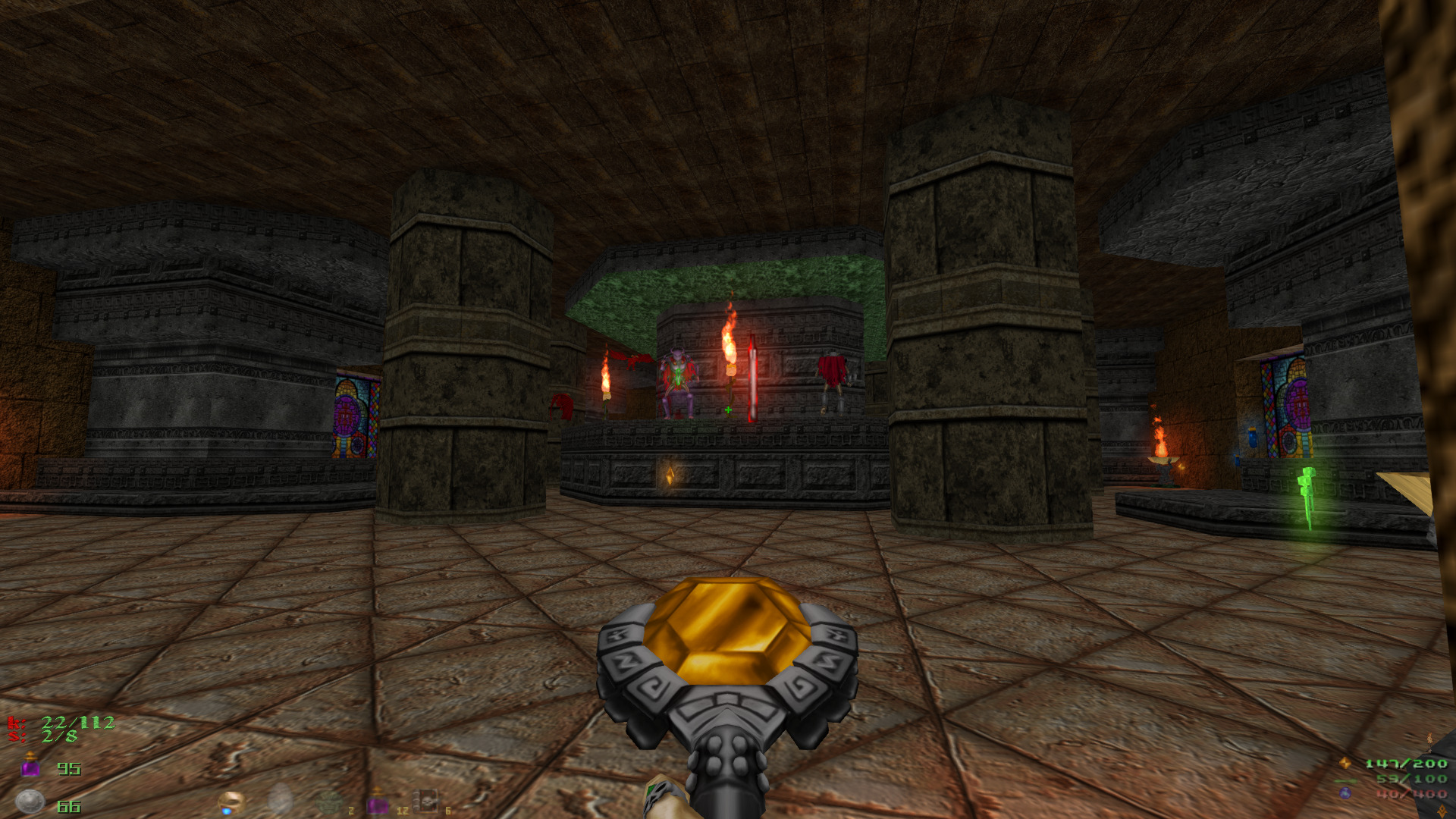
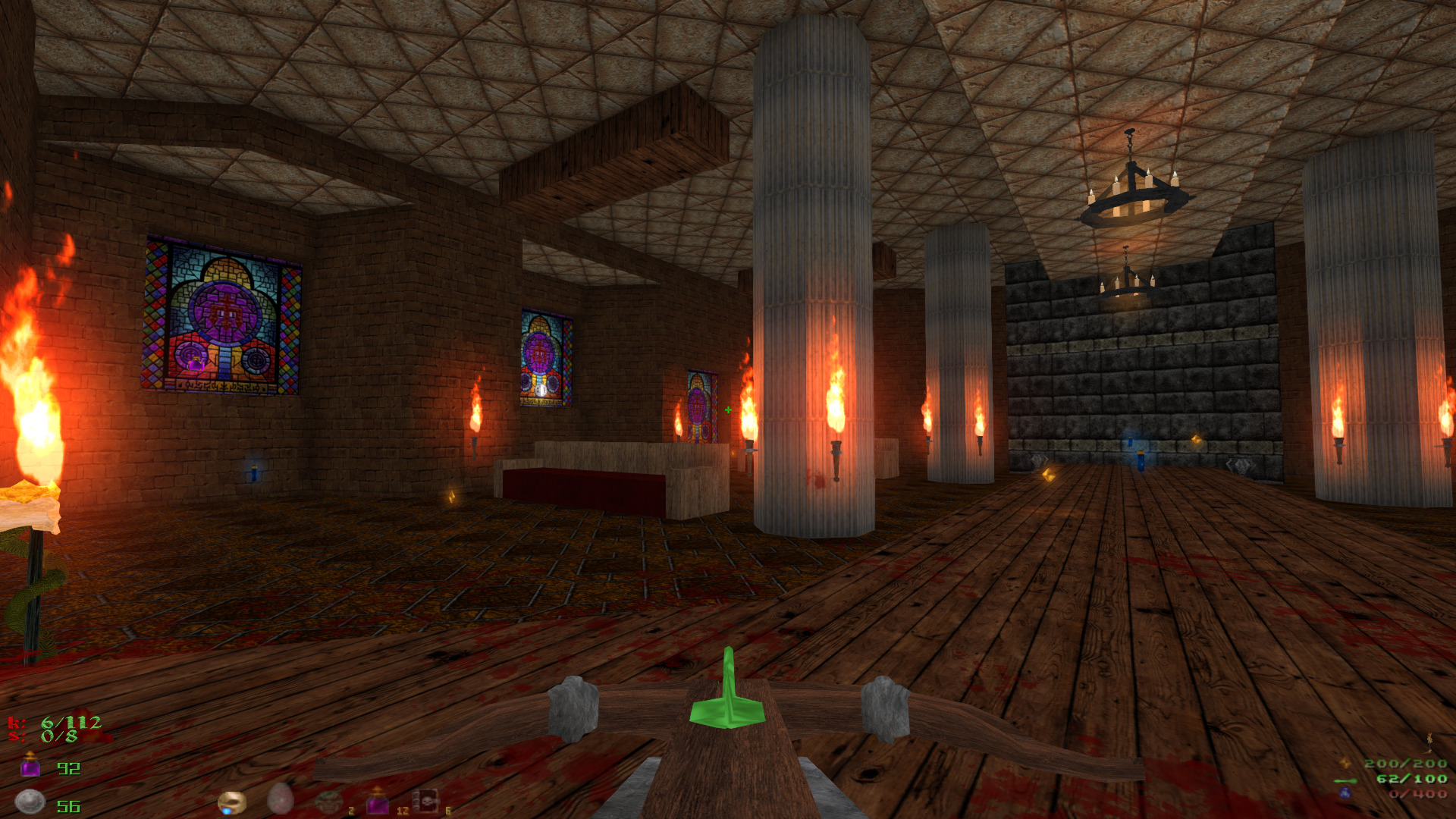
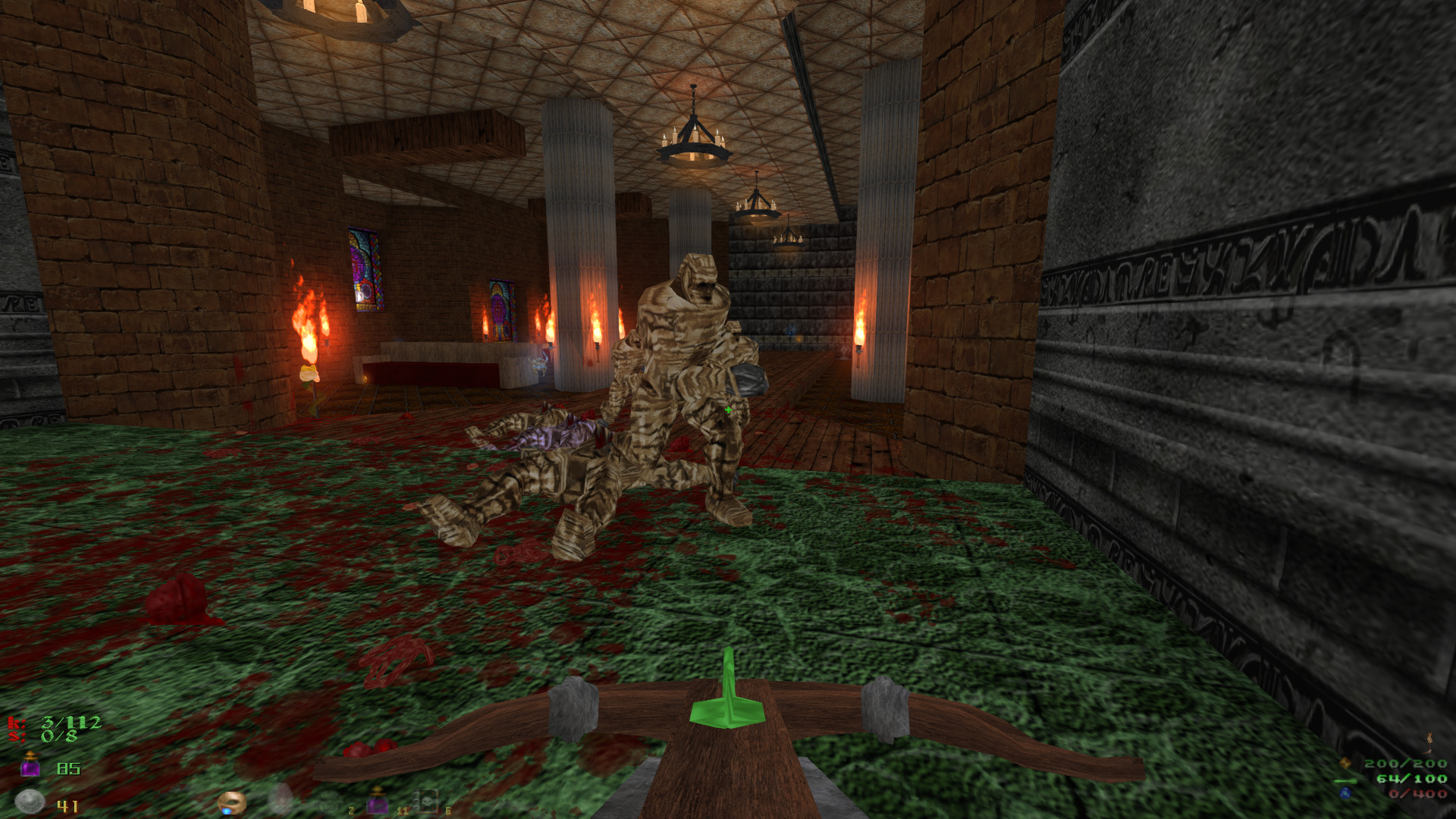
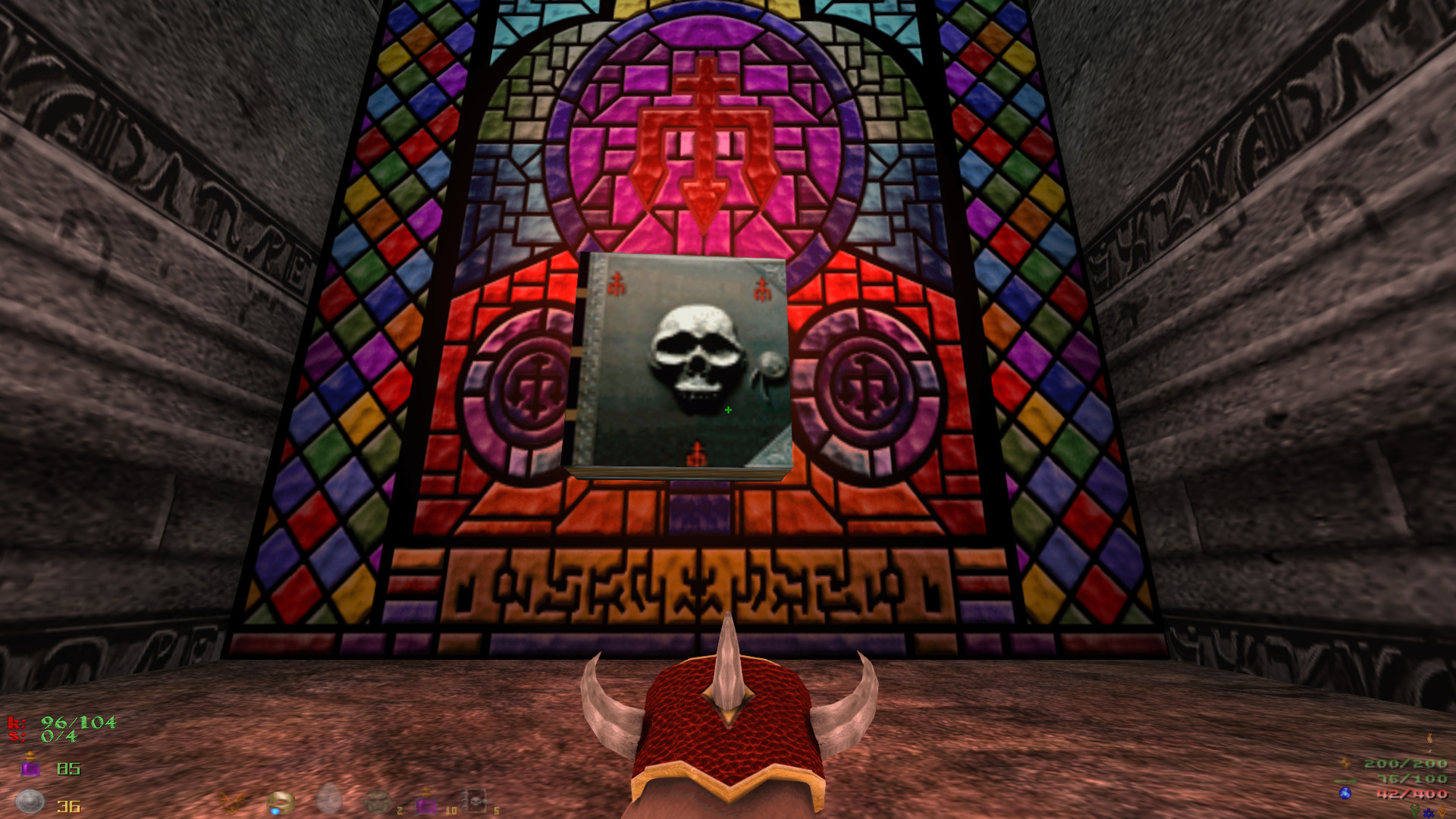
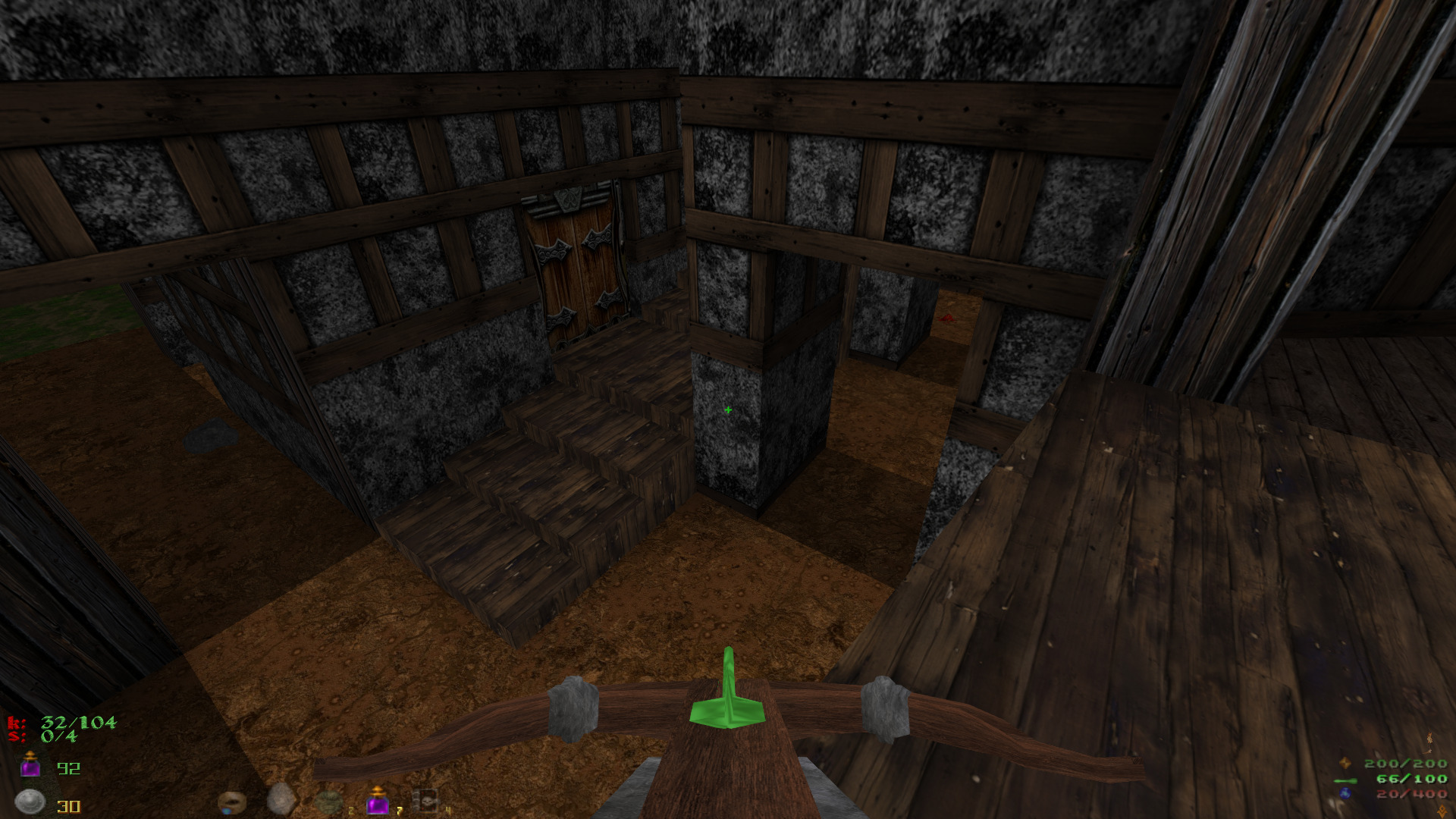
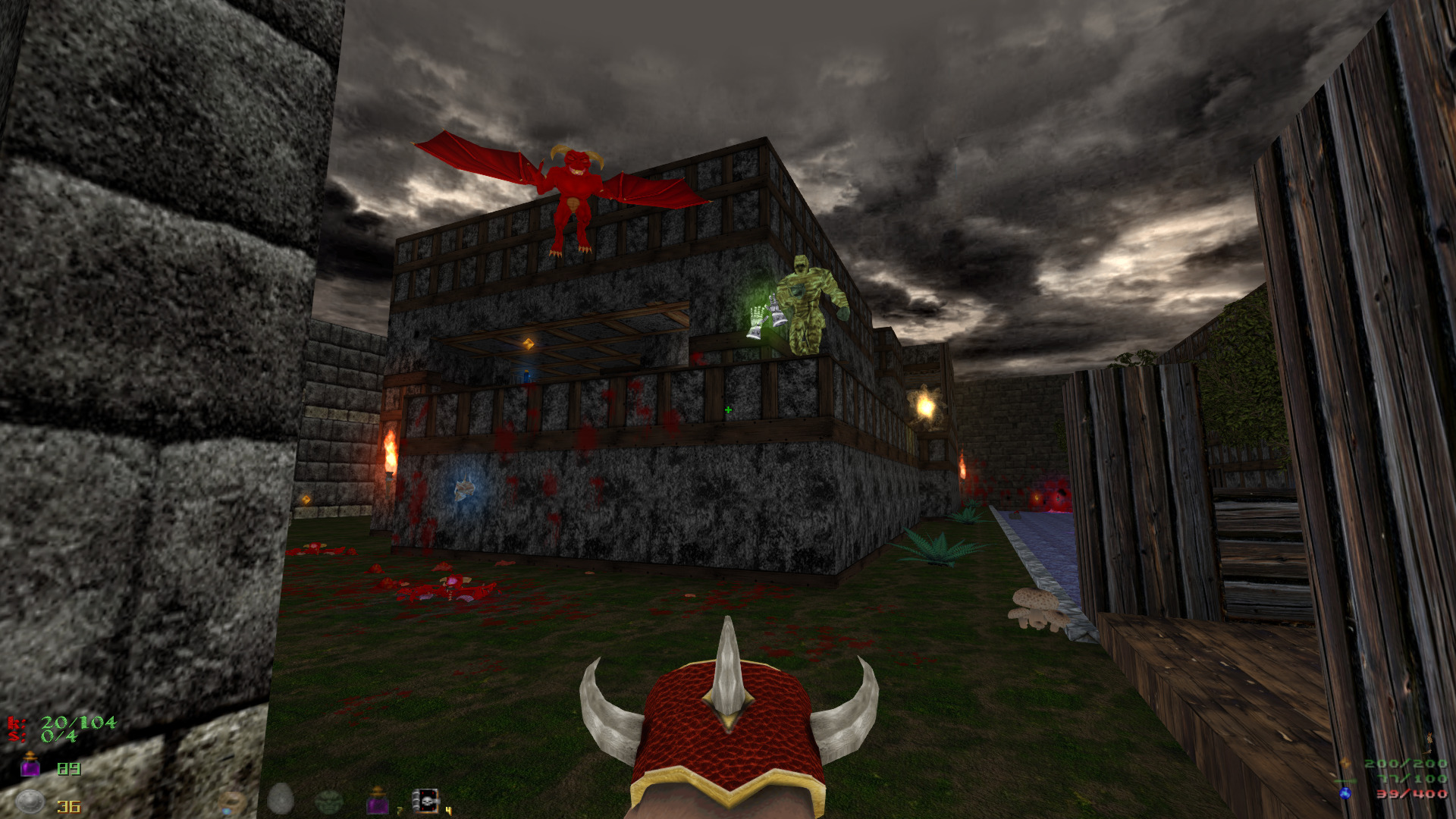
Ever wanted to play Heretic in widescreen, HD textures and fully 3D modeled monsters?
Now You can!
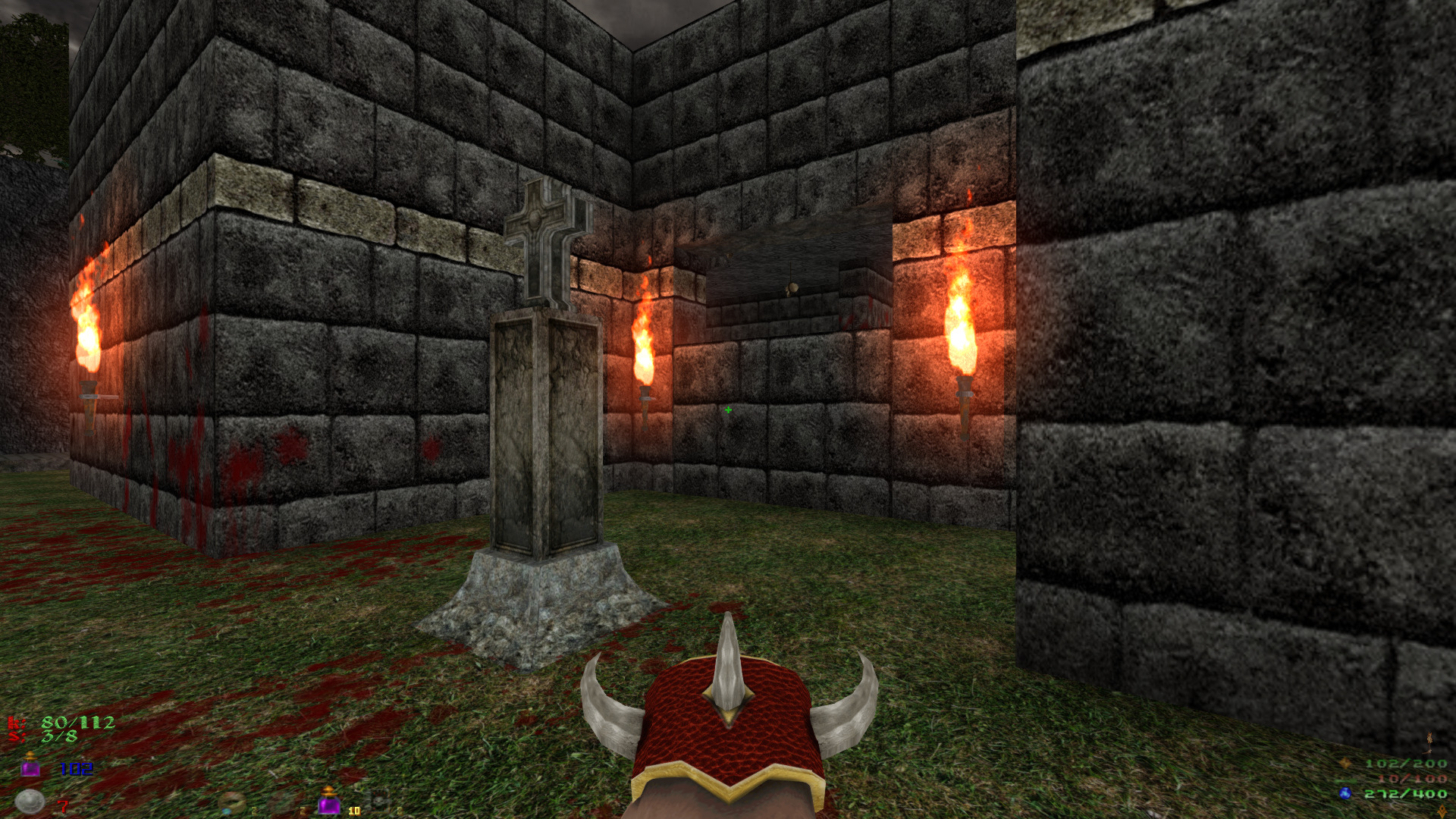
Someone actually developed 3D models and assets to run in GZDoom with all the HD settings for your modern FPS needs!
Brutal Heretic RPG HD 3D
https://drive.google.com/file/d/12EwLZQuHyBHJcJJkQX_DGow98ZApgB62
Download at your own risk!
I tried running the mod in Linux GZDoom but couldn't get it to run, but running it in PlayOnLinux with Wine works perfectly on my GeForce GTX 1060! I didn't have any performance issues or anything... just ran great!
Specs:
Mint 20.1 64-bit
GeForce GTX 1060
Nvidia 460
PlayOnLinux 4.3.4
Wine 6.0 64-bit
 ...
...
Now You can!
Someone actually developed 3D models and assets to run in GZDoom with all the HD settings for your modern FPS needs!
Brutal Heretic RPG HD 3D
https://drive.google.com/file/d/12EwLZQuHyBHJcJJkQX_DGow98ZApgB62
Download at your own risk!
I tried running the mod in Linux GZDoom but couldn't get it to run, but running it in PlayOnLinux with Wine works perfectly on my GeForce GTX 1060! I didn't have any performance issues or anything... just ran great!
Specs:
Mint 20.1 64-bit
GeForce GTX 1060
Nvidia 460
PlayOnLinux 4.3.4
Wine 6.0 64-bit
O.V.N.I Abduction in PlayOnLinux
Apr 08
- 3,351
- 0
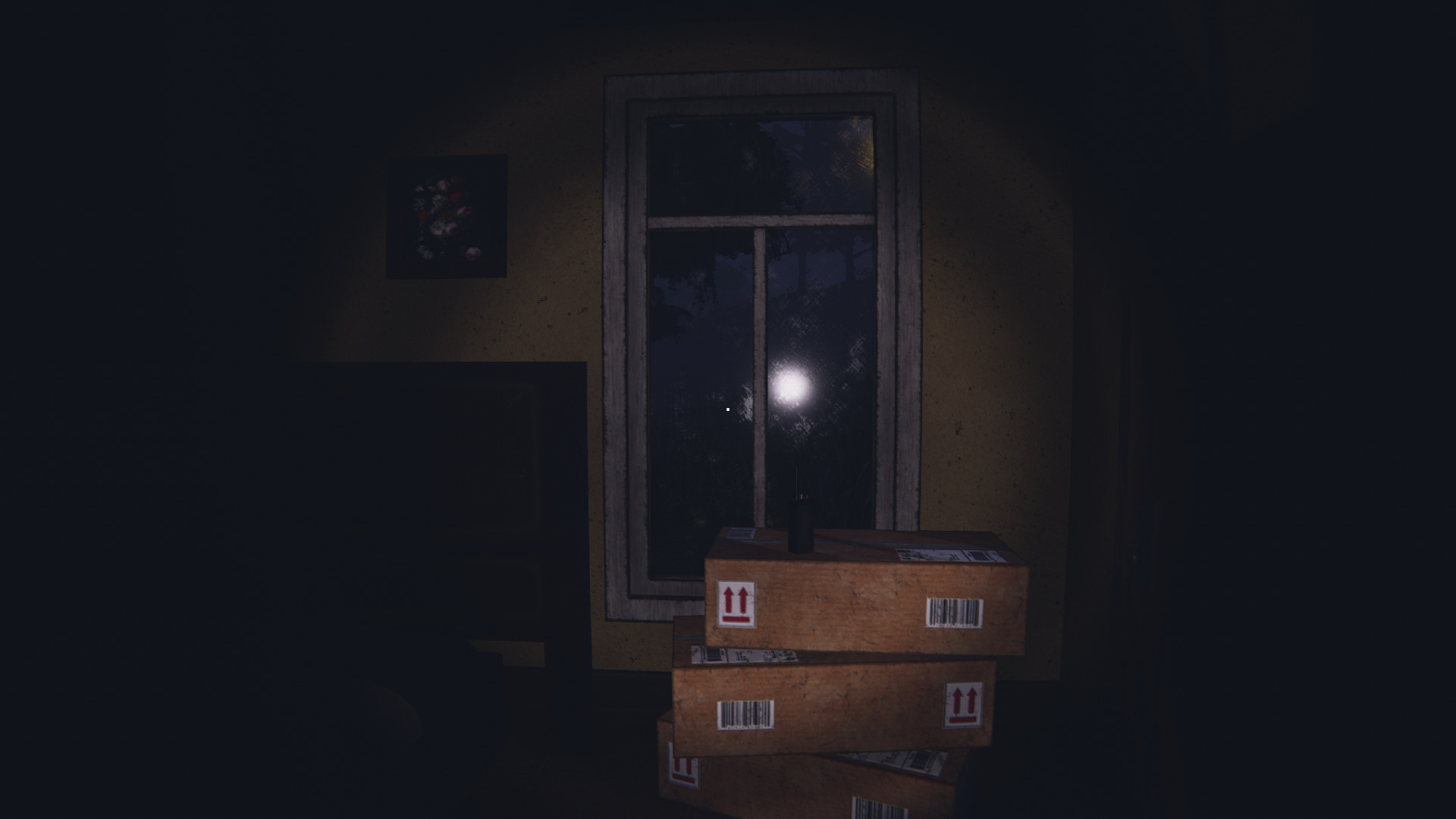
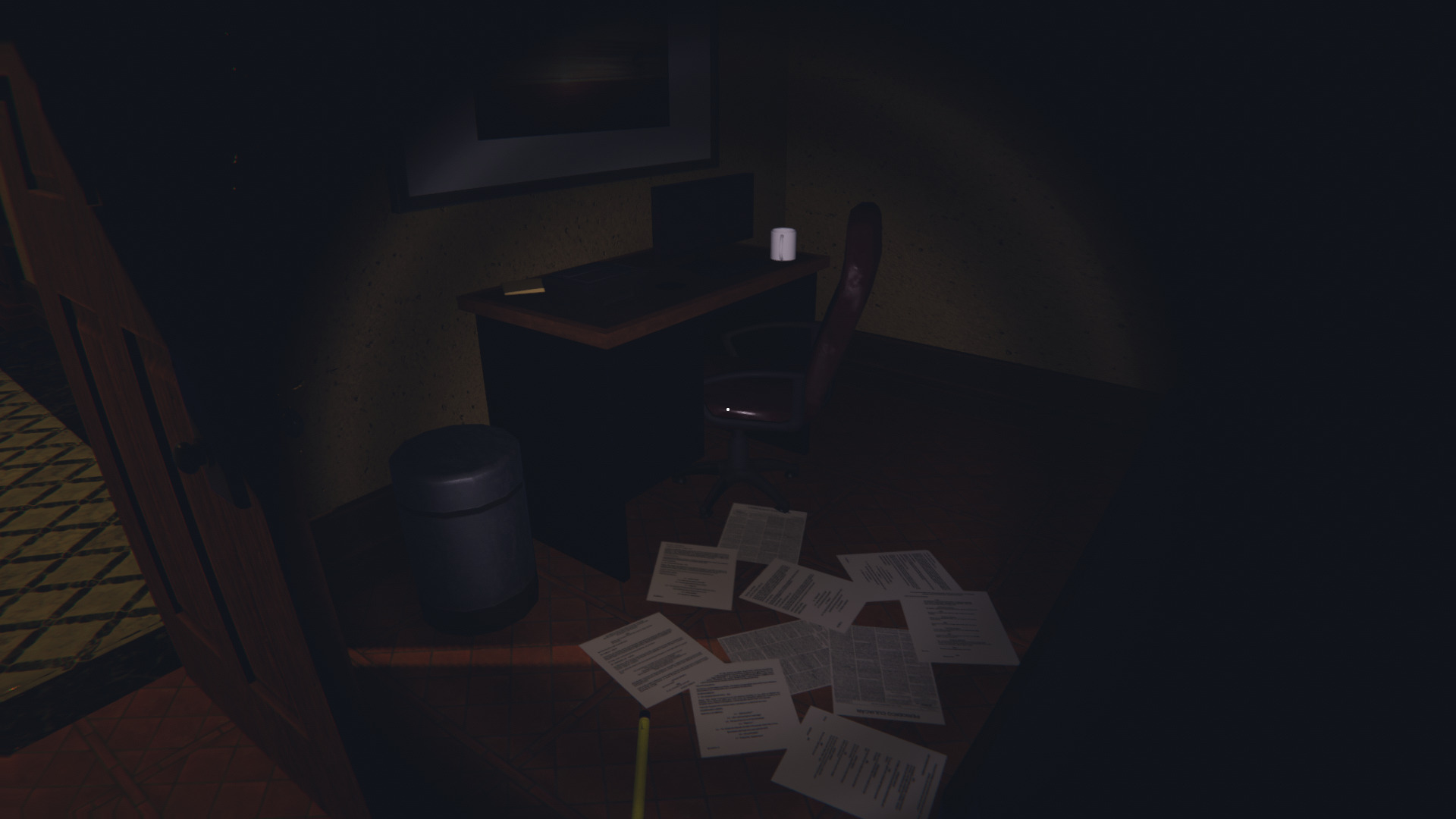
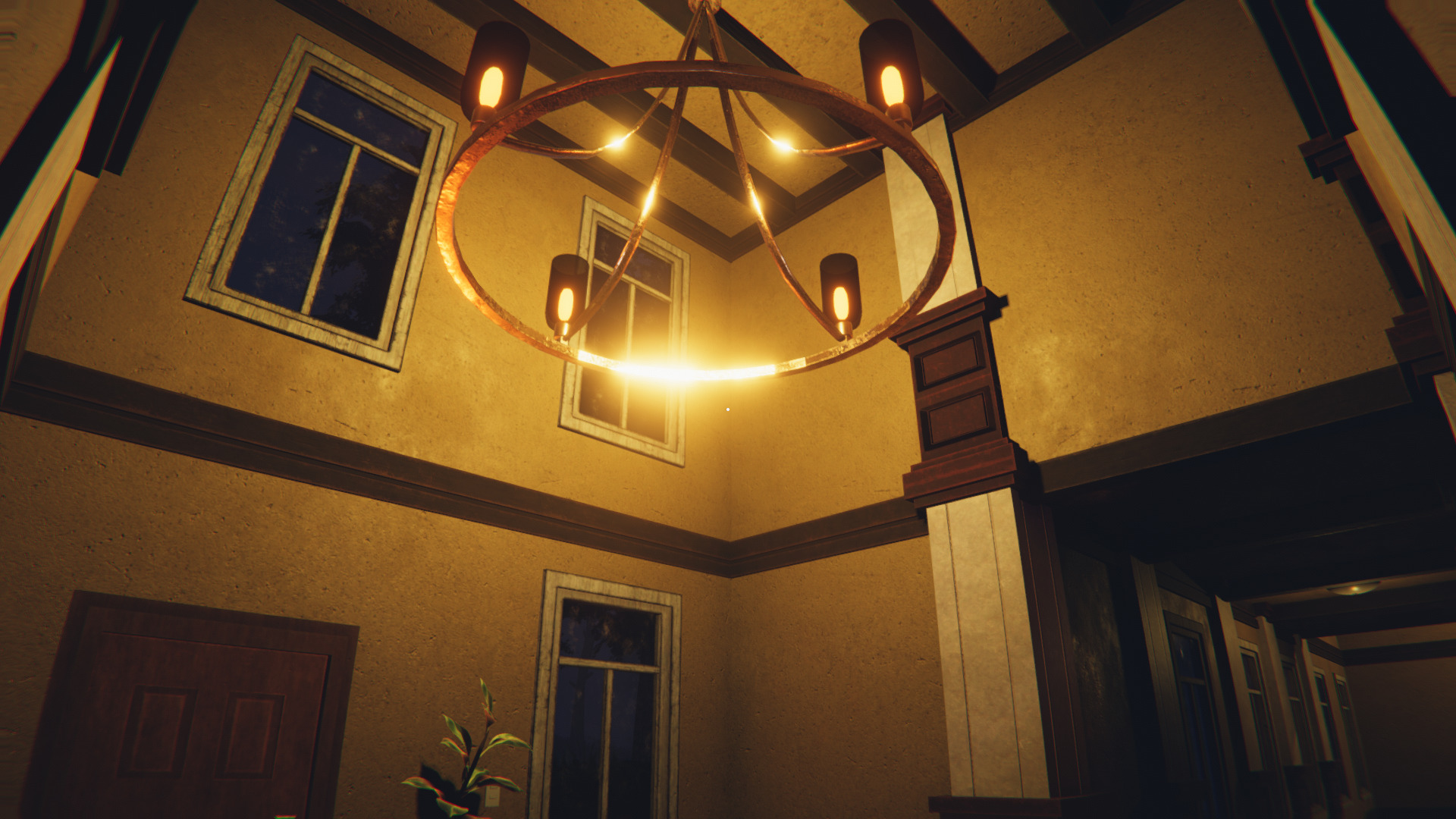
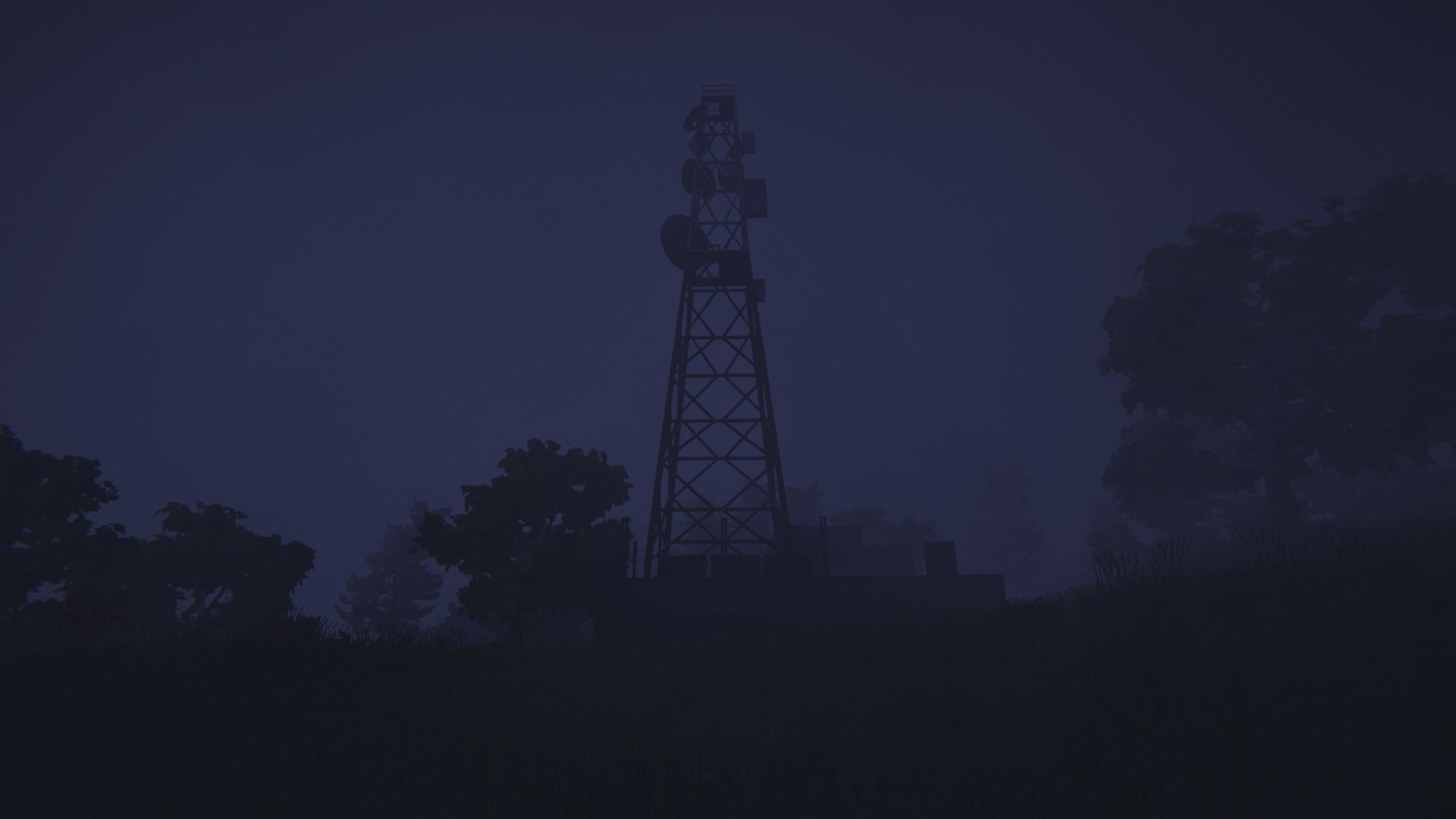
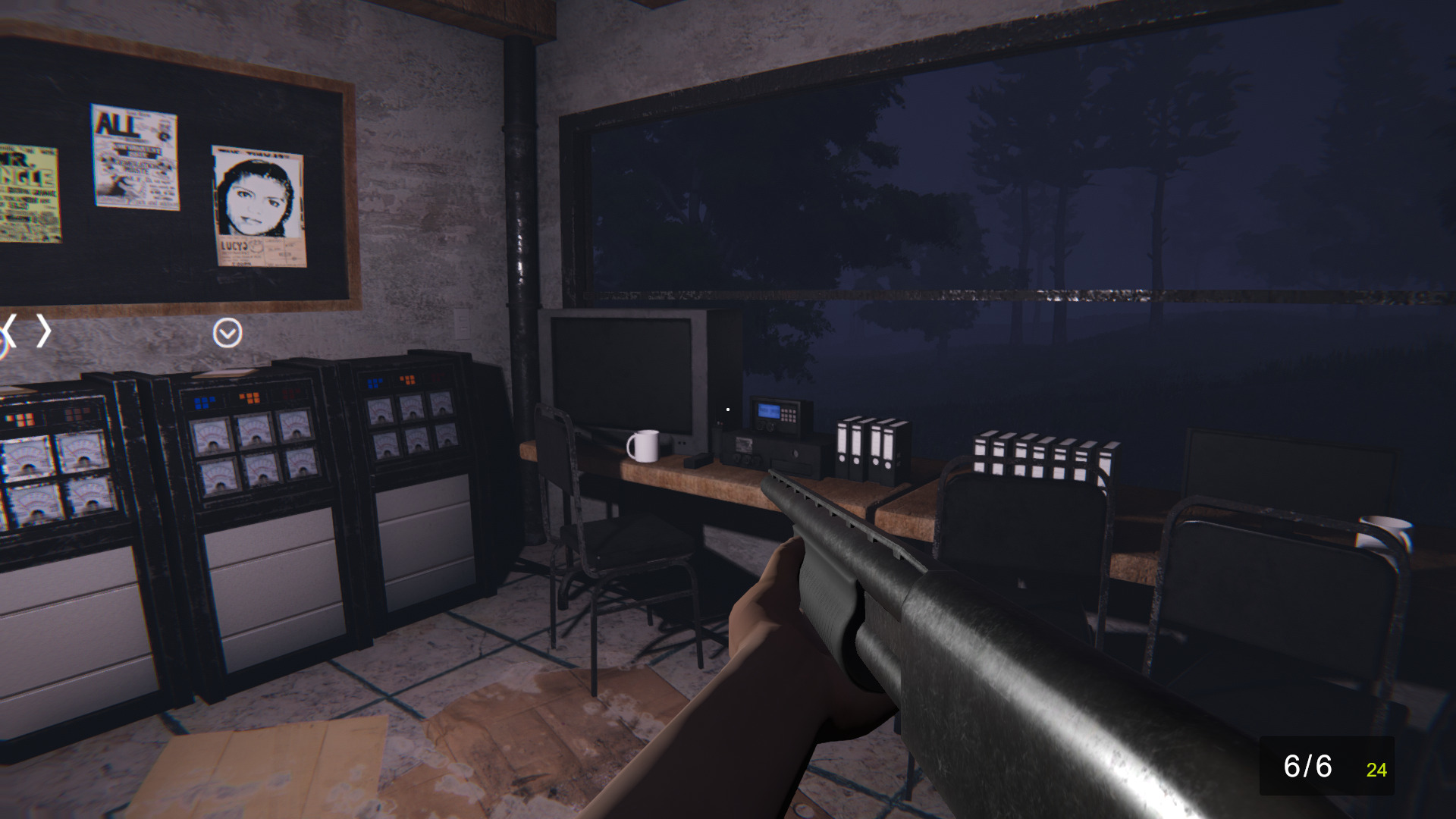
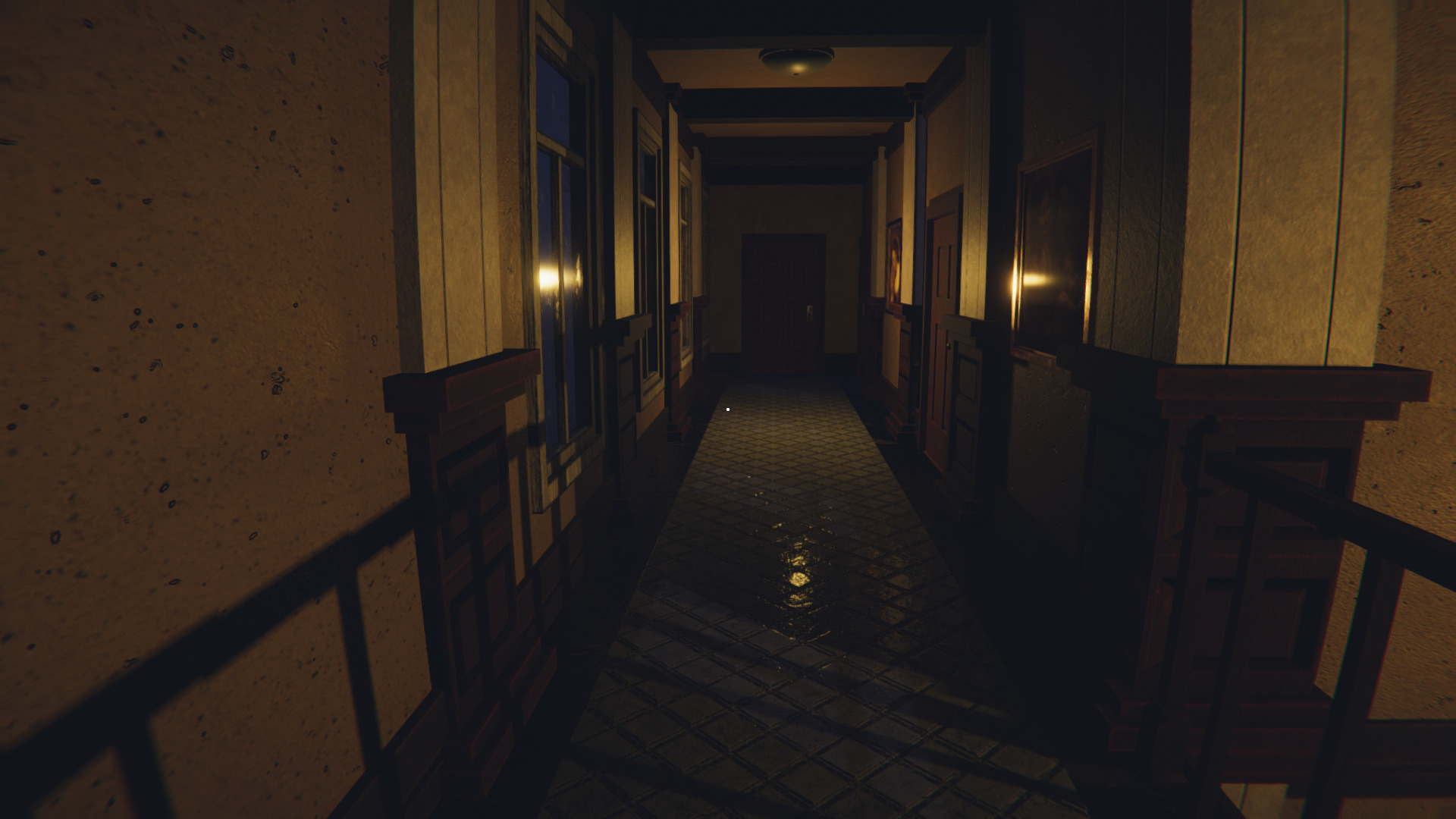
O.V.N.I Abduction is a short horror game inspired by P.T. Remake. You awaken alone at a hotel in the woods and your friends are missing. Walk around minimal hallways and some stairs and quickly realize something is not right. Thinks keep changing... red lights from outside... can you escape or just walk in circles?
https://vanadial.itch.io/ovniabduction
O.V.N.I Abduction ran just fine in stable Wine with PlayOnLinux. I always install DXVK and Media Foundation when testing games, but other than that, the game ran well with my GeForce GTX 1060. This is a very short game, but also interesting and with a few jump-scares. Totally worth the free download!
Specs:
Mint 20.1 64-bit
GeForce GTX 1060
Nvidia 460
PlayOnLinux 4.3.4
DXVK 1.72

 ...
...
https://vanadial.itch.io/ovniabduction
O.V.N.I Abduction ran just fine in stable Wine with PlayOnLinux. I always install DXVK and Media Foundation when testing games, but other than that, the game ran well with my GeForce GTX 1060. This is a very short game, but also interesting and with a few jump-scares. Totally worth the free download!
Specs:
Mint 20.1 64-bit
GeForce GTX 1060
Nvidia 460
PlayOnLinux 4.3.4
DXVK 1.72
Rage in Proton
Dec 11
- 3,096
- 0
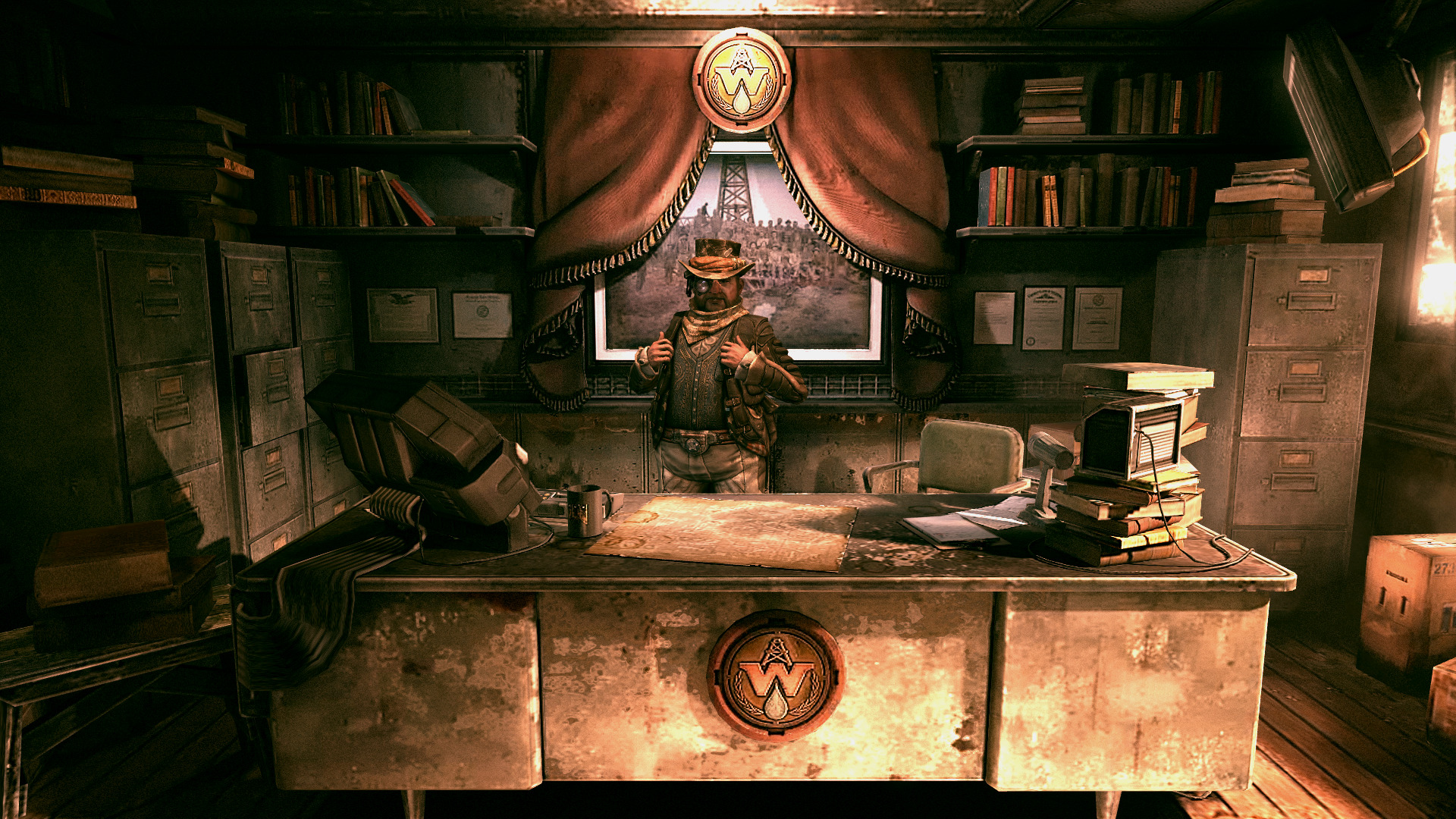
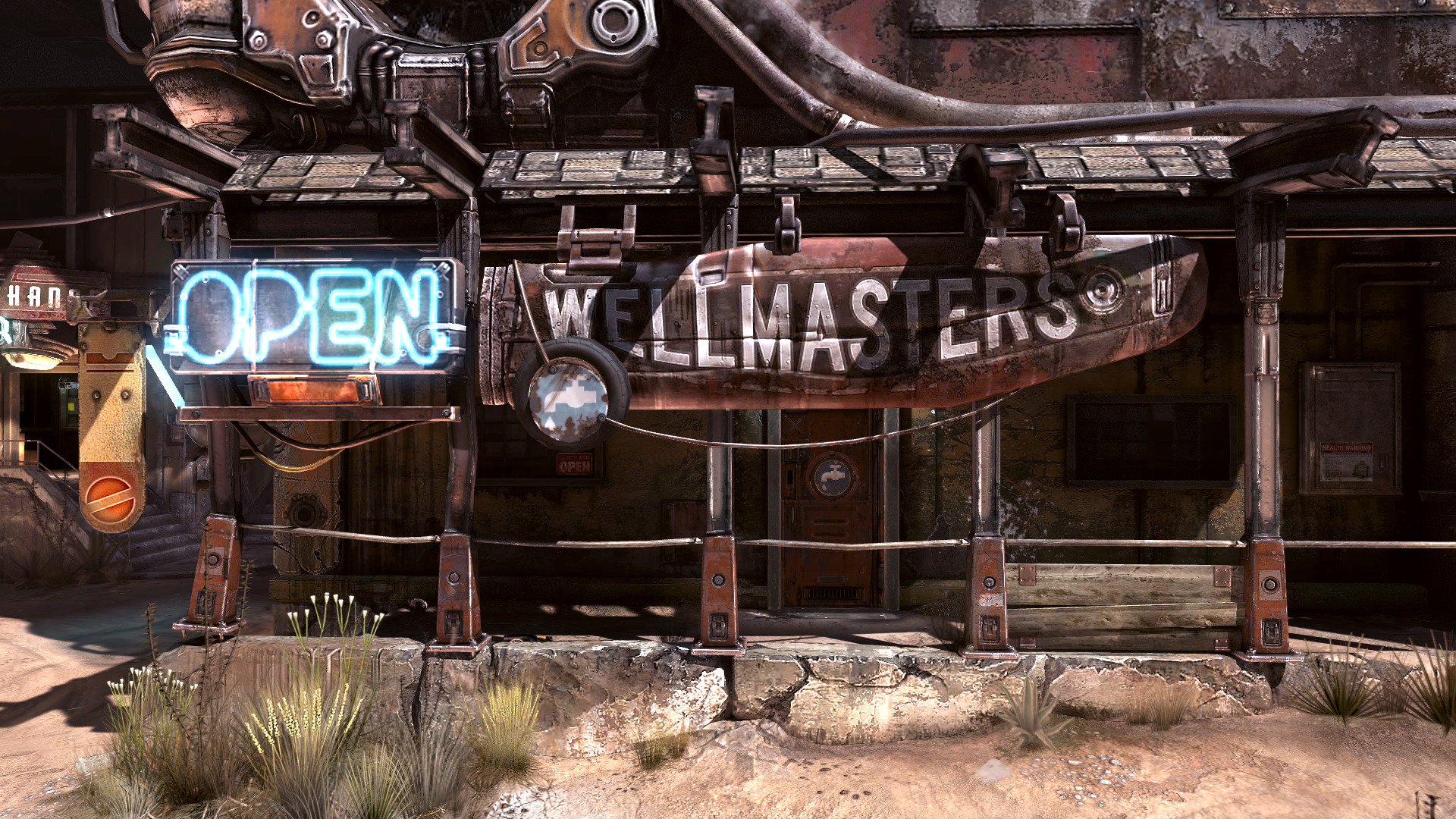
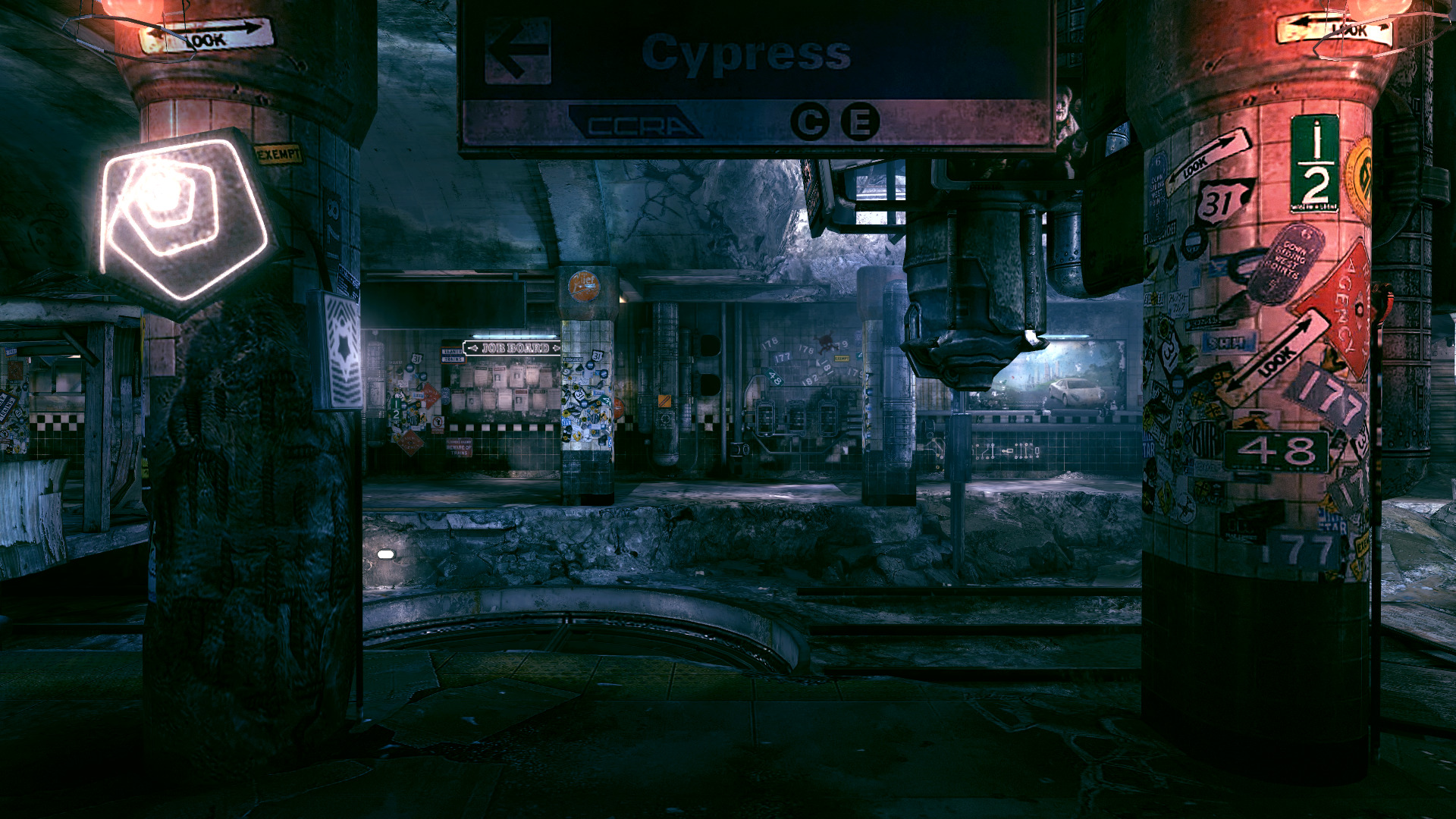
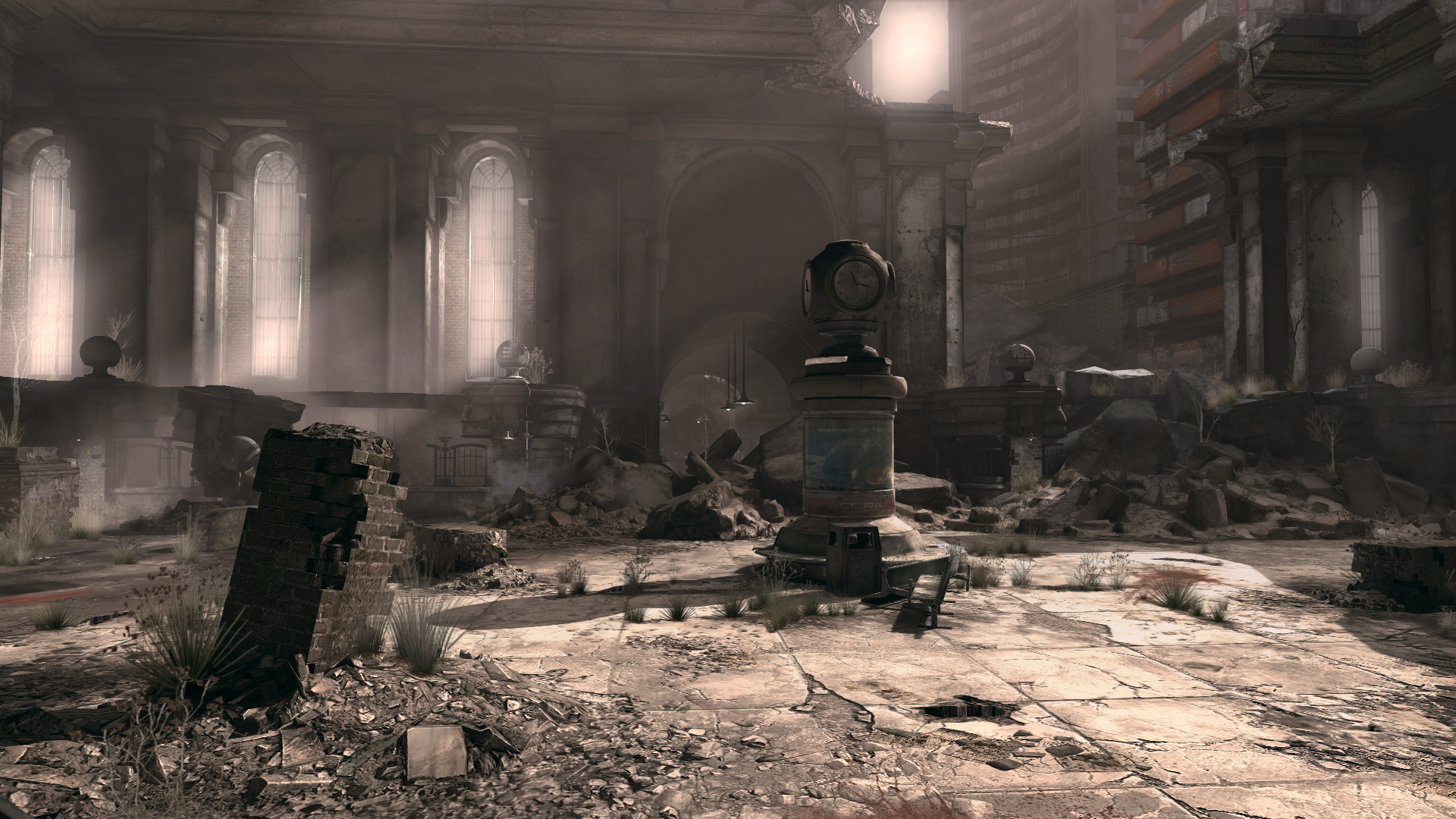
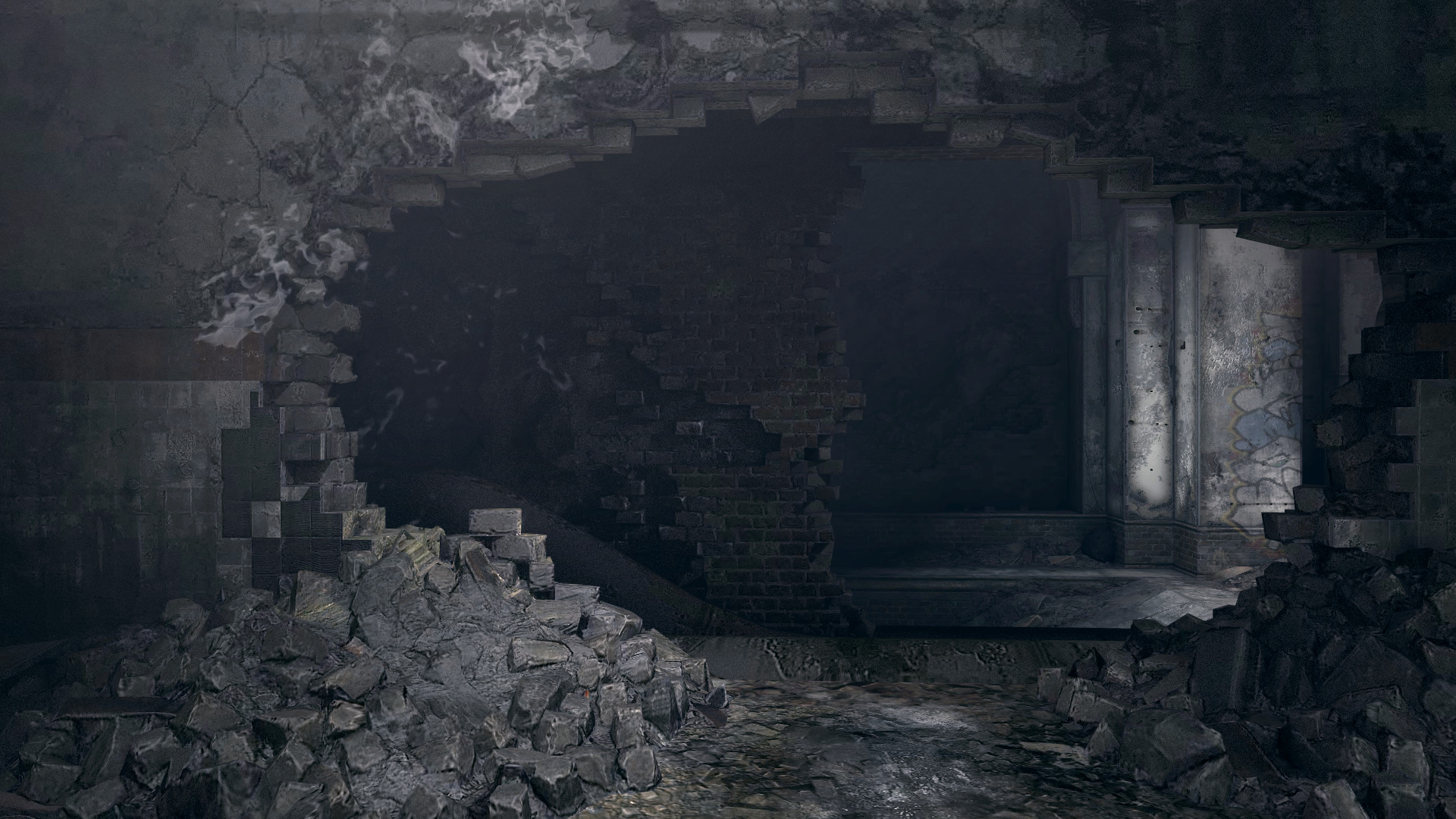
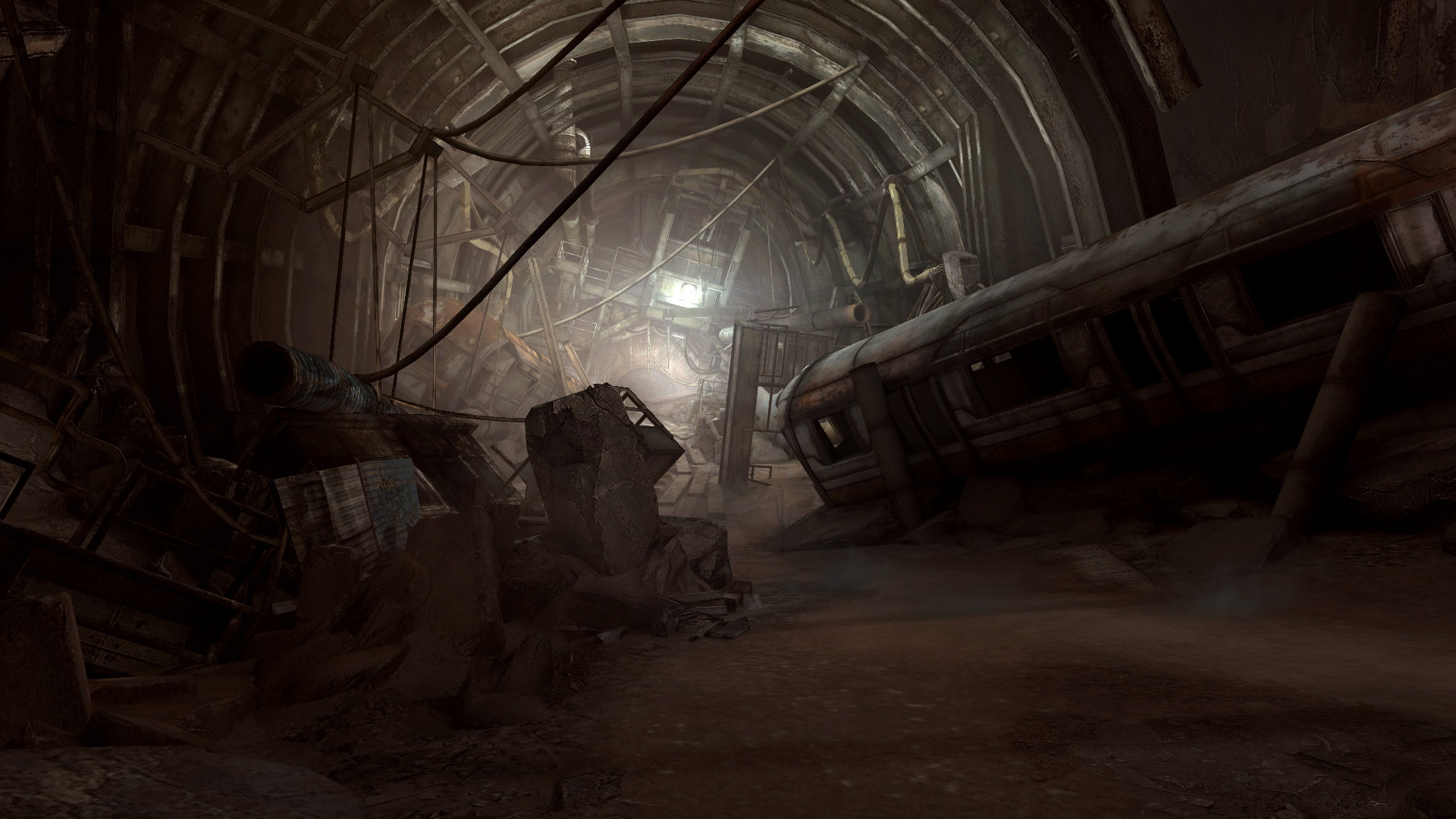
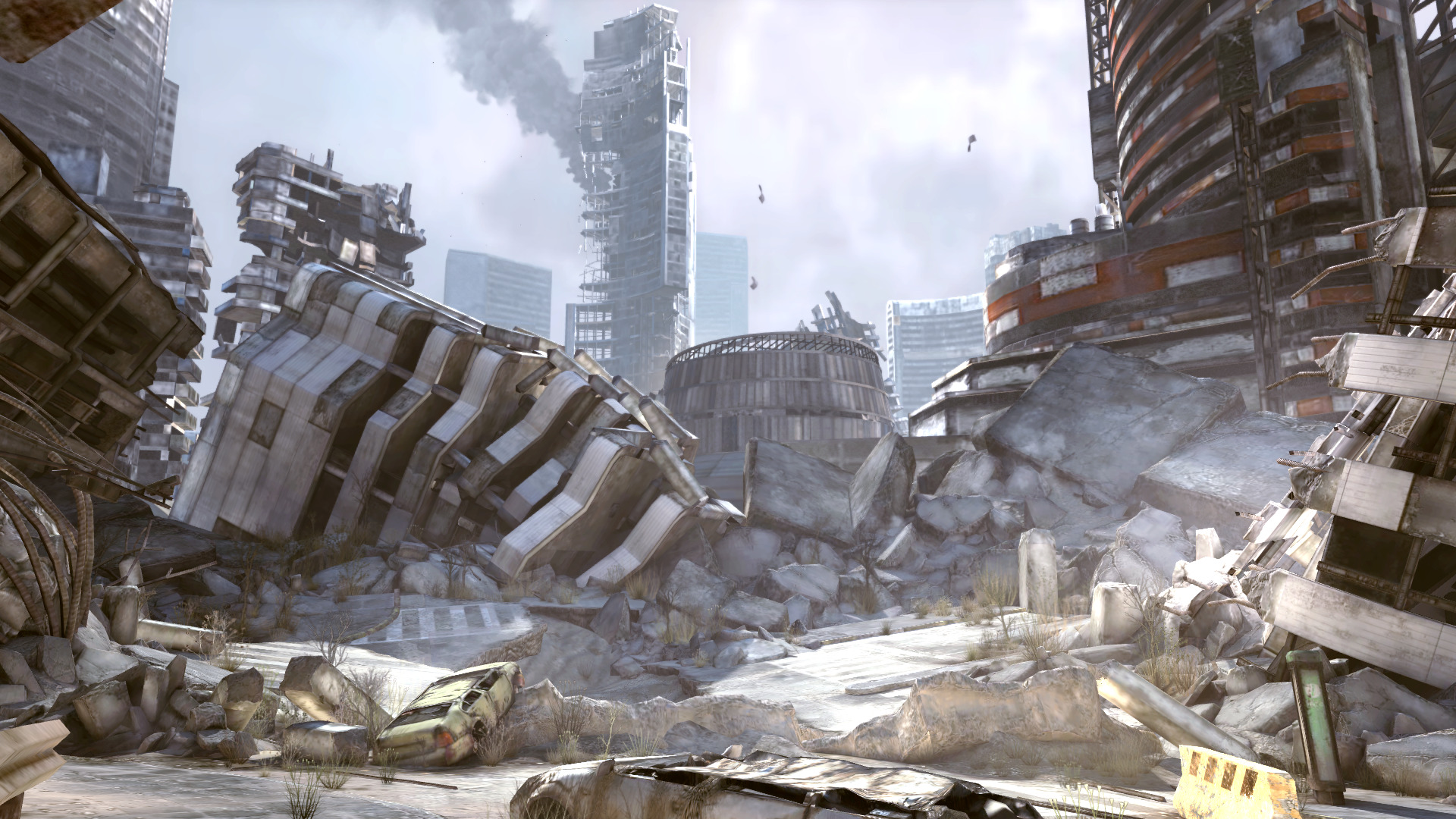
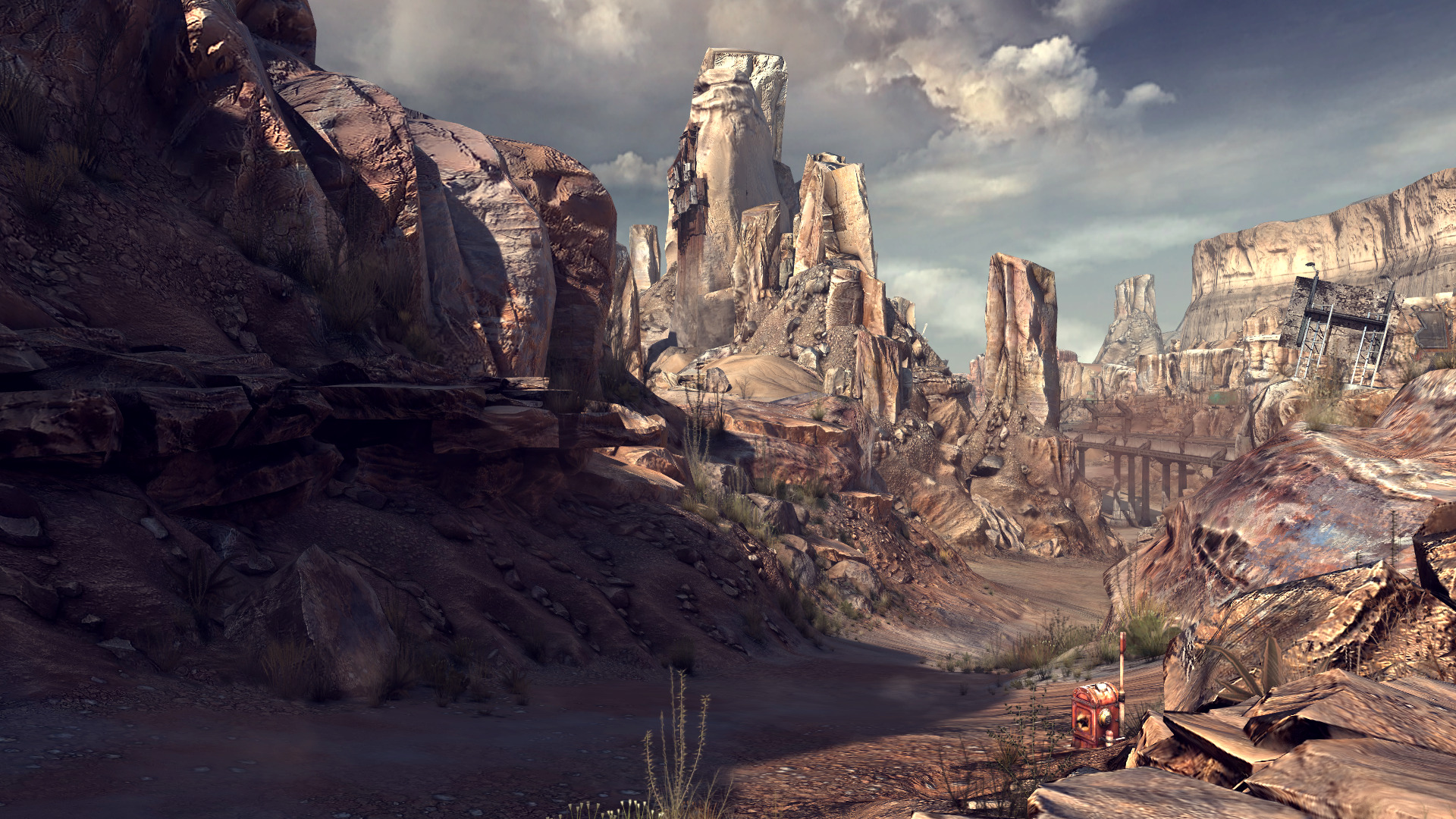
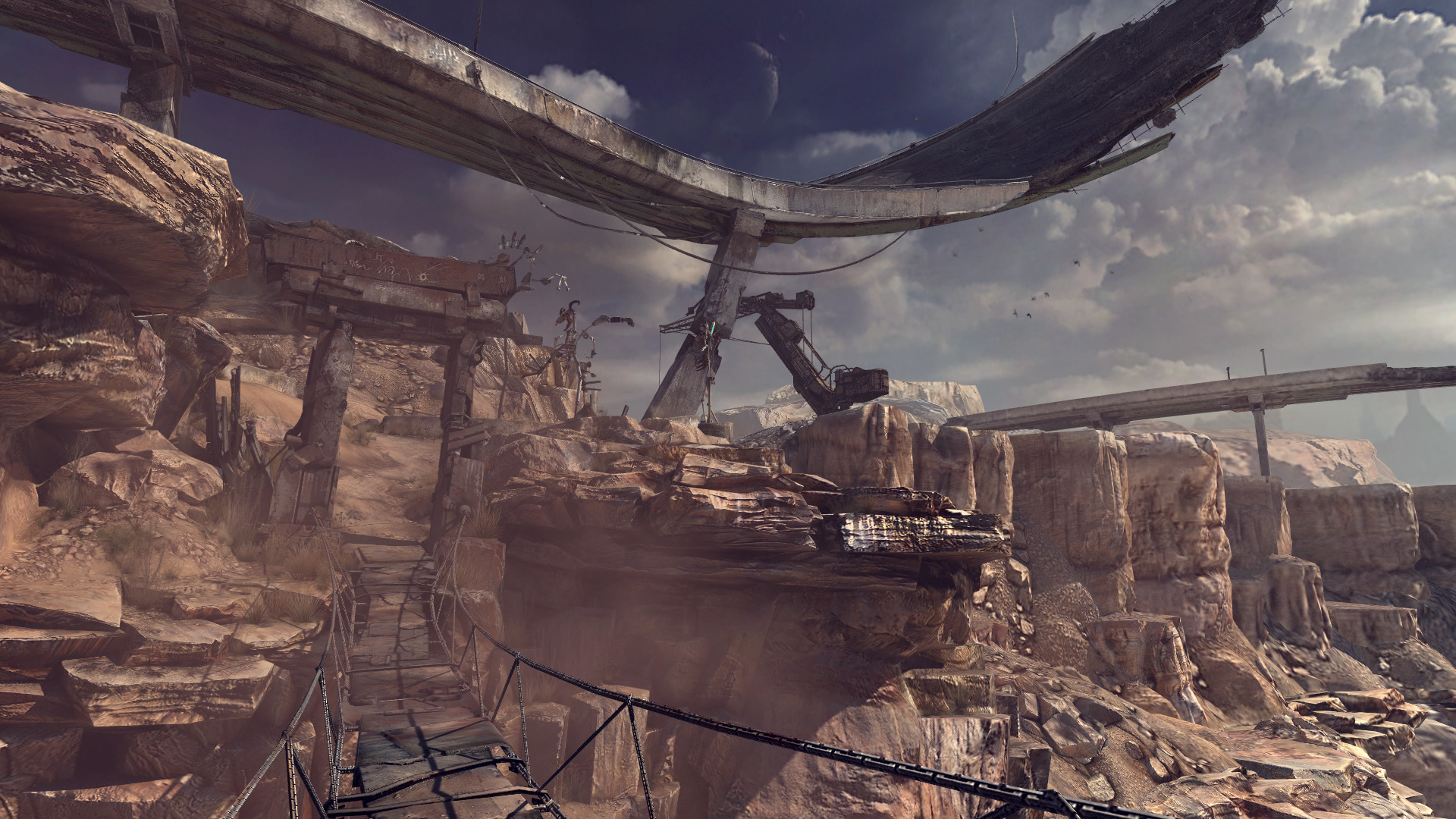
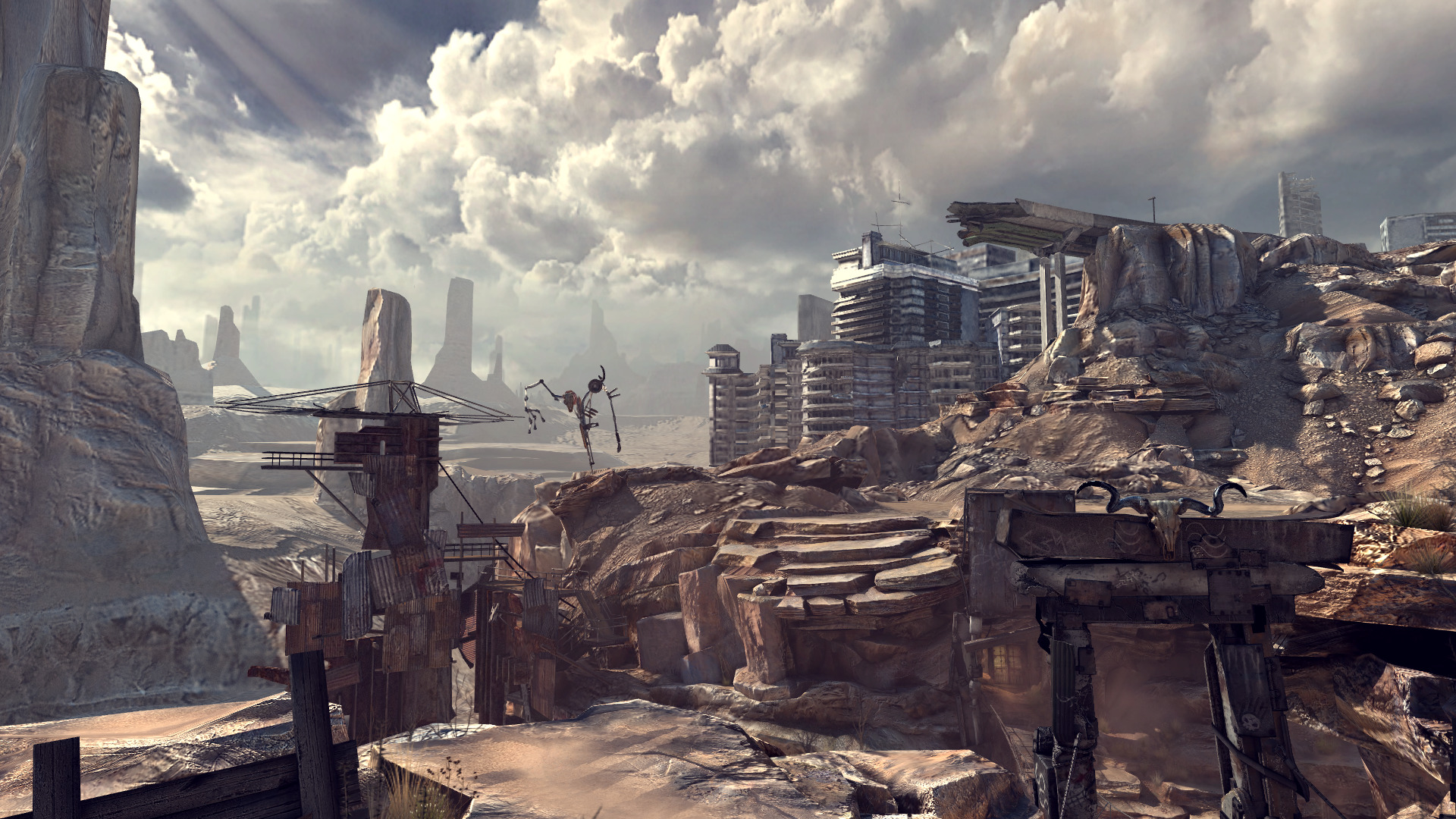
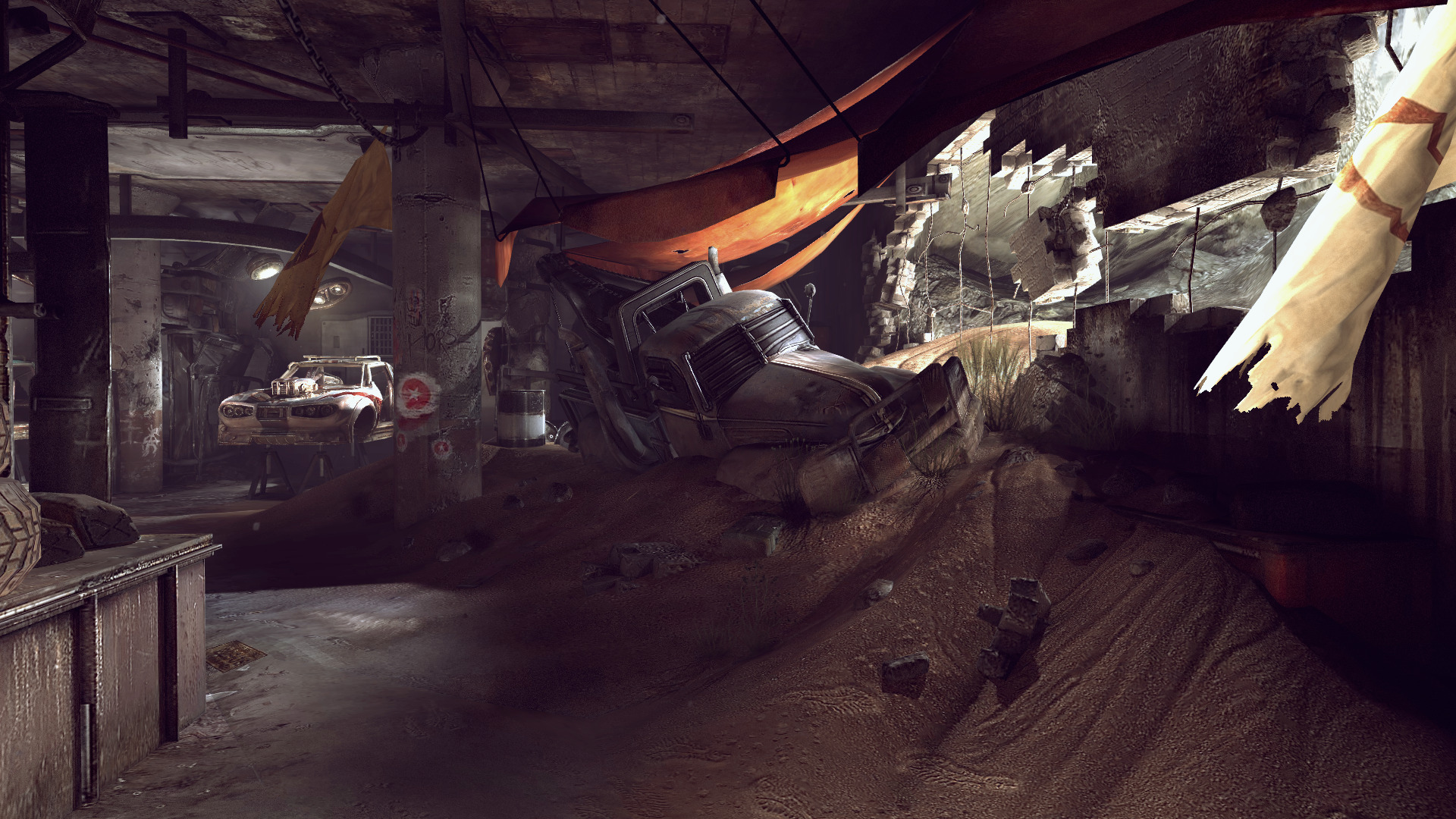
Back in 2011 ID Software released a post apocalyptic first person shooter with a Fallout-ish theme. 9 Years seems like a long time ago, but RAGE is quite a visual experience with a lot of action! Explore a linear wasteland and slay bandits, mutants and The Authority.
https://store.steampowered.com/app/9200/RAGE/
I posted a RAGE guide in PlayOnLinux years ago and it ran fairly well. I don't remember having any issues, but I didn't exactly play the whole game either. Proton makes the process painless in comparison. Download and click "play". That's it!
Specs:
Mint 19.3 64-bit
GeForce GTX 1060
Nvidia 455
Proton 5.0-10
 ...
...
https://store.steampowered.com/app/9200/RAGE/
I posted a RAGE guide in PlayOnLinux years ago and it ran fairly well. I don't remember having any issues, but I didn't exactly play the whole game either. Proton makes the process painless in comparison. Download and click "play". That's it!
Specs:
Mint 19.3 64-bit
GeForce GTX 1060
Nvidia 455
Proton 5.0-10
Get Even in Proton
Dec 07
- 3,042
- 0
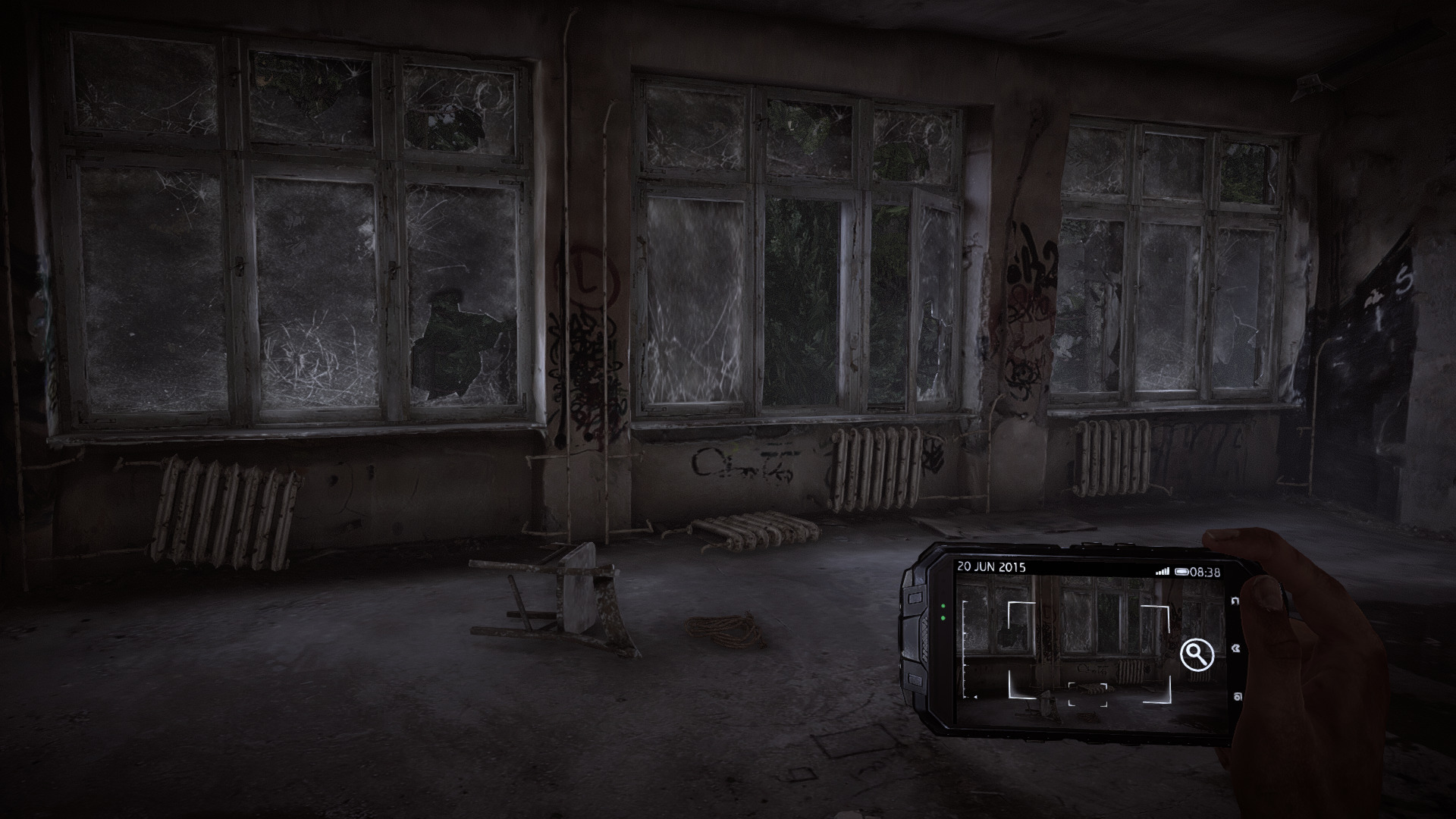
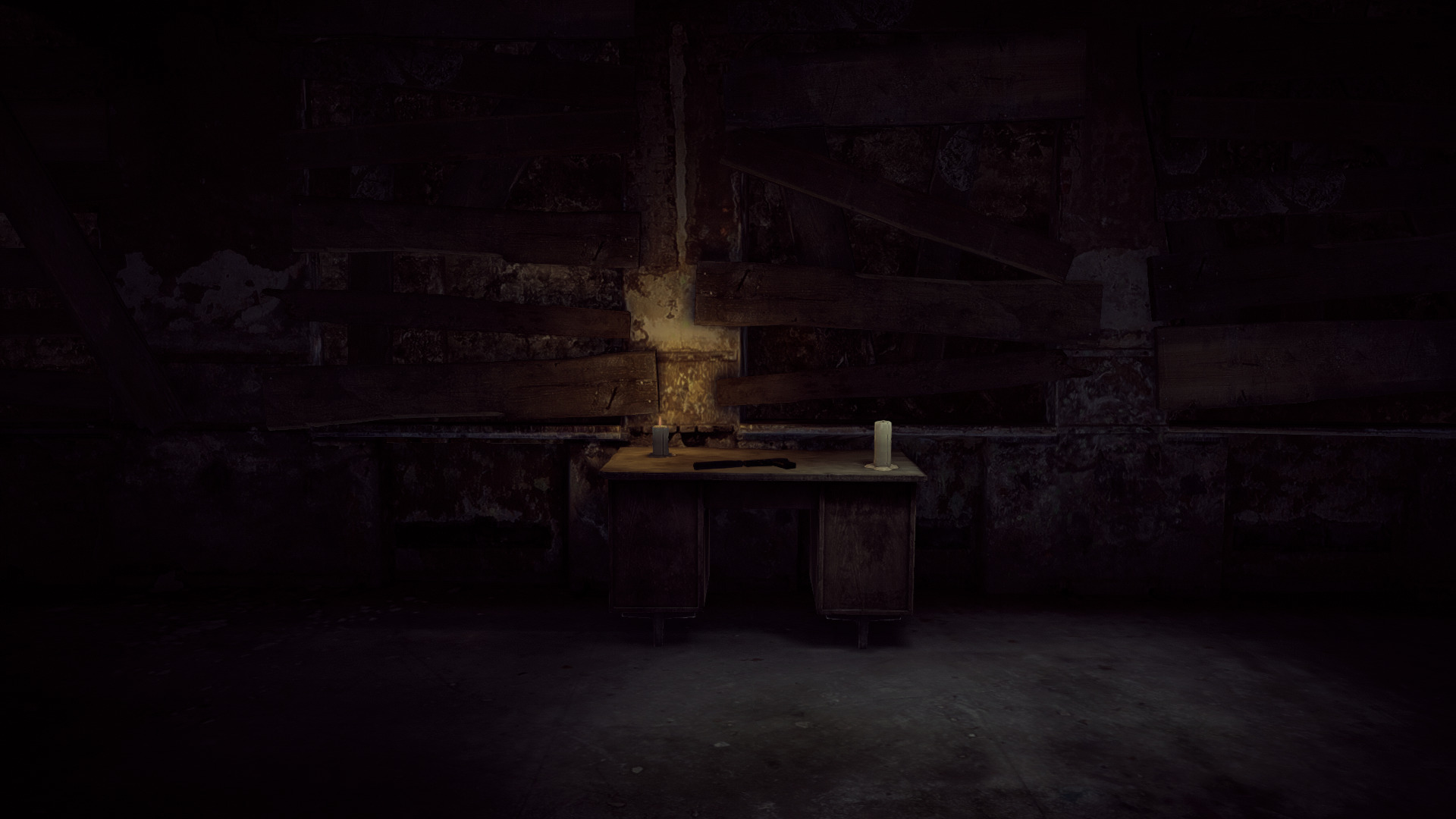
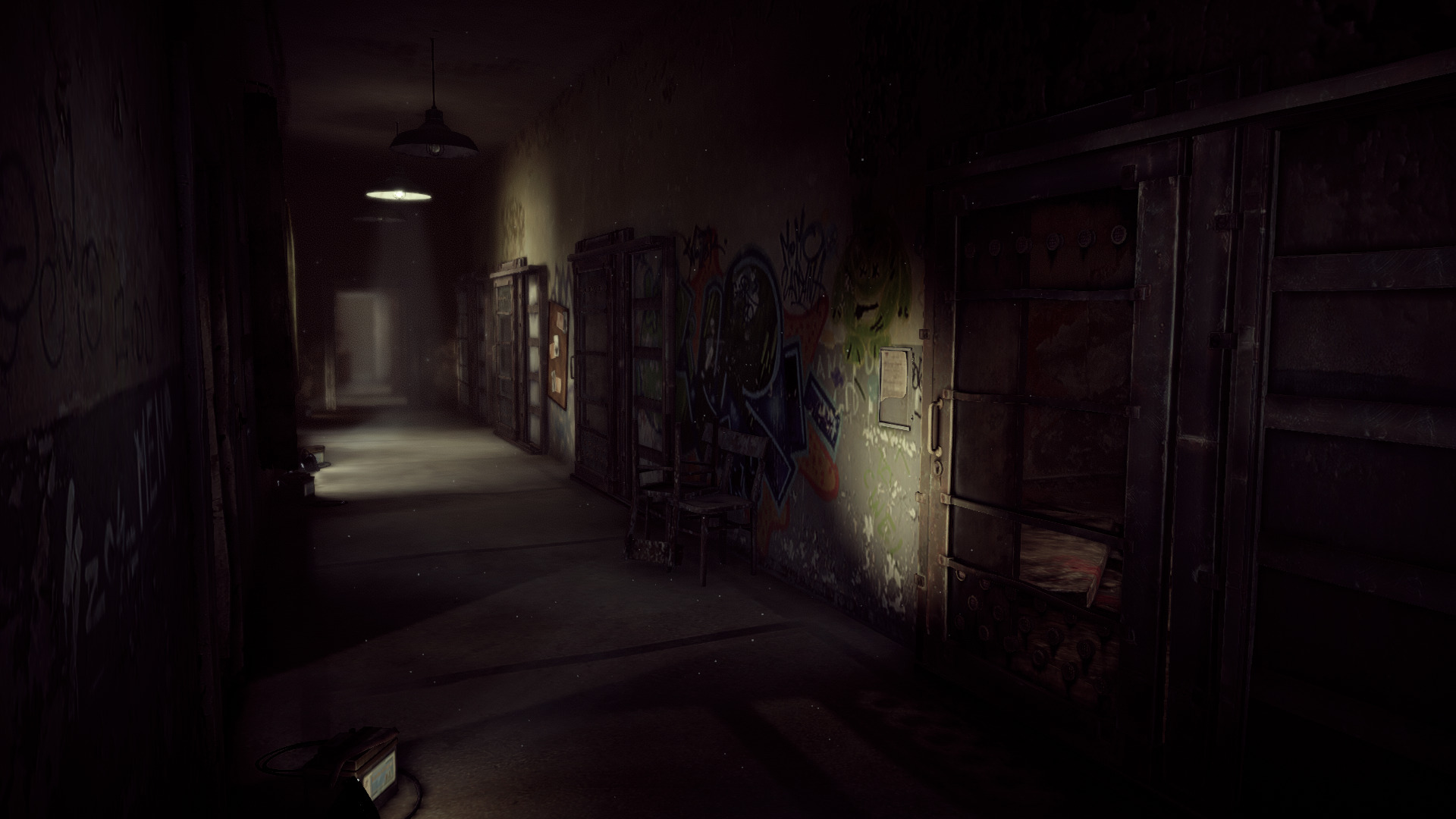
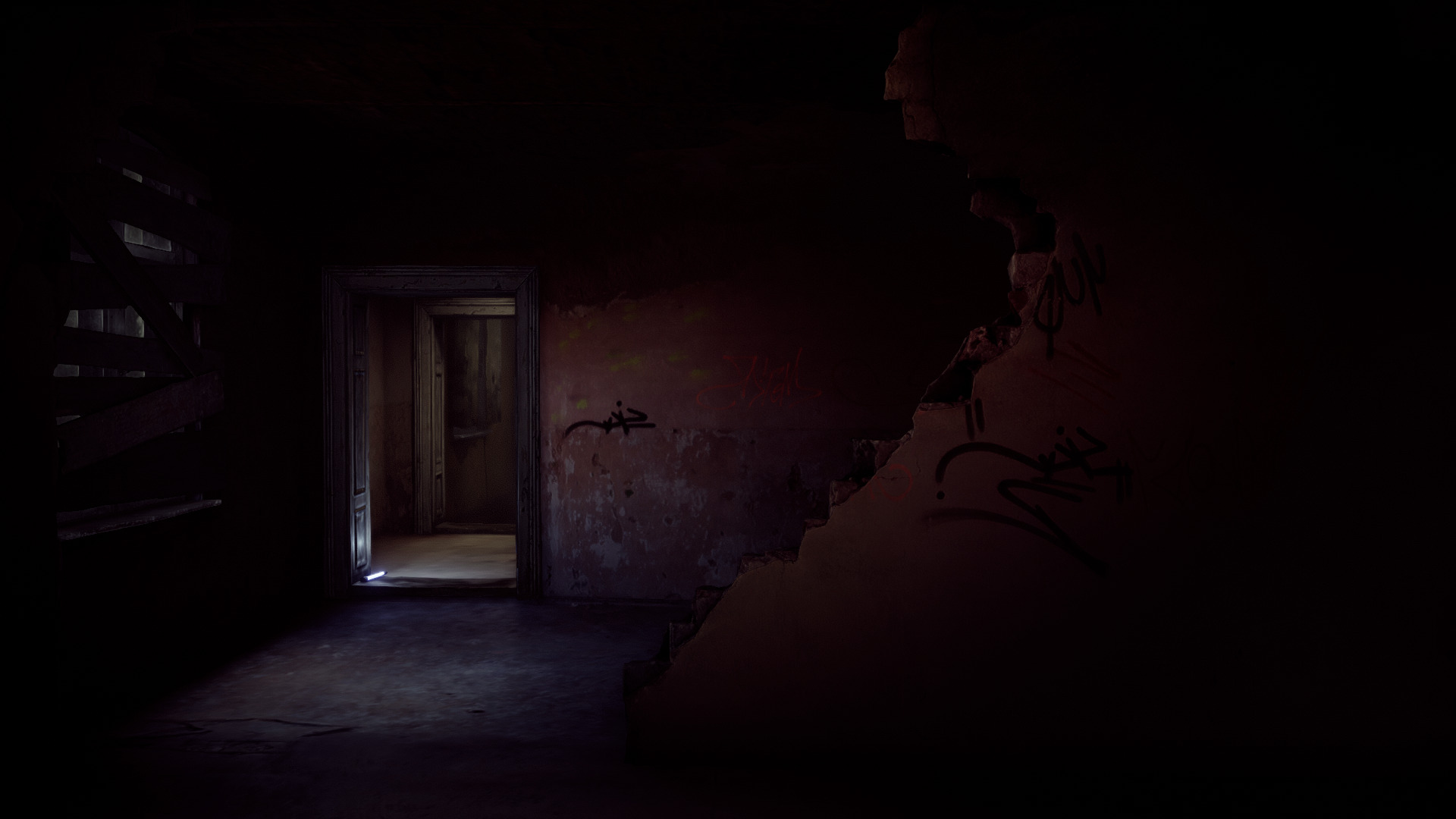
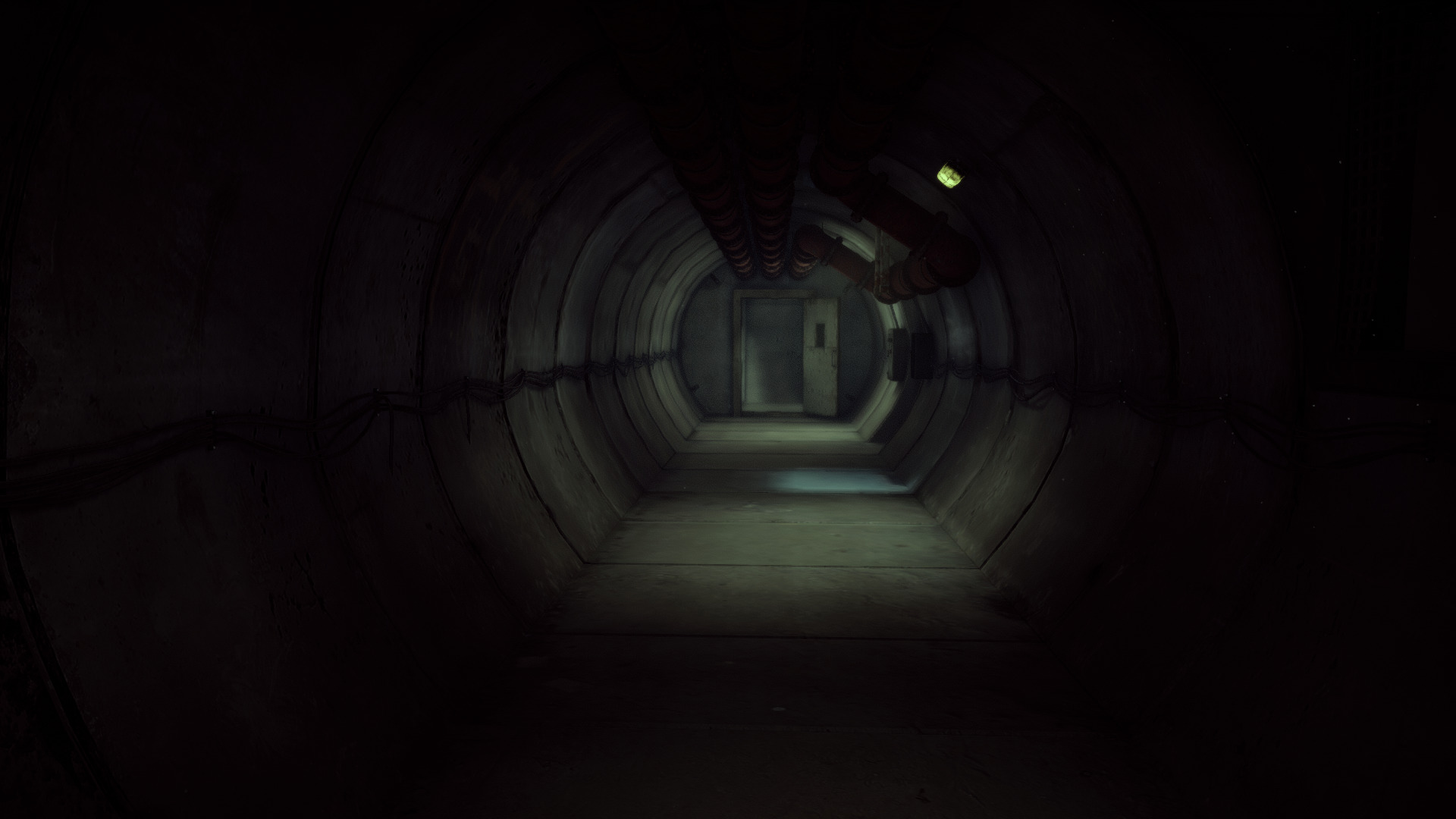
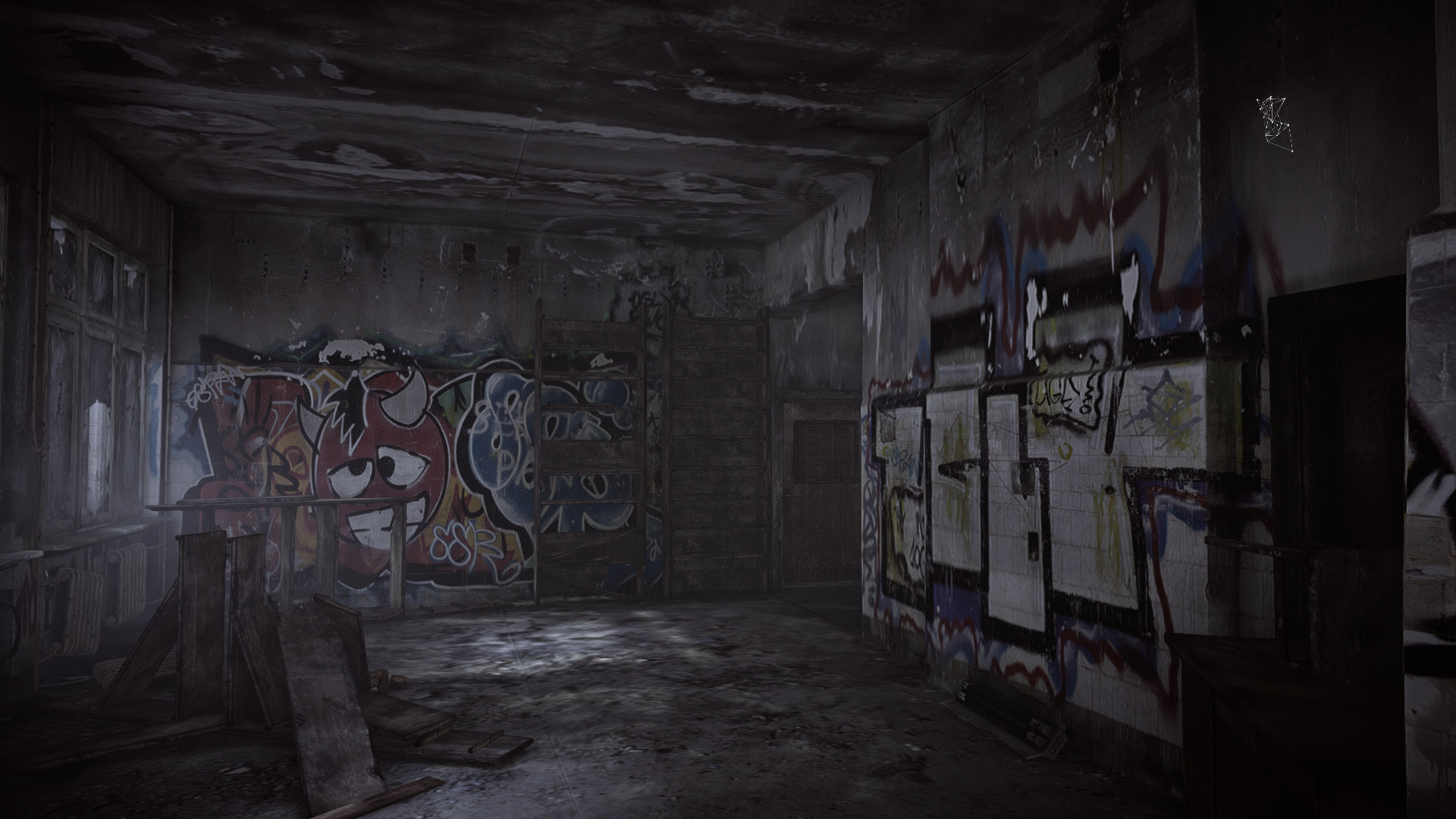
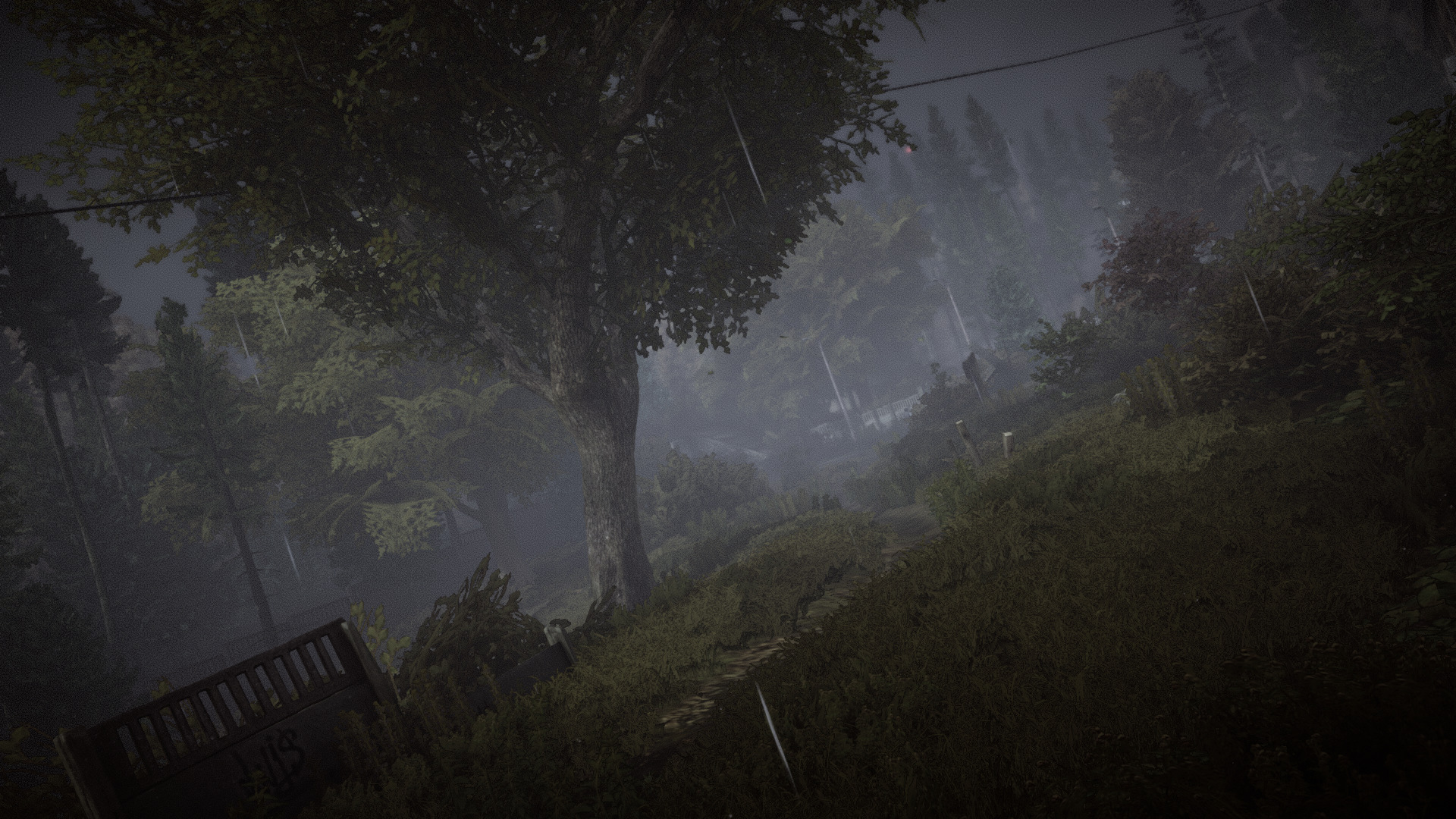
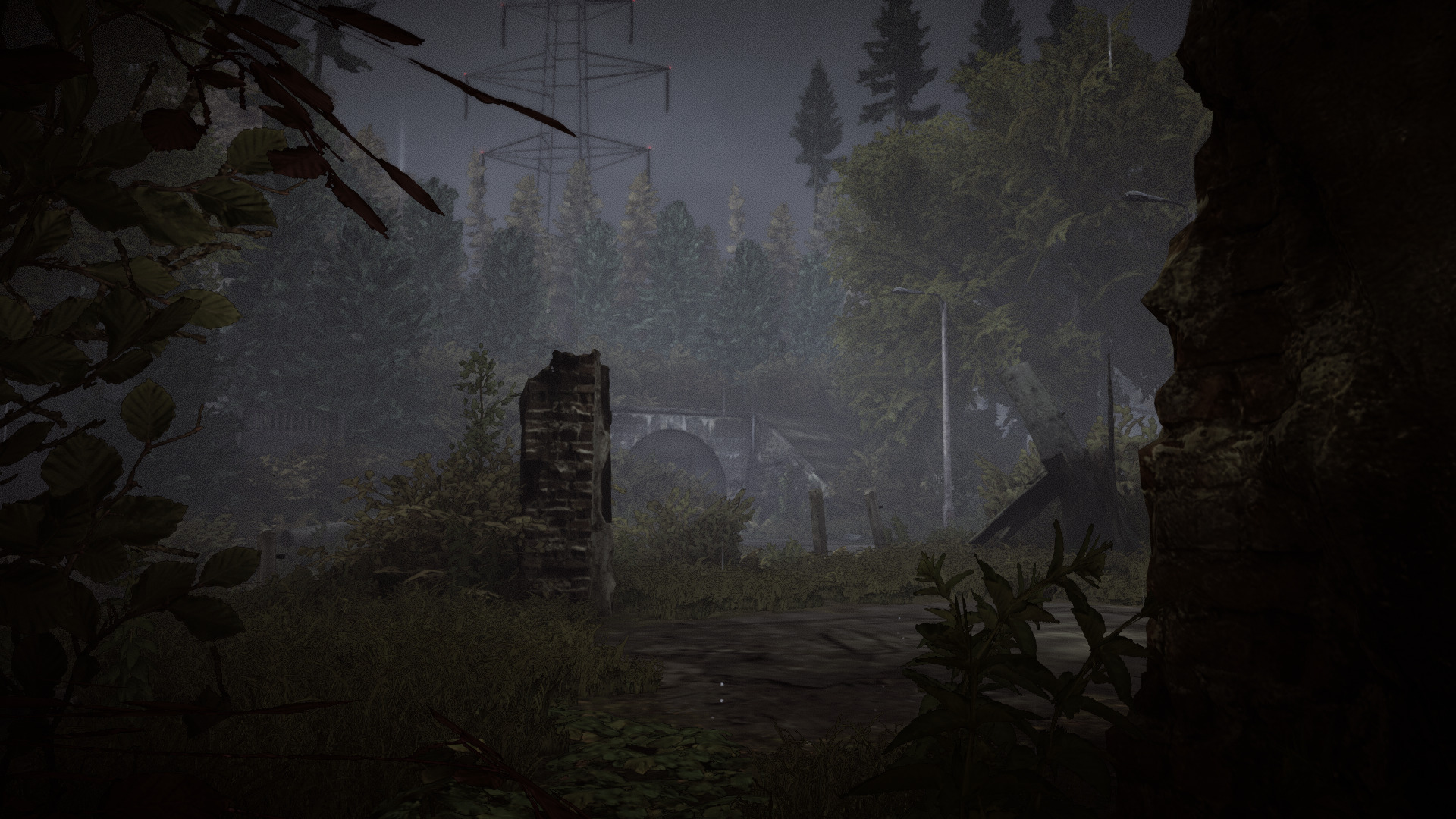
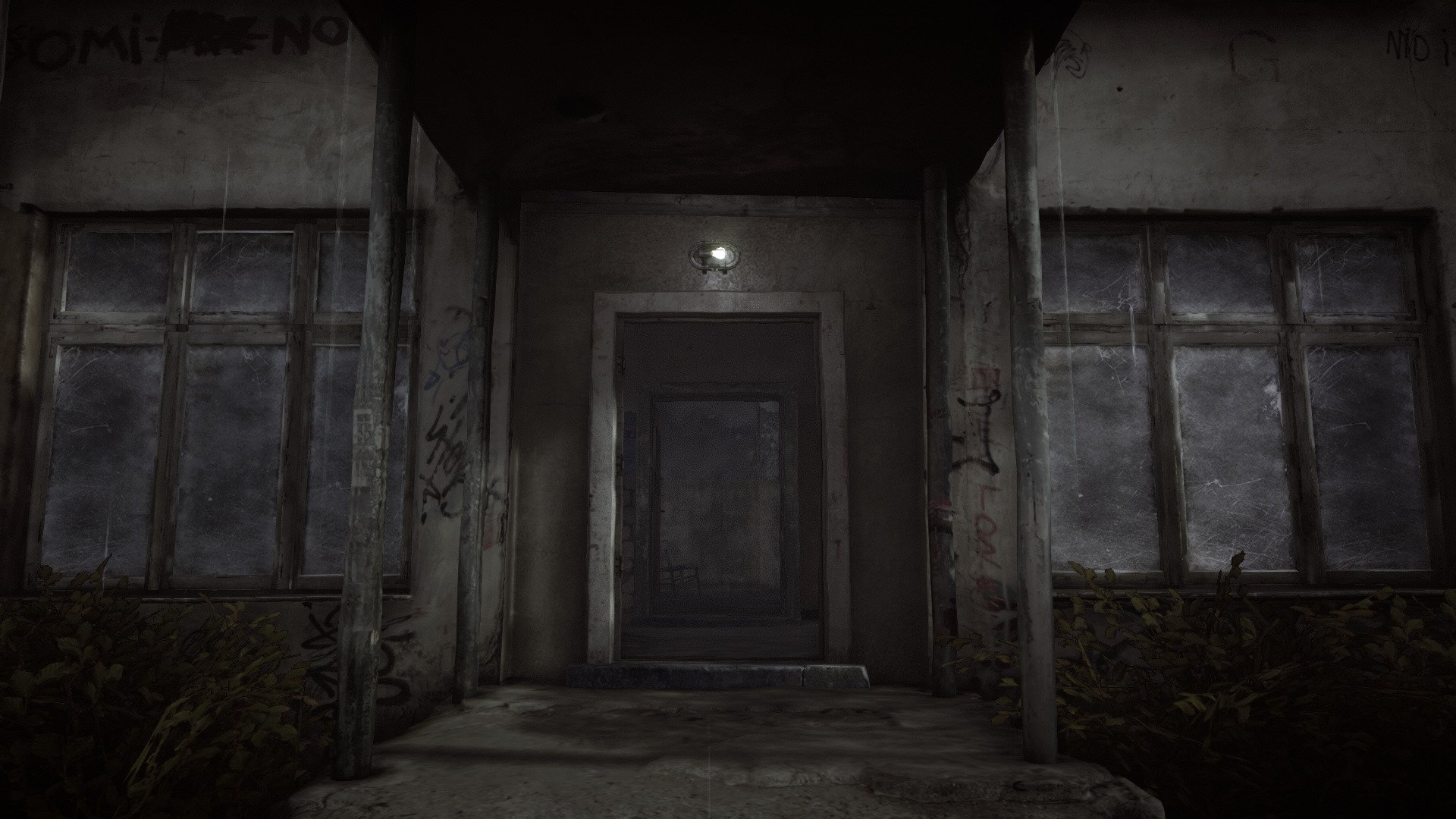
Play as "Black" a mercenary/detective in this psychological action-packed FPS thriller. Attached to a new technology you are captive in your own mind and go back to the events of a terrorist act where a girl was murdered. Use your smartphone to find clues, solve puzzles and reveal hidden areas... then enter your own memories to learn secrets of your past. Is this real or a dream?
https://store.steampowered.com/app/299950/GET_EVEN/
Get Even played beautifully in Proton on my GeForce GTX 1060. I'm amazed at the quality of visuals and graphics in this game. The action and fancy experimental weapons are pretty fun to use as well.
Specs:
Mint 19.3 64-bit
GeForce GTX 1060
Nvidia 440
Proton 5.0-9
 ...
...
https://store.steampowered.com/app/299950/GET_EVEN/
Get Even played beautifully in Proton on my GeForce GTX 1060. I'm amazed at the quality of visuals and graphics in this game. The action and fancy experimental weapons are pretty fun to use as well.
Specs:
Mint 19.3 64-bit
GeForce GTX 1060
Nvidia 440
Proton 5.0-9
Medal Of Honor Allied Assault Warchest
Oct 27
- 4,292
- 0
Medal Of Honor is a military frontal assault first person shooter based on the battles in World War II. Play as U.S. Army Sergeant John Baker in the front lines of Operation Overlord, Battle of the Bulge and DDay. Warchest includes the original Allied Assault and both expansions:
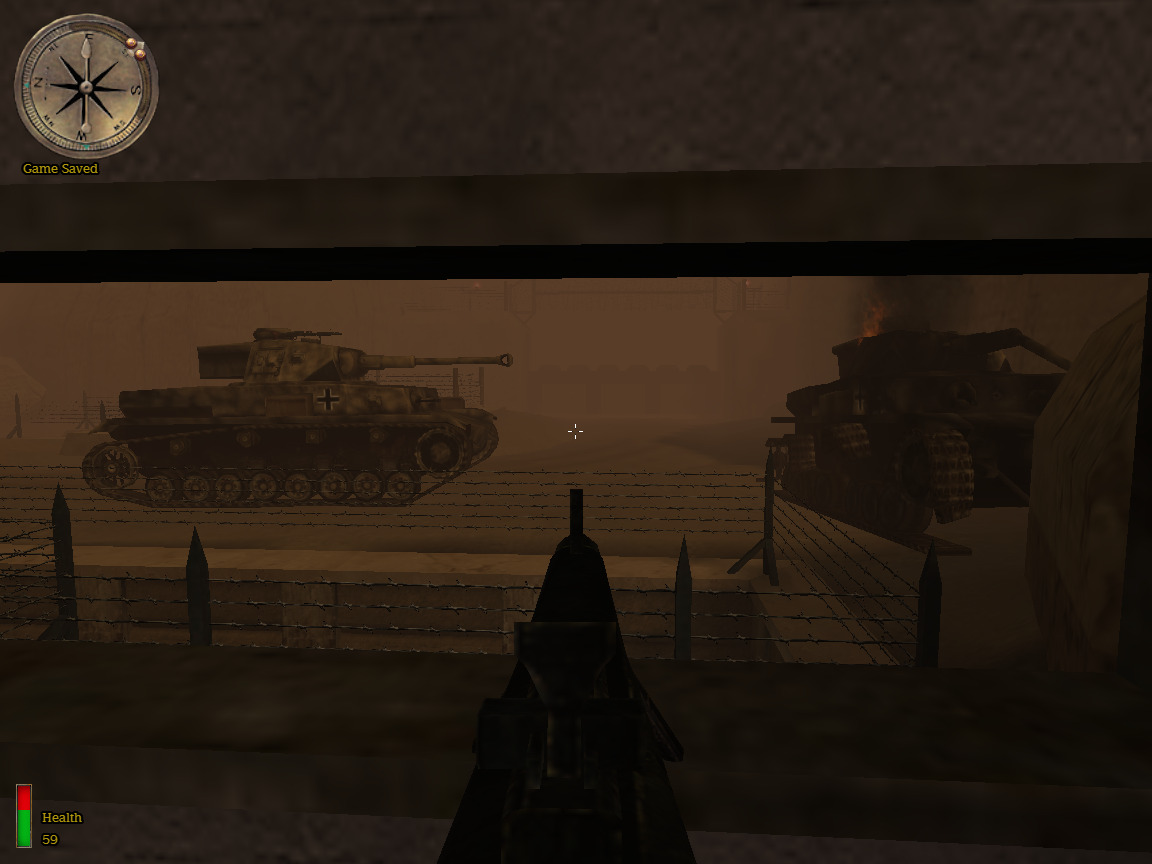
I never did a guide for Allied Assault because I was never able to run it in Wine until now. This game was developed in 2002 and though the graphics are hard on the eyes, its a pretty fun war game with a lot of action. It displays features and scenarios before its time. The Call of Duty series was inspired by Allied Assault.
The key to playing Allied Assault in Wine is adding the following command for Nvidia video cards:
export __GL_ExtensionStringVersion=17700
In PlayOnLinux you have to paste this in the Miscellanous Tab area at the bottom...
- Spearhead
- Breakthrough
I never did a guide for Allied Assault because I was never able to run it in Wine until now. This game was developed in 2002 and though the graphics are hard on the eyes, its a pretty fun war game with a lot of action. It displays features and scenarios before its time. The Call of Duty series was inspired by Allied Assault.
The key to playing Allied Assault in Wine is adding the following command for Nvidia video cards:
export __GL_ExtensionStringVersion=17700
In PlayOnLinux you have to paste this in the Miscellanous Tab area at the bottom...
Estranged Act 1
Oct 25
- 3,320
- 0
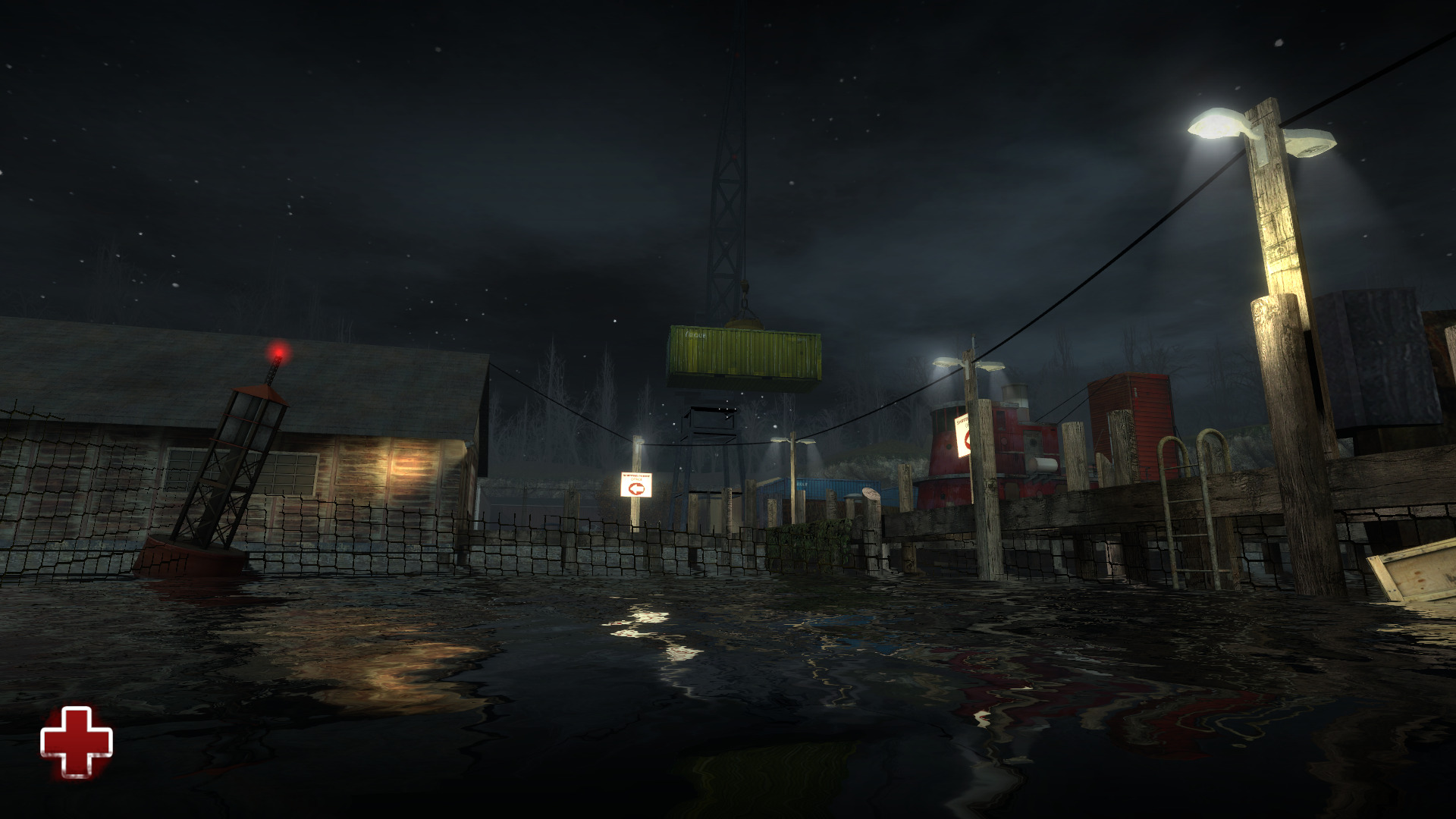
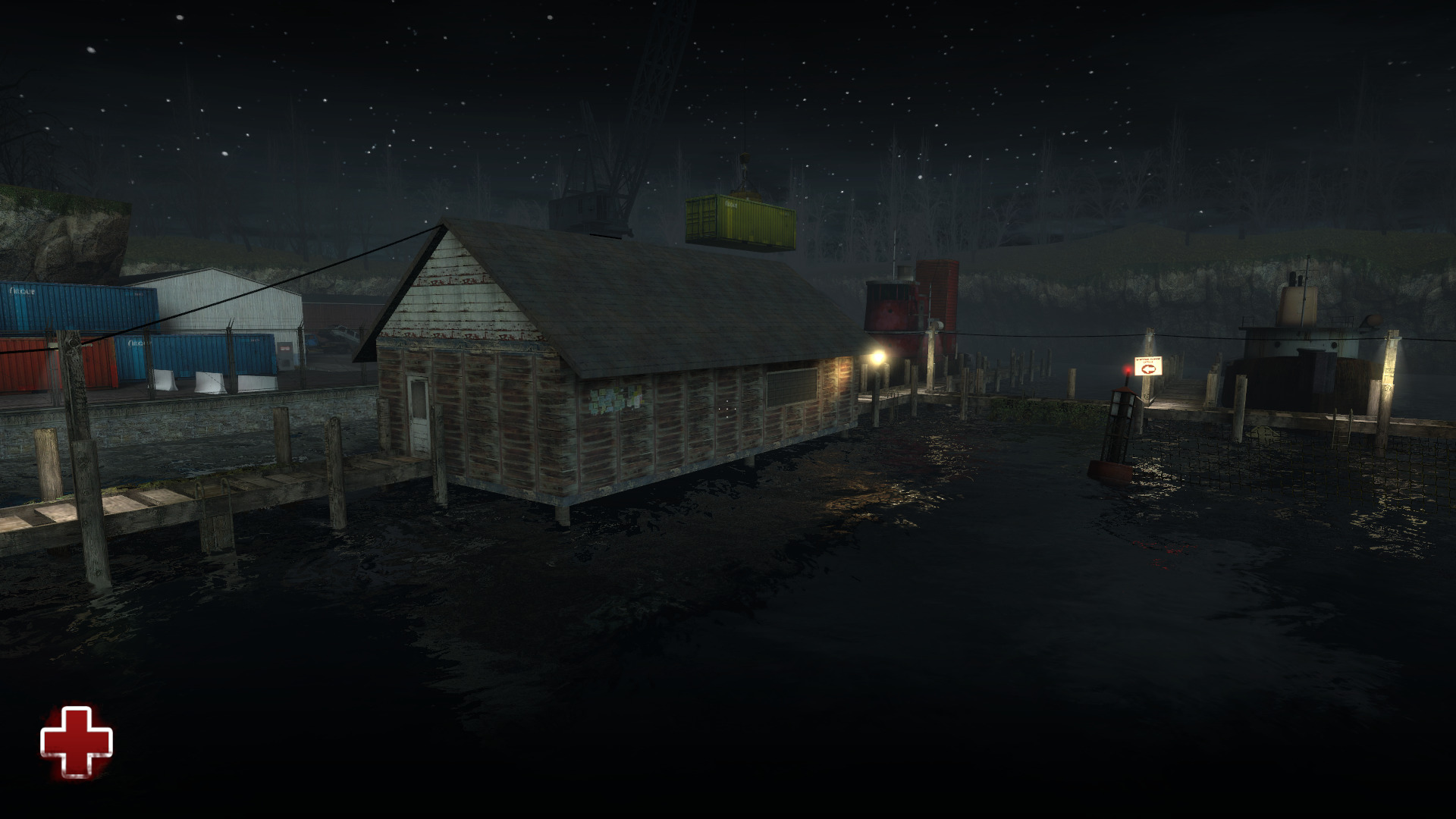
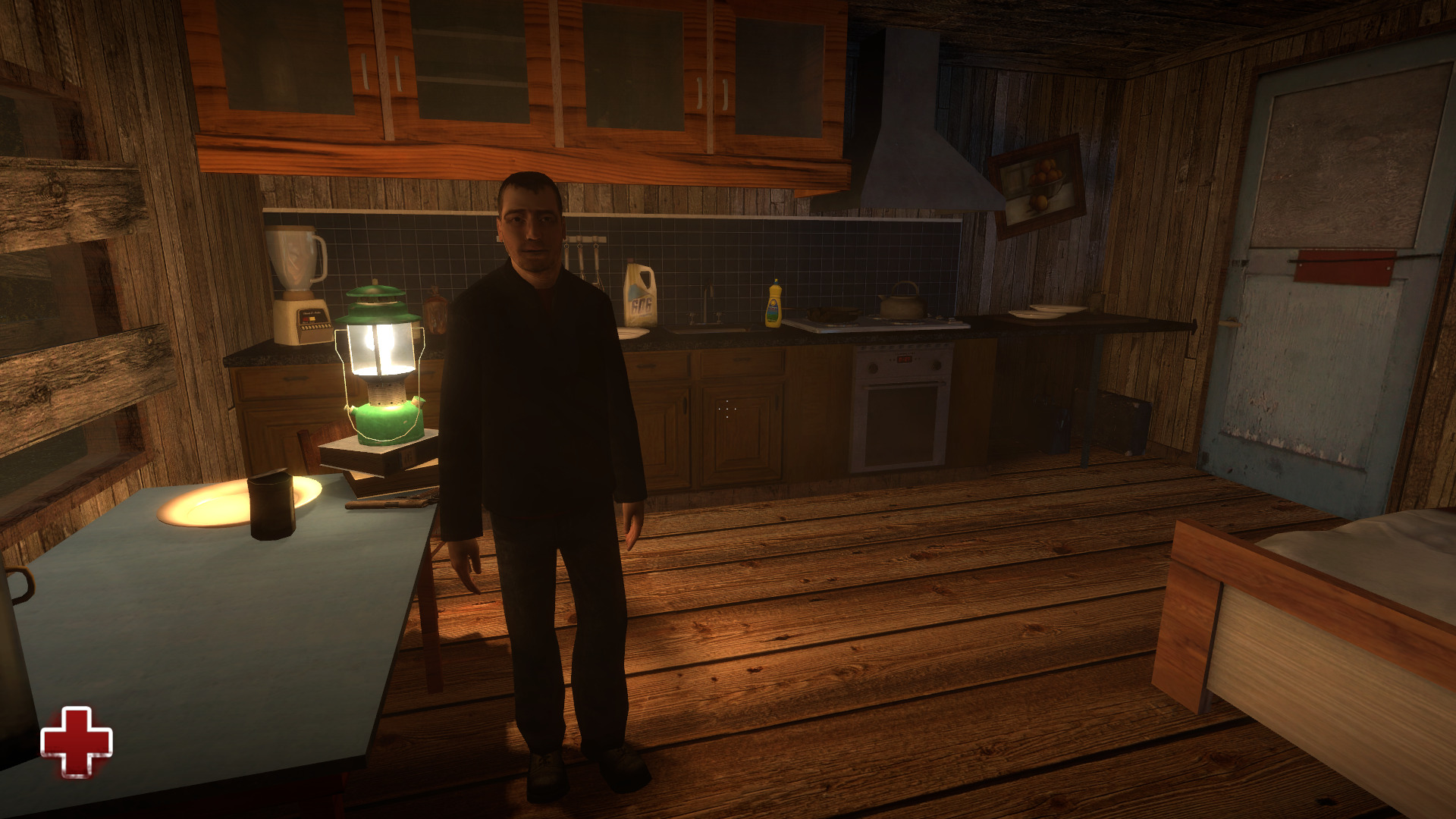
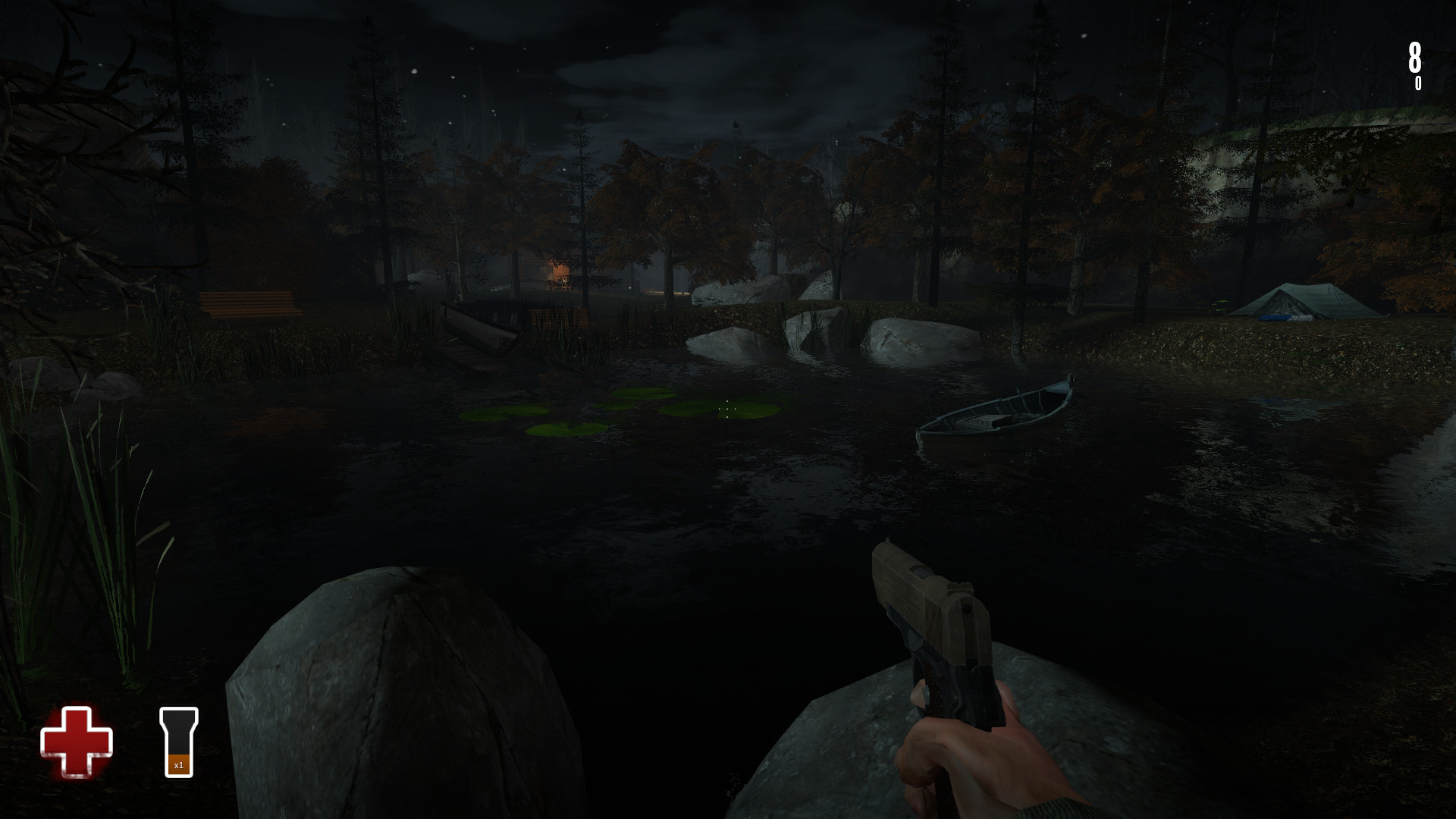
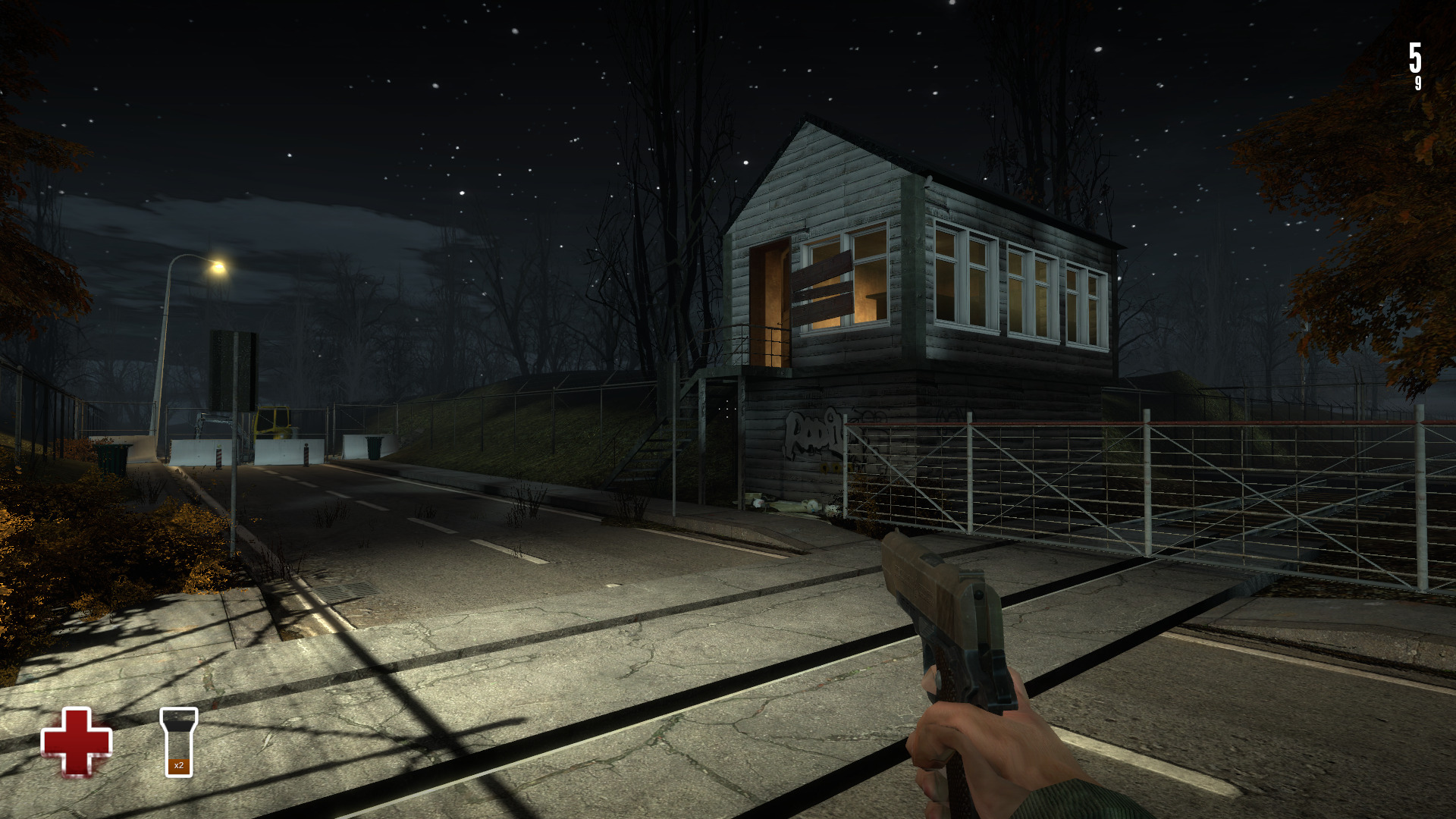
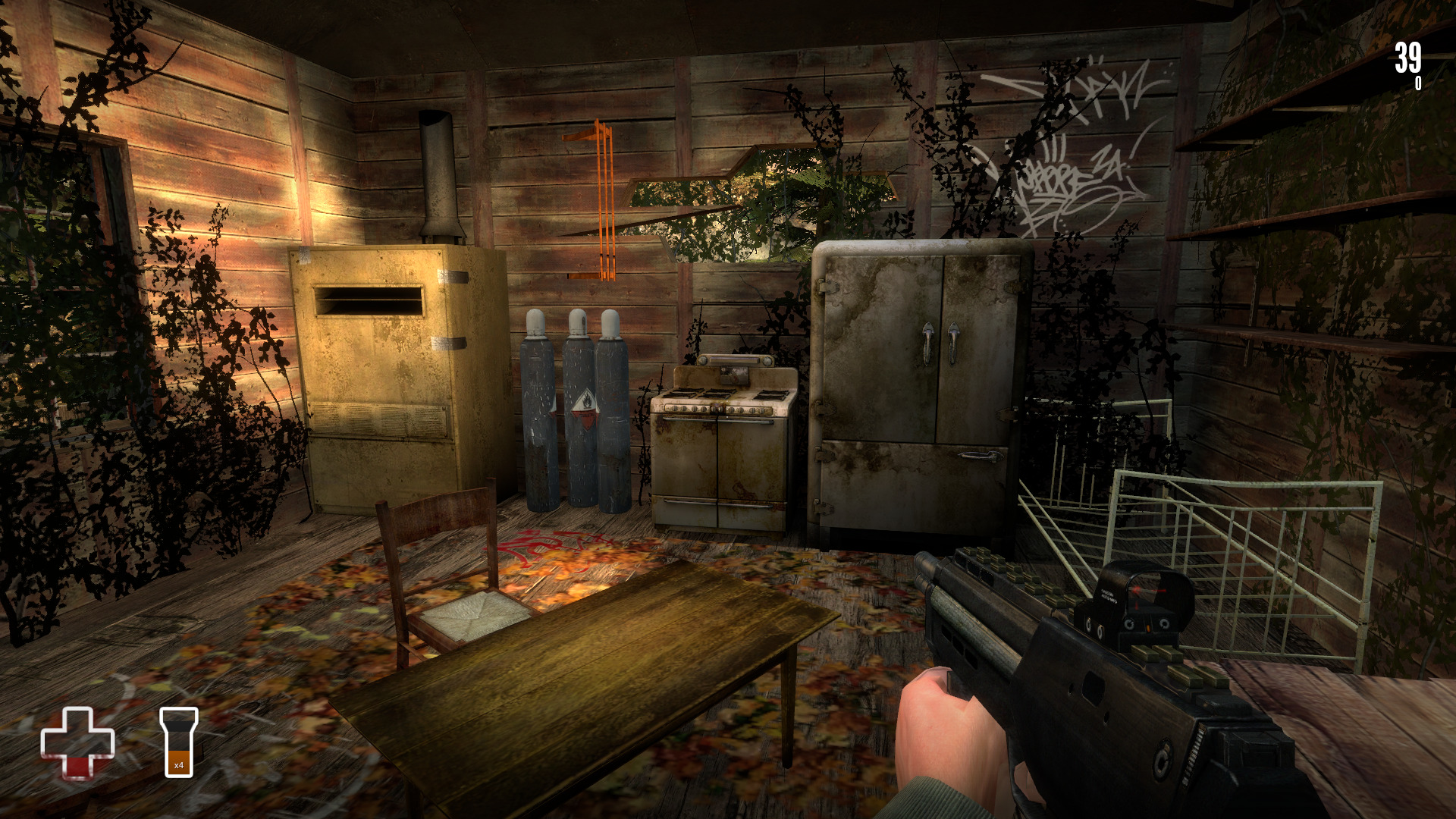
Estranged Act 1 marks the beginning of an epic tale of a stranded fisherman on a mysterious island. Slay zombies, pick off violent locals and solve clever puzzles. The question is... what really happened here?
https://store.steampowered.com/app/261820/Estranged_Act_I/
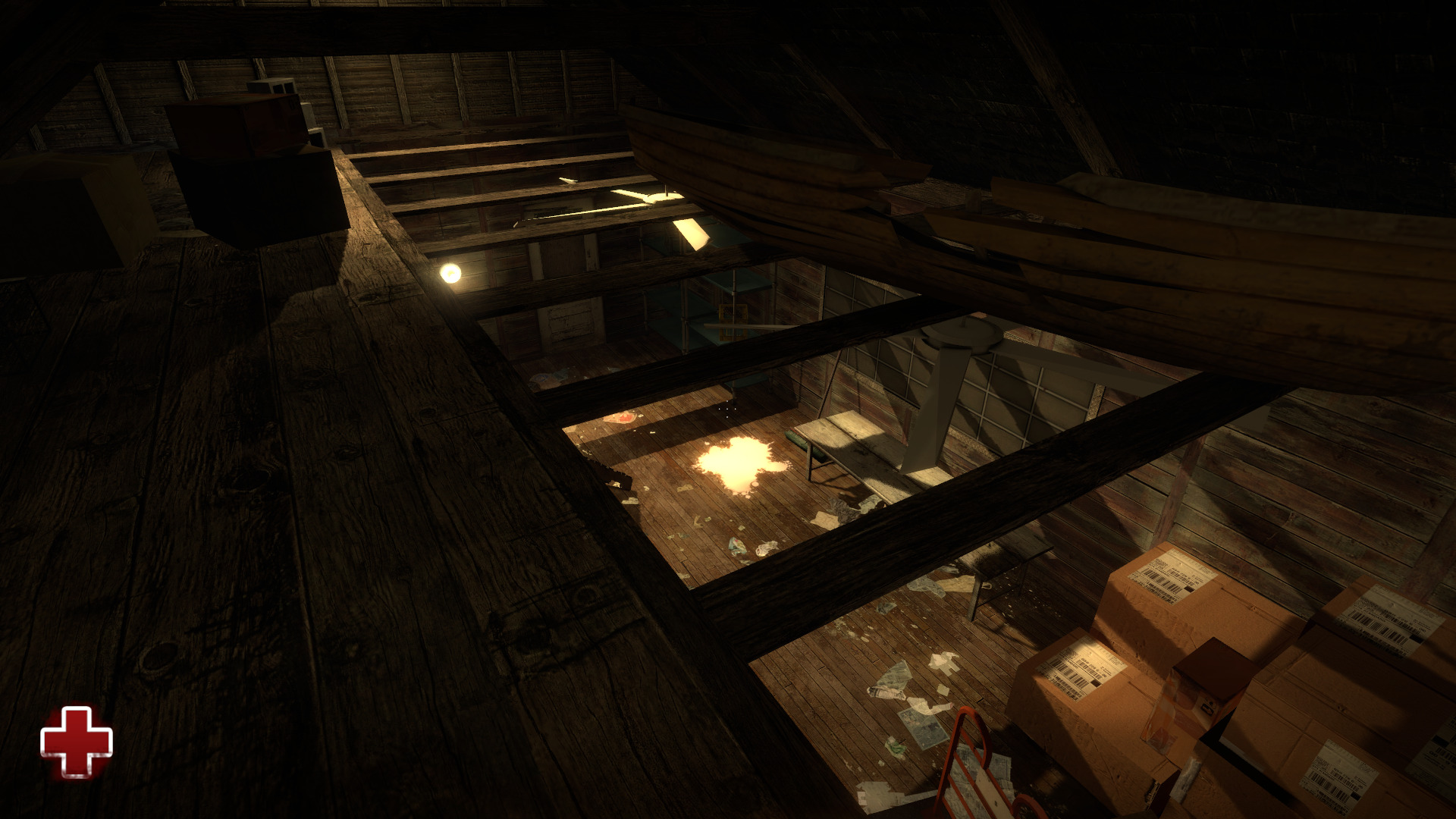
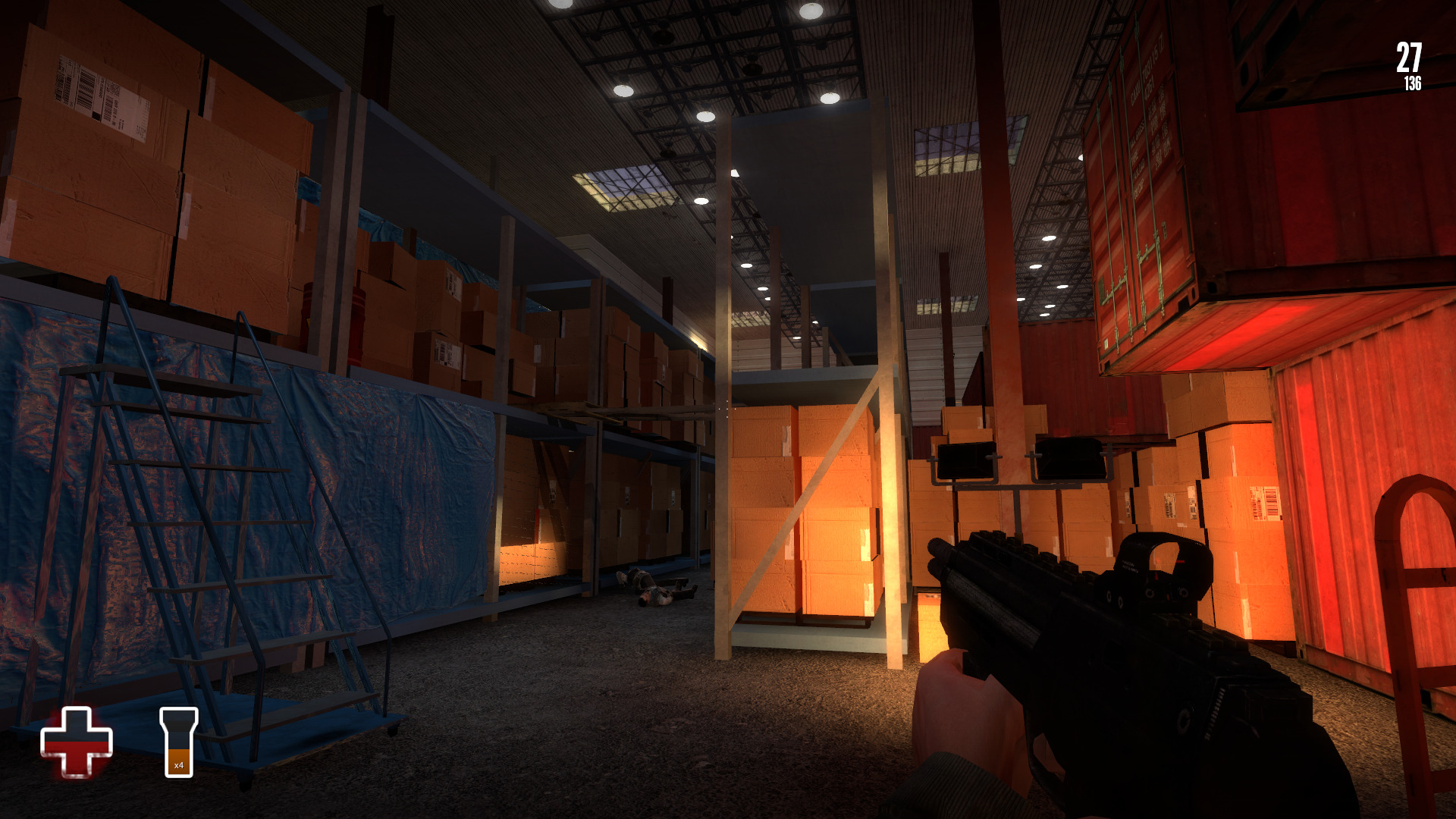
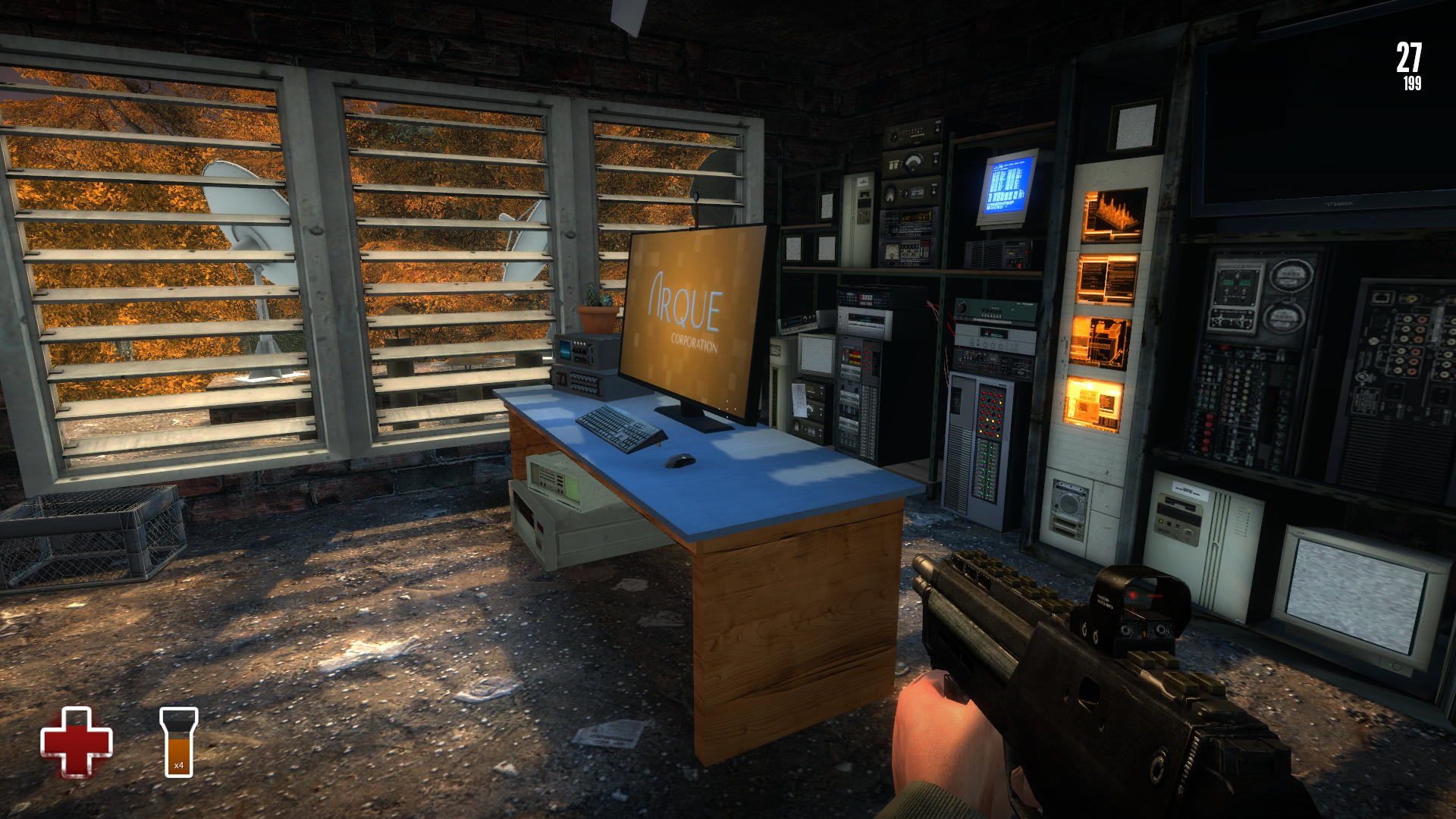
Made in Valve's source engine, Estranged is a free to play game that runs natively in Linux. I didn't have any issues playing Estranged on my GeForce GTX 1060. The graphics were beautiful and the environments were stunning... not to mention it was fun to play and the puzzles were clever. I loved the scripted events and physics-based puzzles which reminded me of Half-Life 2.
Specs:
Mint 19.3 64-bit
GeForce GTX 1060
Nvidia 440.100
 ...
...
https://store.steampowered.com/app/261820/Estranged_Act_I/
Made in Valve's source engine, Estranged is a free to play game that runs natively in Linux. I didn't have any issues playing Estranged on my GeForce GTX 1060. The graphics were beautiful and the environments were stunning... not to mention it was fun to play and the puzzles were clever. I loved the scripted events and physics-based puzzles which reminded me of Half-Life 2.
Specs:
Mint 19.3 64-bit
GeForce GTX 1060
Nvidia 440.100
Chex Quest
Aug 03
- 4,102
- 0
Remember the old Chex Quest game in 1996 by Digital Café as a Chex cereal promotion? I don't, but I remember reading about it. This was an attempt to create a non-violent first person shooter for kids age 6-9 where you can shoot slimy aliens who are trying to take your Chex cereal away.
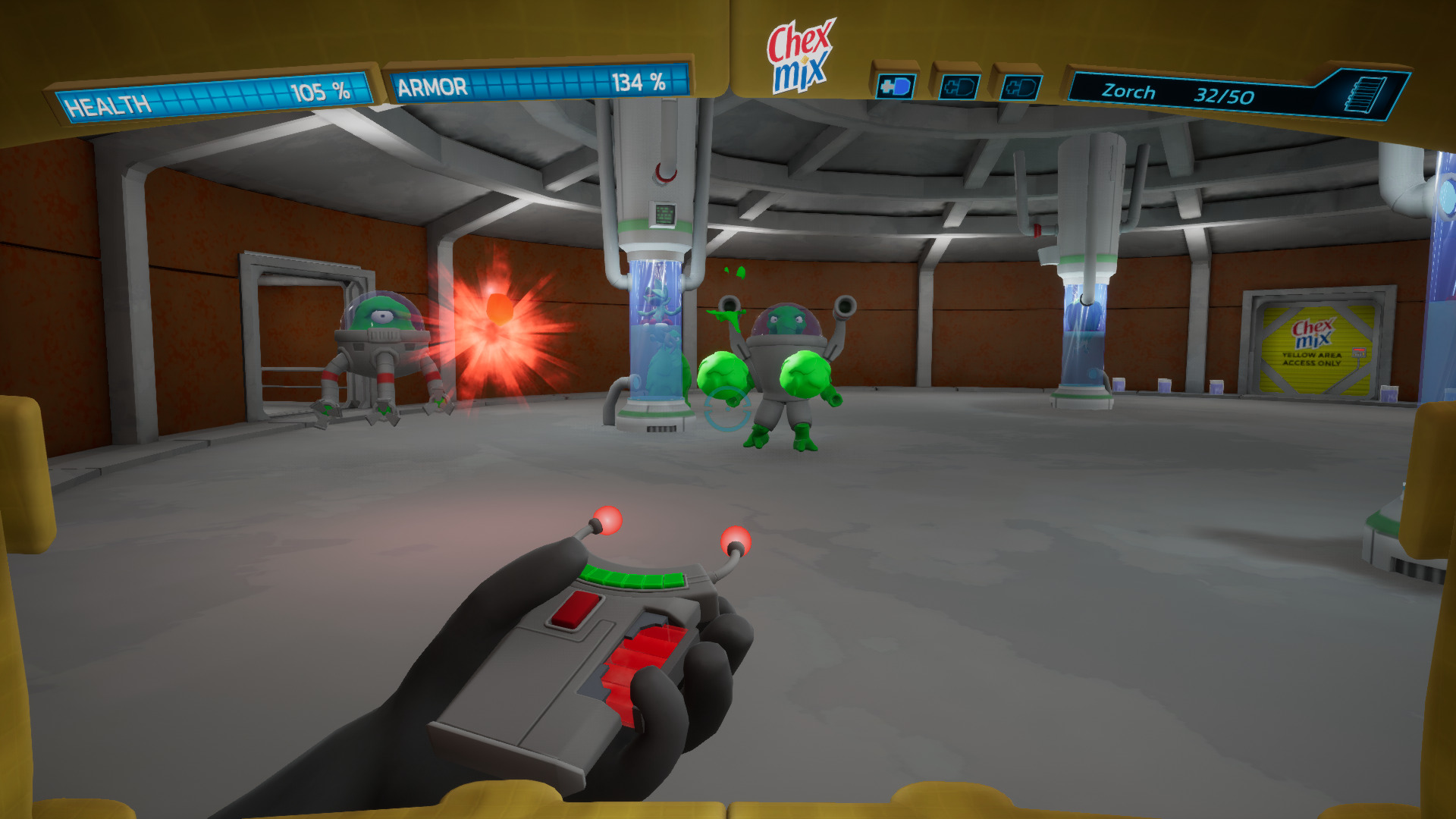
Team Chex Quest HD have re-created the original game in a modern game engine and its totally free!
https://store.steampowered.com/app/804270/Chex_Quest_HD/
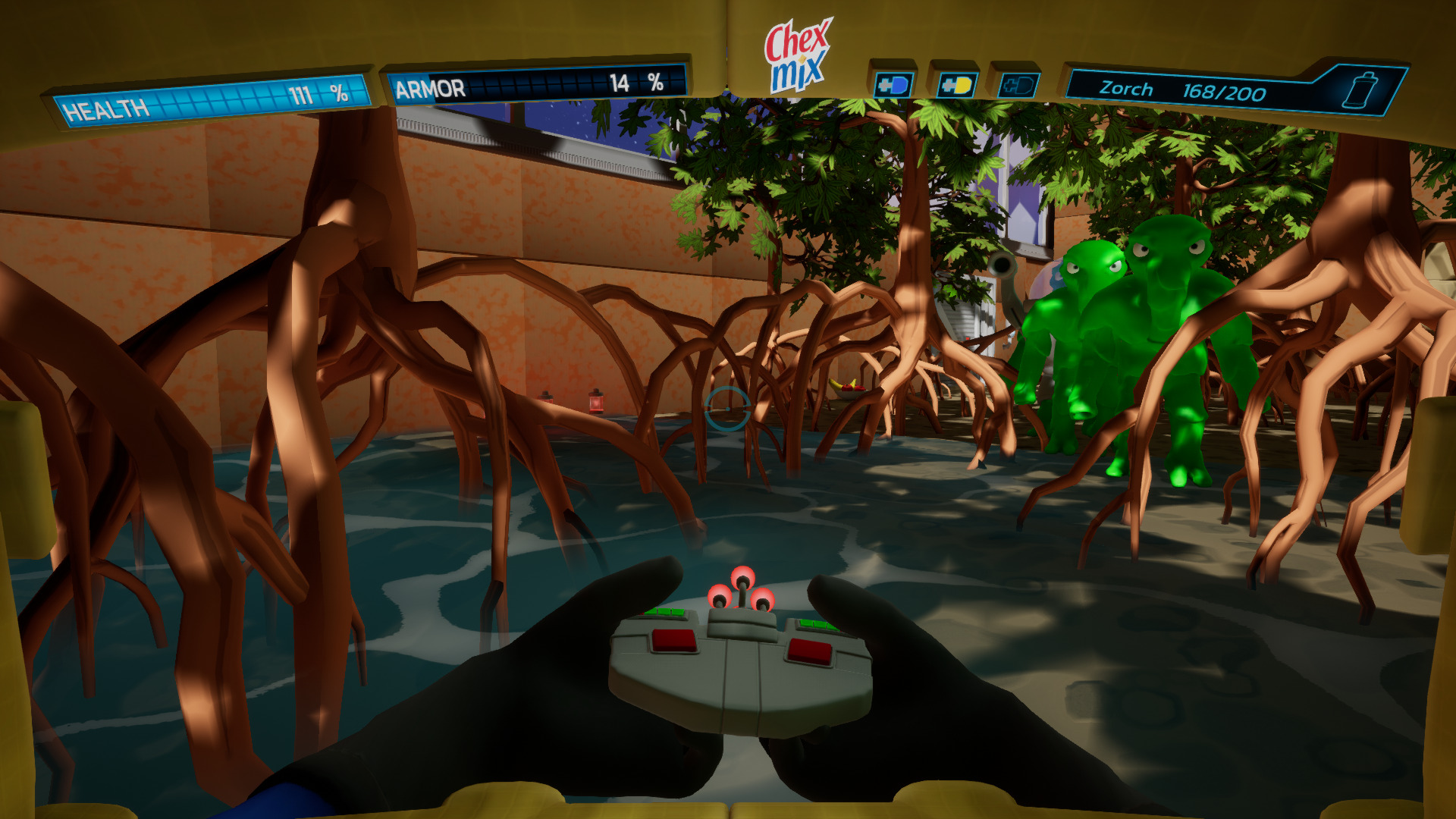
Slay green slime aliens with your special laser weapons and even a spoon. Find the keys and navigate your way through the levels leaving no alien traces behind. There are secret areas, interactive elements and of course a non violent arsenal of cereal weapons.
Proton handled Chex Quest just fine in Steam. I was able to download, launch and play several levels without any bugs or artifacts.
Specs:
Mint 19.3 64-bit
GeForce GTX 1060
Nvidia 440.100
Proton 5.0-9
 ...
...
Team Chex Quest HD have re-created the original game in a modern game engine and its totally free!
https://store.steampowered.com/app/804270/Chex_Quest_HD/
Slay green slime aliens with your special laser weapons and even a spoon. Find the keys and navigate your way through the levels leaving no alien traces behind. There are secret areas, interactive elements and of course a non violent arsenal of cereal weapons.
Proton handled Chex Quest just fine in Steam. I was able to download, launch and play several levels without any bugs or artifacts.
Specs:
Mint 19.3 64-bit
GeForce GTX 1060
Nvidia 440.100
Proton 5.0-9
System Shock Remake Demo
Jul 16
- 3,545
- 0
If you haven't played System Shock 1 or 2, these are a must play FPS horror/action/stealth/hack/adventure game!
The original System Shock was made 1994 and was one of the most interactive sci-fi games made at the time. This is no run-n-gun arcade game! You can loot just about any container, solve puzzles, fight robots and zombified crew. The original game had clunky controls which made it very hard to play, but today it can play on just about any computer made.
There is an enhanced edition available on GOG which supports higher resolution and better controls
http://www.gamersonlinux.com/forum/threads/system-shock-enhanced-edition-guide.2412/
But Nightdive Studios is doing a complete remake of the original game with the Unreal Engine
https://store.steampowered.com/app/482400/System_Shock/
https://www.gog.com/game/system_shock_demo
Sadly Steam and GOG only offer the Windows version of the Demo
But there is a Linux demo out there somewhere... I...
The original System Shock was made 1994 and was one of the most interactive sci-fi games made at the time. This is no run-n-gun arcade game! You can loot just about any container, solve puzzles, fight robots and zombified crew. The original game had clunky controls which made it very hard to play, but today it can play on just about any computer made.
There is an enhanced edition available on GOG which supports higher resolution and better controls
http://www.gamersonlinux.com/forum/threads/system-shock-enhanced-edition-guide.2412/
But Nightdive Studios is doing a complete remake of the original game with the Unreal Engine
https://store.steampowered.com/app/482400/System_Shock/
https://www.gog.com/game/system_shock_demo
Sadly Steam and GOG only offer the Windows version of the Demo
But there is a Linux demo out there somewhere... I...
Janga Demo in Proton
Jun 14
- 3,113
- 0
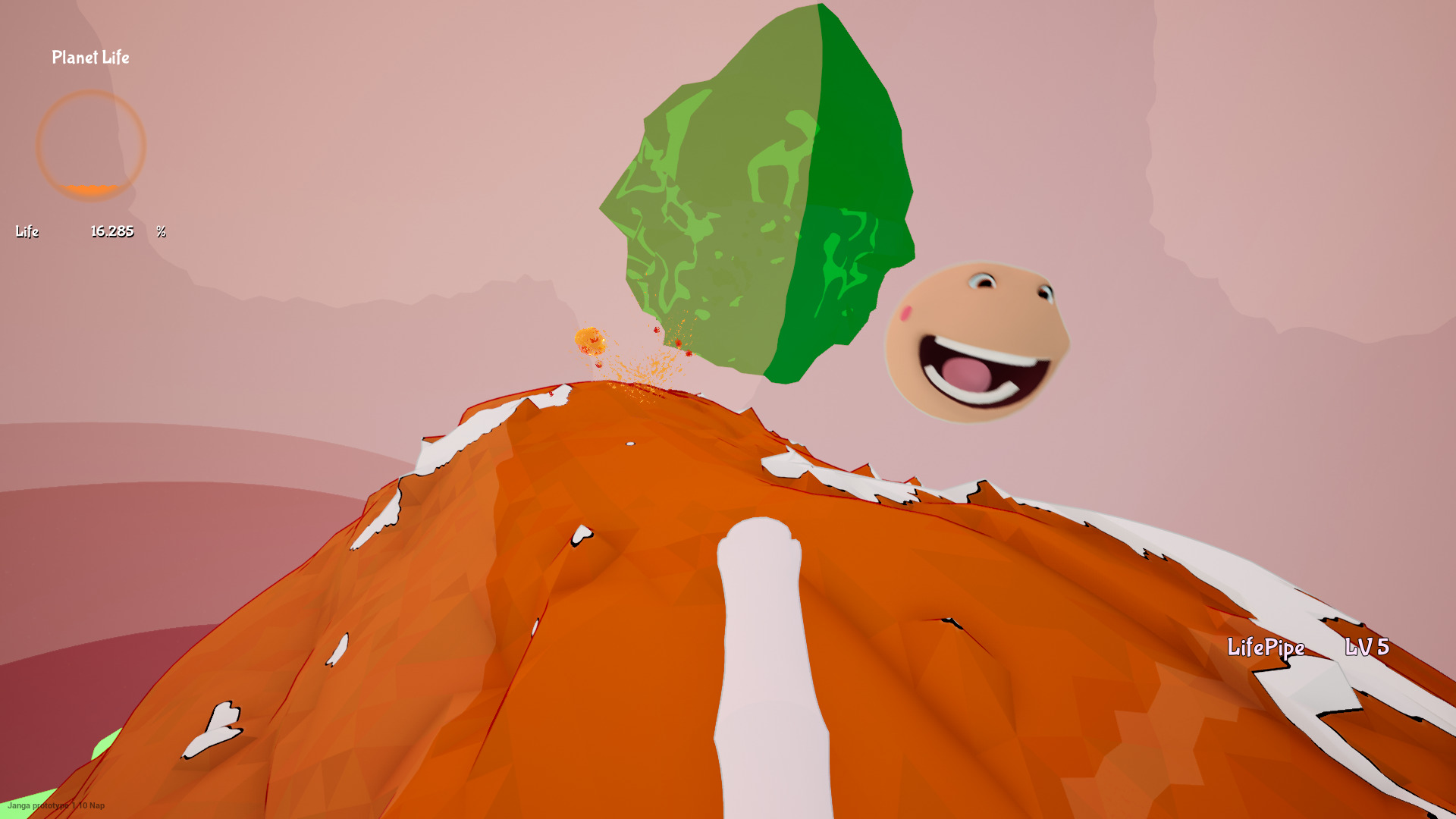
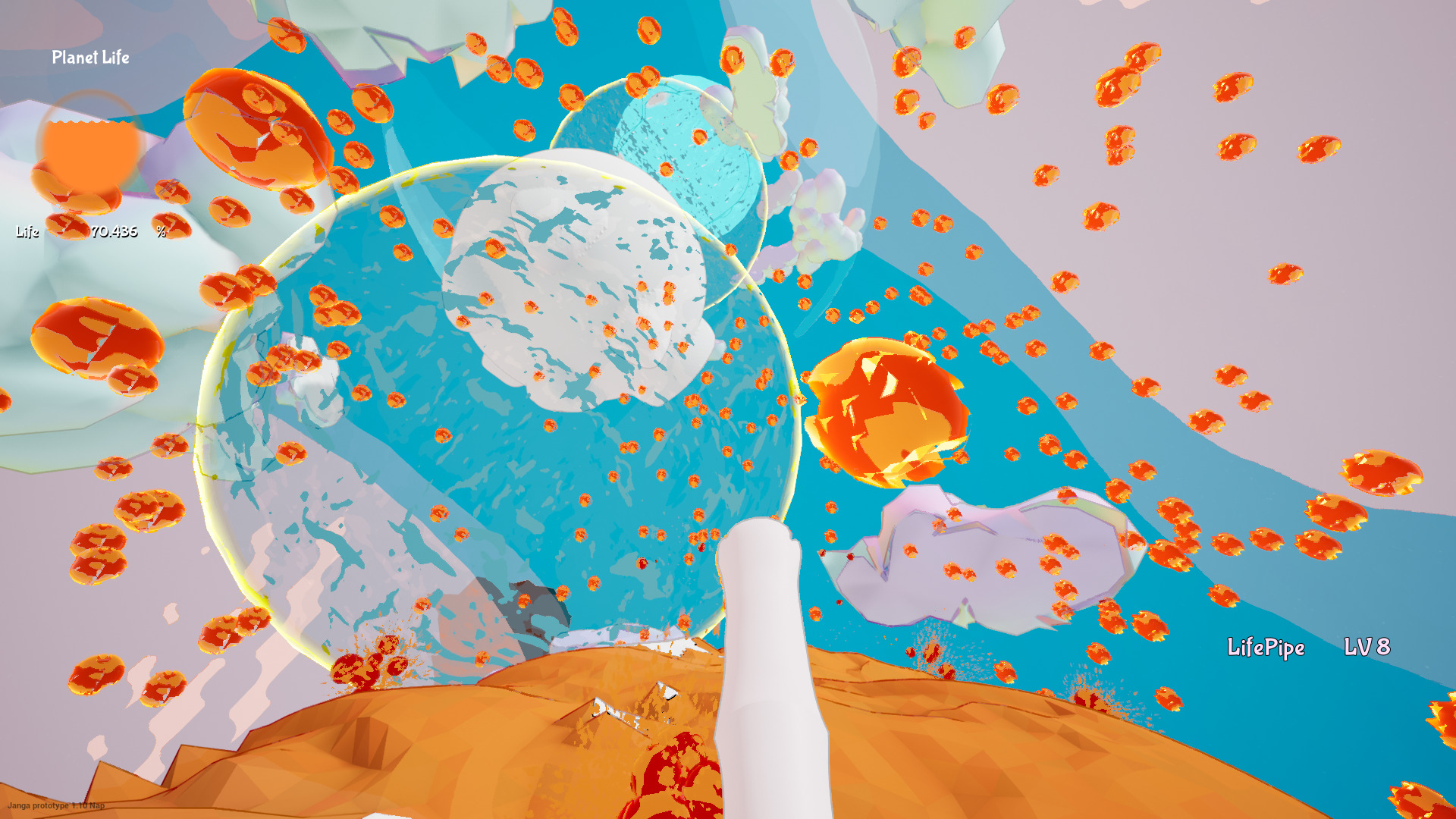
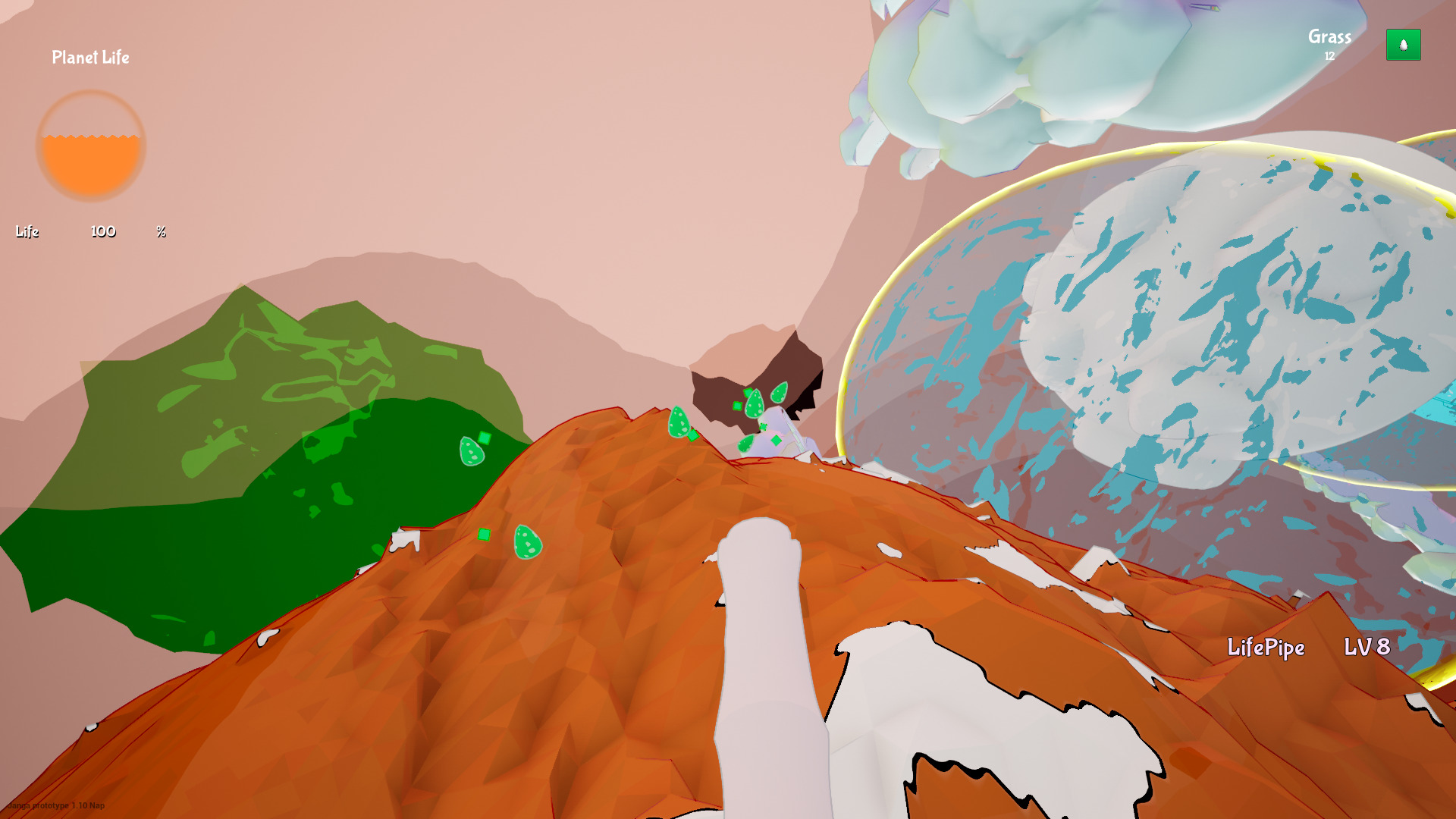
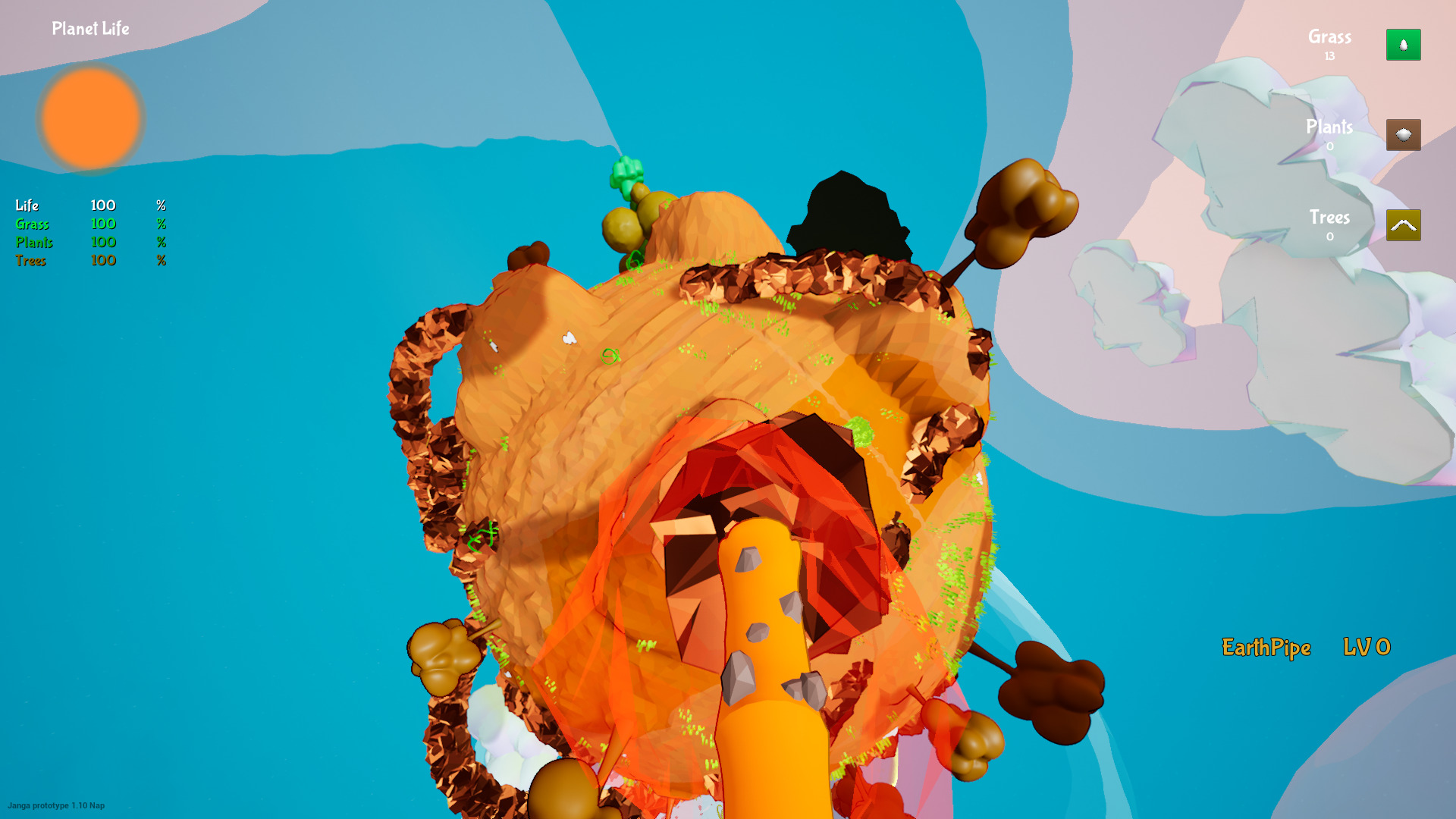
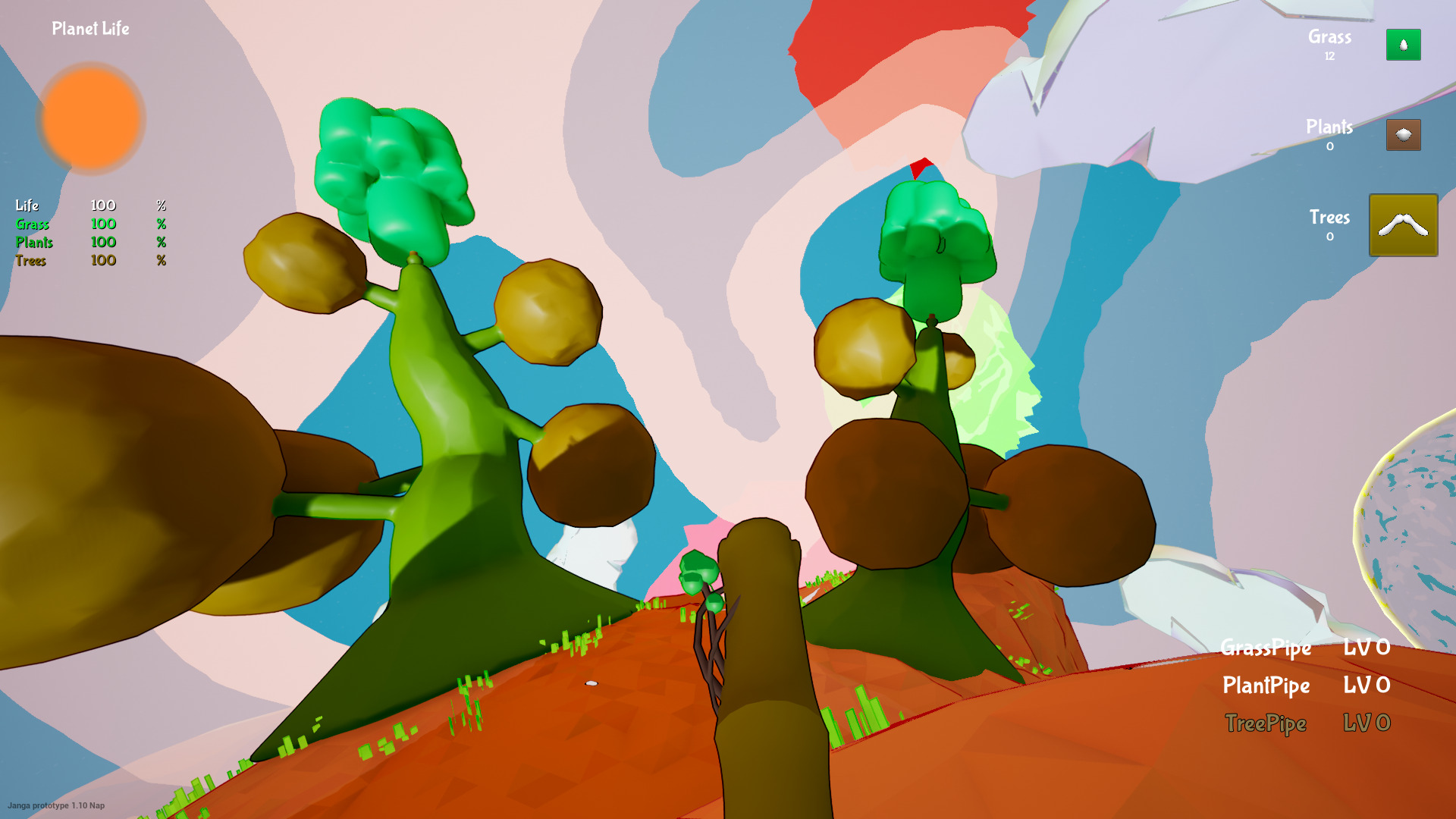
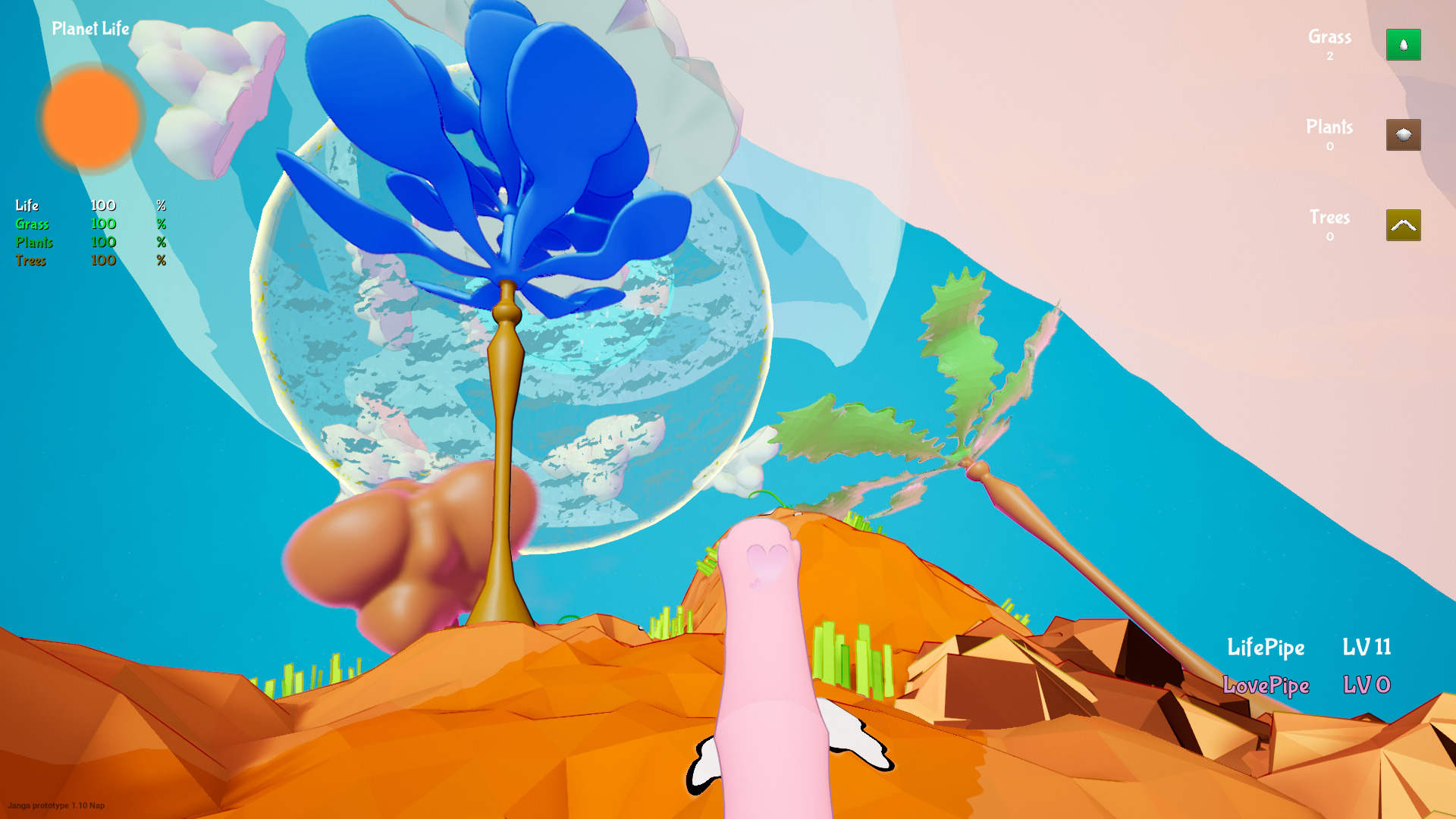
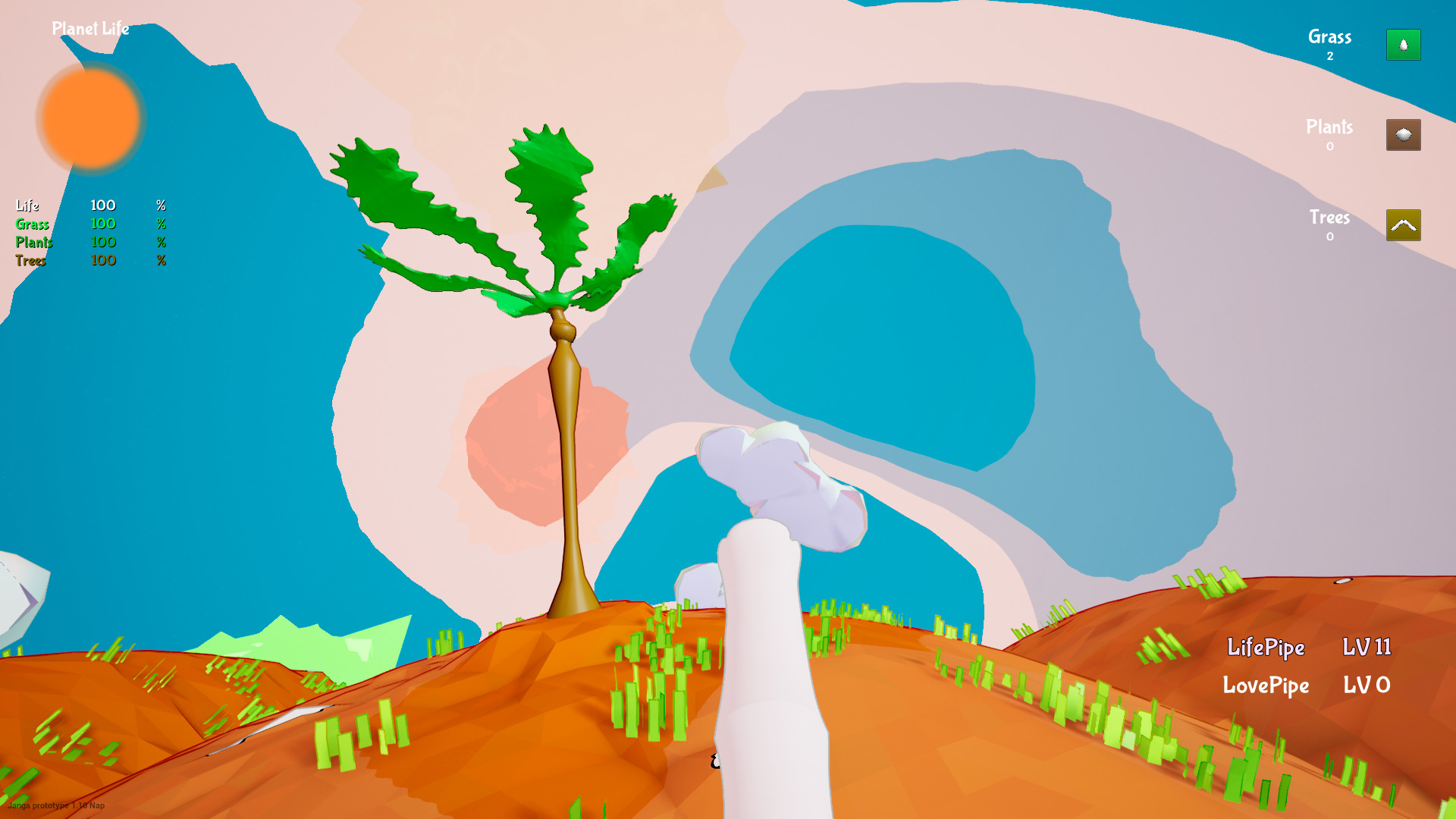
Janga is a silly yet clever sandbox game. You begin on a white planet and begin to plow the surface with your blow pipe. Strange huh? Yeah well, turns out it is a lot of fun. These random heads (called Gluttons) that you can shoot and explode to help you change the surface. Then you can eventually get new pipes like a earth pipe, love pipe, grass pipe, vacuum pipe, tree pipe and plant pipe... maybe even more.
https://concretegames.itch.io/janga
One of the coolest features is gravity. You can eventually jump and as you bring life to your tiny planet you can run faster and jump higher. At some point you will be able to leap out of orbit and float to another planet.
Mint 19.3 64-bit
GeForce GTX 1060
Nvidia 440.59
Proton 5.0-9
 ...
...
https://concretegames.itch.io/janga
One of the coolest features is gravity. You can eventually jump and as you bring life to your tiny planet you can run faster and jump higher. At some point you will be able to leap out of orbit and float to another planet.
Mint 19.3 64-bit
GeForce GTX 1060
Nvidia 440.59
Proton 5.0-9
Doom 2016 in Proton
Jun 05
- 6,287
- 2
Remember DOOM 3?
The first time I played it I was awe struck with the beautiful graphics, creepy monsters and scripted events. Like visions of hell, floating objects, automated machinery and monsters crawling on the walls.
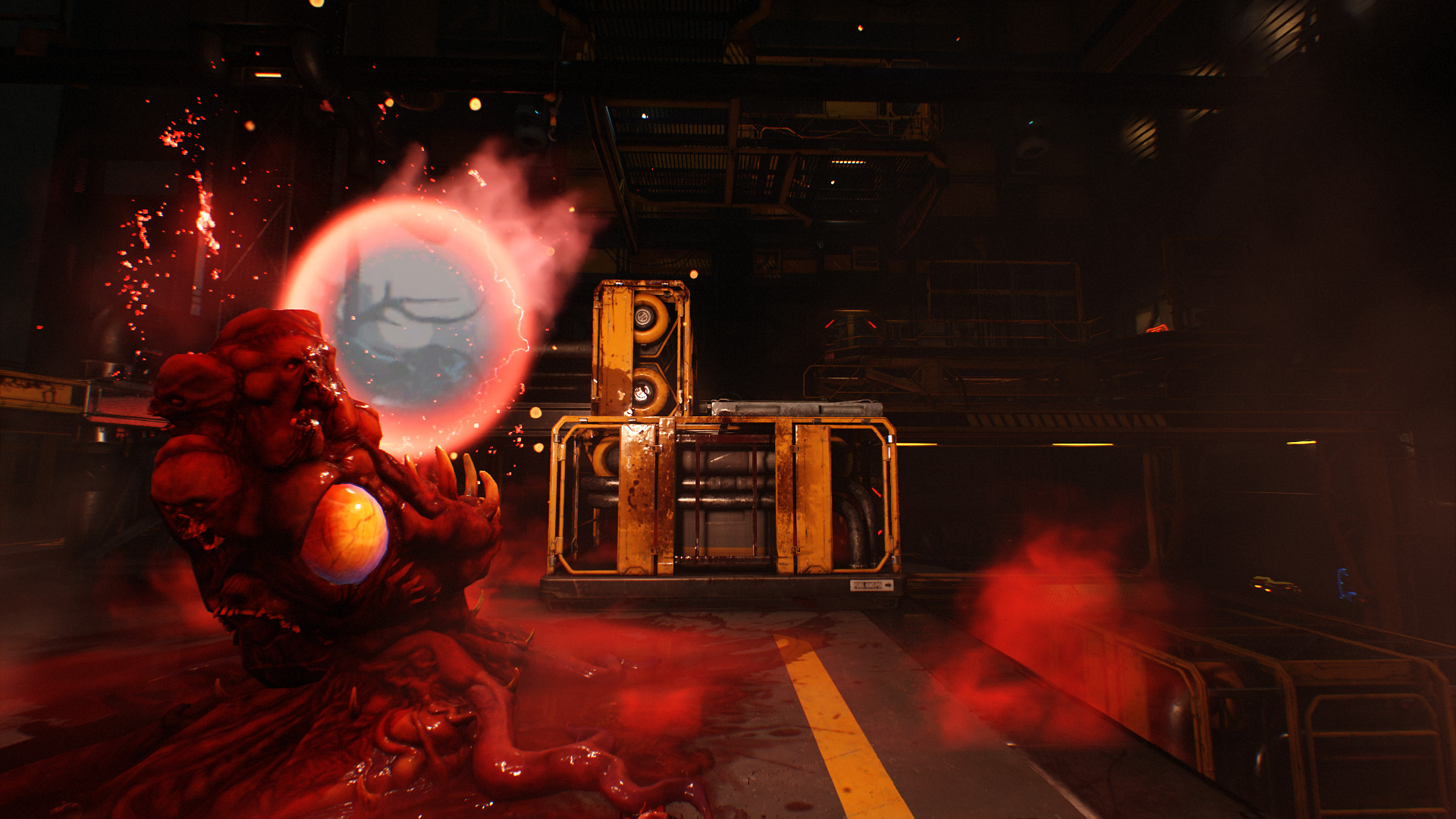
Doom 2016 is a re-creation of Doom 3 better in every way. Glory kill minions with your bare-gloves, parkour across levels to reach power ups and level up your weapons and skills. This is what everyone wanted! An epic bloody horror space action FPS with all of our favorite monsters.
In Linux Proton 5.0-7 handles Doom 2016 (vulkan) perfectly! I was able to launch, configure graphics settings and play without any problems. Game-play and controls handle nicely with my GTX 1060. This game is beautifully made. Every objects looks hand-crafted and all the gory details are there. Anyone who loves FPS shooters has to buy this one.
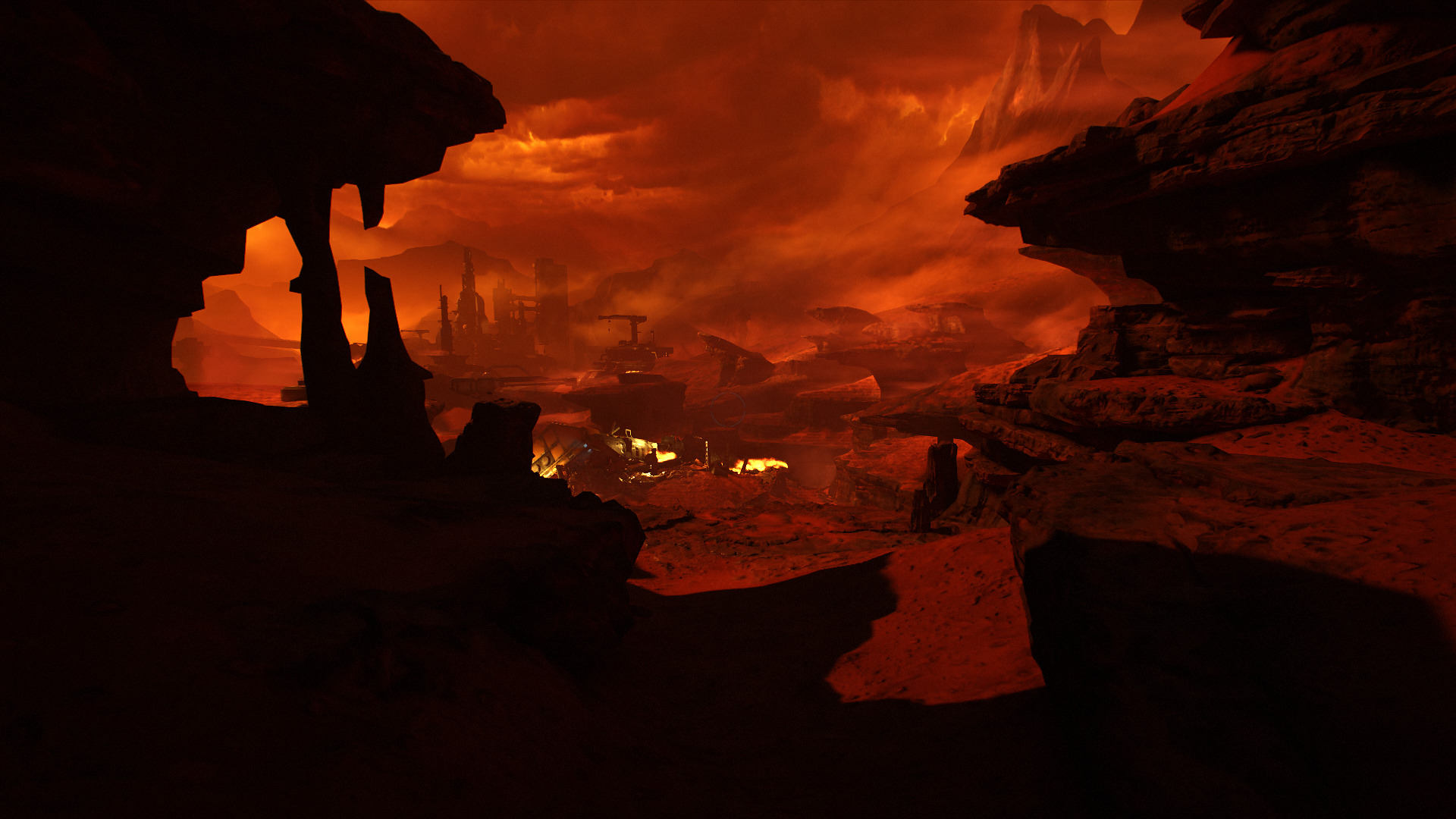
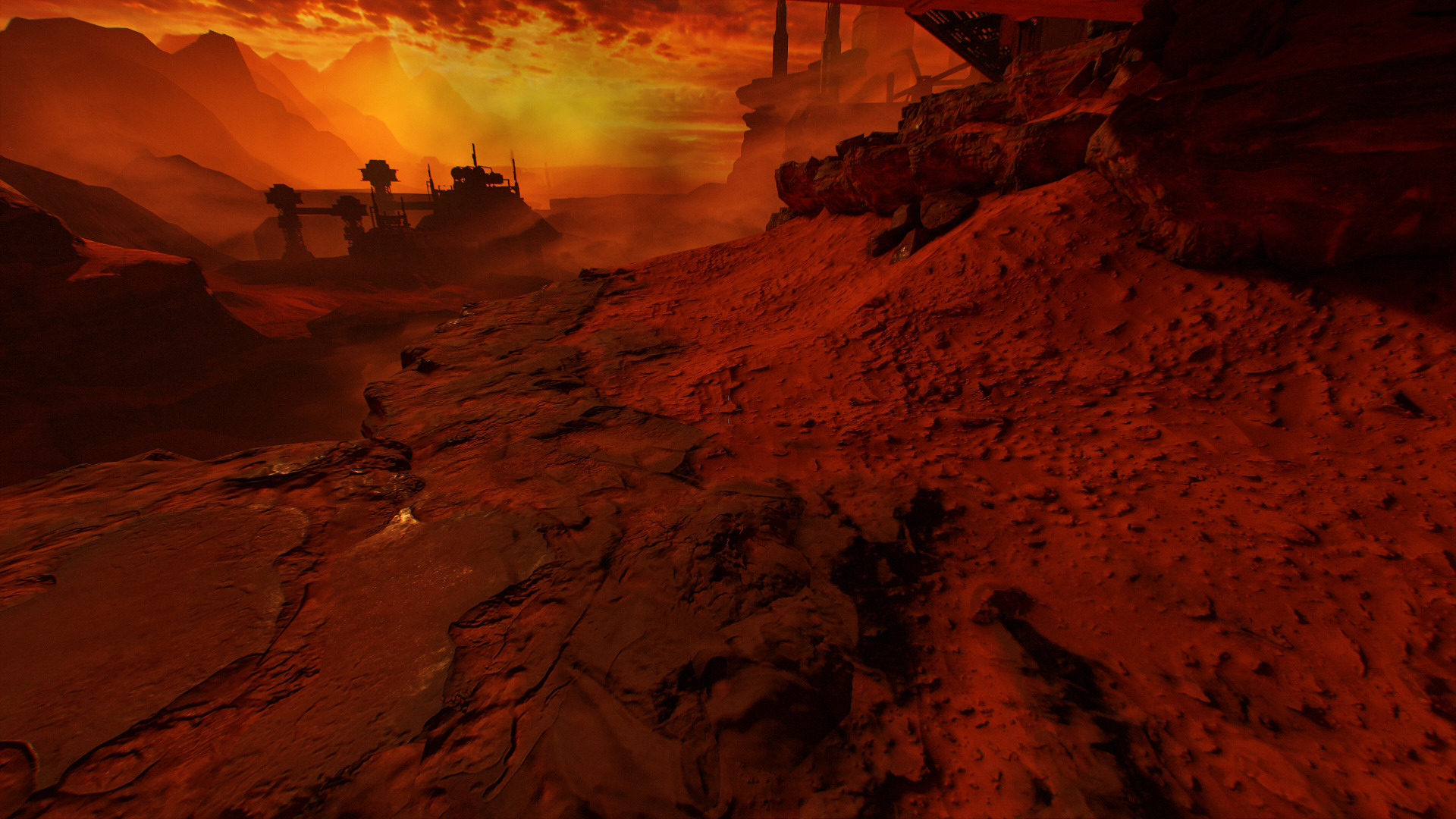
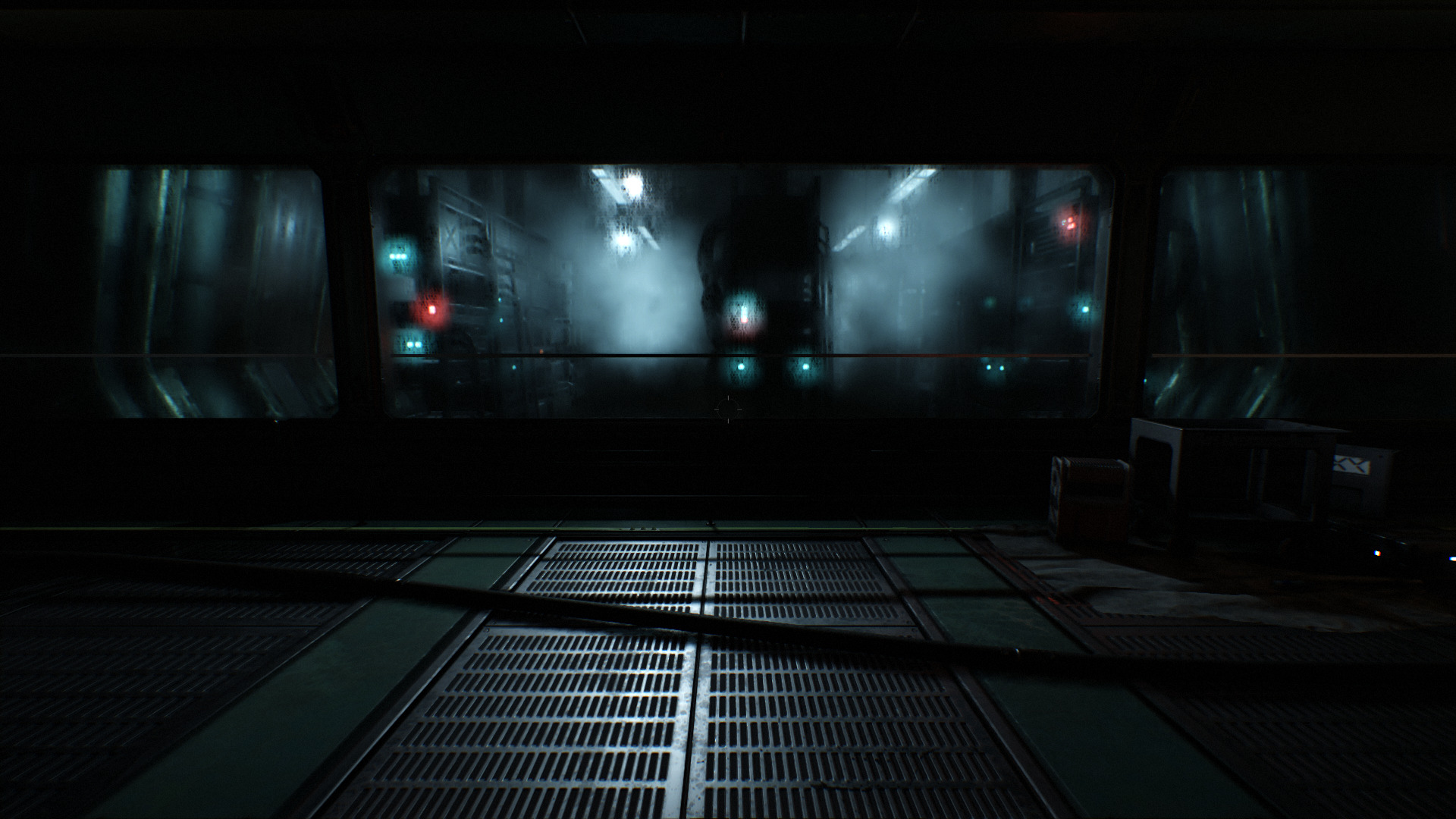 ...
...
The first time I played it I was awe struck with the beautiful graphics, creepy monsters and scripted events. Like visions of hell, floating objects, automated machinery and monsters crawling on the walls.
Doom 2016 is a re-creation of Doom 3 better in every way. Glory kill minions with your bare-gloves, parkour across levels to reach power ups and level up your weapons and skills. This is what everyone wanted! An epic bloody horror space action FPS with all of our favorite monsters.
In Linux Proton 5.0-7 handles Doom 2016 (vulkan) perfectly! I was able to launch, configure graphics settings and play without any problems. Game-play and controls handle nicely with my GTX 1060. This game is beautifully made. Every objects looks hand-crafted and all the gory details are there. Anyone who loves FPS shooters has to buy this one.
ULTRAKILL Demo
May 04
- 11,169
- 0
ULTRAKILL is a tribute to 90's FPS lowpoly bloody action gaming. It succeeds very well!
Obliterate hordes of minions in this fast-pace shooter by trick jumping, strafing, granading, shooting and more! You'll never tire with the abundance of blood an slaughter through each level... and a the end... is... of course...
A BOSS!
https://hakita.itch.io/ultrakill-prelude
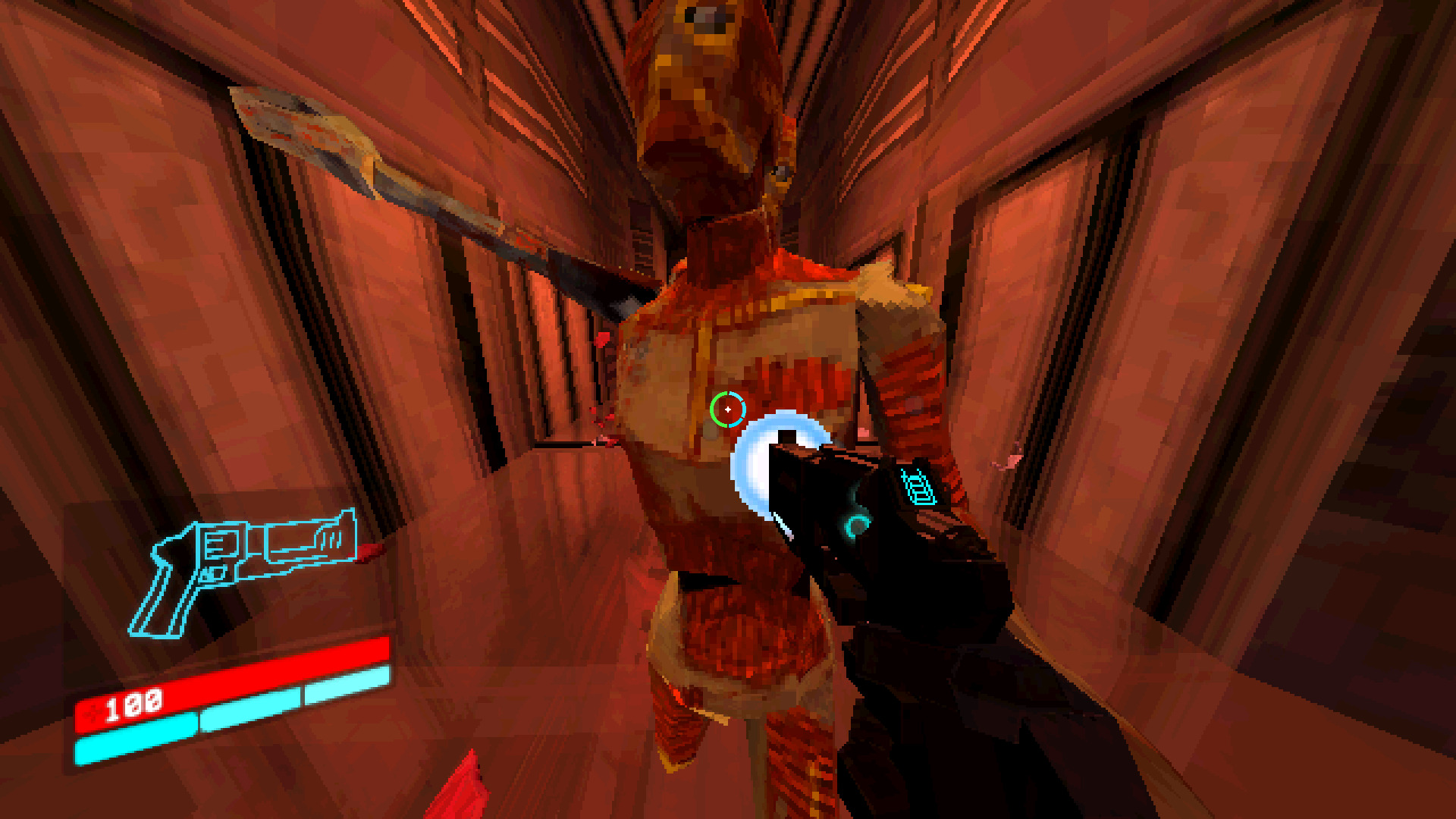
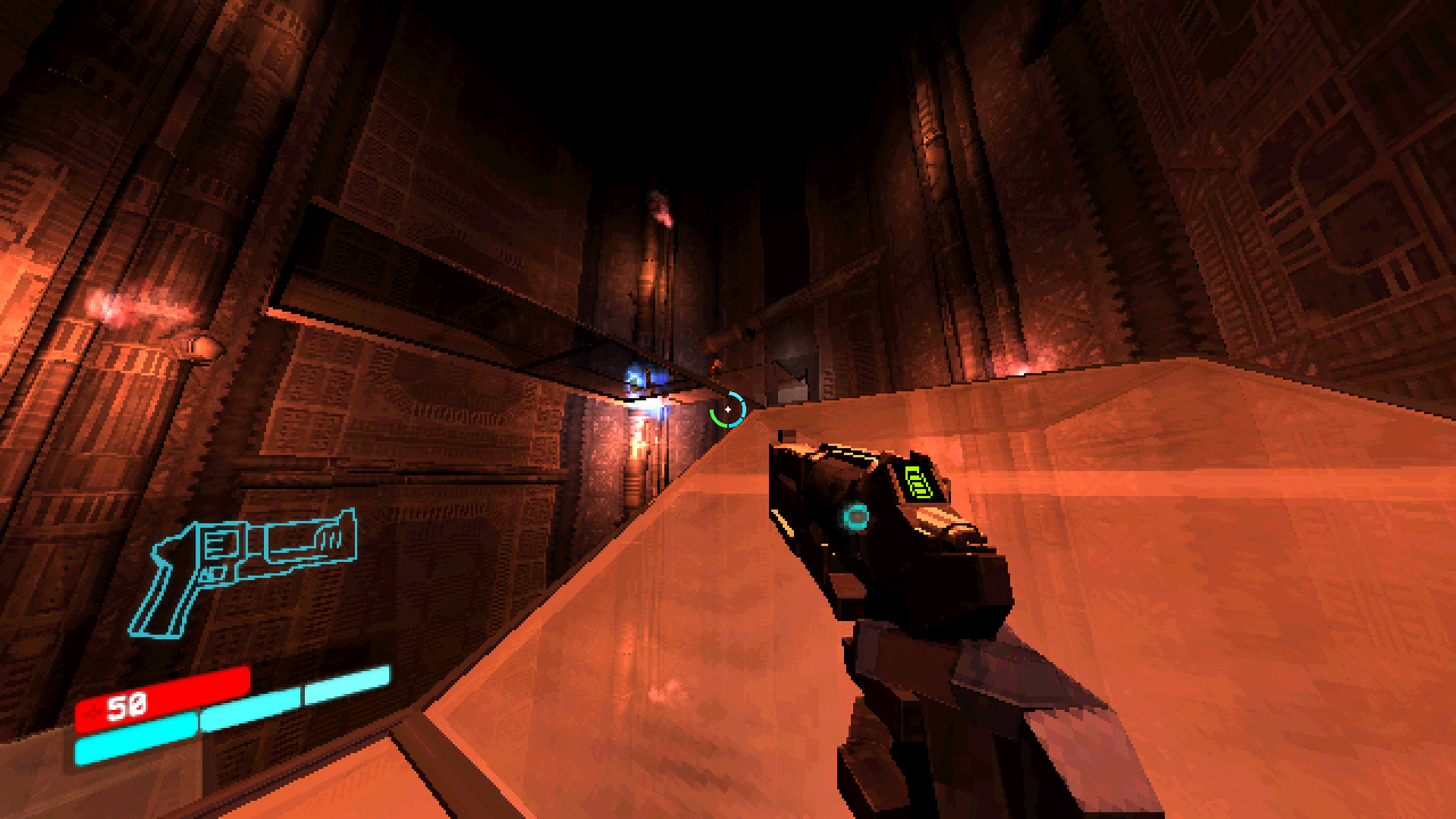
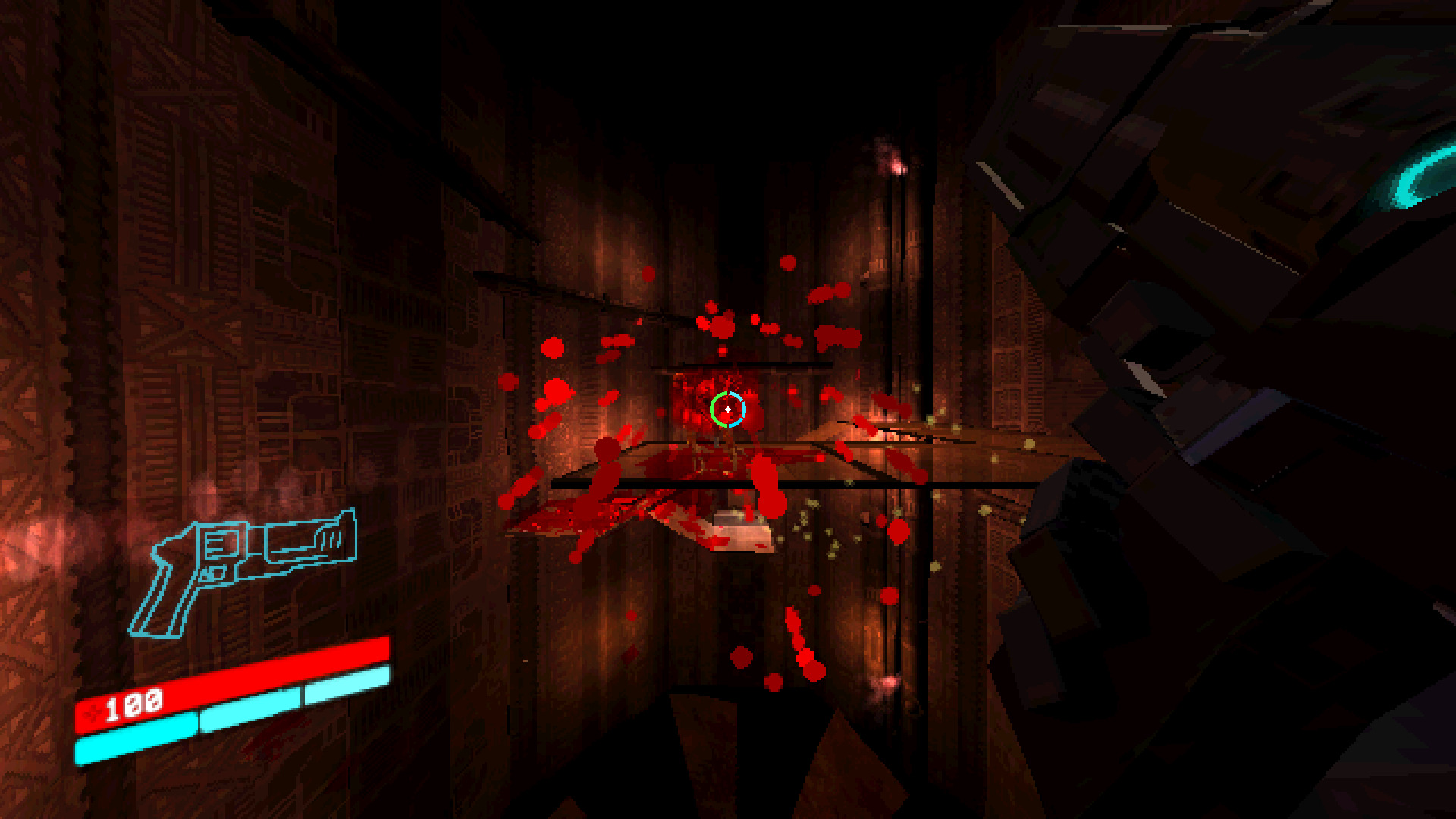
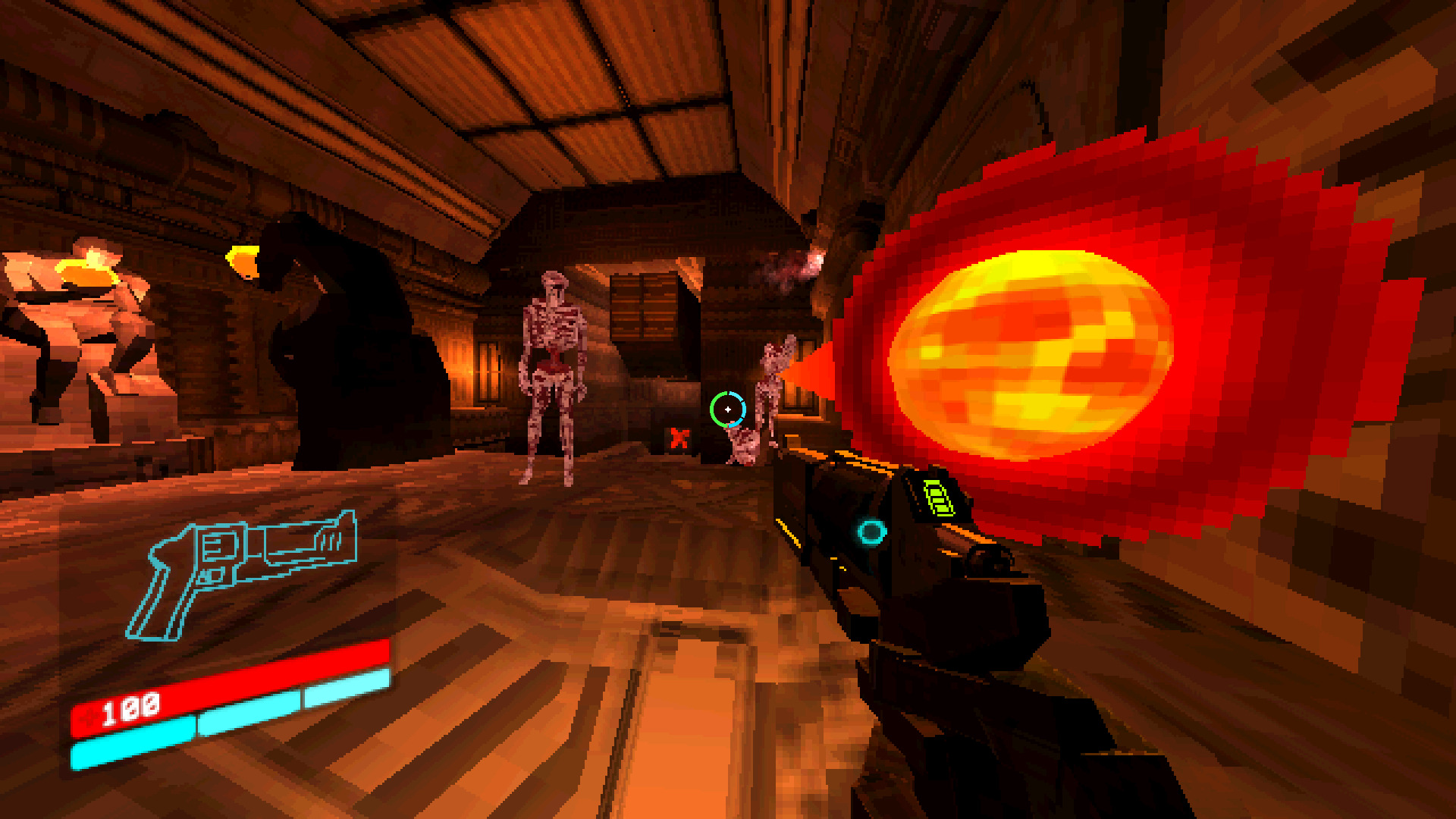
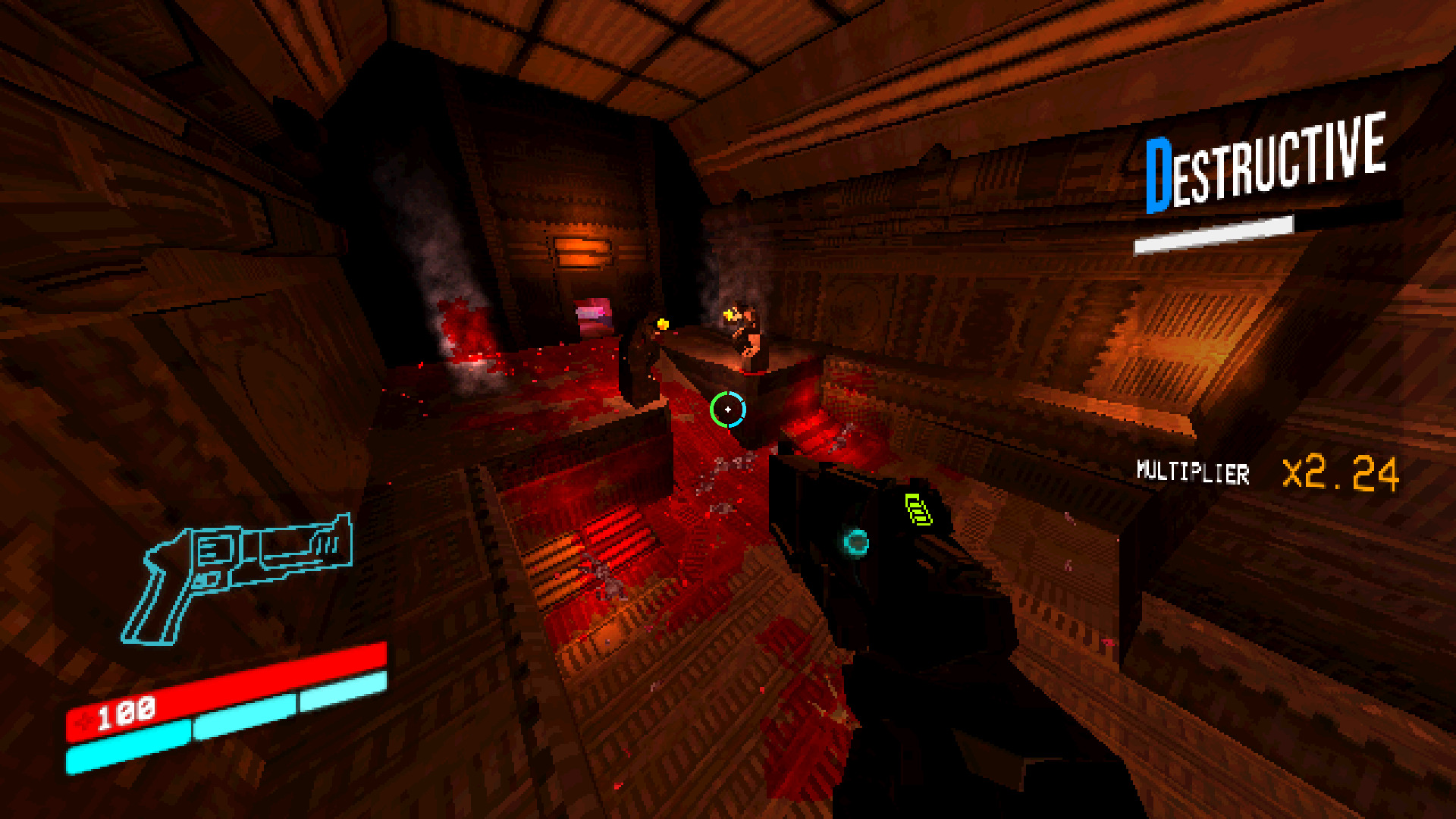
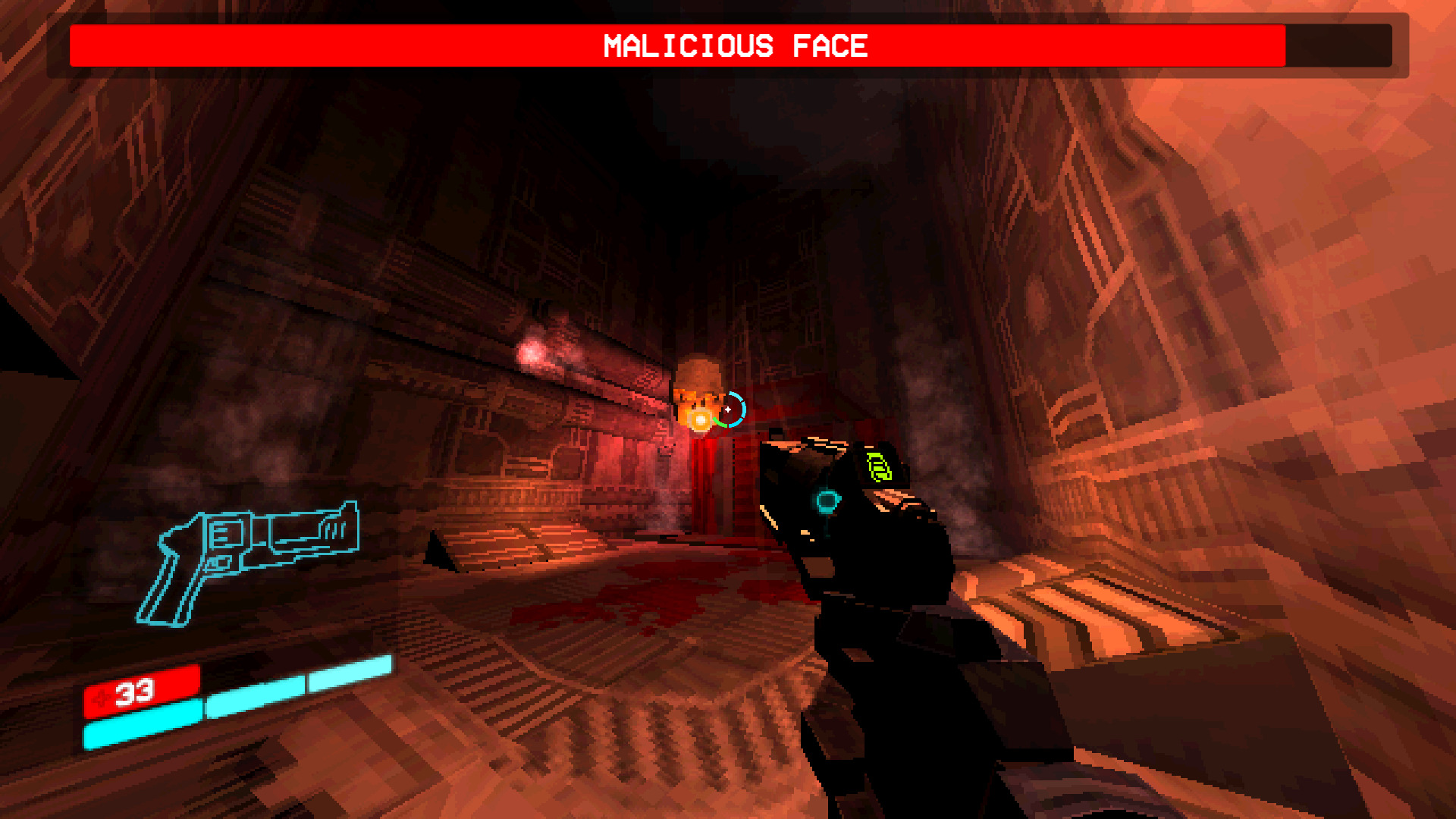
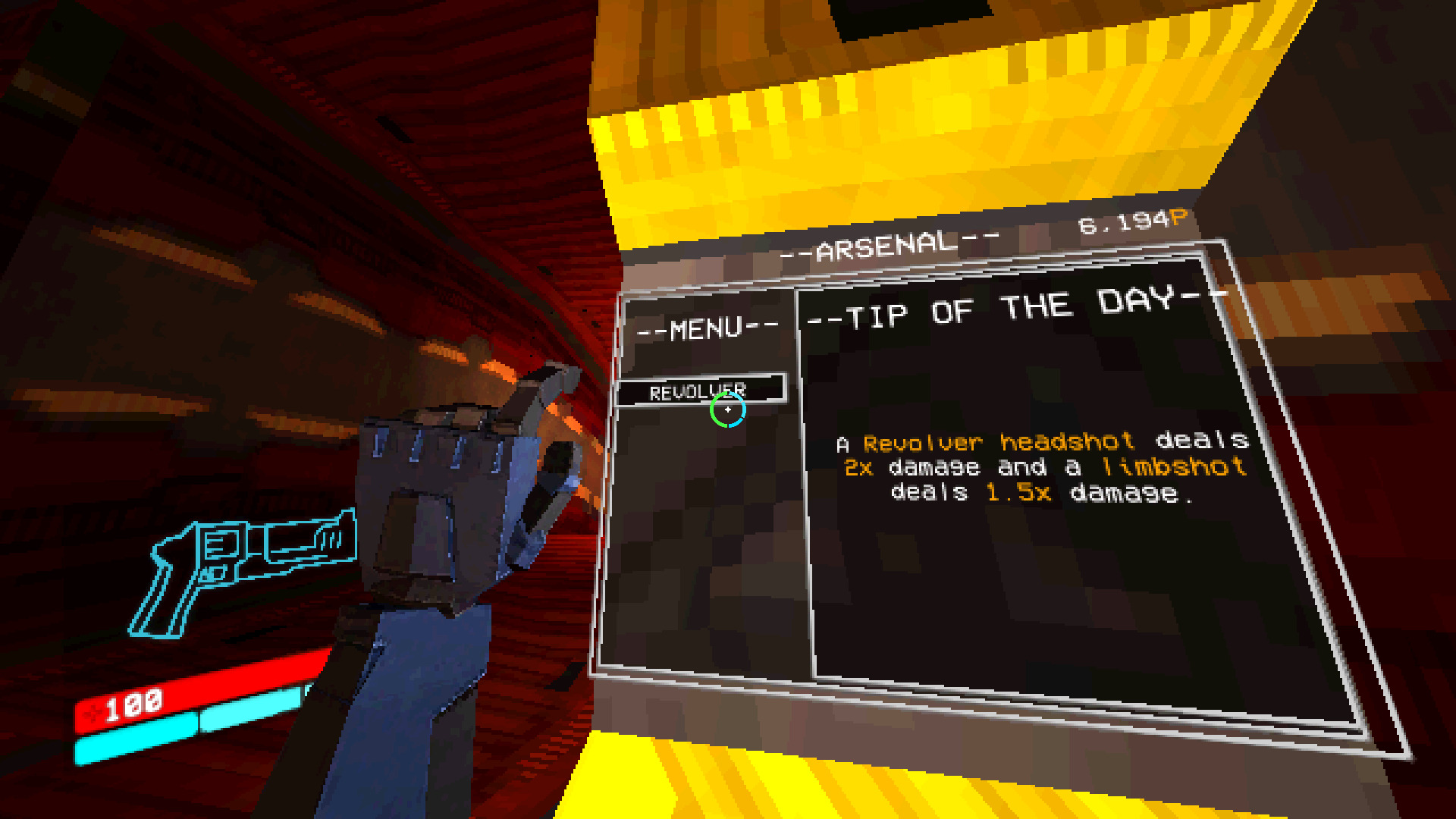
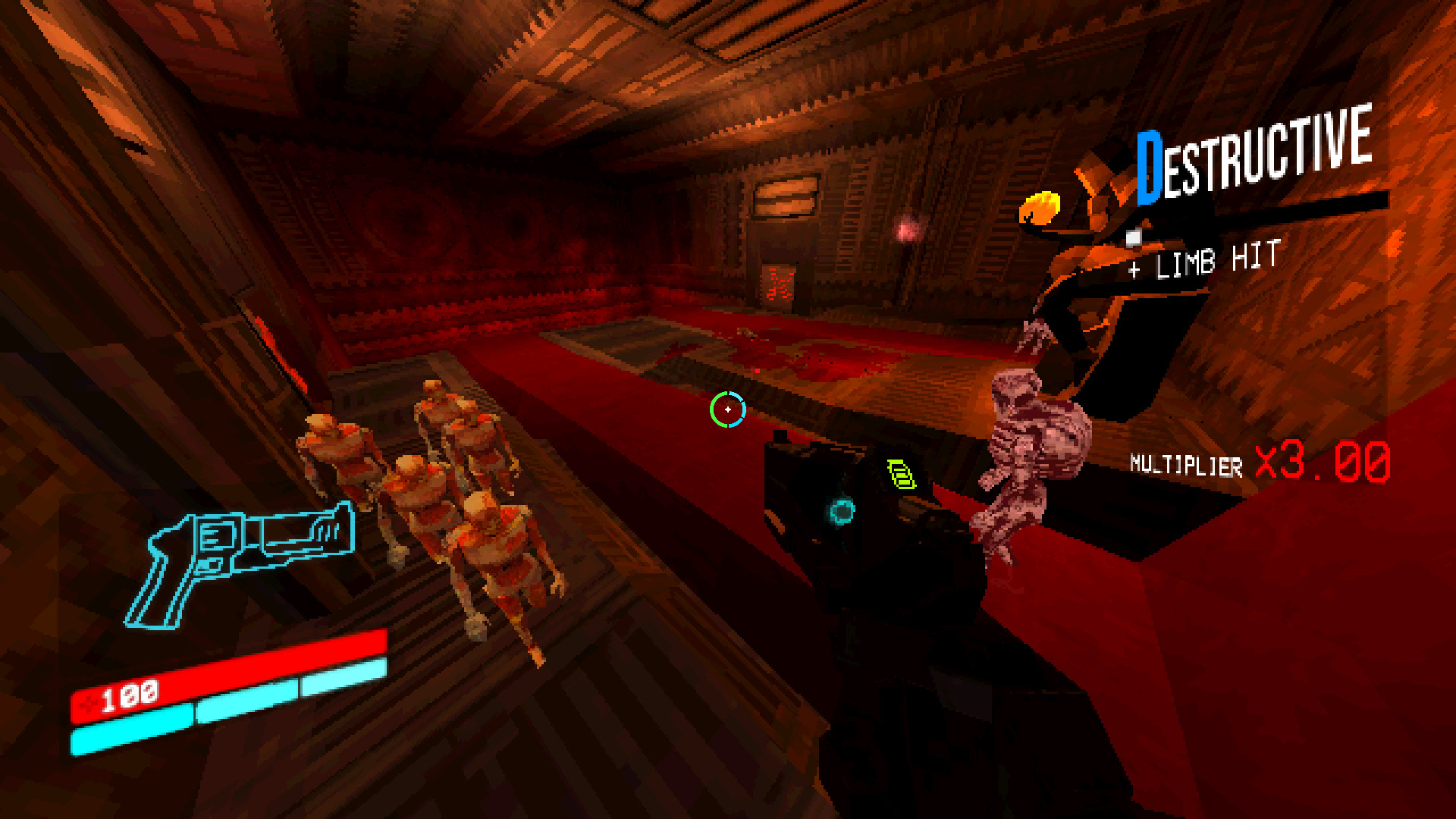
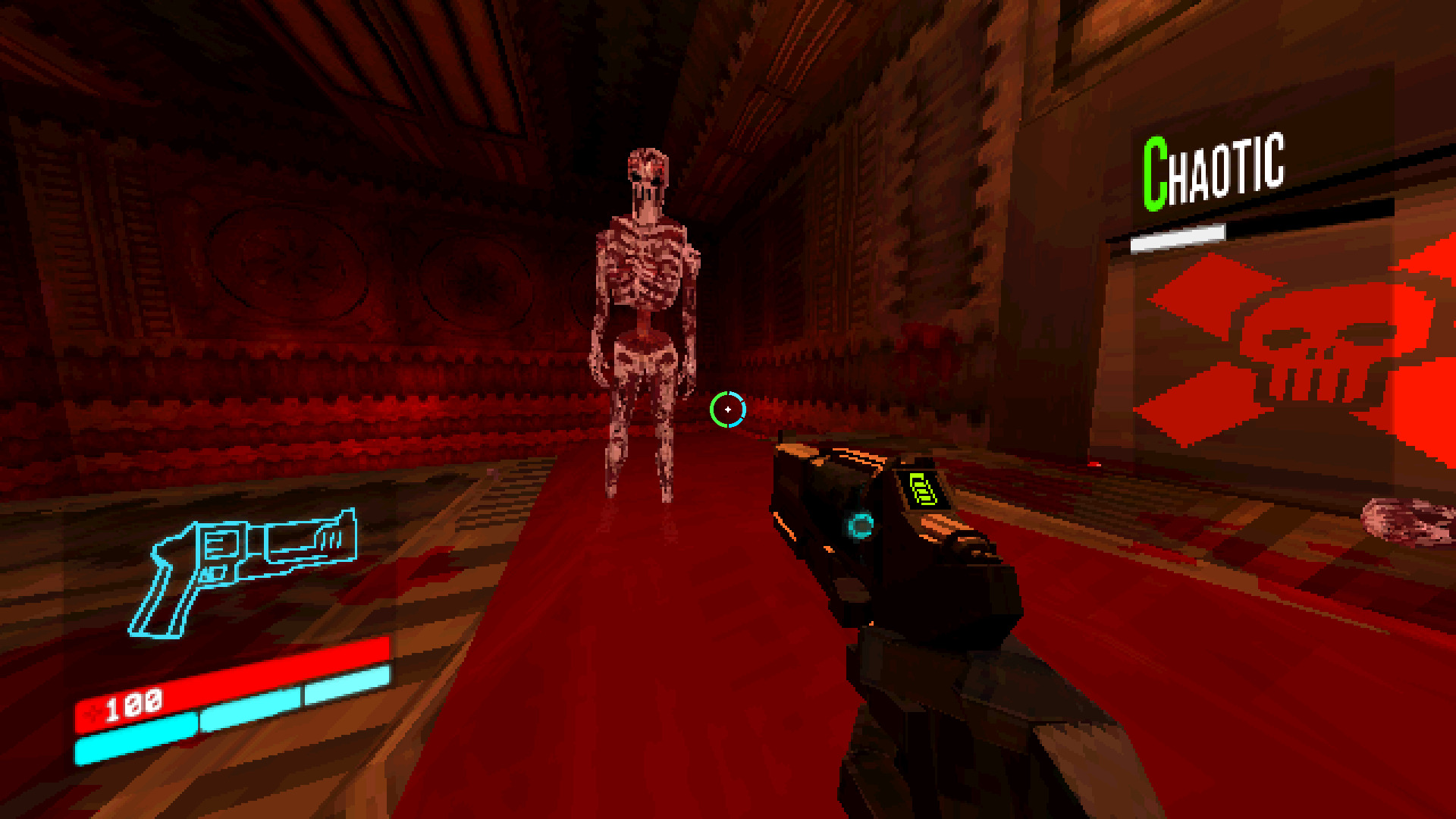
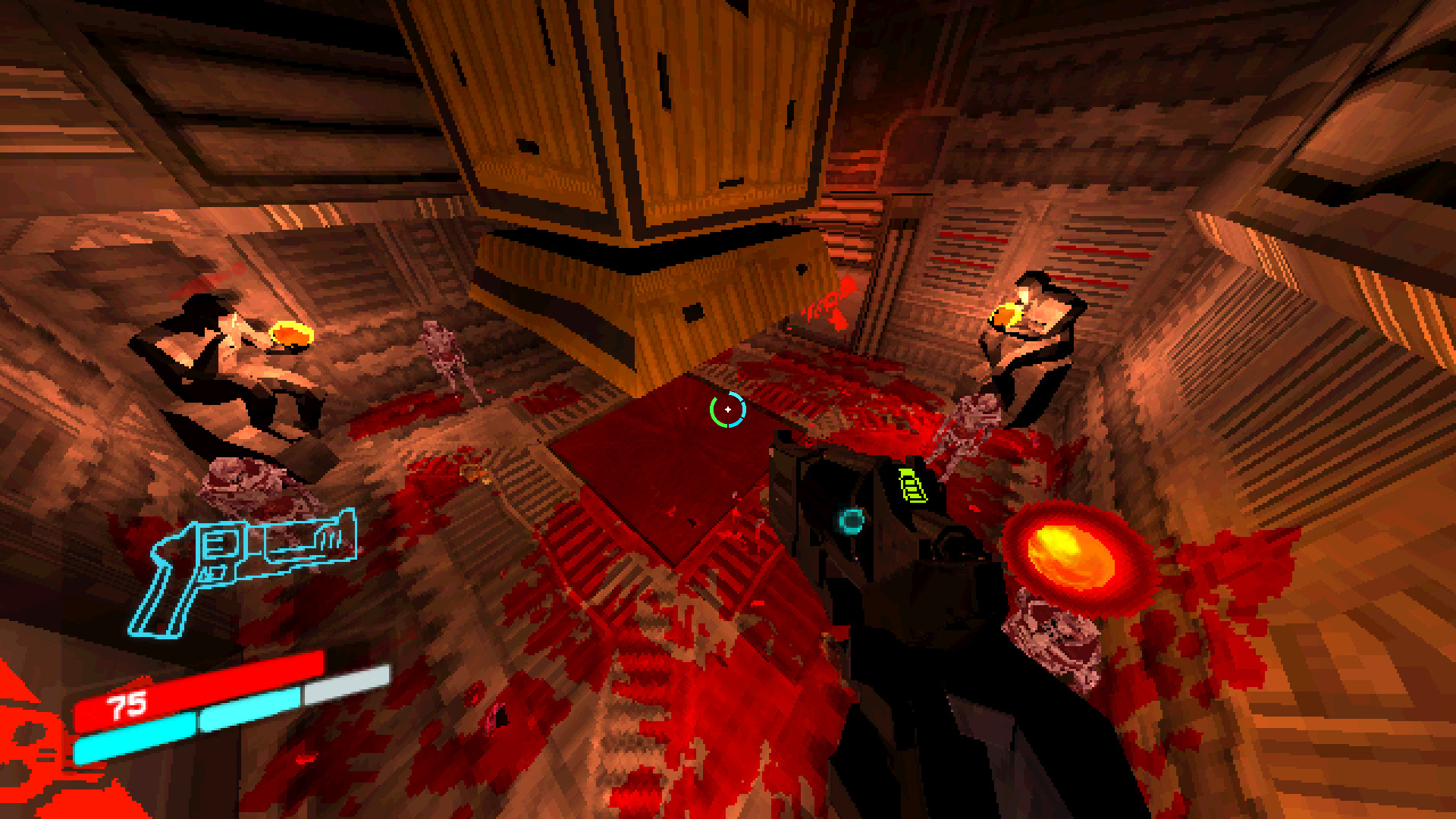
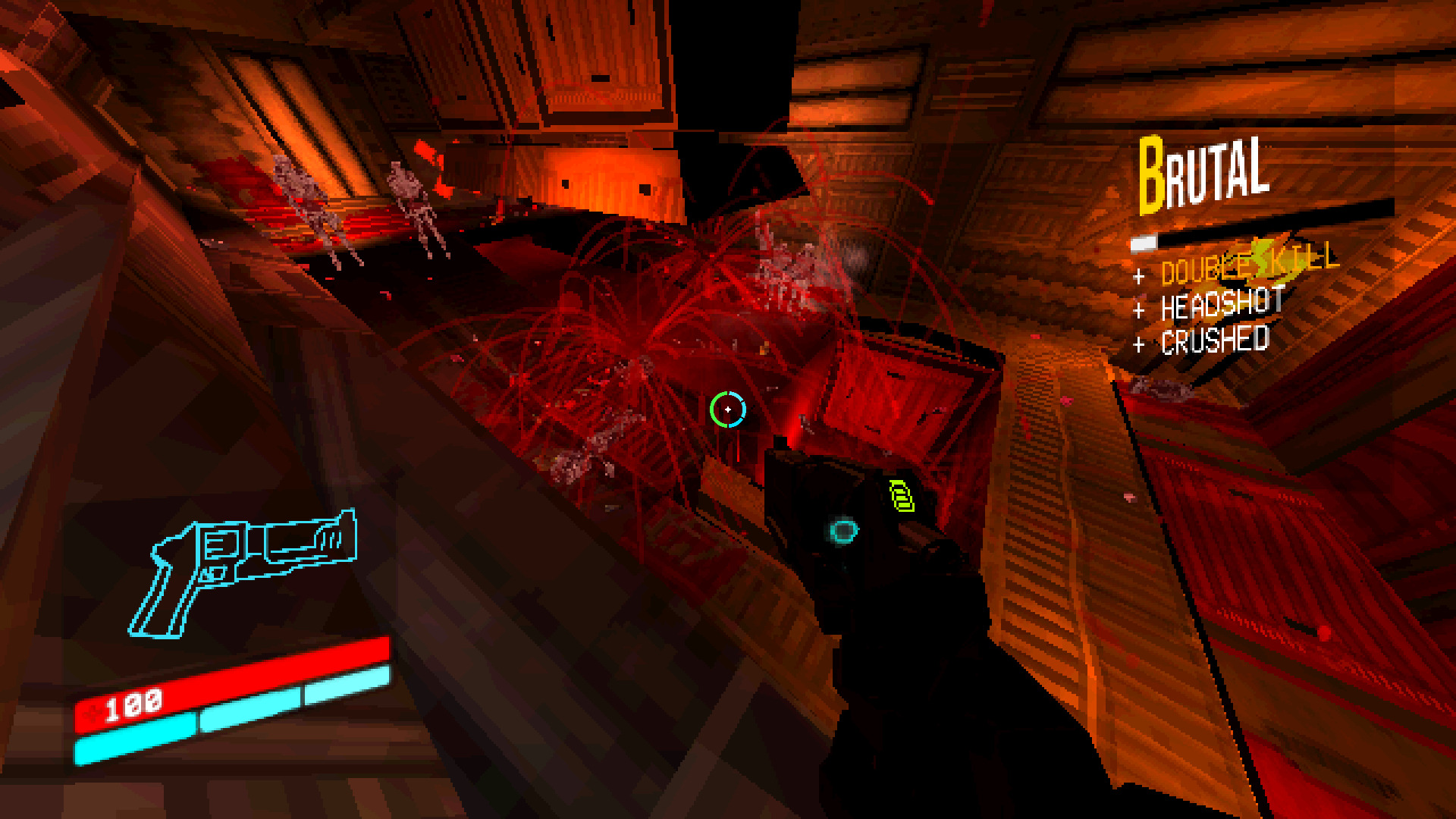
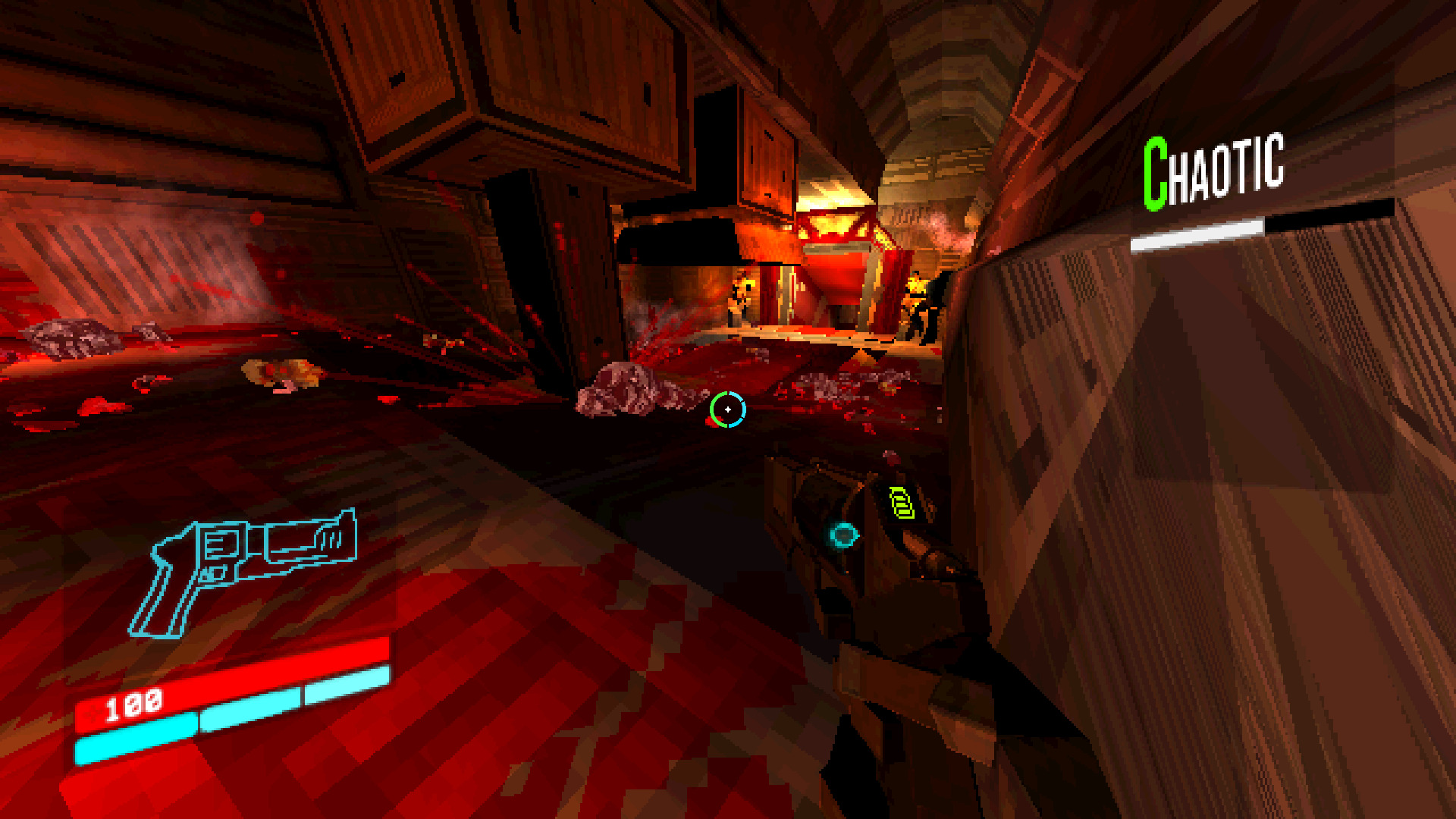
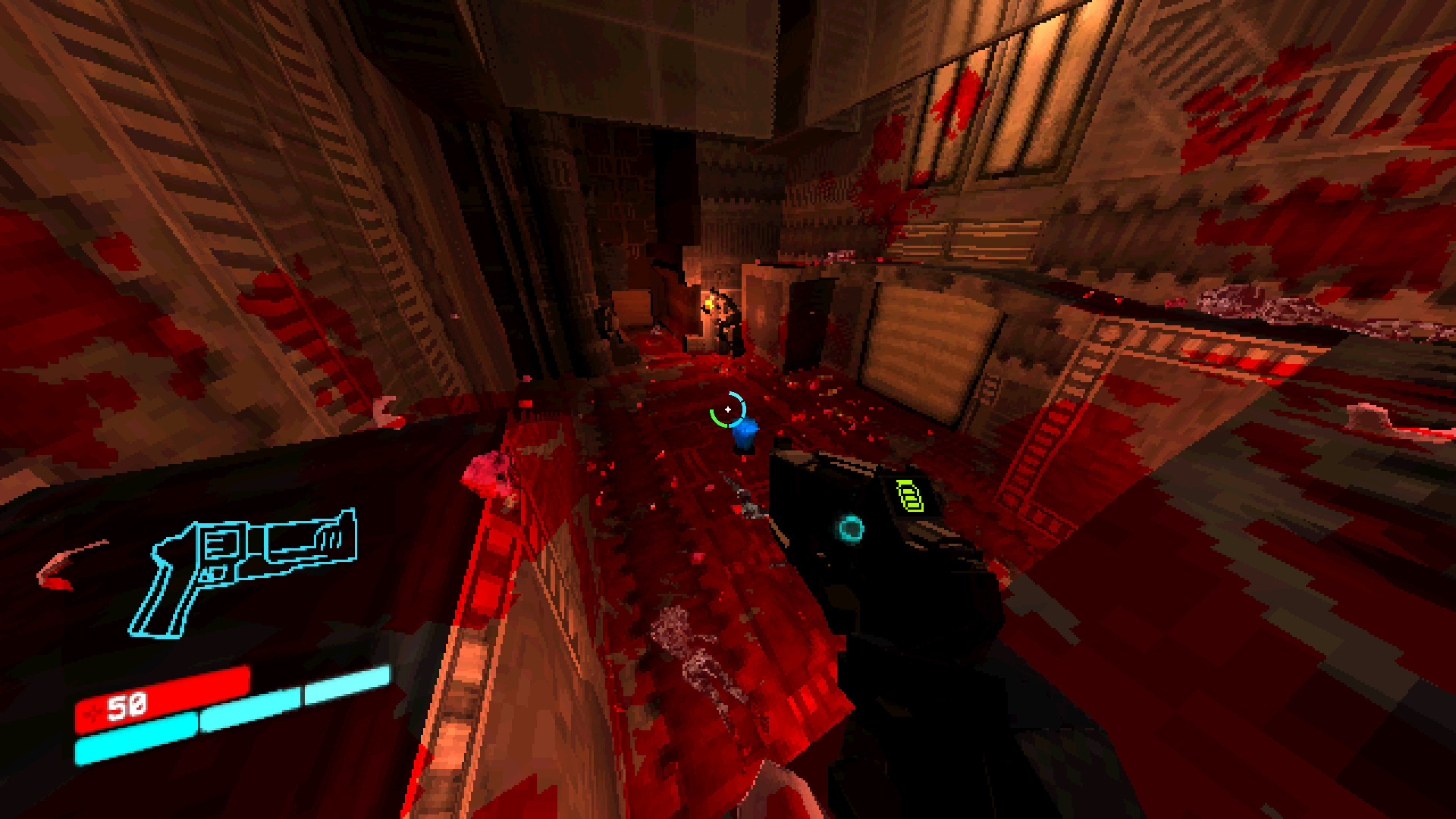
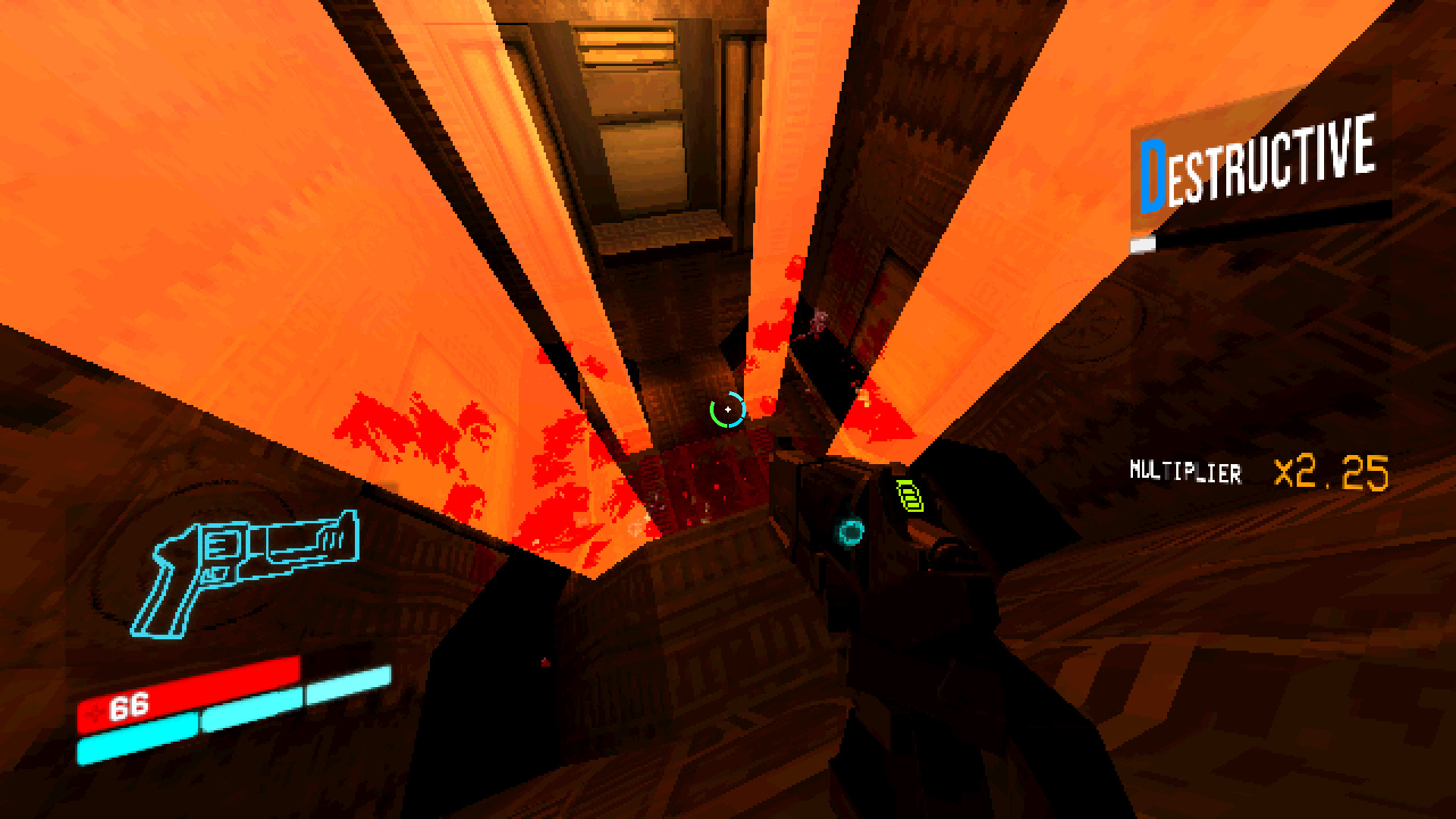
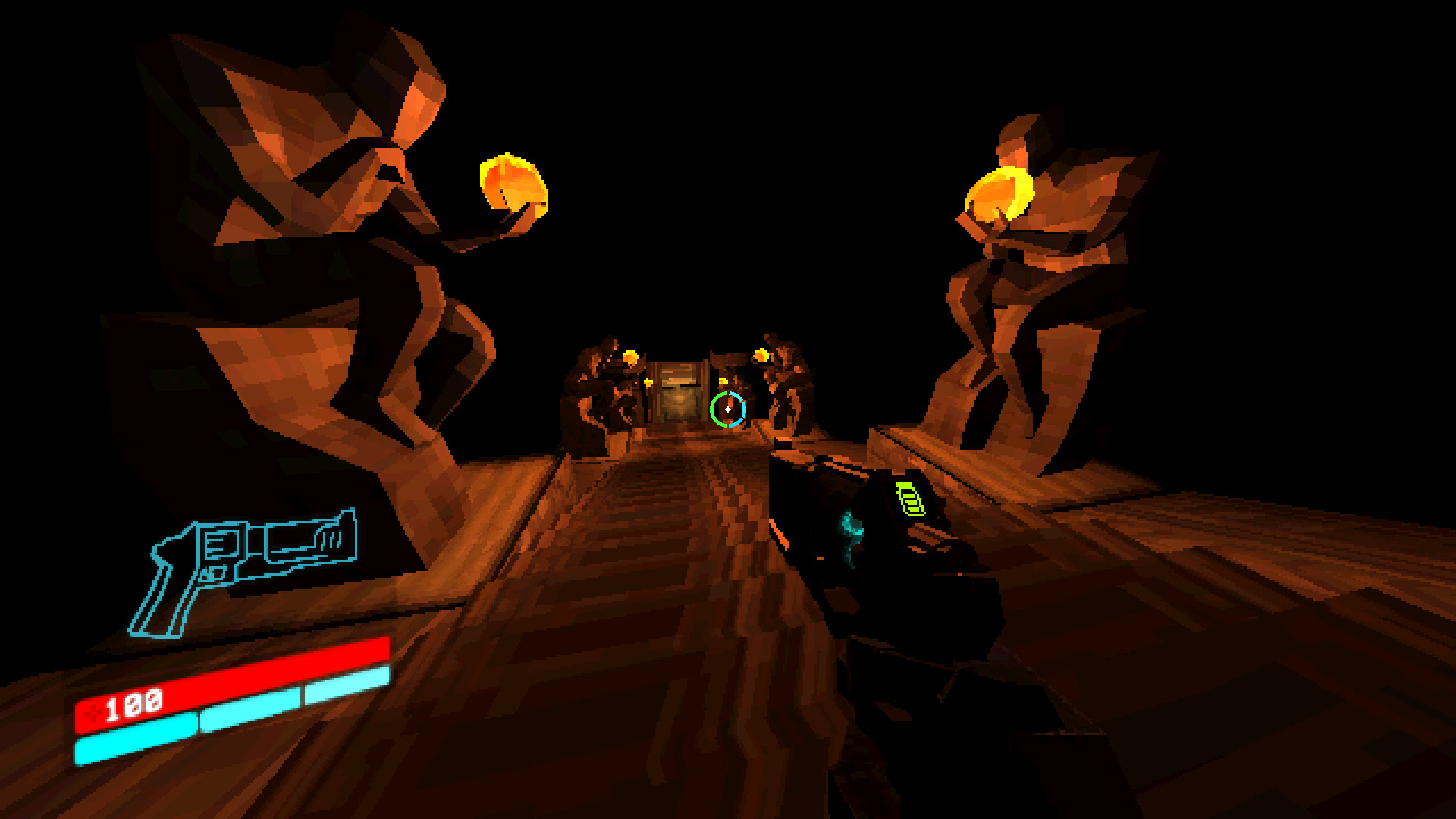
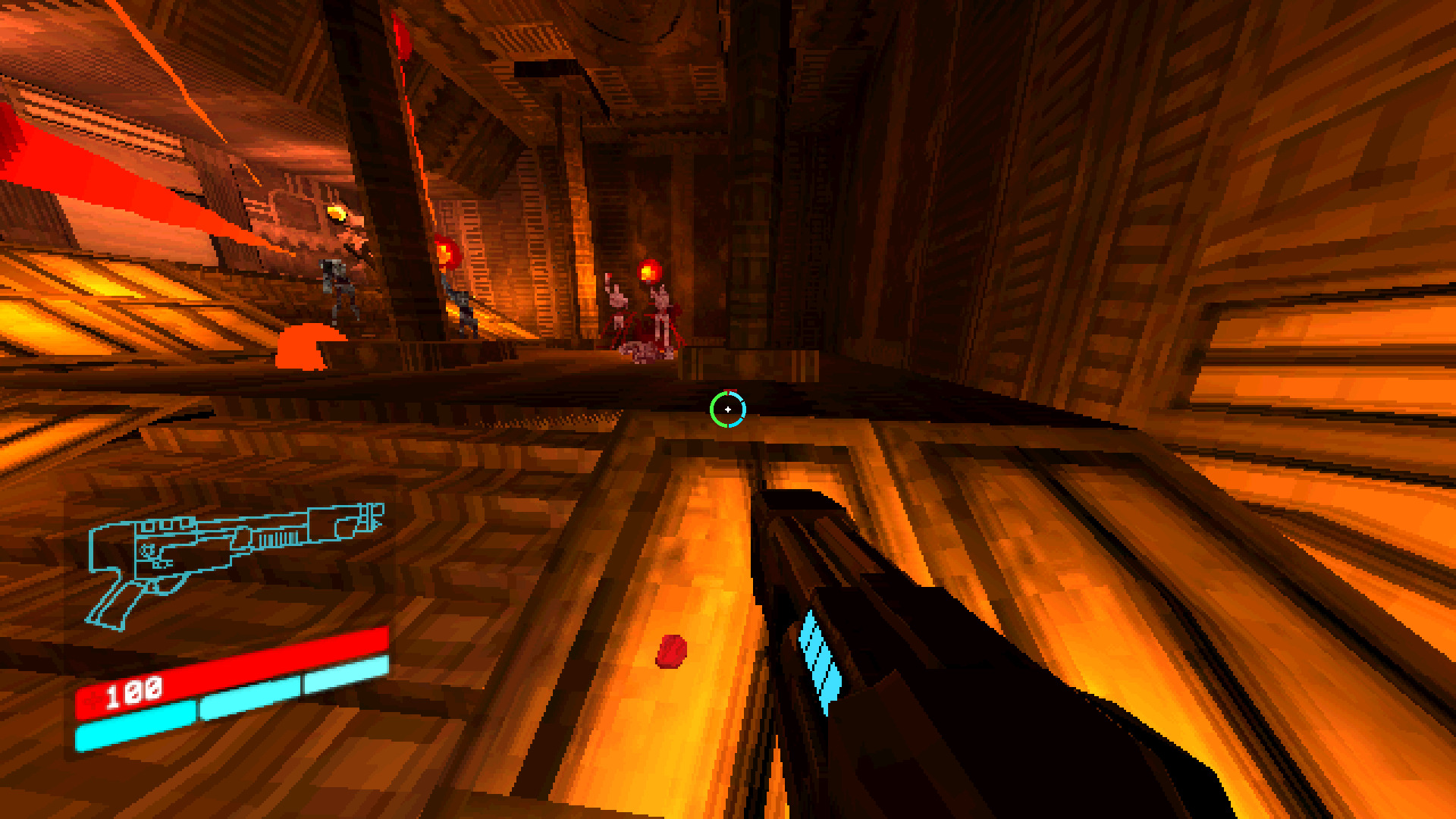
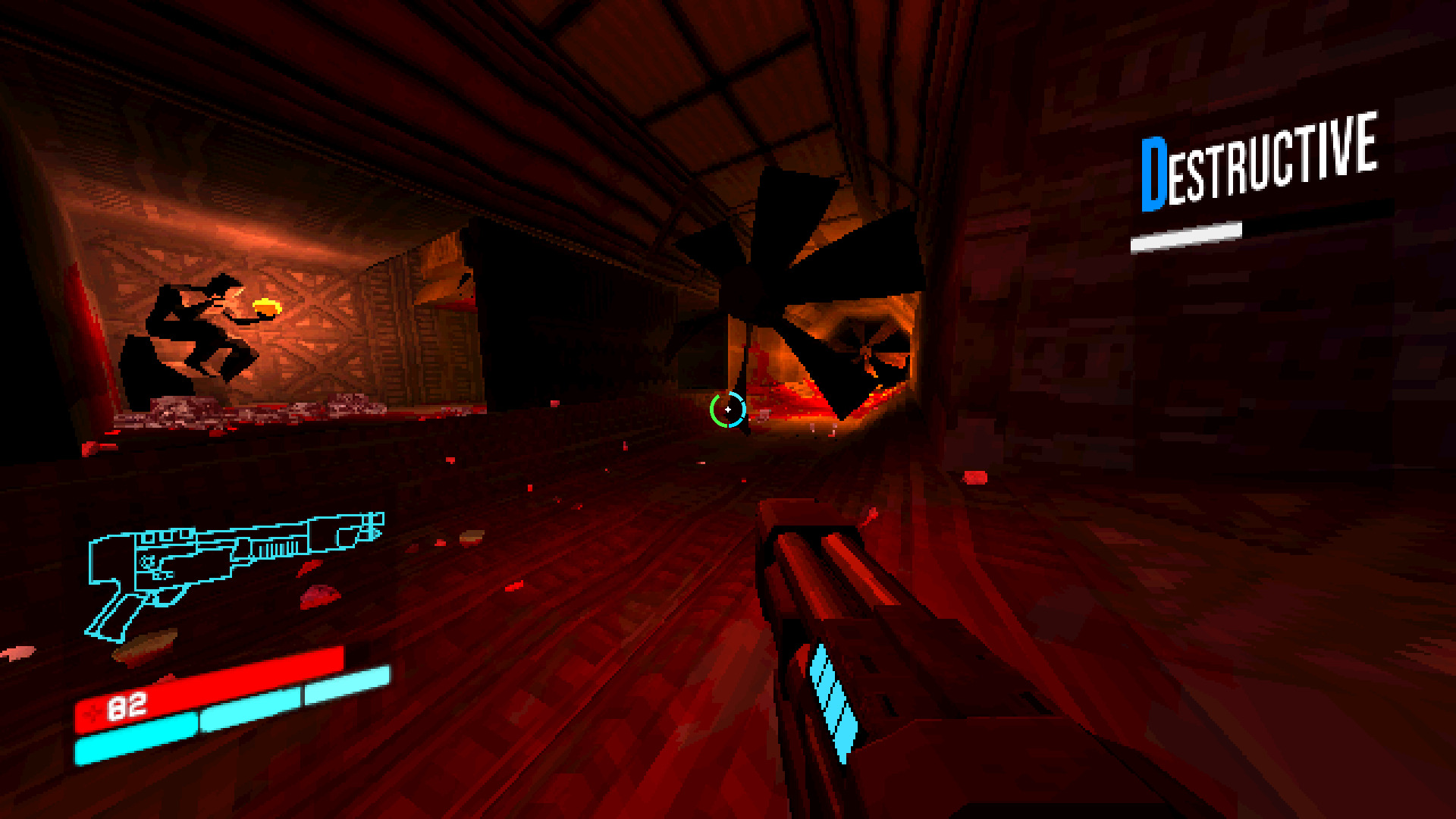
Obliterate hordes of minions in this fast-pace shooter by trick jumping, strafing, granading, shooting and more! You'll never tire with the abundance of blood an slaughter through each level... and a the end... is... of course...
A BOSS!
https://hakita.itch.io/ultrakill-prelude
Pathologic HD Guide
Jun 08
- 11,667
- 2
Pathologic is an open world mystery survival exploration action game where you need help from an investigator, a Ripper and a eccentric girl with mystical healing abilities. Explore a plaque-ridden town and solve mysterious murders in an emotional psychological first person survival cult-classic.
Follow my step-by-step guide on installing, configuring and optimizing Pathologic HD in Linux with PlayOnLinux.
Note: This guide applies to the GOG version of Pathologic HD. Other versions may require additional steps.
Tips & Specs:
To learn more about PlayOnLinux and Wine configuration, see the online manual: PlayOnLinux Explained
Mint 19 64-bit
PlayOnLinux: 4.3.4
Wine: 4.0
Wine Installation
Click Tools
Select "Manage Wine Versions"
Look for the Wine Version: 4.0
Select it
Click the arrow...
Metro 2033 Guide
Jan 26
- 16,445
- 4
Survival is key to post apocalyptic Russia where bullets are currency and mutated creature aren't your only enemy. Travel and explore the underground Metro with with stealth or all out fire power, but be careful with each shot...
Follow my step-by-step guide on installing, configuring and optimizing Metro 2033 Redux in Linux with PlayOnLinux and DXVK
Note: This guide applies to the GOG version of Metro 2033 Redux. Other versions may require additional steps.
Tips & Specs:
To learn more about PlayOnLinux and Wine configuration, see the online manual: PlayOnLinux Explained
Mint 19 64-bit
PlayOnLinux: 4.3.4
Wine: 3.21
DXVK: 0.93
Wine Installation
Click Tools
Select "Manage Wine Versions"
Look for the Wine Version: 3.21
Select it
Click the arrow pointing to the right...
Metro Last Light Guide
Jan 19
- 14,415
- 6
Explore and survive the Metro stations in Post-apocalyptic Moscow 2034. Plays as Artyom and save Russia from Civil War by crafting your own weapons and slaying the mutated monsters below.
Follow my step-by-step guide on installing, configuring and optimizing Metro Last Light in Linux with PlayOnLinux.
Note: This guide applies to the GOG version of Metro Last Light. Other versions may require additional steps.
Tips & Specs:
To learn more about PlayOnLinux and Wine configuration, see the online manual: PlayOnLinux Explained
Mint 19 64-bit
PlayOnLinux: 4.3.4
Wine: 3.21
DXVK: 0.93
Wine Installation
Click Tools
Select "Manage Wine Versions"
Look for the Wine Version: 3.21
Select it
Click the arrow pointing to the right
Click Next
Downloading Wine...
Total Chaos Guide
Dec 29
- 14,517
- 0
Arriving at Fort Oasis was no vacation. The community of coal miners have mysteriously dissapeared and left facility looking like a wasteland. You receive a transmission on your radio about a sole survivor.... Explore the remains of the island, craft weapons and gear to survive, slay evil minions and more.
Follow my step-by-step guide on installing, configuring and optimizing Total Chaos in GZDoom
Note: This guide applies to the Moddb Doom II version of Total Chaos. Other versions may require additional steps.
Tips & Specs:
To learn more about GZDoom, see the online manual: https://zdoom.org/wiki/GZDoom
Mint 19 64-bit
GeForce GTX 1060
Nvidia 396.54
GZDoom 3.6.0
Download GZDoom for your distro
https://zdoom.org/downloads
Save it to your computer
Double-click to install GZDoom
Click Install (Mint)...